Log In

Free gifts available with your purchase

The Dark Sounds of Aztec Death Whistles, Expanded
Step into the enigmatic realm of Aztec death whistles with UDW X. Often dubbed as the world's most chilling instrument, these ceramic, skull-shaped marvels were used extensively in Mexica spiritual ceremonies and in the battlefield to instill fear on their enemies. MNTRA are thrilled to present our exquisite collection of rare and handcrafted death whistles sourced from years of research, tailored for your unique productions.
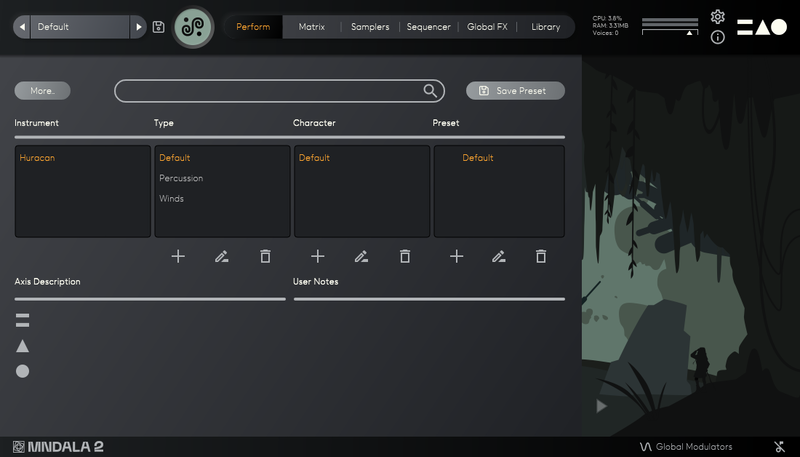
Ultrasonic Death Whistle (UDW) is your key to MNTRA's distinct vision of sampling, supercharged by their robust MNDALA 2 Acoustic Synthesis Engine. Pairing the depth of their source samples with the expansive sound-shaping capabilities of MNDALA 2, the horizon for creative possibilities is boundless. UDW X, the expanded version, not only offers over double the samples found in the original UDW but also incorporates advanced features from MNDALA 2. Delve into Sample Start Modulation, detailed multi-mic position recordings, and novel effect processors that redefine sonic artistry. To set the stage for your exploration, MNTRA have also crafted a new bank of more than 60 captivating presets.
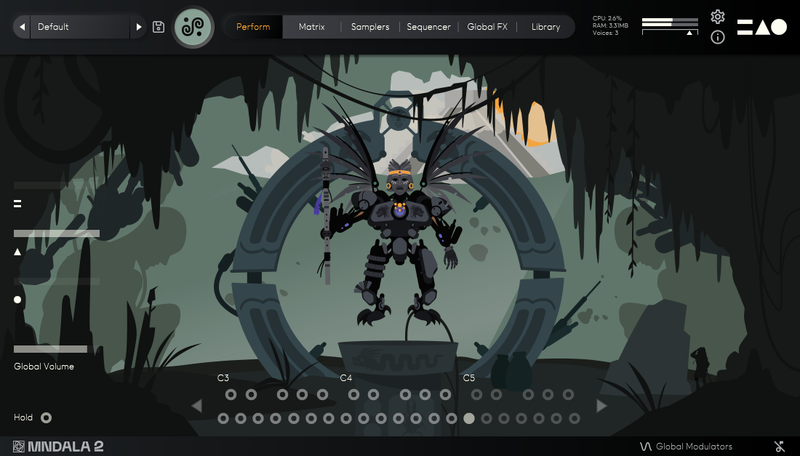
Performed by MNTRA’s founder - composer and multi-instrumentalist Brian D’Oliveira, UDW X proudly presents their collection of rare pre-Columbian Death Whistles. These captivating instruments were sourced through years of meticulous field research and development while Brian composed for multiple award-winning AAA video game soundtracks. Each Death Whistle has been named to echo its unique character. Hand-sculpted, every whistle produces a sound that stands distinctively apart. UDW X, with its video game-inspired interface, provides non-linear and simultaneous control over a plethora of dynamic parameters, granting you nuanced mastery over musical expression.
The Ultrasonic Death Whistle (UDW) serves as an enticing introduction to our distinct approach to ultrasonic sampling, transformed with the powerful capabilities of our MNDALA 2 acoustic synthesis engine. By merging rich source samples with the dynamic sound-shaping abilities of MNDALA 2, MNTRA offer an expansive canvas for boundless creative endeavours and explorative sound design.
In this Expanded UDW-X version, you'll find more than twice the samples available in the original UDW. It incorporates the cutting-edge features of MNDALA 2, from Sample Start Modulation and detailed multi-mic position recordings to our latest bespoke designed DSP effects algorythms. And to fuel your inspiration, MNTRA included a fresh bank of over 60 curated presets showcasing some of these new sound design features. With these additions, UDW X pushes the exploration of the mesmerizing Aztec Death Whistles even further, inviting you to a sonic adventure like no other.
Features
- 78 Presets
- 32 Instrument Sample Maps
- 12 Sample Start Modulation Enabled Sample Maps
- Up to 31 Round Robins
- Up to 4 Microphone Channels
- Recorded at leading-edge 32-bit 384khz resolution
- CPU-friendly playback at 24-bit 96khz resolution
- No fuss copy protection, simply install and the instrument is uniquely encrypted to be used within your system.
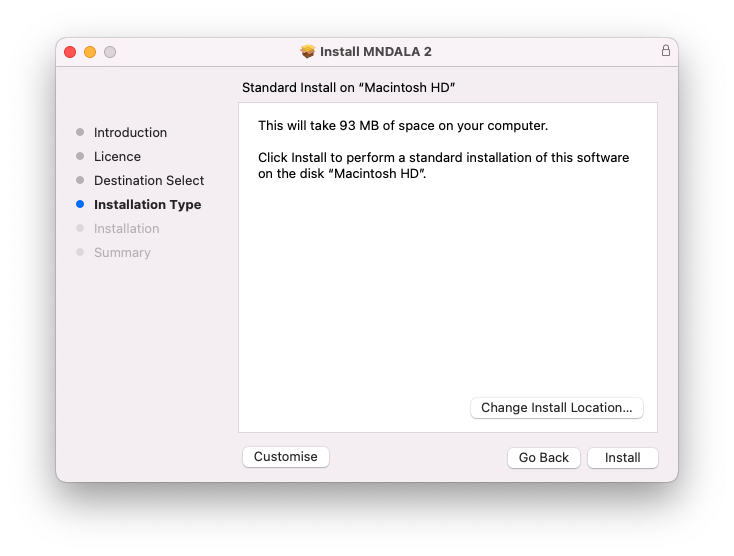
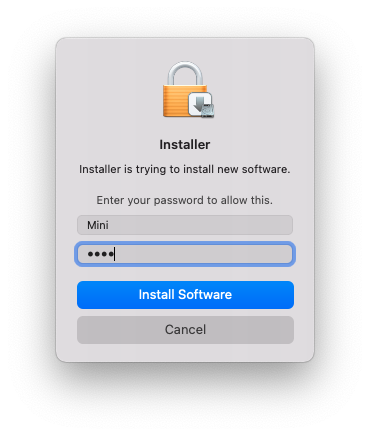
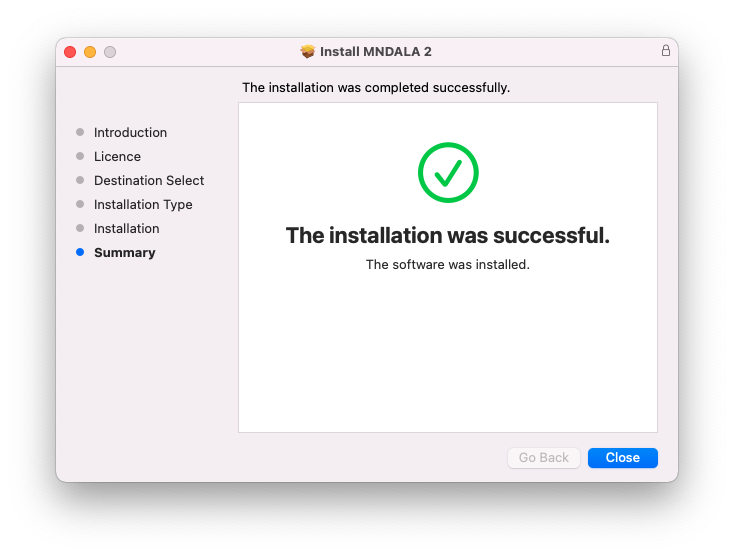
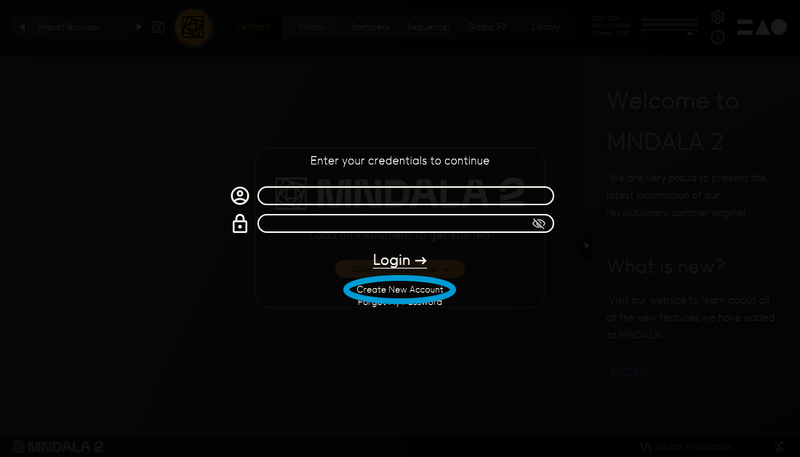
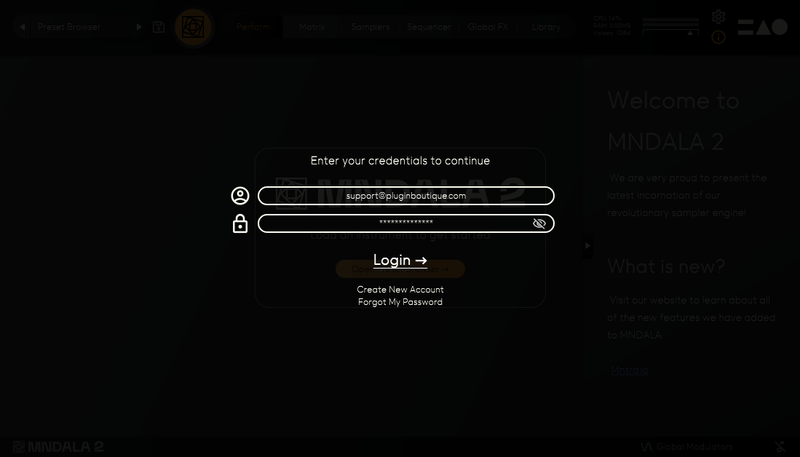
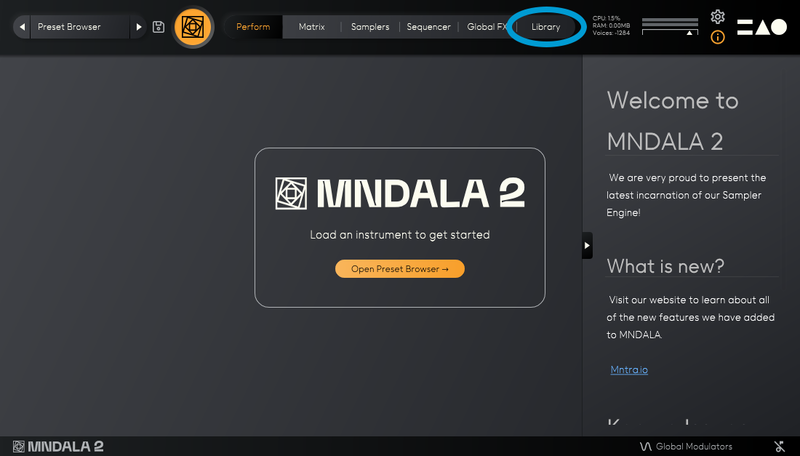
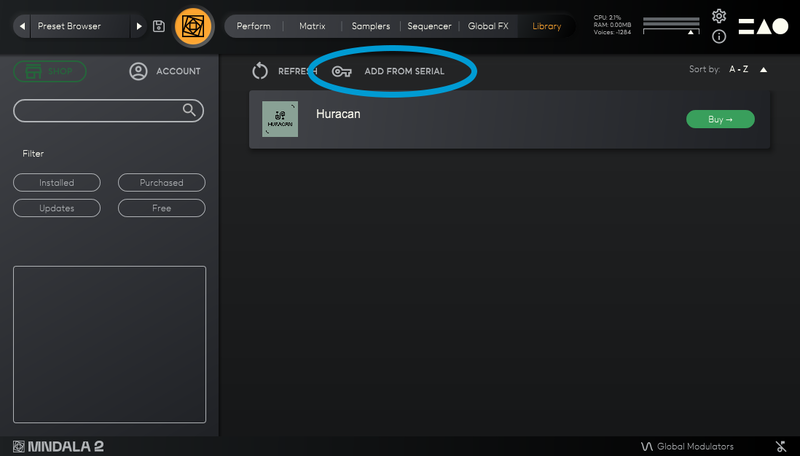
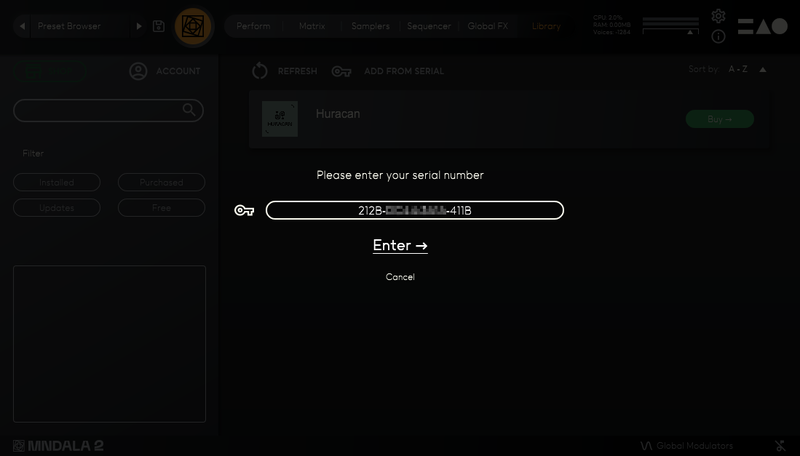
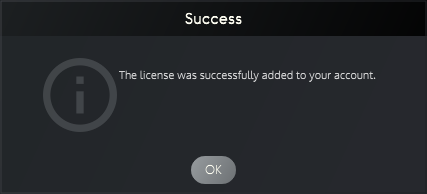
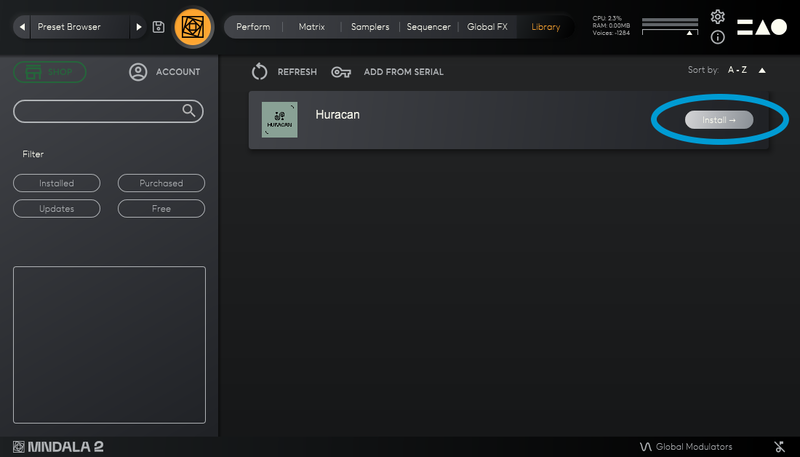
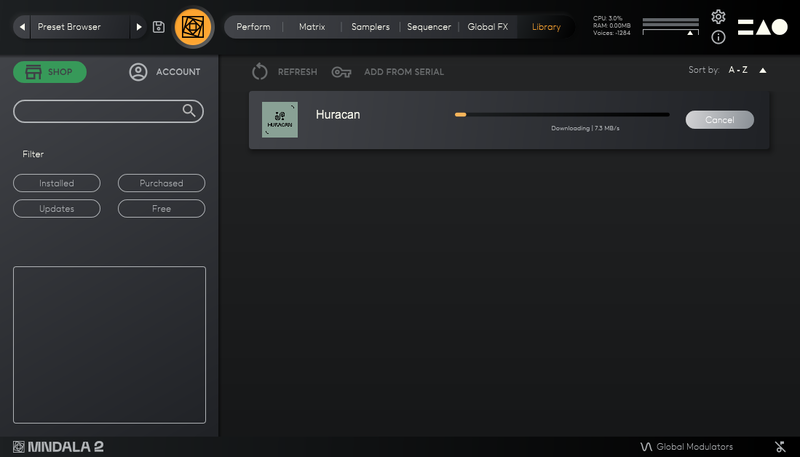
- Seamless download, updates, and installation within MNDALA 2 with a registered MNTRA account
System Requirements
macOS
- Mac OS (10.11+) including M1 Chip support
- 6.5 GB installed, 13 GB required for setup
- Minimum 8 GB of RAM and an i5 or better CPU required
- Supported by all VST/AU/AAX compatible DAWs
Windows
- Windows 7+
- 6.5 GB installed, 13 GB required for setup
- Minimum 8 GB of RAM and an i5 or better CPU required
- Supported by all VST/AU/AAX compatible DAWs