Log In

Free gifts available with your purchase
Achieve the sound of a natural singing voice
The latest version of VOCALOID: continued evolution

In pursuit of natural-sounding vocals powered by VOCALOID:AI
VOCALOID6 uses VOCALOID:AI, an AI-based technology that makes it possible to generate even more natural-sounding and highly expressive singing voices.
Just input the melody and the lyrics, and this technology transforms your computer into a fabulous vocalist.
By using the new editing tools, you can freely manipulate vocal accents, vibrato, rhythmic feel, and more as the “director” of your own unique way of singing.
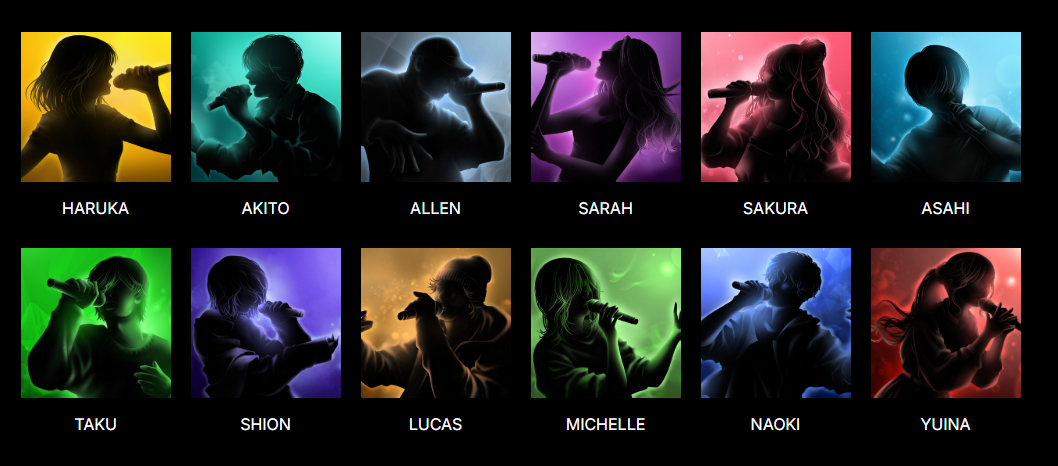
VOCALOID6 is bundled with a large selection of professional voicebanks so you'll quickly and easily arrive at the perfect vocal sound for your productions.
New Features of VOCALOID6
VOCALOID6 offers new features to make vocal track production more convenient.
These new features offer a more intuitive and smoother music production workflow.
- VOCALOID:AI
VOCALOID6 features VOCALOID:AI, an AI-based technology for generating a highly expressive singing voice that’s more natural than ever before.
- Direction
You can use the new editing tools to freely edit the accents, vibrato, rhythmic feel, and more.
- Doubling
This function is essential for producing high-quality vocal tracks. With VOCALOID6, you can now instantly create harmony parts.
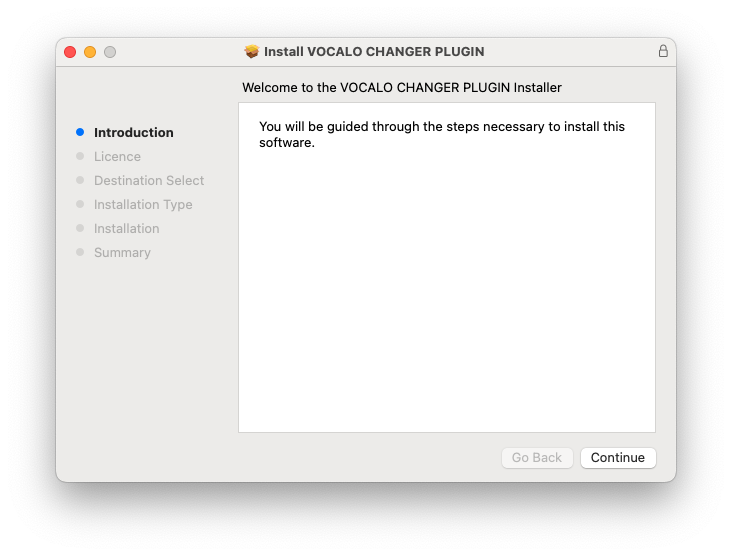
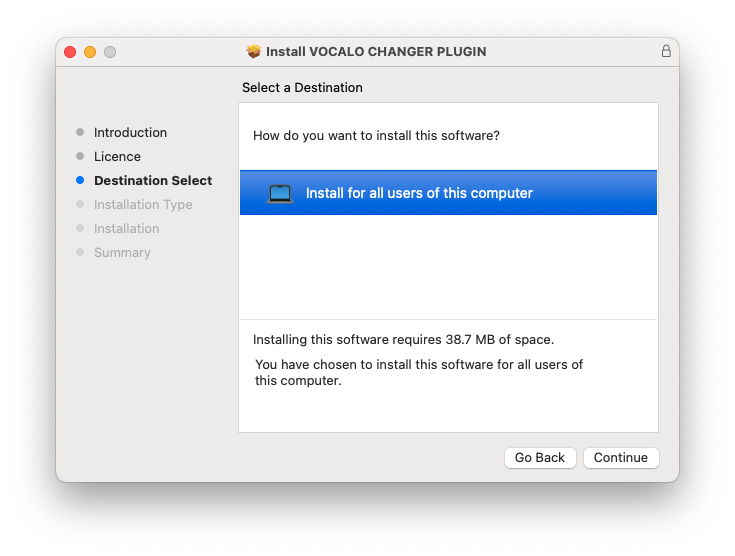
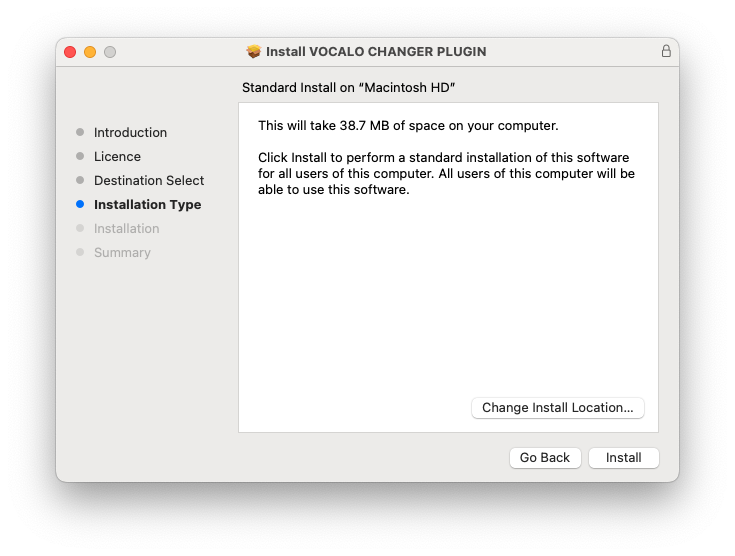
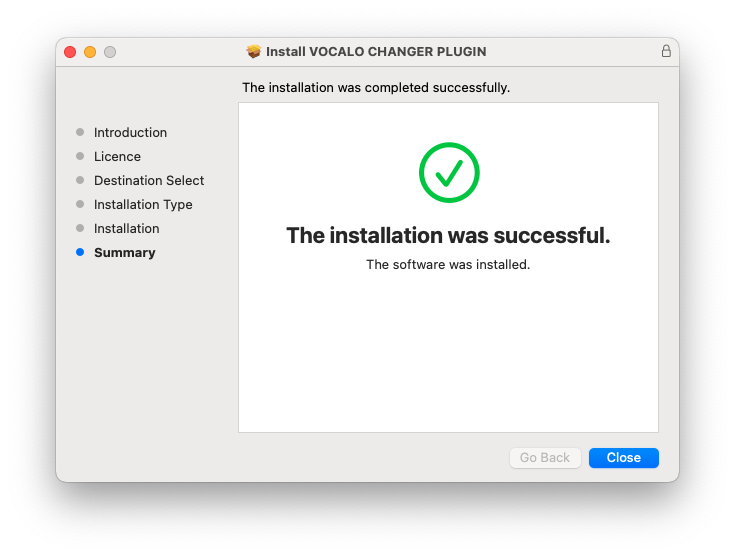
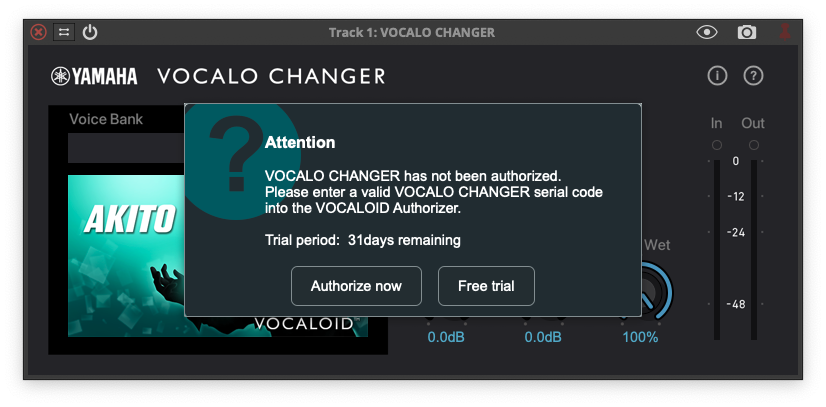
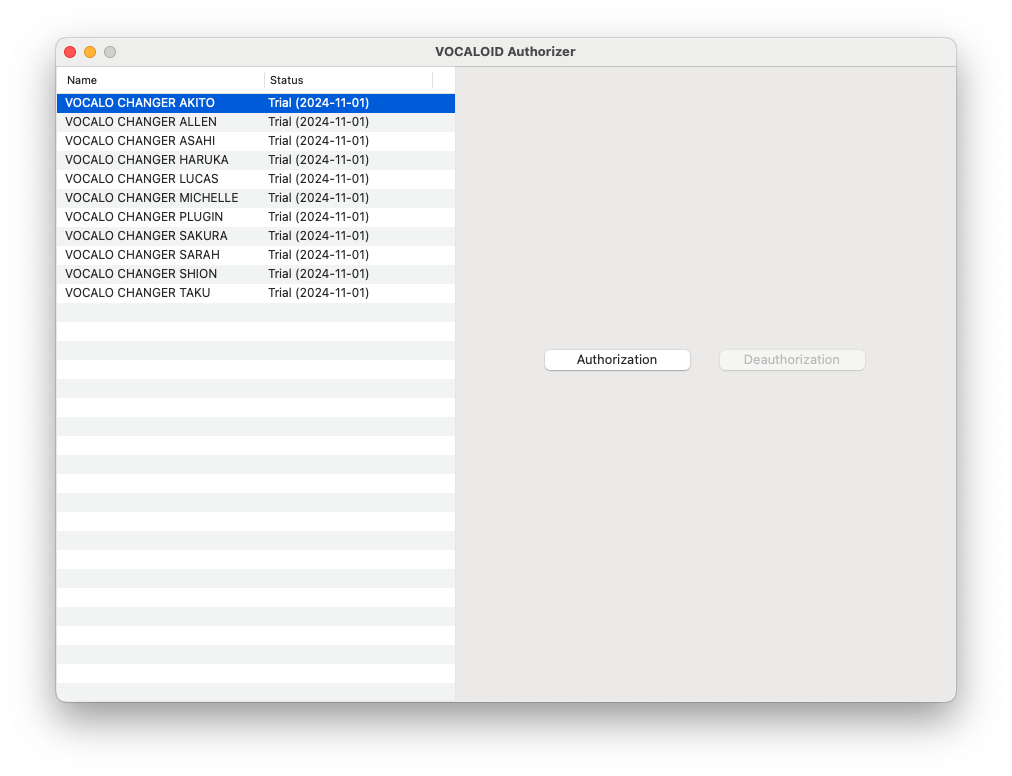
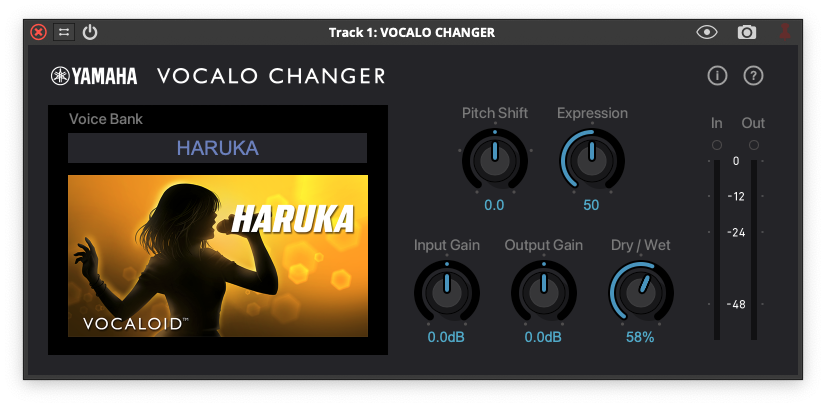
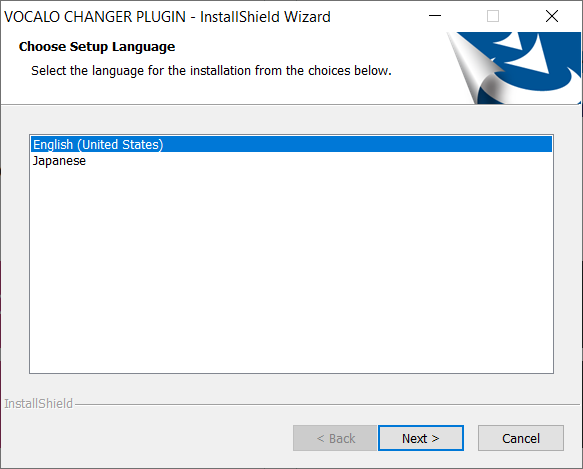
- Vocalo Changer
You can import vocal data to replicate your singing style as-is, as a VOCALOID voicebank.
- Multilingual
You can now sing lyrics in a mixture of Japanese, English, and Chinese with a single voicebank. This gives you the freedom to write lyrics that transcend language barriers.
- ARA2 support
The workflow is improved with DAWs. Locator operations such as play and stop can be performed from the plug-in.
- Support for MIDI export
You can now freely export the MIDI data you’ve input.
Other Features

In addition to the VOCALOID6 voicebanks, this product includes the Amy, Chris, Kaori and Ken voicebanks from VOCALOID5.
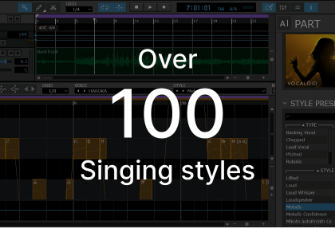
From main to chorus vocals and robot vocal styles, VOCALOID6 includes over 100 style presets that make it easy to adjust the manner of singing and tone of voice.
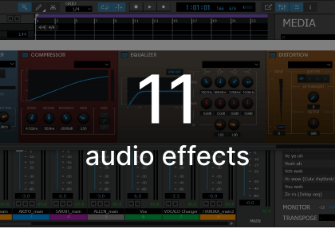
11 audio effects are included with VOCALOID6 that can be effectively used for vocal production. Now you can create your vocals with just VOCALOID6.
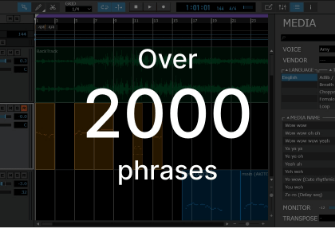
Includes over 2,000 editable vocal phrases and audio samples that are just right for sketching out your sonic ideas. Just drag and drop to make your computer sing.
System Requirements
Windows
- OS (64-bit):Windows 10 Version 22H2 (or later) / Windows 11 Version 22H2 (or later)
- CPU:Haswell (4th generation) or later Intel Core series or Xeon series
- Required memory:At least 8 GB
- Free storage space:At least 25 GB
- Display size:1366 × 768 or higher
- Internet access:Required for authentication
- Compatible audio devices:ASIO, DirectSound
Mac
- OS (64-bit):macOS 11 (Big Sur) / macOS 12 (Monterey) / macOS 13 (Ventura) / macOS 14 (Sonoma)
- CPU:Haswell (4th generation) or later Intel Core series or Xeon series Apple Silicon
- Required memory:At least 8 GB
- Free storage space:At least 25 GB
- Display size:1366 × 768 or higher
- Internet access:Required for authentication
- Compatible audio devices:CoreAudio