


 Log In

Product information
Free Soulful Lofi Vibes
Taped Vibes takes one of the most iconic electric pianos and gives it a completely new, smooth, jazzy, laid-back spin. This free HALion instrument was sampled through the old tape of a Space Echo, a vintage pre-amp and through a high-quality DI box, giving you the freedom to play everything from buttery soul to gritty funk or chilled lofi.
Features
- Free electric piano sampled from an original, studio-used Wurli A200
- Sampled in three different ways: DI, taped and pre-amped
- Includes selected FX and a random function to create endless new variations
- Works with free HALion Sonic in Cubase, Ableton Live, FL Studio, Logic Pro and other DAWs
System Requirements
macOS
- macOS Big Sur, macOS Monterey, macOS Ventura, macOS Sonoma
- Apple silicon-based Mac: Native App + Rosetta 2 App
- VST 3, AAX or AU compatible host application
- 430 MB free HD space
Windows
- Windows 10 (64-bit), 64-bit Windows 11 Version 21H2 (or higher)
- VST 3 or AAX compatible host application
- 430 MB free HD space
Please note that this library requires the free HALion Sonic 7.1 or the full version of HALion 7.1
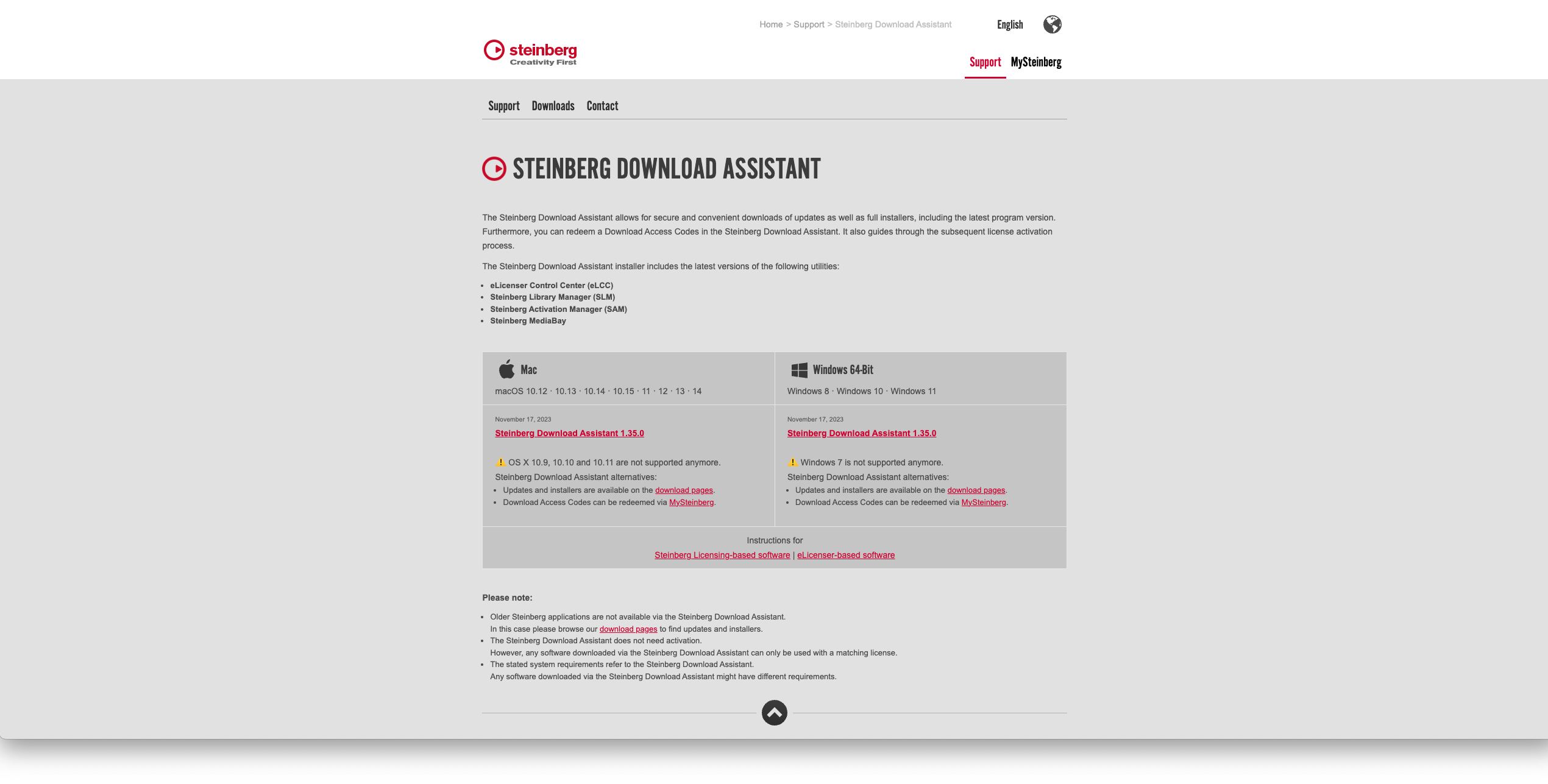
Internet connection required for activation, download, account setup and personal / product registration. Additional software is required for the installation.
Installation Instructions
Customer Reviews
(2)


