Log In

Free gifts available with your purchase
Re-amped Sonic Monuments from Colombia’s Caribbean Coast
A vibrant sonic journey into the heart of Barranquilla’s underground music culture, El Jaguar captures the raw sonic energy by re-amping through Colombia’s iconic Picó sound systems. Fusing Afro-Caribbean percussion, marimba, vintage drum machines, and modular synths—each re-amped through a towering Picó—this toolbox of sounds pulses with warmth, distortion, and movement. Crafted in collaboration with local artists and transformed through analog processing, El Jaguar offers a versatile palette of textures designed to cut through modern Latin rhythms, hip-hop beats, and experimental electronics alike. It’s not just a sound—it’s a living spirit built to move bodies to all kinds of rhythms.
The Story of El Jaguar
To bring El Jaguar to life, the MNTRA team had to follow the sound—into the heat, colour, and movement of Barranquilla, Colombia, where towering Picó sound systems pulse at the city’s core. These aren’t ordinary speakers. Hand-built and painted like mythical beasts or street heroes, each Picó is a living monument to rhythm, reshaping music with sheer force and personality. Since the 1950s they’ve carried Afro-Colombian and Caribbean currents—always loud, always alive.
But before the Picós could leave their mark, MNTRA Instruments built a toolkit worthy of them.
Deep in the wintry woods of Quebec, inside La Hacienda Creative’s studio, they recorded everything that would become El Jaguar: hollow-bodied wooden drums, marimbas, hand-played African percussion, never-repeating hand-built modular lines, electric plucked strings—and the unmistakable punch of early drum machines. With Montréal-based synth-sage Yulian Pugachevsky, they drove a classic 808, a LinnDrum, and a bench of vintage analog boxes past the red—saturating, bending, and resampling every hit. Nothing was polished, only energised.
Only then did the team head south—not to document Picó culture, but to participate in it.
In Barranquilla they re-amped every acoustic strike and electronic thump through towering Picó stacks, letting raw air, concrete walls, and punishing volume sculpt fresh shapes. The Picó didn’t just make things louder; it made them physical. Notes drifted and blurred, taking on the grain of the street and the pulse of the crowd. Chaos was the point; distortion, the compass.
That same spirit sparked a live collaboration with Circuito Sonoro Lab—Laura Katic and Ximena Delat’s handmade-modular workshop in Cali. Instead of simply sampling their synths, the MNTRA team invited them to patch and perform through the Picó in real time. The sessions were improvised and electric; the MNTRA Instruments team stretched those performances into playable textures, layering a modern Colombian identity that’s entirely its own.
The instrument’s design honours Picó aesthetics: every custom hand-built stack has a name, a palette, and a signature sonic energy. El Jaguar follows that tradition—bold, unpredictable, built to move people. And it’s personal: many of the MNTRA team trace roots to Colombia and across Latin America. Channelling that heritage—sharing a sonic world often overlooked yet overflowing with depth and innovation—fuelled every take.
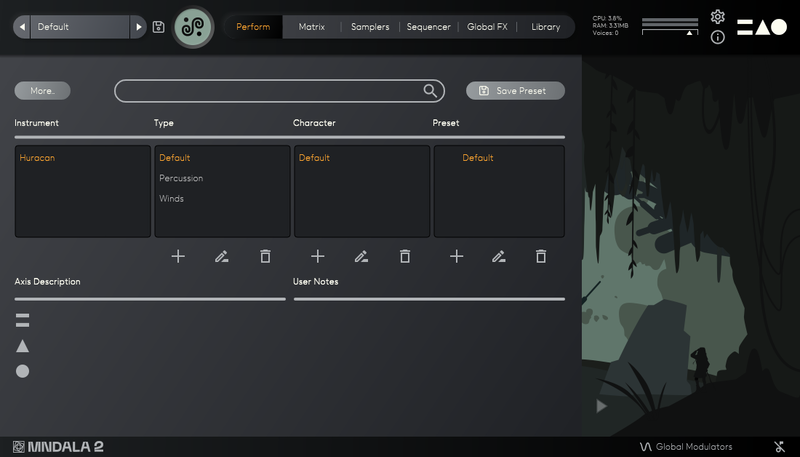
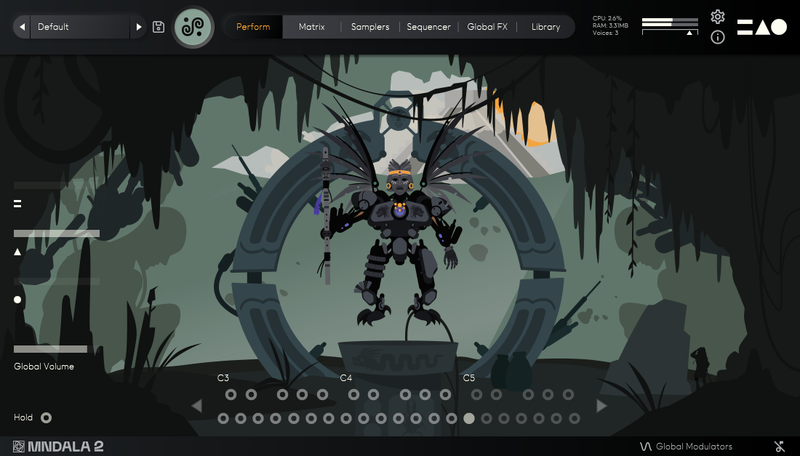
El Jaguar is the fourth instalment in MNTRA's Portals series—living instruments that let you step into a place, a culture, a moment. It’s an interactive virtual instrument that expands your colour palette with sounds and processes rarely accessible outside their source. What was discovered in Barranquilla surprised the MNTRA crew, and they hope it surprises you too.
Features
- Elements Presets: 190
- Atelier Presets: 73
- Sample Maps: 240
- Size: 9.20 GB
- Round Robins: Up to 20
- SSM powered samples: All sample maps enabled!
- Recording format: 384 kHz / 32 bit
- Multi-mics: Up to 4 Stereo Channels
System Requirements
- Recommended 16 GB of RAM and an i5 or better CPU required
- Supported by all 64-bit VST3/AU compatible DAWs*
-
10 GB installed, 20 GB recommended for setup
-
AAX, VST3, and AU plugin for Windows & Mac OS (10.14+) including full M1 Chip support
* Mixcraft 9 Pro is not supported