Log In

Free gifts available with your purchase
Product information

This is for your soul
Dive into the smooth world of the Amped Elektra. The Amped Elektra was inspired by the Hohner Electra, recorded from a completely restored one and reamped through three vintage amps. Its distinctive, beautifully warm and funky sound can be the soul of every Funk, (Neo) Soul and Jazz production.
Features
- 43 beautifully detailed presets
- Funk, (Neo) Soul, Jazz — bring it to life
- Mix with up to three different vintage amps
- Individual chords created specifically for each preset
System Requirements
PC
- Operating System: Windows 10 (64-bit), Windows 11 (64-bit) Version 21H2 or higher
- Plugin Formats: VST3, AAX
- Display Resolution: Minimum 1920 x 1080 at 100% UI scaling
- Storage: 2 GB of free hard disk space
-
Internet Connection Required For:
- License activation
- Installer download
- Account sign-up and product registration
Mac
- Operating System: macOS Big Sur, Monterey, Ventura, Sonoma, Sequoia
- Apple Silicon Compatibility: Rosetta 2 App, Native App
- Plugin Formats: VST3, AU, AAX
- Display Resolution: Minimum 1920 x 1080 at 100% UI scaling
- Storage: 2 GB of free hard disk space
-
Internet Connection Required For:
- License activation
- Installer download
- Account sign-up and product registration
Important note: This library requires the free HALion Sonic 7 or the full version of HALion 7
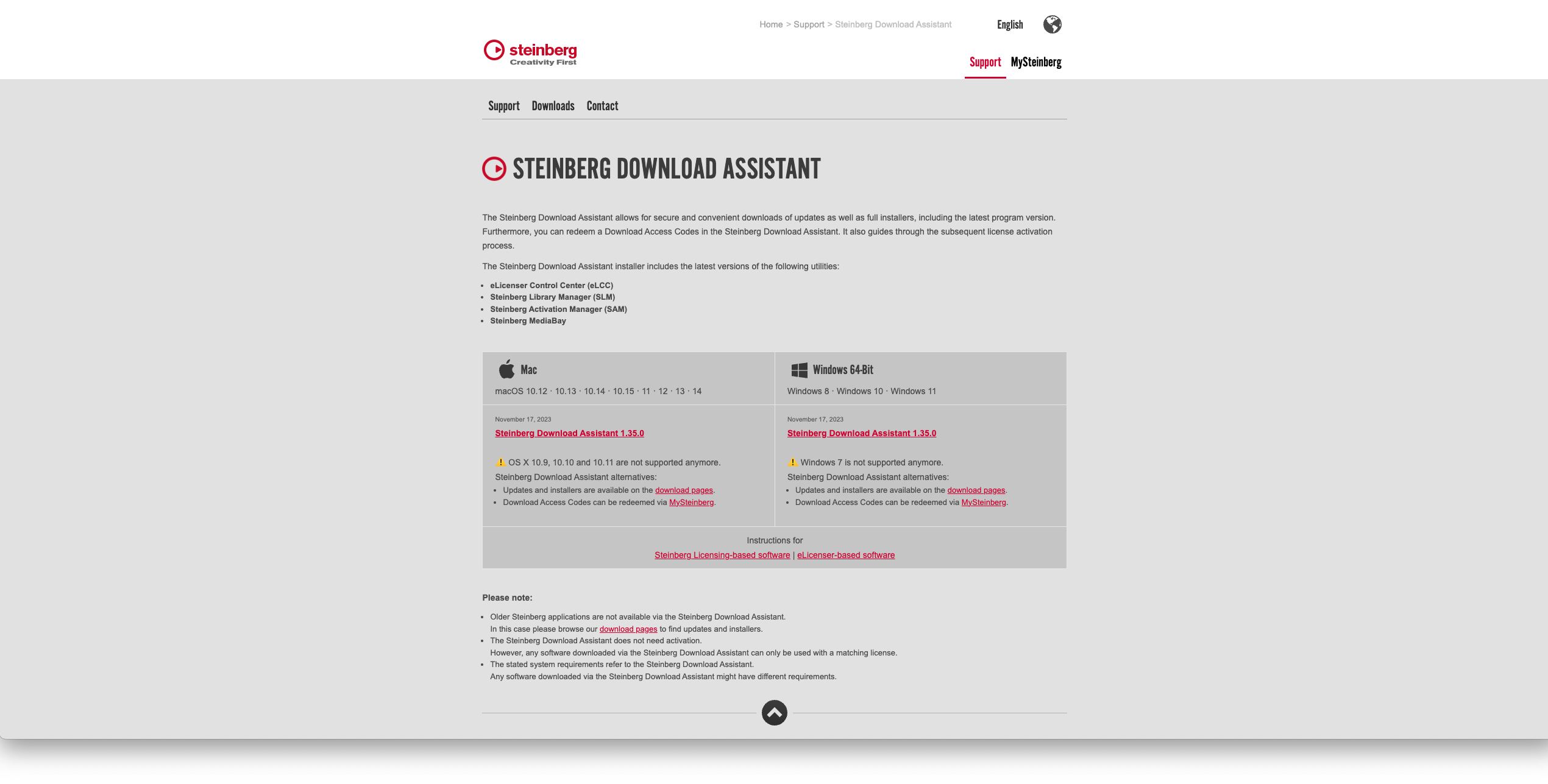
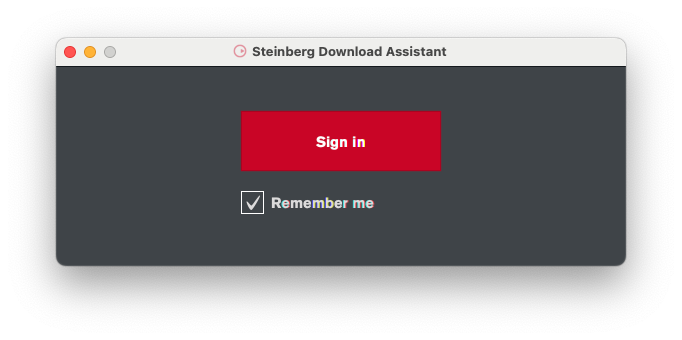
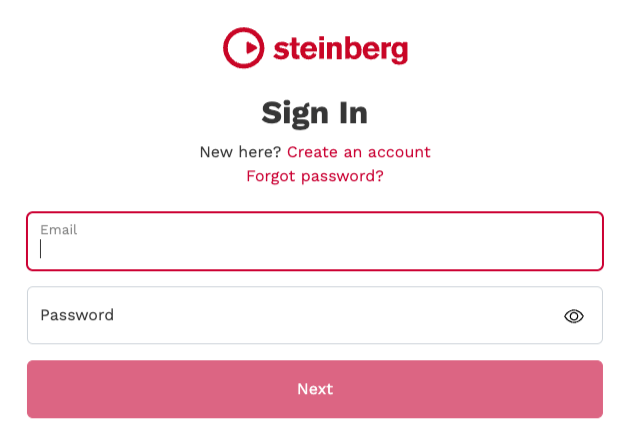
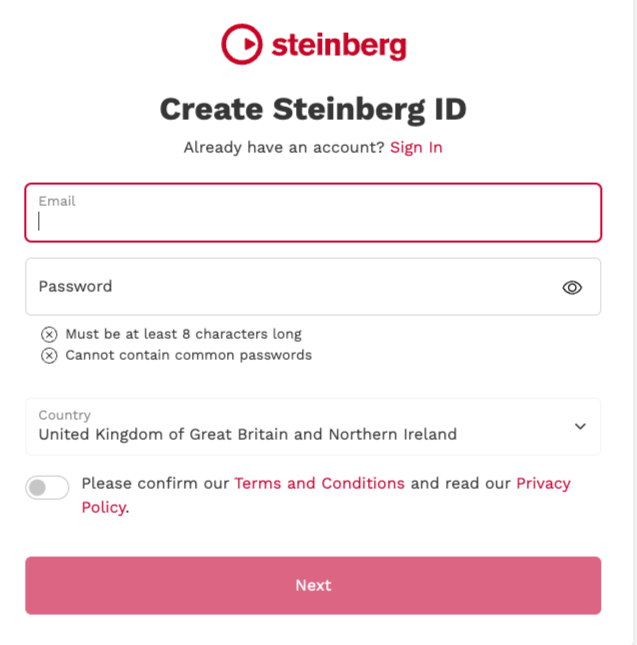
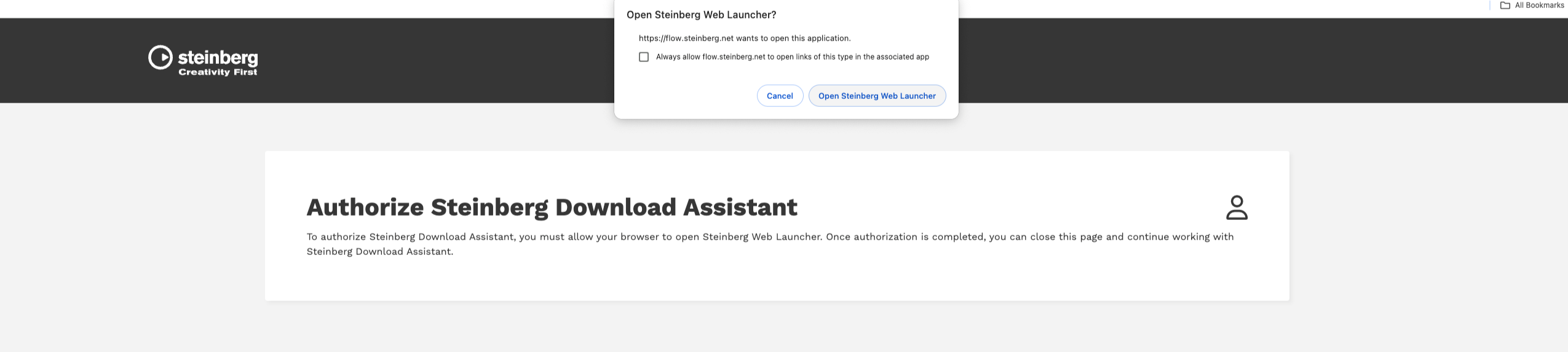
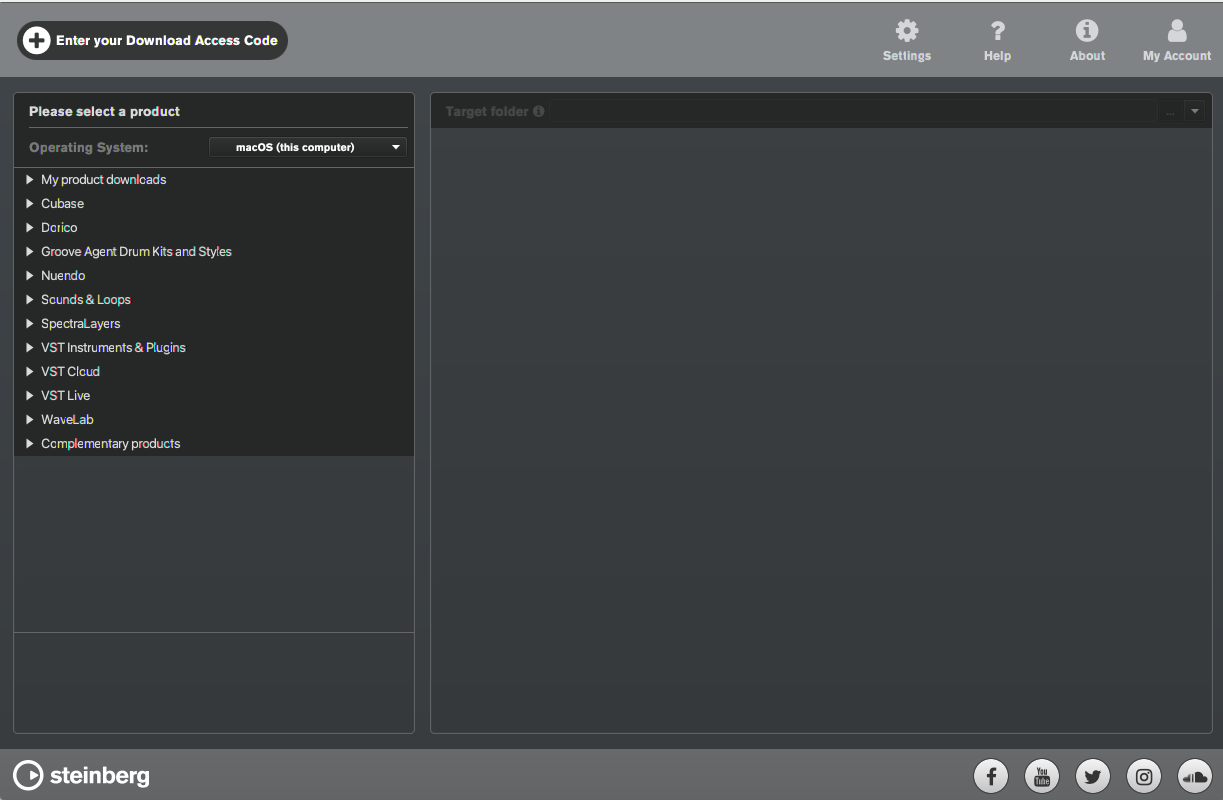
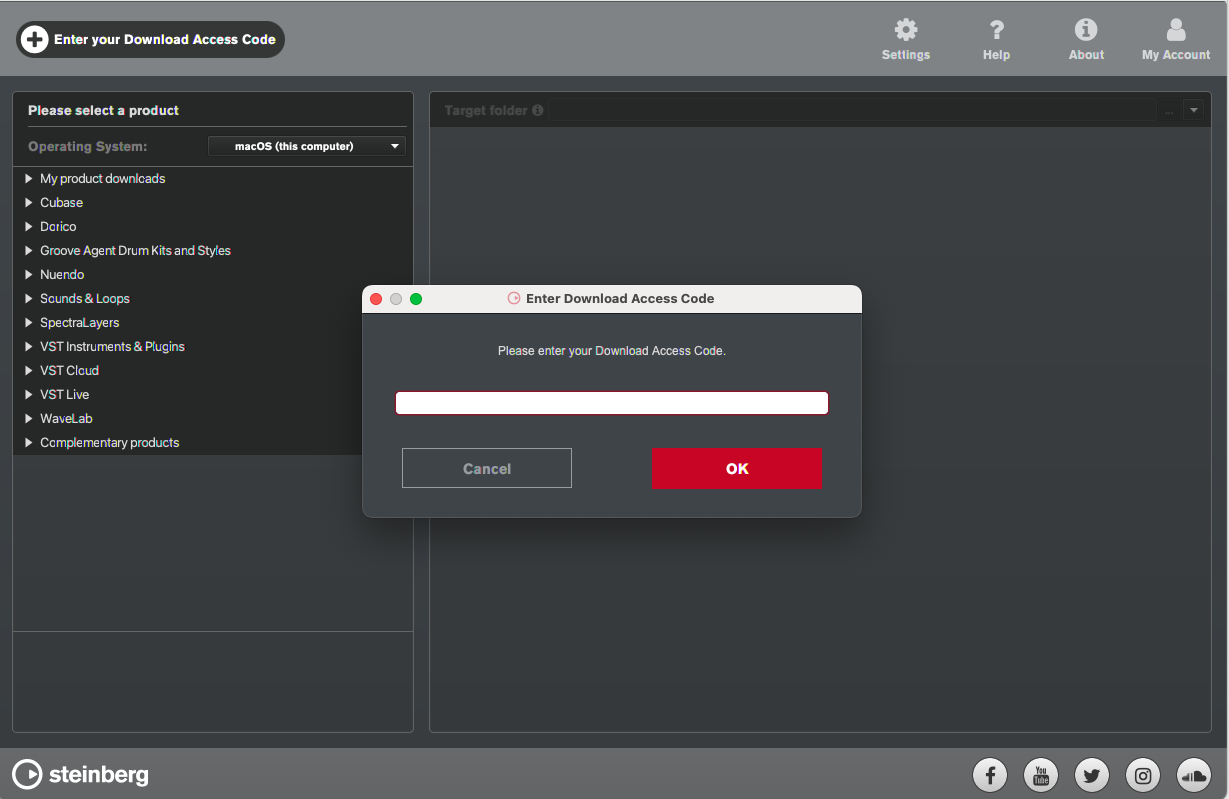
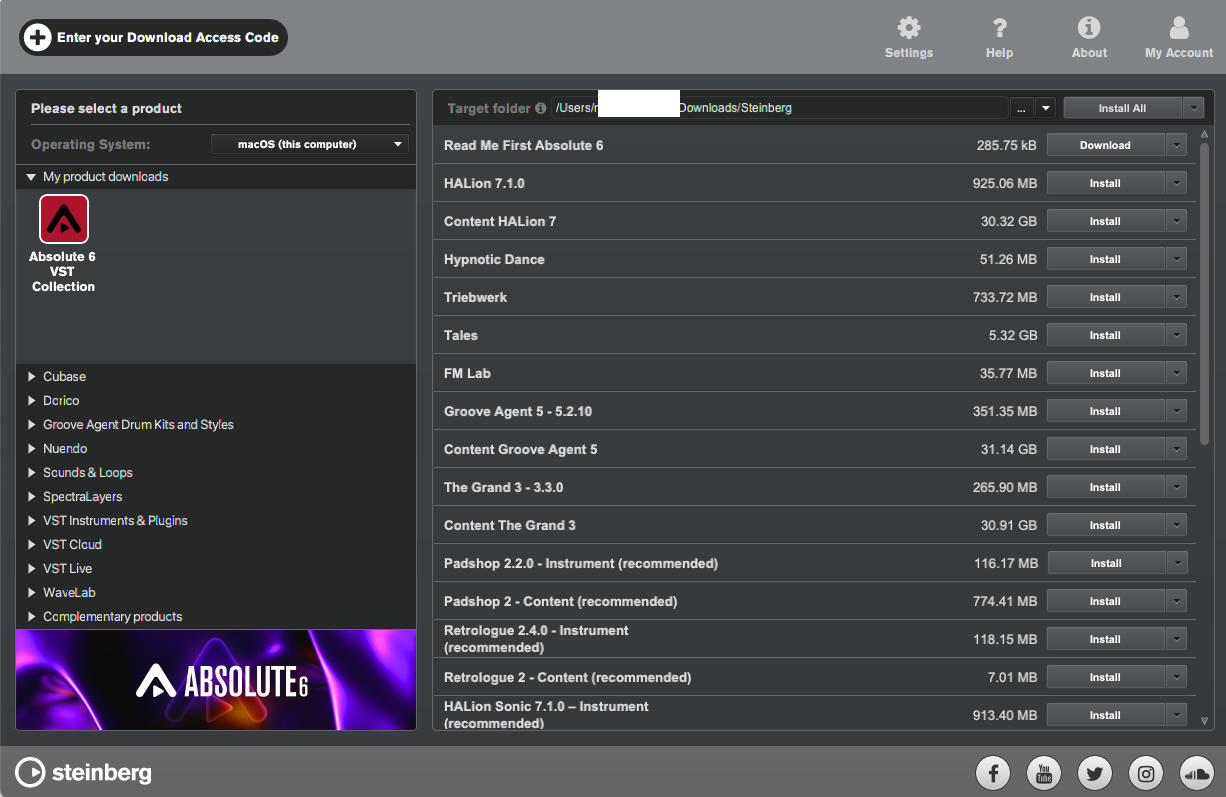
Installation Instructions