


 Log In

Free gifts available with your purchase
Product information

Pushing the low end to the limit
With Electric Bass you can easily hand pick exactly the right bass sound that you need for your song. From soulful ’70s jams, through classic jazz vibes, to that big bass sound that can cut through every mix, you can combine your chosen sound with the included bass amp, lots of effects and different playing styles.
Features
- Seven articulations: Fingerstyle, slapped, muted, picked, and more
- Create your own bass with pickups, tone control, effects and amplifiers
- Auto legato and auto slide function
- Works in nearly every DAW with VST 3, AU and AAX
System Requirements
PC
- Operating System: Windows 10 (64-bit), Windows 11 (64-bit) Version 21H2 or higher
- Plugin Formats: VST3, AAX
- Display Resolution: Minimum 1920 x 1080 at 100% UI scaling
- Storage: 2 GB of free hard disk space
-
Internet Connection Required For:
- License activation
- Installer download
- Account sign-up and product registration
Mac
- Operating System: macOS Big Sur, Monterey, Ventura, Sonoma, Sequoia
- Apple Silicon Compatibility: Rosetta 2 App, Native App
- Plugin Formats: VST3, AU, AAX
- Display Resolution: Minimum 1920 x 1080 at 100% UI scaling
- Storage: 2 GB of free hard disk space
-
Internet Connection Required For:
- License activation
- Installer download
- Account sign-up and product registration
Important note: This library requires the free HALion Sonic 7 or the full version of HALion 7
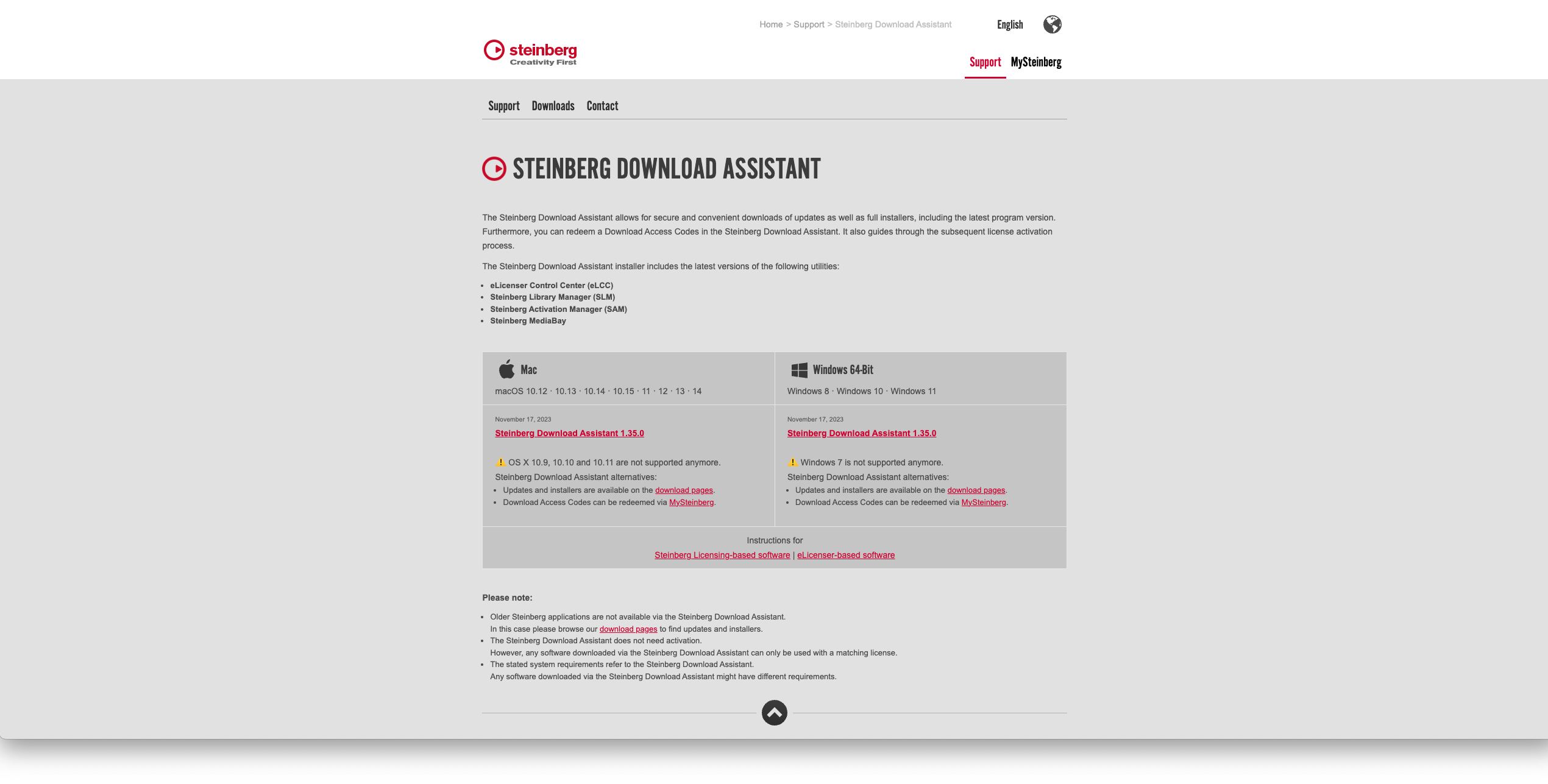
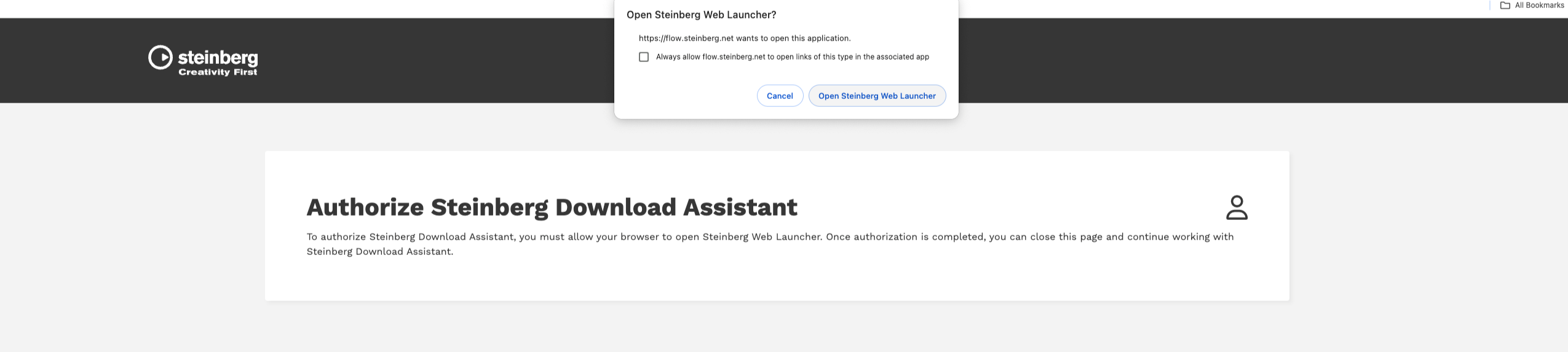
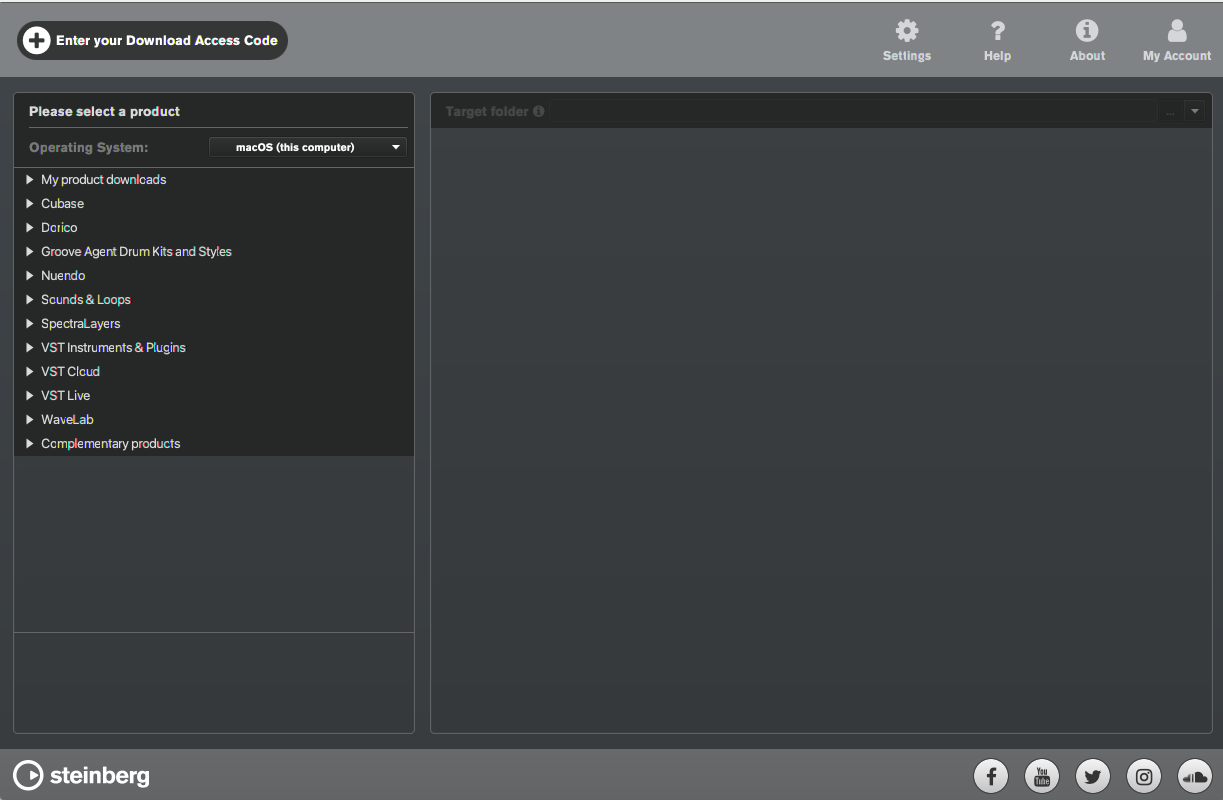
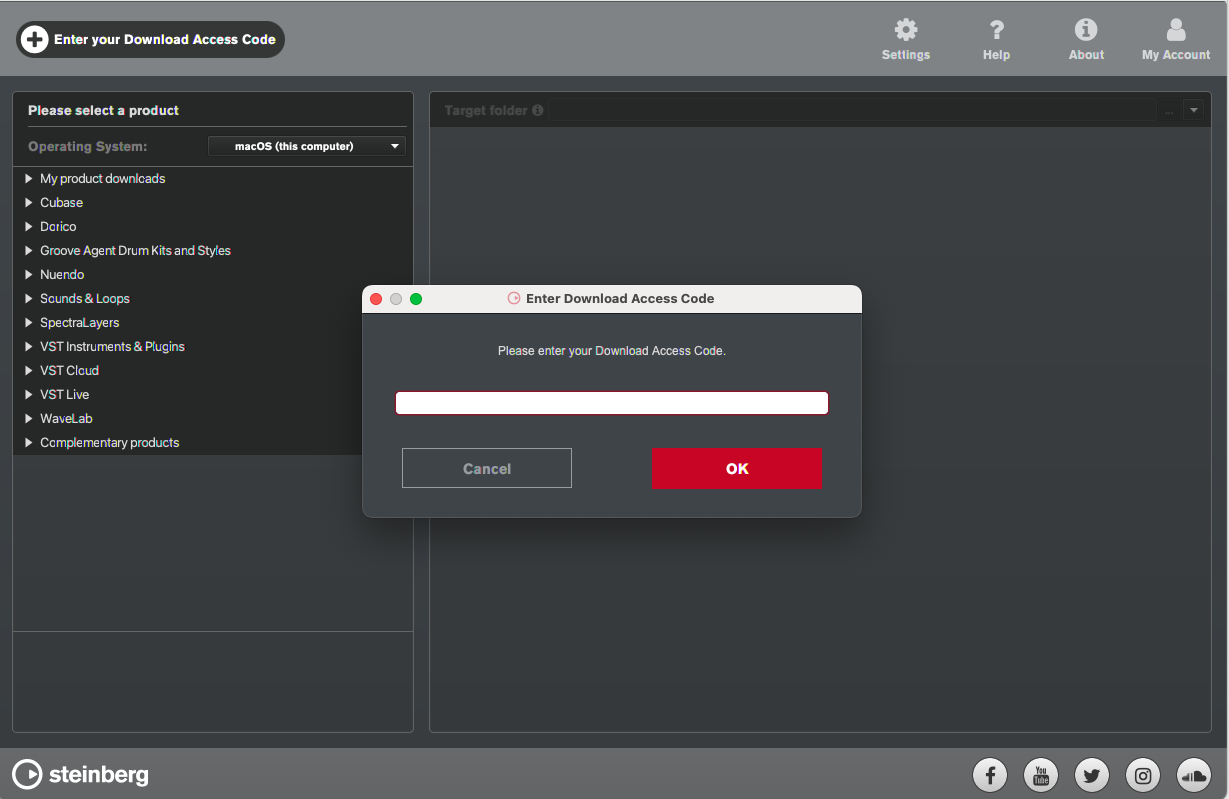
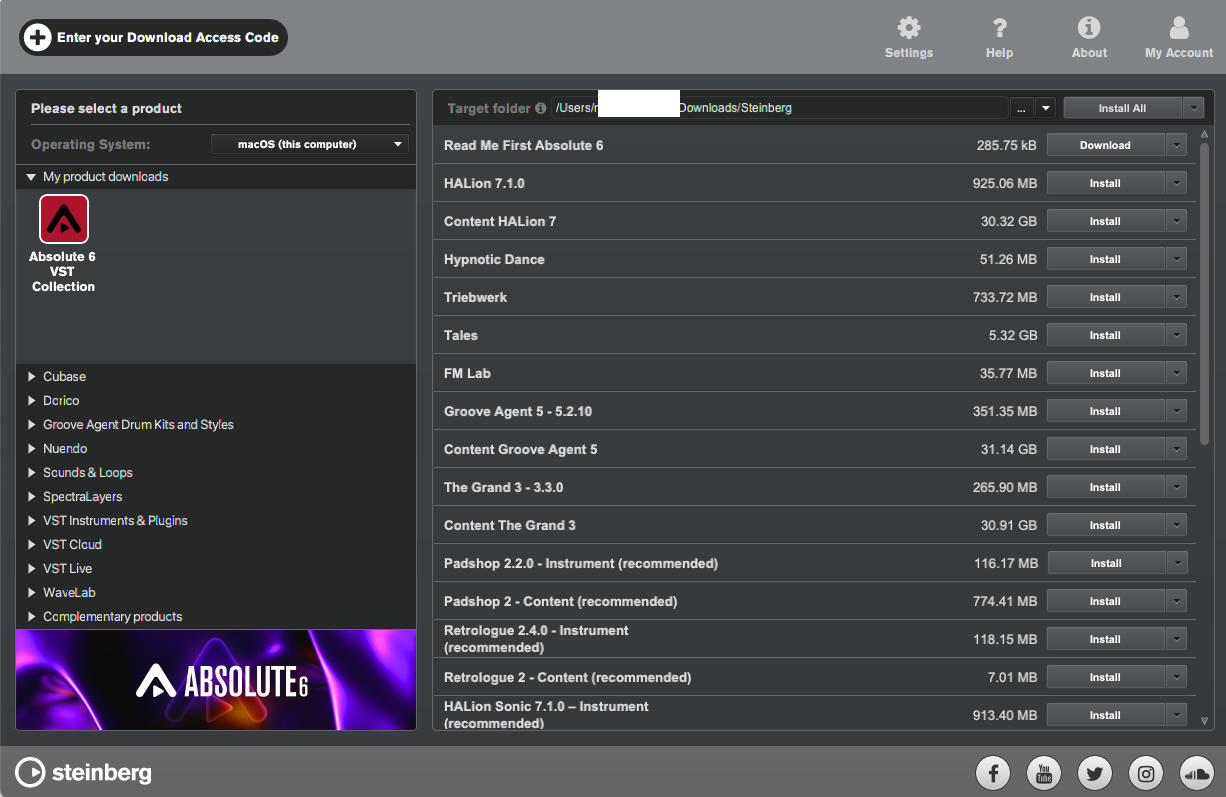
Installation Instructions

Customer Reviews
(1)


