


 Log In
Free gifts available with your purchase
A different flavor rock drum kit suitable for pop rock and ballads.
Hand-built in the USA by truly gifted craftsmen, this 6-piece set features lacquer and satin finishes that give it a heart and soul all its own. The maple shells provide a low-mid frequency range with plenty of punch and articulation.
Configuration
- Shell Material: Maple
- Bass Drum(s): 22" x 18”
- Tom(s): 7" x 7", 10" x 9"
- Floor Tom(s): 15" x 15", 19" x 17"
- Snare: 16" x 6.5"
- Total Pieces: 6
The Mojo of MODO
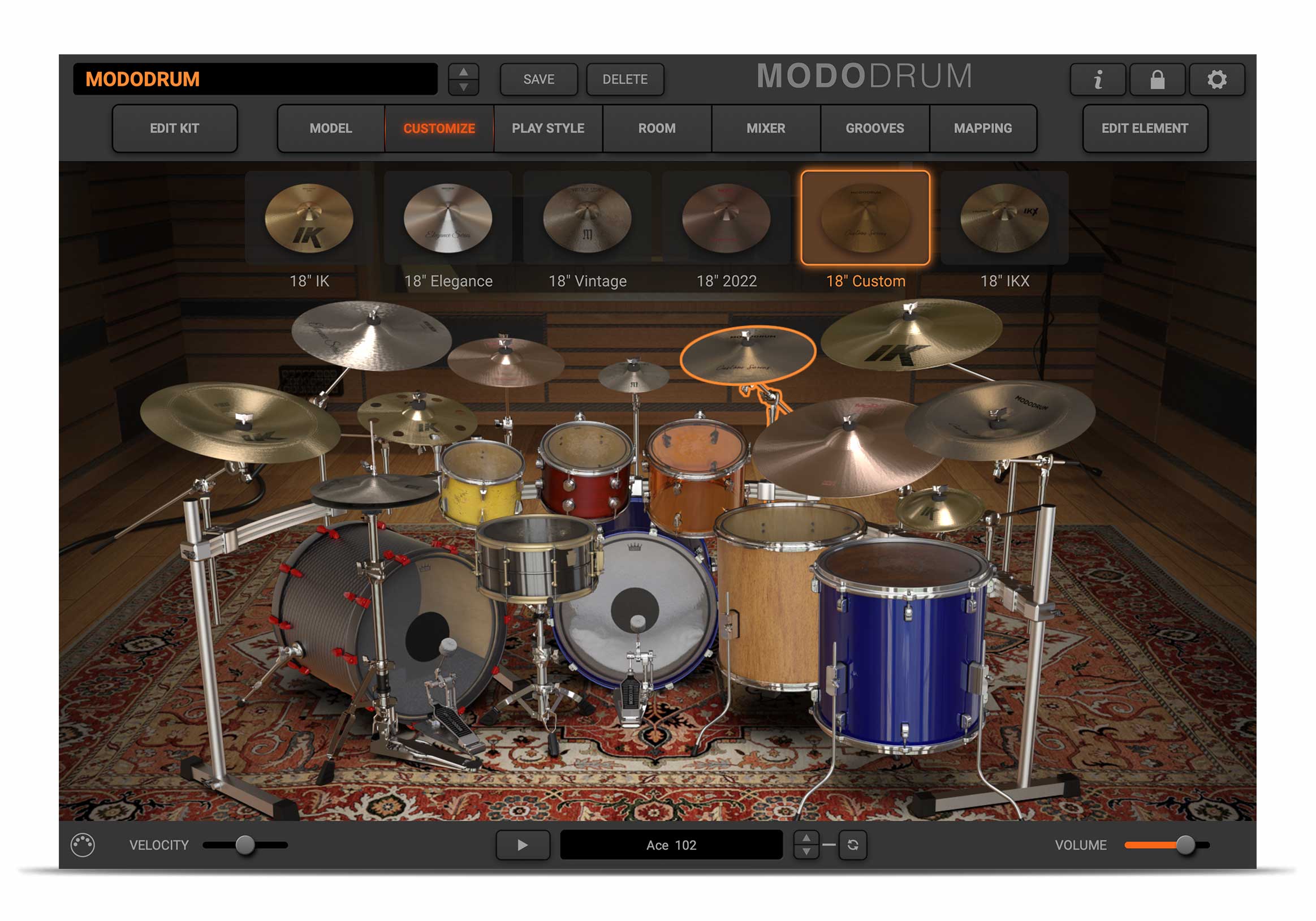
MODO DRUM is a breakthrough in physical modeling drum synthesis. For the MODO DRUM Rock Custom kit, IK didn’t just set up some mics, press record and say “Voila!” Instead, MODO uses a powerful combination of modal synthesis and advanced sampling, tuned to the unique elements of MODO DRUM Rock Custom's DNA (including materials, tuning, dimensions and much more) to capture all its nuance and sonic variety.
The MODO DRUM Rock Custom kit gives you infinitely more control and freedom than is possible with a purely sample-based program. Tune its drums to suit your mix, adjust any element from snare tension to stick type, and even tell the “drummer” how you want them to play. The possibilities are endless and the realism spectacular.
Mac® (64-bits)
- Minimal: Intel® Core™ i5 with support for AVX instructions, 8GB of RAM (16 GB suggested), 20GB of available hard-disk space, macOS 10.9 or later. USB port (3.0 suggested).
- Runs natively on Apple’s M1 processors.
- Supported Plug-in formats (64-bit): Audio Units, VST 2, VST 3, AAX.
Windows® (64-bits)
- Minimal: Intel® Core™ i5 or equivalent with support for AVX instructions, 8GB of RAM (16 GB suggested), 20GB of available hard-disk space, Windows® 7 or later. ASIO compatible sound card. USB port (3.0 suggested).
- Supported Plug-in formats (64-bit): VST 2, VST 3, AAX.
Requires an OpenGL 2 compatible graphics adapter.


