


 Log In

Product information
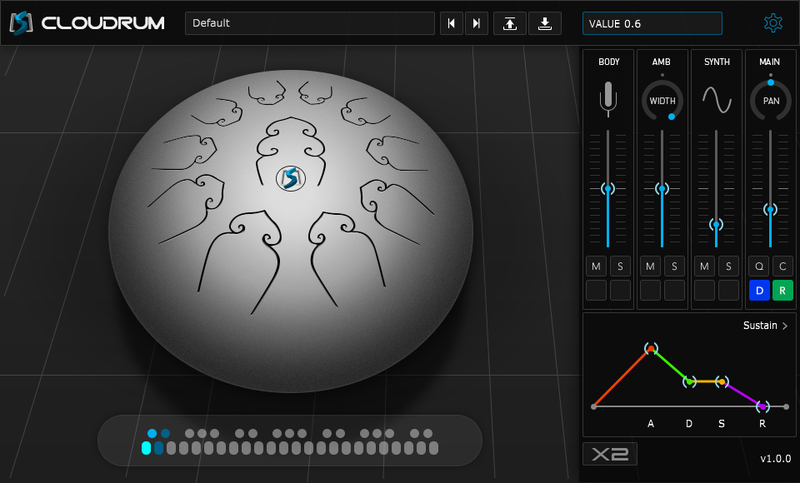
Cloudrum is a unique and relaxing Steel Tongue Drum with a range of 3 octaves. It produces wonderful tones, adds colour and a unique moderation to your music, no matter the genre.
Check out Ample Sound's paid software HERE.
Features
Technology:
- CPC (Customized Parameters Control) - any controller can be controlled by MIDI CC or Automation.
- Double - different samples at L & R channel.
- Each Cycle - Separate sample cycle for each note and velocity layer to improve humanization and sample utilization efficiency.
- Cycle * 3 Simulation - When toggled on, sample cycles can reach up to 12 (default is 4), which significantly enhances repetitive notes. No more robotic and machine-like sound.
Specifications:
- Size: 760 MB, 44.1khz
- DFD(Direct from disk)
- Two mic positions with stereo and mono modes.
- Open, Mute, Opened Release, Muted Release 4 articulations
System Requirements
- 1 GB of free hard disk space.
- Windows Vista or newer, Pentium 4 or Athlon processor with 2 GB RAM.
- Mac OS X 10.7 or highe, Intel-based Mac with 2 GB RAM.
- AU, VST, AAX host application and professional sound card recommended. Stand-alone version included.
Note: AAX Windows version is not available in the current version.
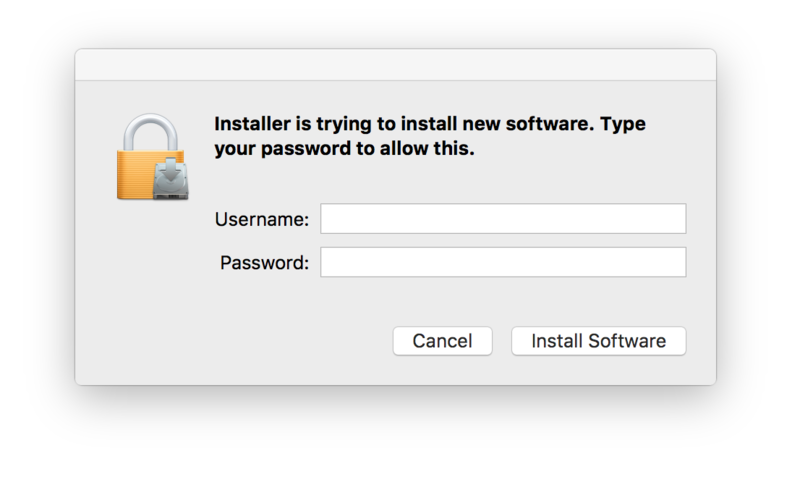
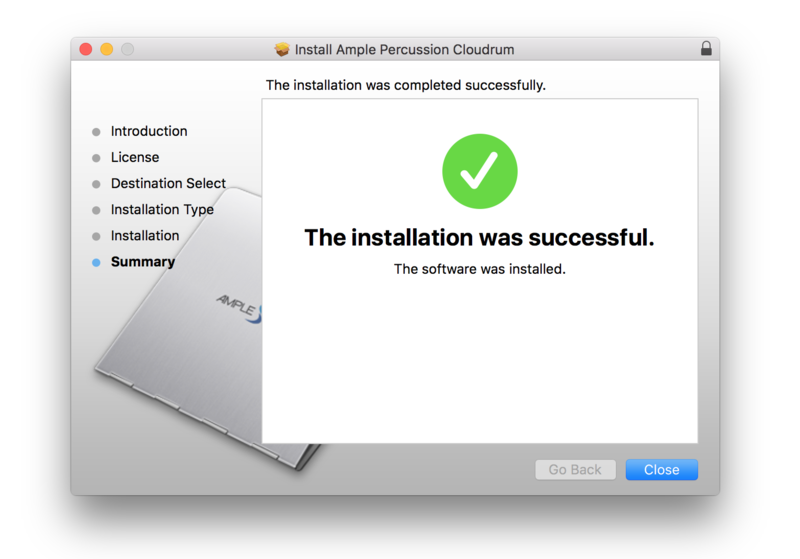
Installation Instructions
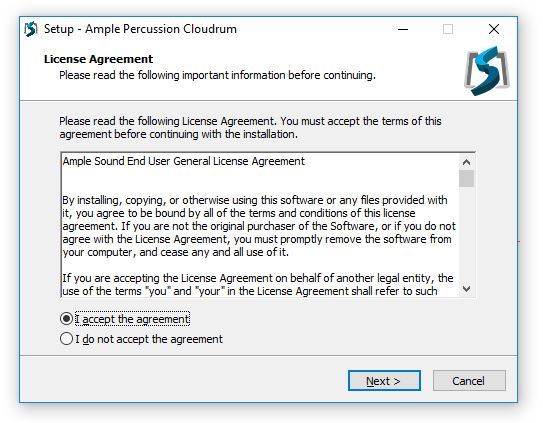
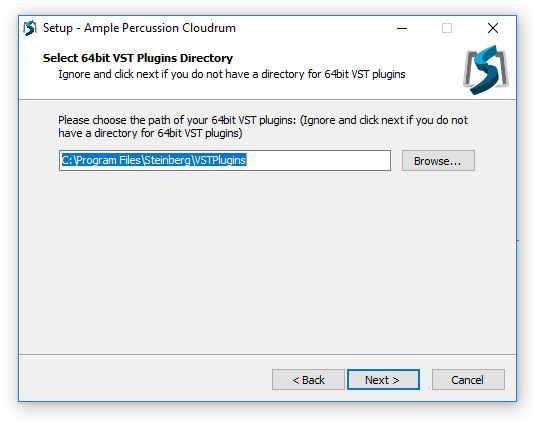
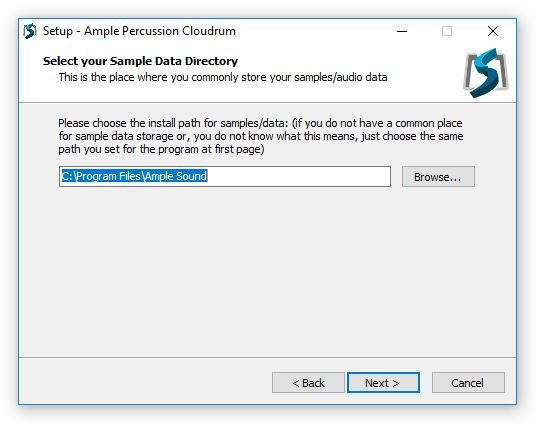
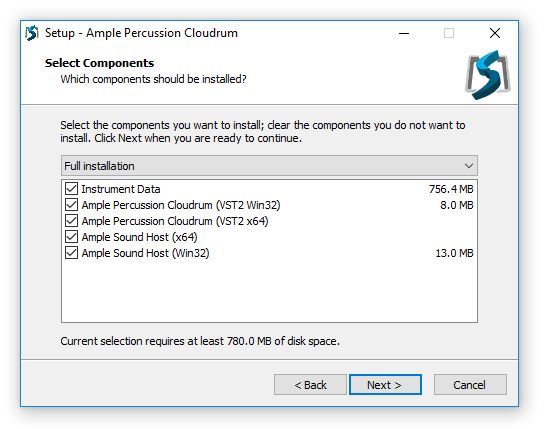
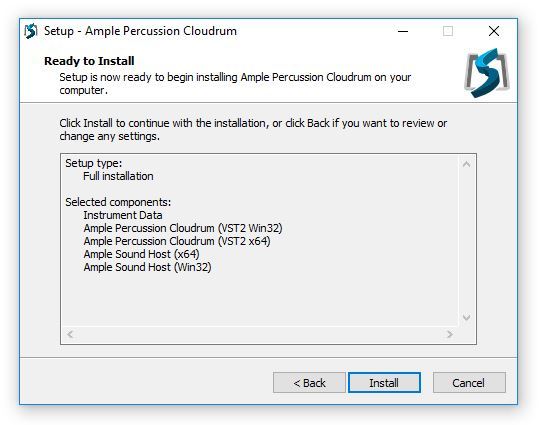
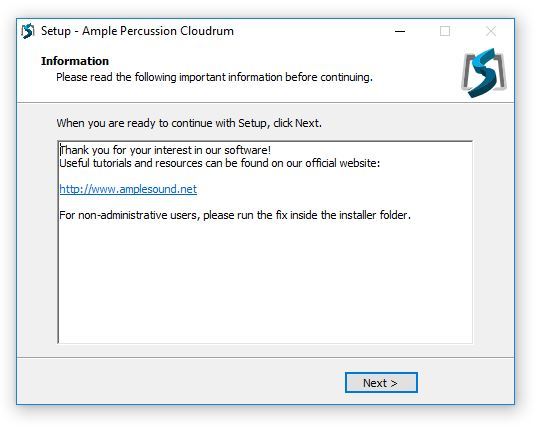
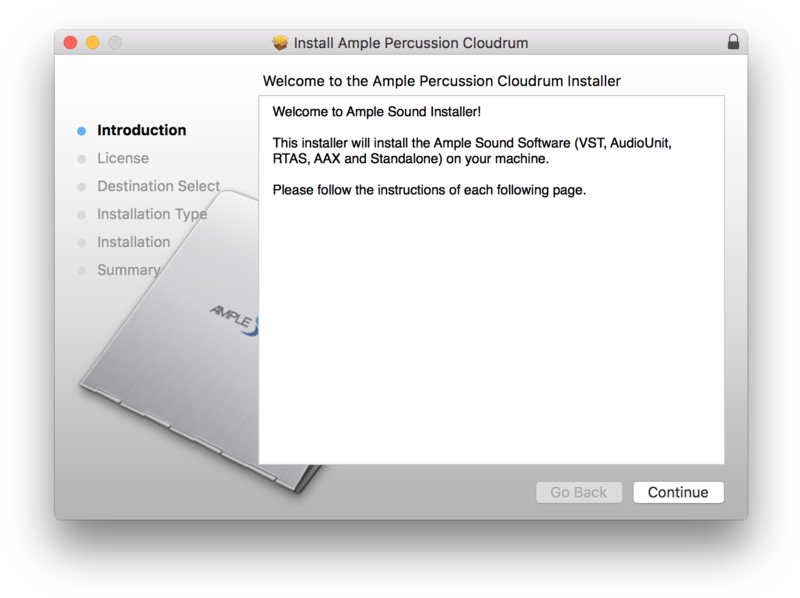
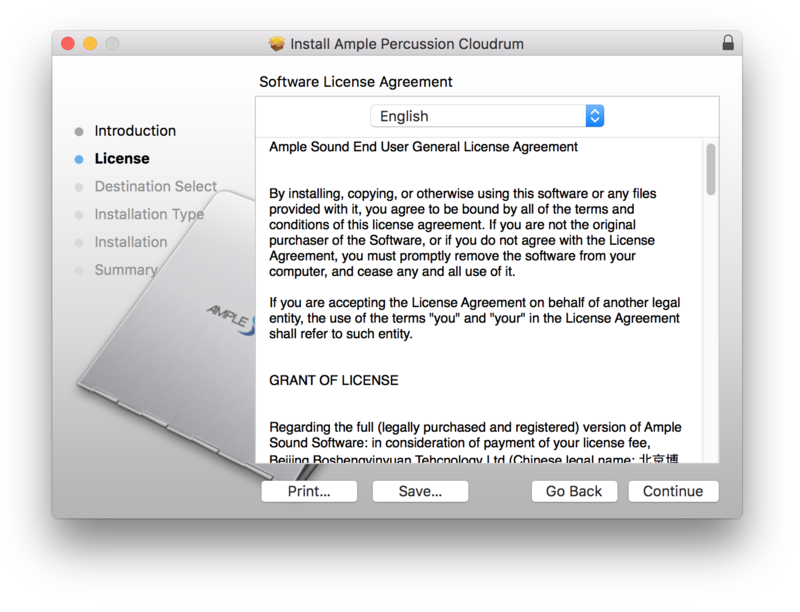
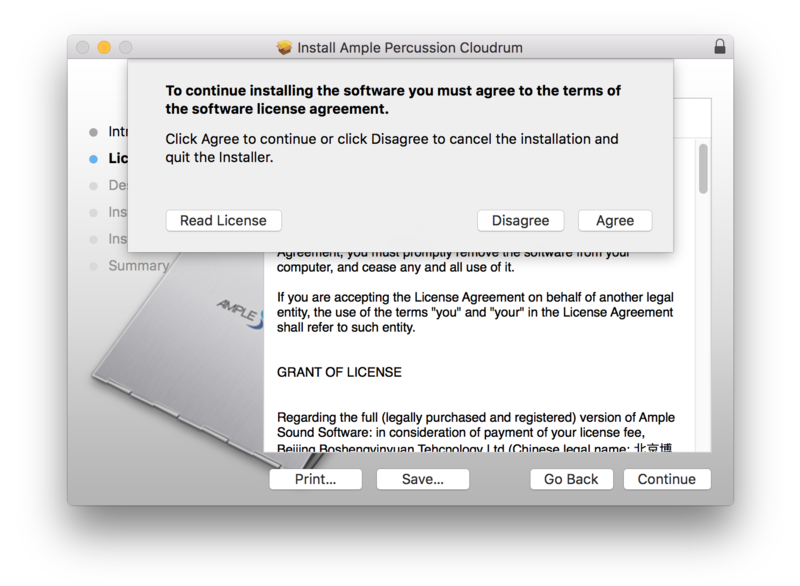
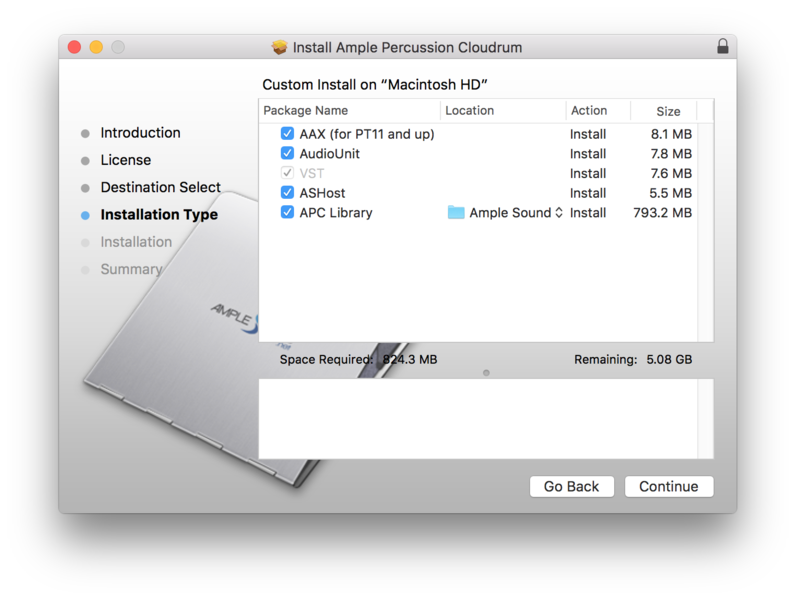
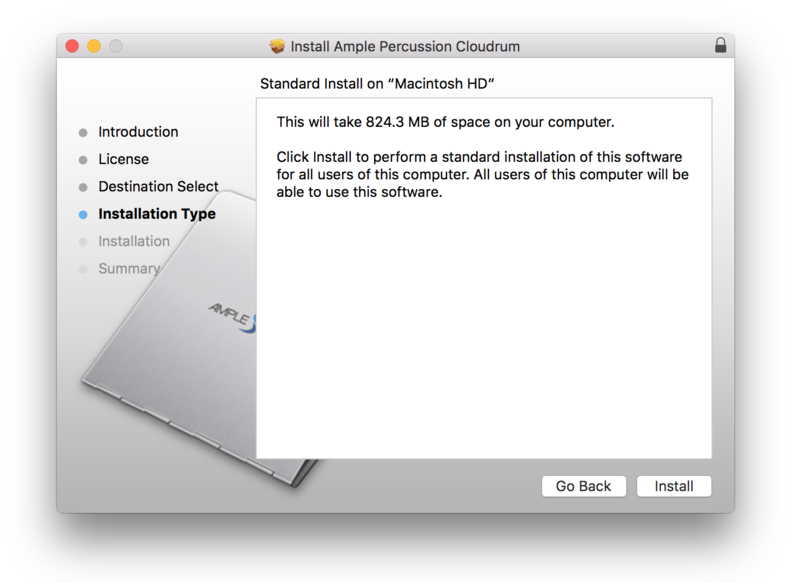
Customer Reviews
(14)
Reviews Summary
This AI-generated summary is based on an analysis of verified customer reviews. It identifies recurring themes, strengths, and potential considerations mentioned by users.
While it aims to provide a helpful overview, it may not capture every perspective or detail. We encourage you to read individual reviews to make an informed decision.
While it aims to provide a helpful overview, it may not capture every perspective or detail. We encourage you to read individual reviews to make an informed decision.
Users consistently praise Ample Cloudrum as an exceptional free plugin that delivers lovely, accurate handpan and hangdrum sounds. Reviewers appreciate its straightforward GUI, ease of manipulation, and versatility for creating melodies and rhythmic themes. While one reviewer noted that features and presets are somewhat limited, the overall consensus is overwhelmingly positive, especially given that it is a free offering.


