Reflekt Audio

YoJo

4.3 (359 Reviews)
FREE
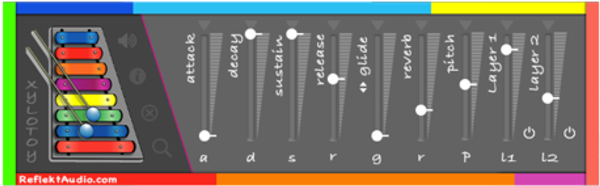
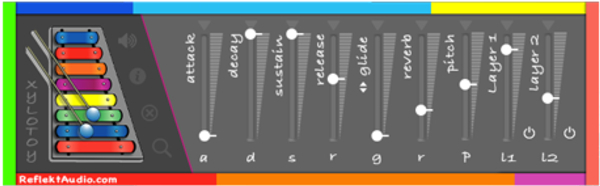
YoJo - User Interface
The bro wants a banjo (ft. Reflekt Audio) gallery thumbnail
YoJo (FREE BANJO VST) gallery thumbnail
Product information

Reflekt Audio and Eumonik have worked together to bring you guys to bring music makers across the globe a 100% FREE vst plugin they like to call the “YoJo”. The YoJo is a free virtual banjo instrument that consist of 4 layers that you can blend together to create a full and awesome banjo sound. Eumonik feels that banjo instruments should be used more outside of its respected classes, so here you go!

Banjo, the most underestimated instrument in Hip Hop.

Features

  • 1 Free Virtual Banjo Instrument
  • Windows/Mac Compatible
  • All Daw Compatible (Excluding Pro Tools)
  • Unzipped File Size: 1.24GB
  • Zipped File Size: 634MB
  • 4 Blend-able Layers
  • Envelopes A,D,S,R
  • Filter W/Filter Type
  • Reverb
  • Pitch

System Requirements

  • Mac/Windows Compatible
  • Works In Most DAWs (Excluding Pro Tools)
Installation Instructions

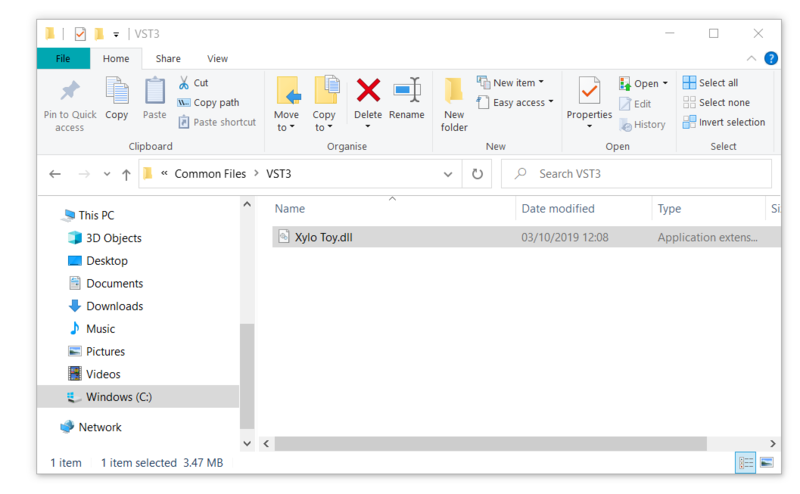
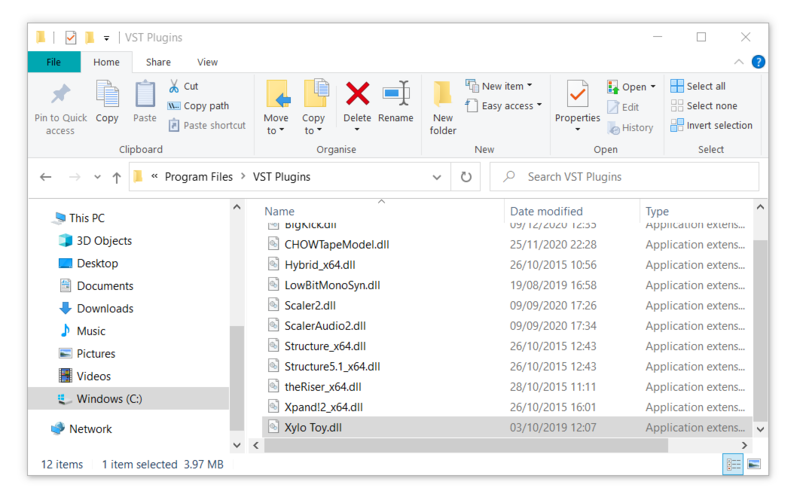
Note: Xylo Toy is used as an example.

Mac

Installation

1. Download the .zip file from within your Plugin Boutique User Account > Double-click it to extract the contents.

2. Navigate to the folder that contains the AU and VST3 components > copy the necessary files.

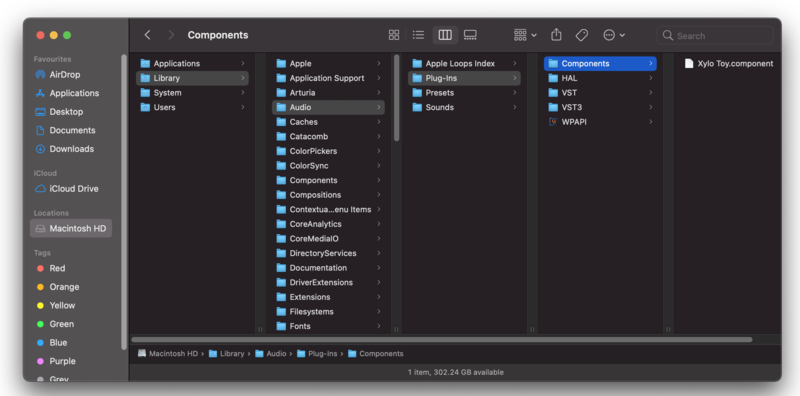
3. Navigate to the file path Macintosh HD:/Library/Audio/Plug-Ins/Components/ > Paste the component in this folder.

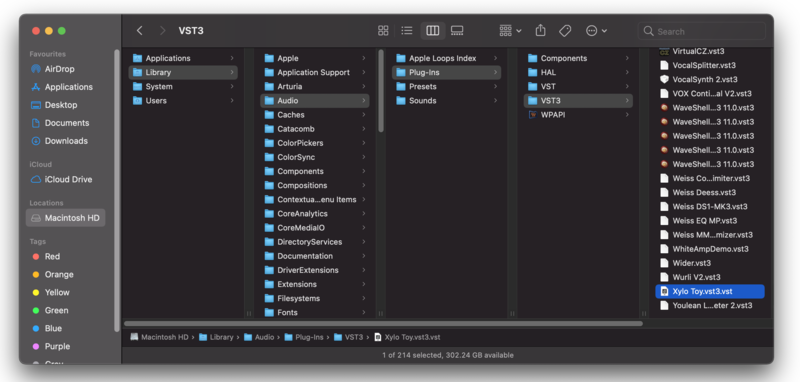
4. Navigate to the file path Macintosh HD:/Library/Audio/Plug-Ins/VST 3 > Paste the .vst3 file in this folder.

Your software is now installed and ready to use within your DAW.

Windows

32-bit Installation

1. Download the .zip file from within your Plugin Boutique User Account > Double-click it to extract the contents.

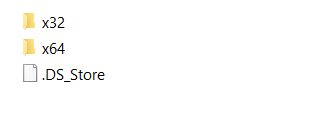
2. Open the x32 folder.

3. Select 'Xylo Toy.dll' > copy the necessary file.

4. Navigate to the file path C:\Program Files (x86)\Common Files\VST3 > Paste the 'Xylo Toy.dll' file in this folder.

Your software is now installed and ready to use within your DAW.

Windows

64-bit Installation

1. Download the .zip file from within your Plugin Boutique User Account > Double-click it to extract the contents.

2. Open the x64 folder.

3. Select 'Xylo Toy.dll' > copy the necessary file.

4. Navigate to the file path C:\Program Files\VST Plugins > Paste the 'Xylo Toy.dll' file in this folder.

Your software is now installed and ready to use within your DAW.

Plugin Boutique Rewards

Discover the most rewarding loyalty programme among all plugin retailers.

  • Free Loopmasters Samplepacks
  • Discounts on products and courses
  • Extra Virtual Cash claimed immediately at checkout
Find out more

Follow us:

X (Twitter) Facebook YouTube Instagram
Logo Logo

Plugin Boutique Limited, Part of the Beatport Group LLC.

Copyright © 2011-2025 Plugin Boutique. All rights reserved