/ Virtual Instruments / TAPED: Swayed Keys for Ableton Live
KLANG

TAPED: Swayed Keys for Ableton Live

4.3 (14 Reviews)
$6.00
KLANG TAPED: Swayed Keys
Buy Now
Product information

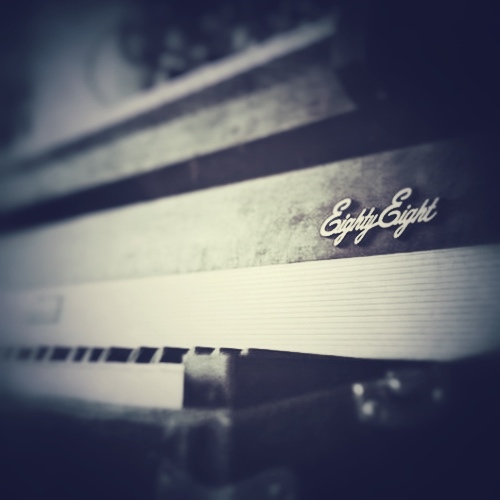
Unique Classic Electric Stage Piano

KLANG love tape sounds. So the TAPED collection of instruments are all about the inspiring potential of the nostalgic feelings around tape. Listening to radioplays before sleeping as a child, recording demo tracks on a four track.

Bringing back the warmness and imperfection with saturation, wow & flutter by playing instruments through all kind of tape gear and experimenting with it. TAPED is a nostalgic journey emphasizing the beauty of imperfection.

KLANG wanted more metal in their tape collection. So they send a Classic Electric Stage Piano through tape hardware to create a warm and fluttering tape sound. In order to enrich the sound, KLANG layered a grainy processed vibraphone sound.

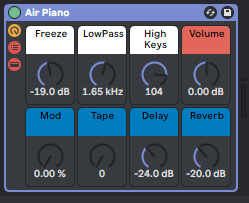
Swayed Keys contains a balance knob to control the amount of the grainy layers which is linkable to the mod wheel, a knob to control the amount of a tremolo and a tone knob. You can further shape the sound with phaser, distortion, delay and reverb controls.

System Requirements

  • Ableton Live 10 Suite or above

Important note: This software requires Ableton Live 10 Suite or above and will NOT function in Ableton Live Intro or Standard.
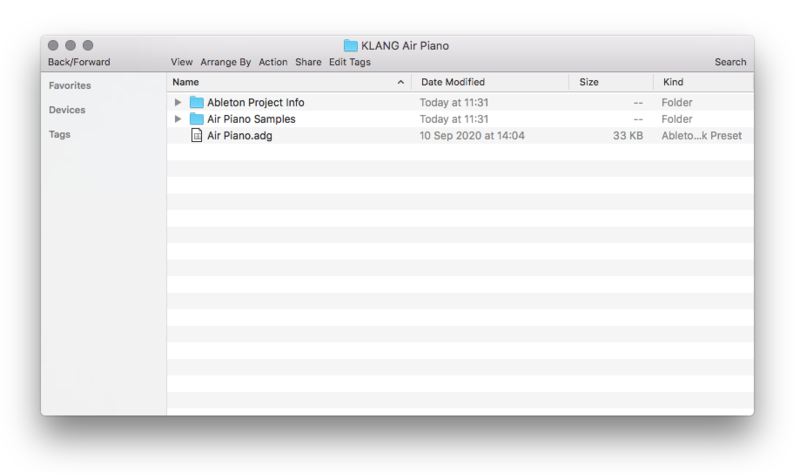
Installation Instructions

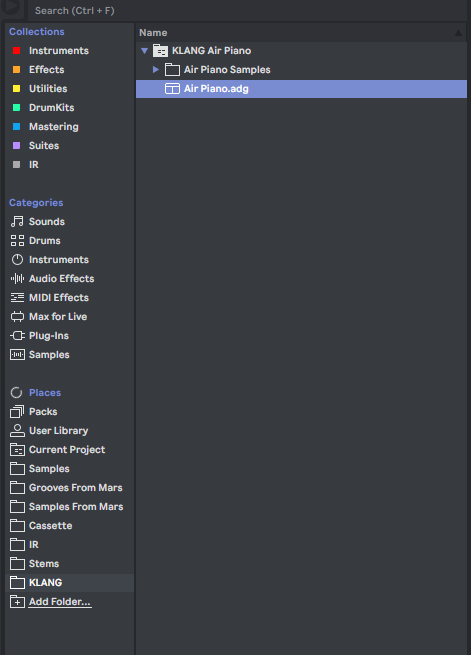
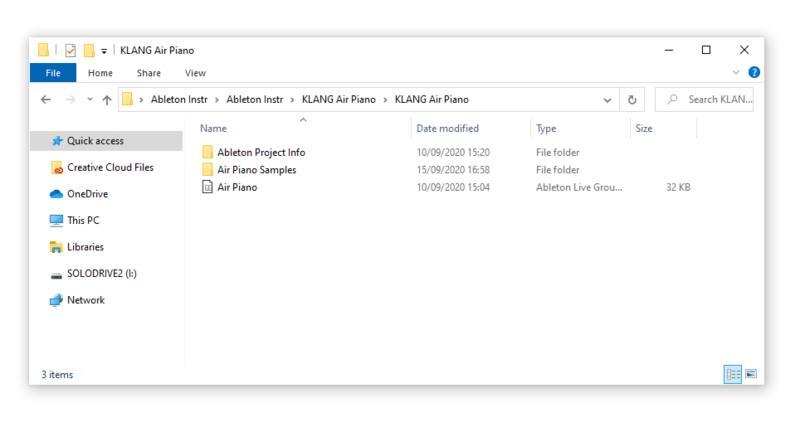
Important Note: FREEZE: Air Piano for Ableton Live is used as the example.

Mac

1. Download the folder from your Plugin Boutique User Account, and double-click the zip folder to extract it's contents.

2. Copy the Ableton Project Folder to the place where you save your other Ableton instruments.

3. Double click the .adg file or drop the .adg file into a track in Live.

Your Ableton Live Instrument is now installed and ready to use!

Windows

1. Download the folder from your Plugin Boutique User Account, and double-click the zip folder to extract it's contents.

2. Copy the Ableton Project Folder to the place where you save your other Ableton instruments.

3. Double click the .adg file or drop the .adg file into a track in Live.

Your Ableton Live Instrument is now installed and ready to use!

Plugin Boutique Rewards

Discover the most rewarding loyalty programme among all plugin retailers.

  • Free Loopmasters Samplepacks
  • Discounts on products and courses
  • Extra Virtual Cash claimed immediately at checkout
Find out more

Follow us:

X (Twitter) Facebook YouTube Instagram
Logo Logo

Plugin Boutique Limited, Part of the Beatport Group LLC.

Copyright © 2011-2025 Plugin Boutique. All rights reserved