Log In

Free gifts available with your purchase
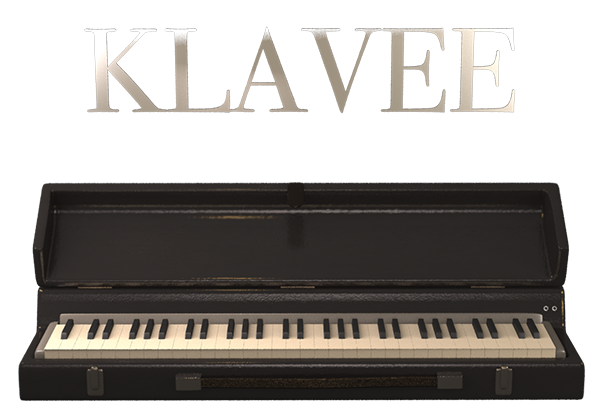
Rare Czech electric piano, restored.
Klavee is the virtual restoration of a gem. The Czech Klaviphon. A plucked electric piano manufactured in the 60s in the Czech Republic.
There's no other Electric Piano like this one and it's never been recreated into a virtual instrument, until now. A rare-piece specially made for electric piano collectors.
Virtual restoration of an almost-extinct electric piano.
The Czech Klaviphon is almost extinct. No parts can be found online and just a few of them still alive. This is why Sampleson wanted to make a virtual version of it. To keep its unique sound for further generation of musicians.
KLAVEE was built upon spectral modelling. A technique that assures perfect tone matching with the original instrument.
The Klaviphon: A Czech Gem
The Klaviphon is a plucked electric piano created in the Czech Republic in the 60s. Sound is generated by reeds plucked by wooden hammers. Sound on lower octaves is the classical reed-based. On upper register, the timbre turns in to a Kalimba-like sound, due to the nature of the hammer-hit direction (from bottom to top on the reed-edge).
Features
- Spectral Modeled Klaviphon Electric Piano.
- Real-time Spectral transformations
- Based on real samples.
- Just 35MB.
- No velocity-switching.
- Ambient FX
- Drive FX
- Stereo Delay FX.
- Scalable HD interface.
- macOS Catalina Ready.
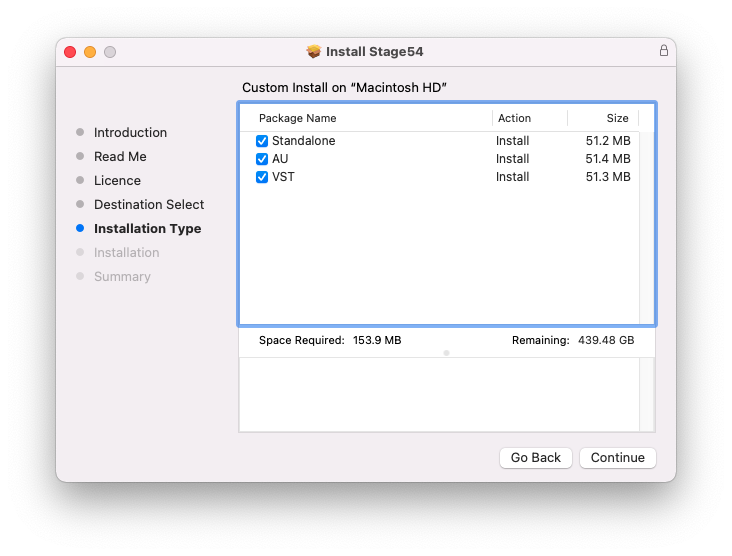
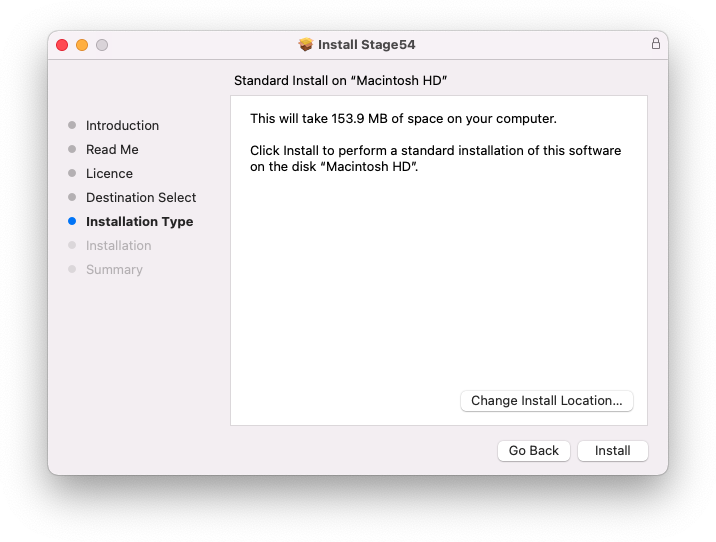
- Easy install.
- No extra purchases are needed (like Kontakt, UVI, etc) or any other 3rd. party player.
- Ready to be loaded into major DAWs (Cubase, Logic Pro, GarageBand, Cakewalk, Reaper, BitWig, Nuendo, FL Studio, etc)
- Win 32/64 bits and Mac VST/AU/Standalone versions included (No AAX version)
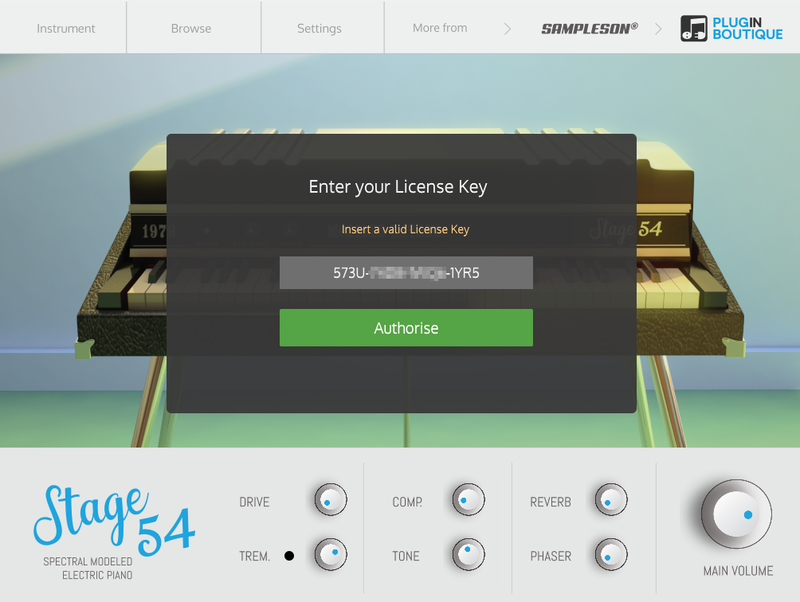
- No online activation is required.
MacOS
- macOS 10.7 or later
- VSTi or AU plugin host required
- 70 MB disk space
- 4 GB RAM
- Note: Pro Tools is not supported.
Windows
- Windows 7 or later
- VSTi plugin host required
- 70 MB disk space
- 4 GB RAM
- Note: Pro Tools is not supported.