


 Log In

Free gifts available with your purchase
Synthwave Drums V2 covers styles from Synthwave, Vaporwave, Retro, The '80s, Nu-Disco & Boogie styles of music.
A selection of over 100 presets full of synthwave drum sounds, already processed and ready to inject into your production. We have done the hard work, so you don’t have to!
The Drum Kit Library included is organized by Drum Kits, and also, as single category hits like: kick, snare, hats, etc. Over 1300 drum sounds organized into quick browsable presets, ready to play.
This makes it easy to access these beautiful sounds and quickly get a beat going effortlessly, so you can produce and compose faster.
Synthwave drums V2 now has newly added features such as a VCA (British Console) compressor and a 3-band EQ.
Want to replace any of the sounds in a kit with your sounds? No Problem. You can also drag and drop your samples onto any of the 12 pads. Multi out per pad is built-in and change Pitch, Volume, Pan and Release per pad. Save and edit your own presets. Move the sample content to external drives easily.
Also, reassign any of the pads to any midi key. Solo and Mute per Pad.
Additional features include sample content moving, so you can easily move your samples and content with one click to another drive without any hassle of copying of configurations.
Beatskillz studied all aspects of vintage drum machine production and tried to give you a fast workflow & ease of use without compromising quality, usability, and inspiration.
Features
- 1300+ Drum Sounds, 73 Multi Drum Kits, over 100 presets.
- Drag and drop your own samples.
- 8 Multi-outs.
- Vol, Pitch, Pan and Release per pad, Equalizer and Compressor included.
- Library Relocate Function.
- Save your own kits.
System Requirements
OS: Windows 10 or later / OSX Mojave or later (Catalina and M1 – BIG Sur Supported) ( NOT TESTED ON MacOS Ventura* )
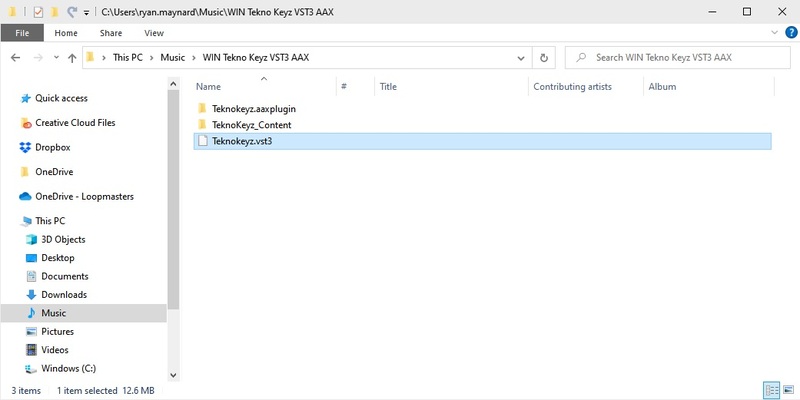
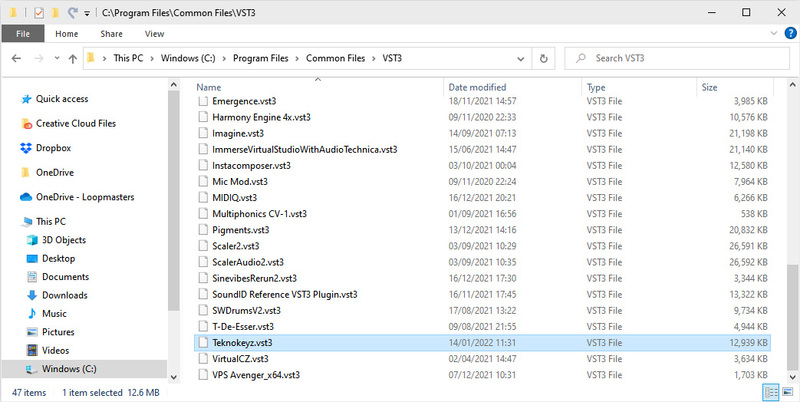
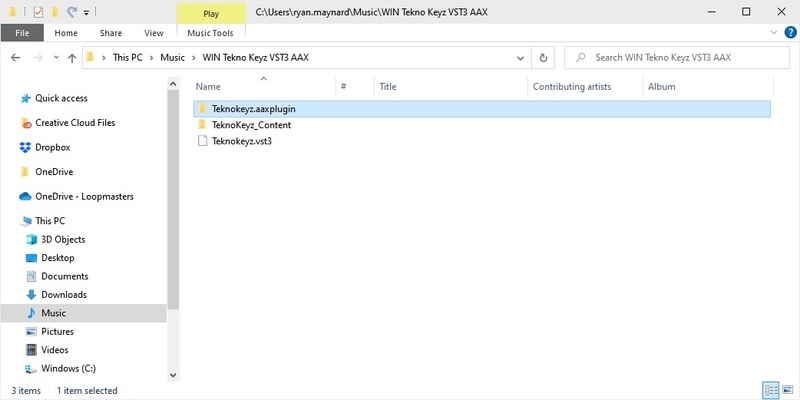
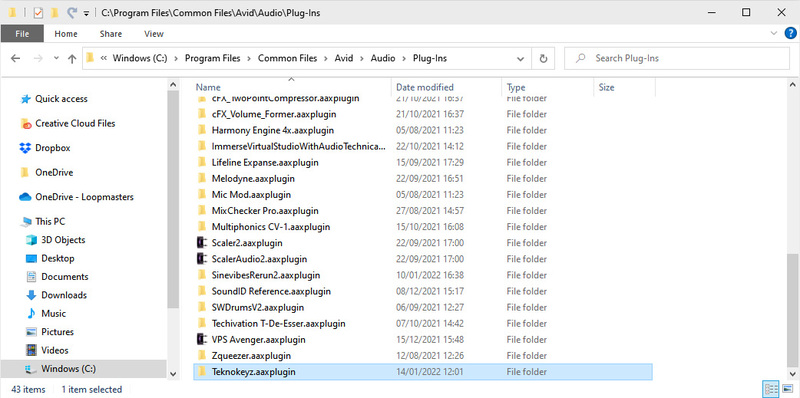
Format: VST3, AU, AAX (64-bit host)
Plugin Formats

Reviews Summary
While it aims to provide a helpful overview, it may not capture every perspective or detail. We encourage you to read individual reviews to make an informed decision.
Users generally praise the drum sampler for its great sound, user-friendly interface, and suitability for synthwave and old-school music. Key features such as easy pad customization, custom sample dragging, and preset saving are highly appreciated. While one reviewer pointed out that some presets drift from the synthwave genre and have a 'dirty' lo-fi quality, the overall feedback is highly positive.


