


 Log In

Free gifts available with your purchase

Wild Winds Awaken
Introducing Huracan, a gateway into a new world of winds and percussion inspired by Meosoamerican and Andean cultures. 11 rare and unique wind instruments are accompanied by 5 textural percussion sounds, giving you a complete, curated palette, ready to create breathtaking music.
Huracan (A.K.A; U Kʼux Kaj, Heart of Sky) is a Kʼicheʼ Maya god of wind, storm, and fire. Here MNTRA imagined a hidden cenote deep in the jungle where a lone traveller stumbles upon the ancient deity, incidentally awakening it from a deep slumber and activating a portal into an alternate timeline where pre-hispanic cultures continued to thrive unaffected by colonisation. Over time they developed their own distinctive version of synthesisers and electronic instruments.
Central to Huracan is MNTRA's founder Brian D’Oliveira’s (Composer of Shadow of the Tomb Raider, The Witcher: Nightmare of the Wolf ) deep connection with South and Central American cultures and their unique instruments. Originally raised in the Venezuelan Andes mountains, he began a lifelong pursuit of learning and researching ancient musical cultures, starting with these unique instruments. Here, MNTRA have deeply sampled a curated collection of sources from his personal arsenal, allowing you to harness their unique potential in your own compositions.
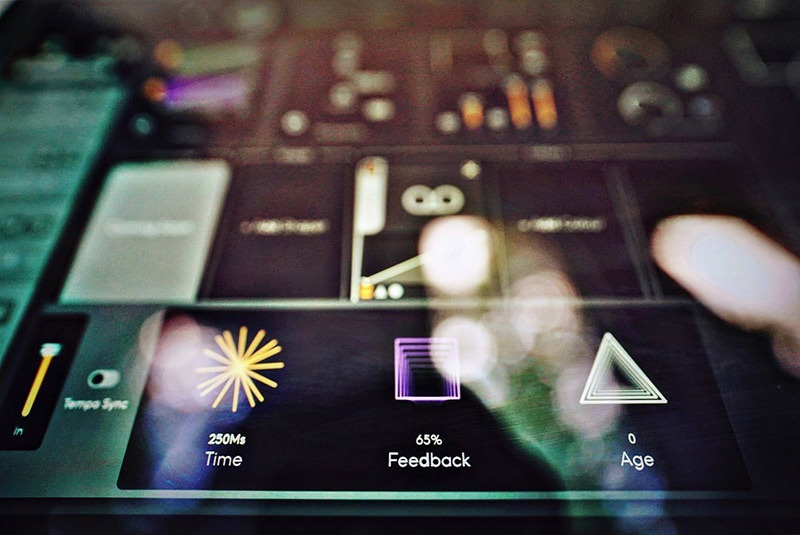
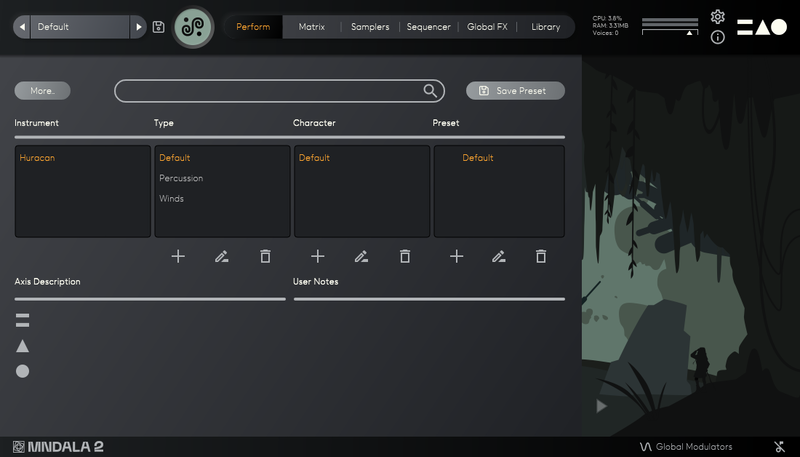
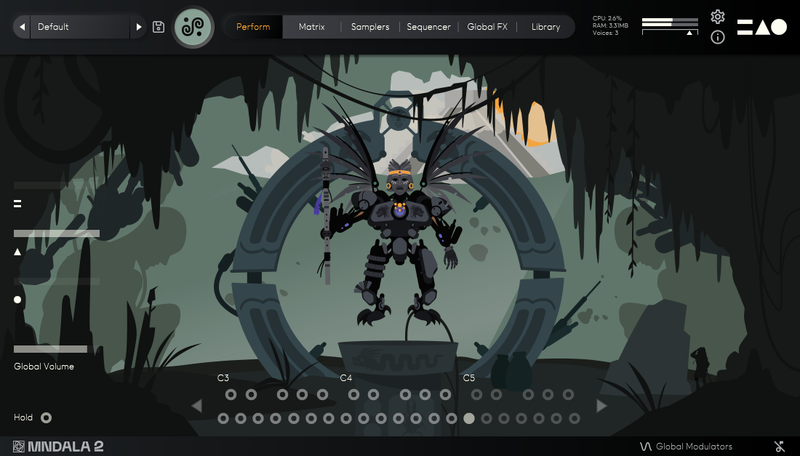
Within MNTRA's bespoke Animistic Sampler Engine, MNDALA, these sounds can be shaped into entirely new forms with an intuitive 3-axis global control system. Built on years of development in capturing and efficiently reproducing extreme definition audio, MNDALA allows you to discover and manipulate the ultrasonic textures hidden within these ancient winds and percussion, never before accessible in a playable form. Additionally, the extensive custom-made FX system gives you the tools to transform the source material into an endless range of otherworldly synths and textures, their natural air and pitch fluctuations imbuing your sound with unparalleled life and variation.
Instruments
Wind
- Mihuioti Whistle (Straight, Flutter) - Prehispanic bird whistle made of earthenware from Minerales de Pozos in Central Mexico
- Quena (Short, Long, Flutter) - Peruvian quena with bone mouthpiece
- Double Chamber Flute (Short, Straight, Flutter) - Double-chambered flute from Peru
- Skull Ocarina - Earthenware Prehispanic calavera (skull) ocarina
- Palo De Canto (Short, Long) - Rare Amazonian whistling double aerophones (singing sticks)
Percussion
- Guadua Hit - Large percussive bamboo Aerophone hit with hands
- Prehispanic Ceremonial Shakers - Prehispanic ceremonial shakers sourced from Minerales de Pozos in central Mexico
- Güiro Selvático - Cylindrical güiro made from Amazonian black wood
- Gourd Hom-Pax Hit - Percussive hit on a gourd variant of a Mayan trumpet
- Metal Hom-Pax Hit - Percussive hit on a metal variant of a Mayan trumpet
Features
- 40+ Presets
- 16 Instrument Sample Maps
- Up to 20 Round Robins
- Up to 3 Dynamic Layers
- 3 Microphone channels (Close, Far, Vintage)
- Recorded at extreme definition 32-bit 384kHz ultrasonic resolution
- CPU-efficient in-engine playback at industry-leading 24-bit 96kHz resolution
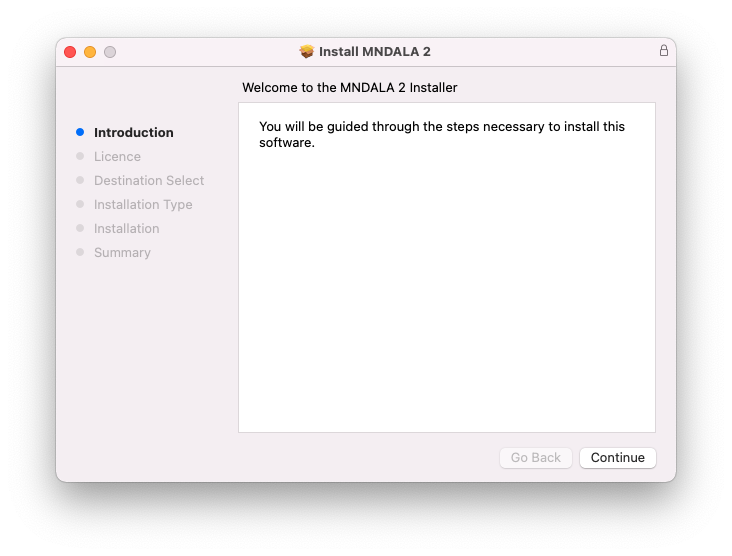
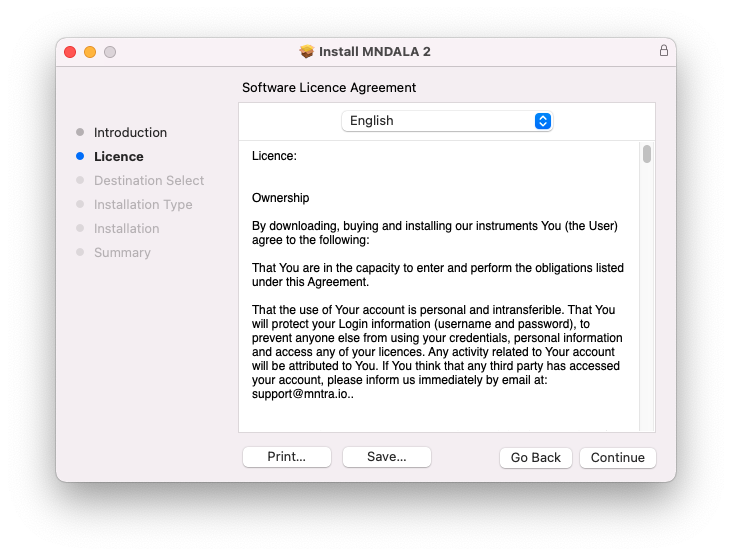
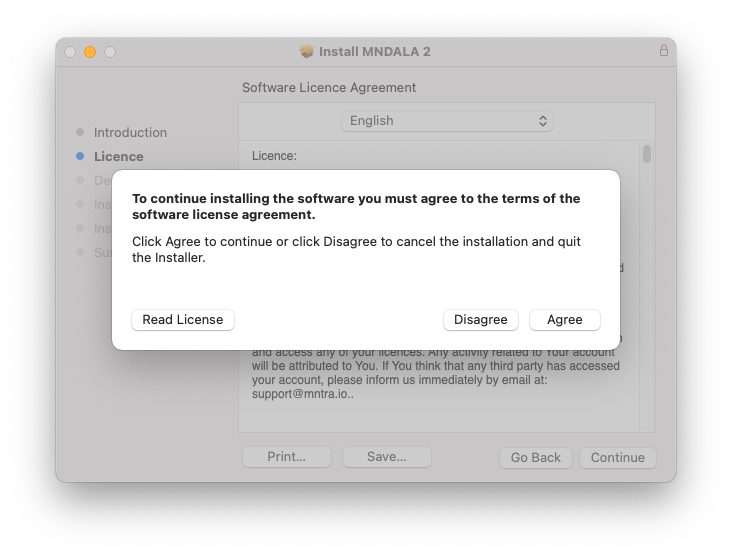
- No fuss copy protection - simply install and the instrument is uniquely encrypted to be used within your system
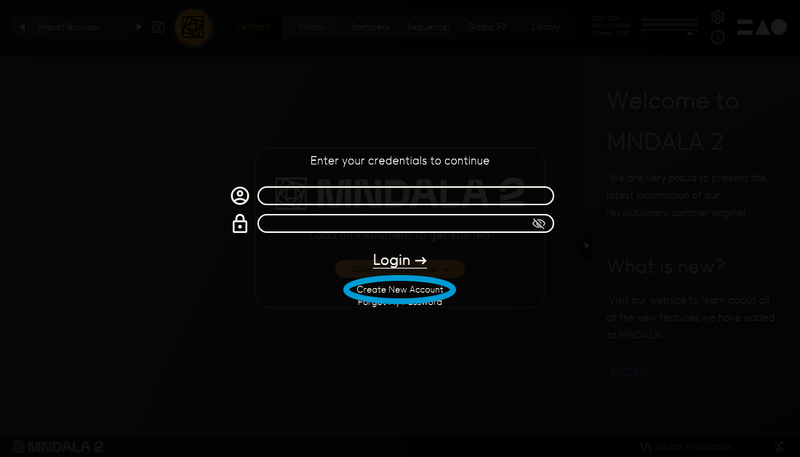
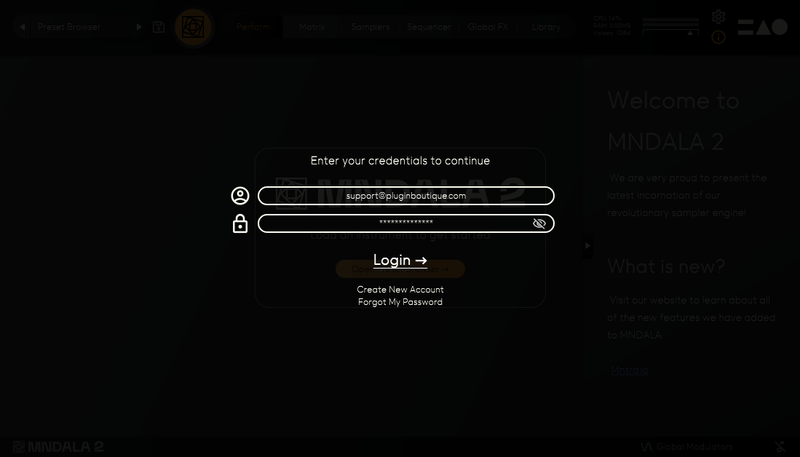
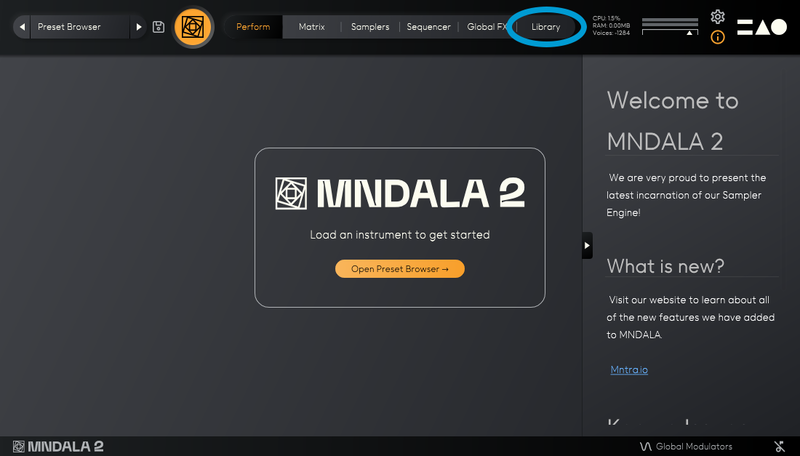
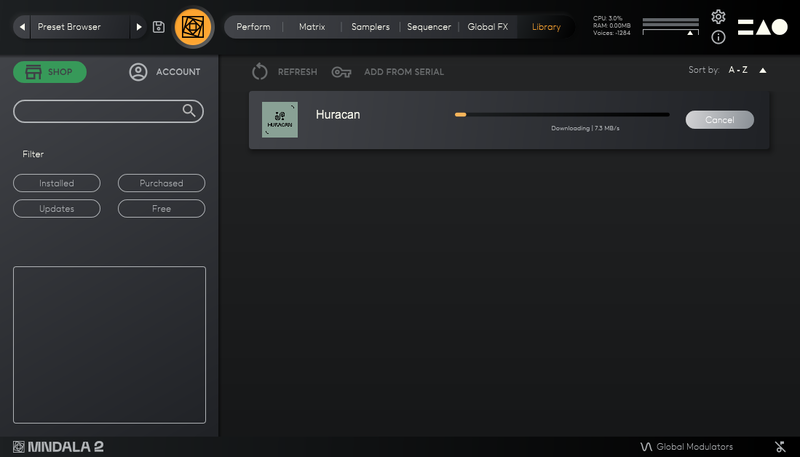
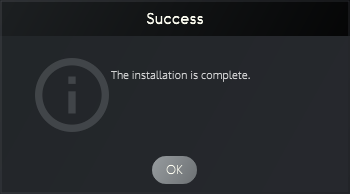
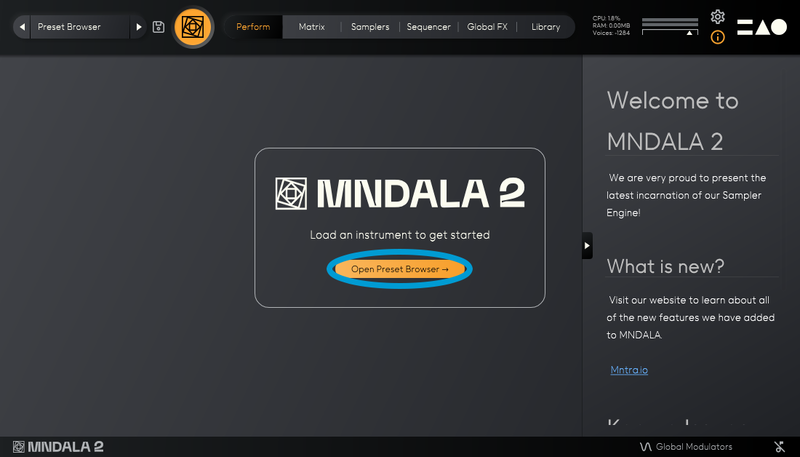
- Seamless download, updates, and installation within MNDALA with a registered MNTRA account
System Requirements
- 2 GB installed (5 GB recommended for setup)
- 64-bit VST3 / AU / AAX plugin for Windows & macOS (10.11+) (including M1 Chip support)
- Minimum 8 GB of RAM and an i5 or better CPU required (SSD drive recommended)
- Supported by all VST3 / AU / AAX compatible DAWs

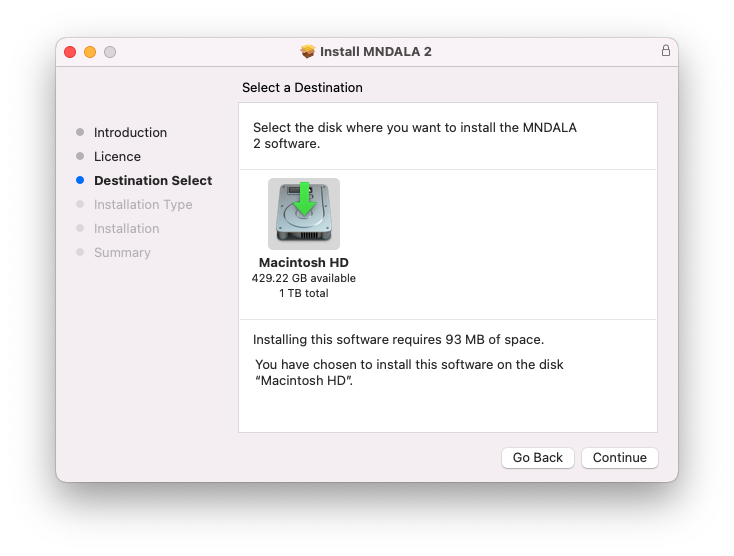
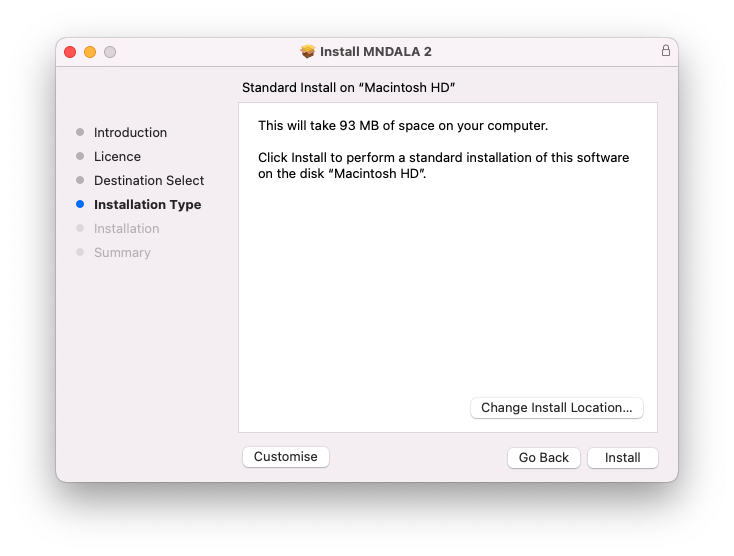
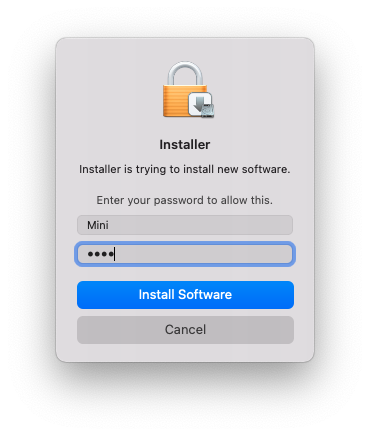
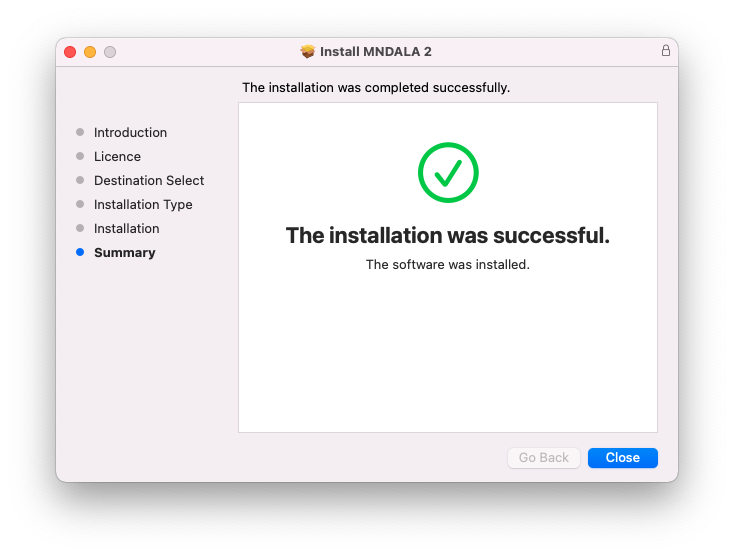


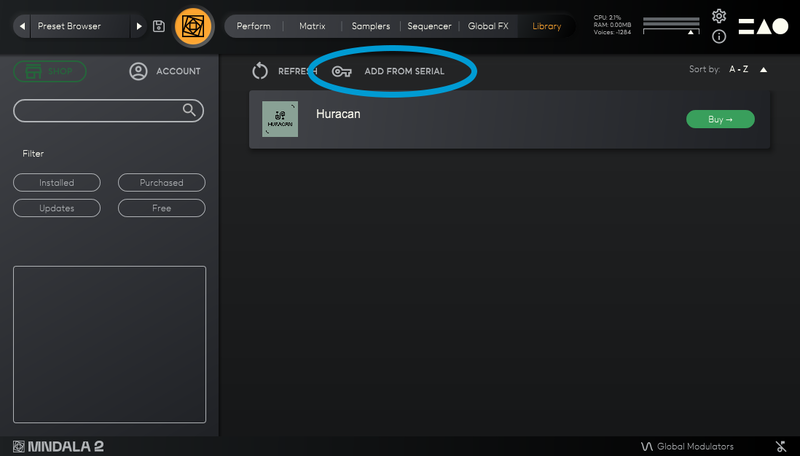
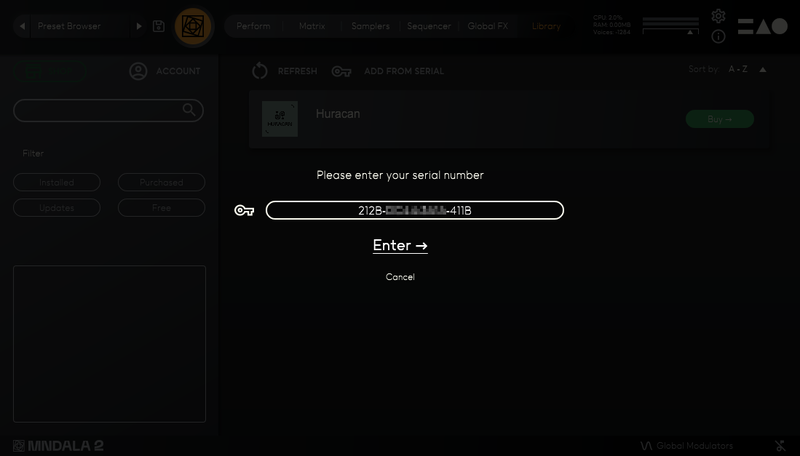

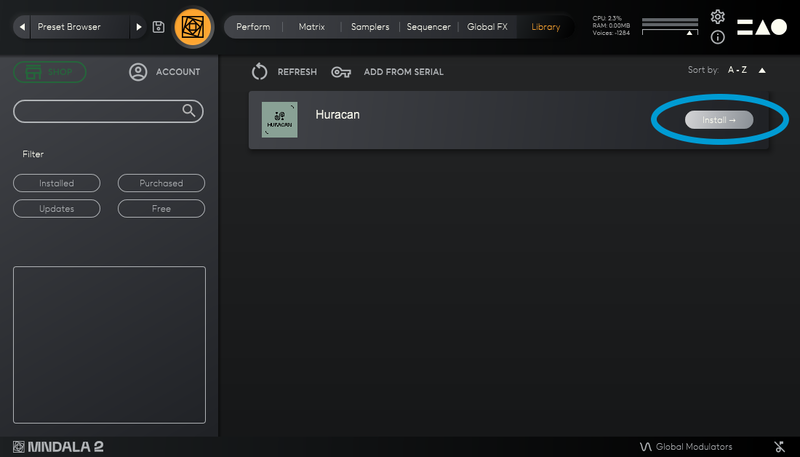
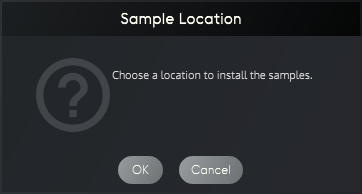


Reviews Summary
While it aims to provide a helpful overview, it may not capture every perspective or detail. We encourage you to read individual reviews to make an informed decision.
Customer opinions are generally positive, with reviewers praising the unique, versatile, and useful sound options. However, feedback is mixed regarding personal preference and long-term utility, and one user noted that the graphics are somewhat creepy.


