Log In

Free gifts available with your purchase
What is Noize?
Producer Jamie Boyle from Sweden won denise’s 2018 plugin contest. Based on his idea, denise created an adaptive noise generation plugin that takes noise generation to the next level. Noise is a secret weapon used by many professional producers to enhance and flavour their tracks: for example by making digital samples and synths sound more natural, adding grit and power to bass synths, leads and paths, and adding character and sustain to drums and beats. It turned out a huge success and almost a year later, after gaining lots of users and feedback, denise now introduces the Noize 2.0.
What is Noize 2?
The Noize 2.0 introduces three new noise types and the option to load and edit your own noise profiles - features that have often been requested by the community. When denise actually tested the plugin, it turned out even more creative and versatile than they could anticipate. For example, they found out using a reversed vocal sample on drums and rhythmical synths have a surprisingly great effect.
Features
- 8 Built-in Noise Types - Choose between eight types of noise and apply additional filtering.
- Load & Edit Your Own Samples - Load your own sounds and apply filters and pitch control embedded in the sample editor window.
- Real-time Adaptive - Generate noise that adapts to the volume of your track, in real-time.
- Solo Mode - Isolate the noise signal and apply additional effects.
- Easy to Tweak - Optimize the behaviour of the noise by tweaking the rise and fall time.
- Fully resizable interface.
How do you use Noize 2?
There are many ways to use adaptive noise to enhance your tracks. Working strictly in the box, you can use Noize 2.0 to add power and aggressiveness to tight bass lines, add analog flavour to pads, lead-synths and percussion loops, create vintage sounding vocal parts and manipulate the attack and sustain of any element in your mix. If you are working on studio recordings instead, you can use Noize 2.0 to add width and depth to cleaned-up drum and percussion parts, add rome-tone from scratch and enhance the presence of guitars, strings and vocals.
Noize 2.0 makes this all very easy. Load Noize 2.0 on a track and mix in your favourite kind of noise with the adaptive mode turned on. You can then use the rise, fall, HPF, LPF and stereo features to tweak the behaviour and flavour of the adaptive noise. Using custom samples and combining the Noize 2.0 with additional effects, such as bit crushing, flanging, tap-delay and reverb, gives you many more ways of adding a creative touch to your music. To facilitate this, Noize 2.0 has a solo option that mutes the source signal so you can route the generated adaptive noise signal to an effects bus for adding any effects you like.
The real question is: when NOT to use noise.
System Requirements
Formats:
OSX:
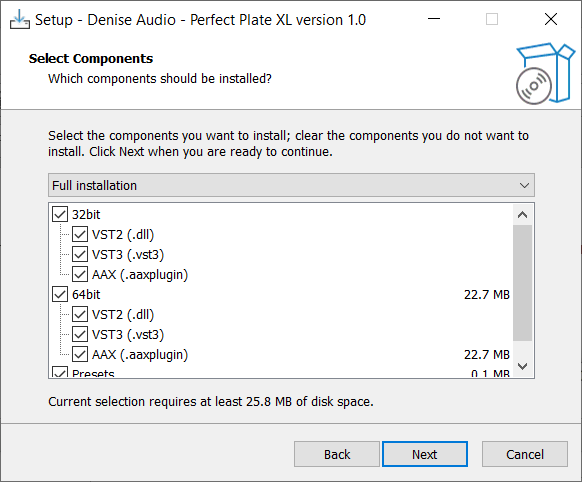
- OSX 10.7 or newer (Apple Silicon Native) (64-bit only)
- VST, VST3, AU, AAX
Windows:
- Windows 7 or newer (64-bit only)
- VST, VST3, AAX

Amoss
DJ / Producer
"Noize 2 makes it very easy to add a layer, quickly."
.jpg?t=1790230386)
Sh?m
DJ / Producer
"Noize 2 has simply blown me away."