Log In

Free gifts available with your purchase
Synthwave Drums V3 covers styles from Synthwave, Vaporwave, Retro, The 80s, and Nu-Disco & Boogie styles of music.
With 1300+ drum sounds, 73 multi drum kits, and 70 patterns, this is your complete synthwave production toolkit. All sounds are professionally processed and ready to inject into your production - Beatskillz have done the hard work, so you don't have to!
73 Drum Kits | 70+ Patterns
Featuring 1300+ drum sounds across 73 multi drum kits and 27 single shots and combo kits.
Create your own patterns with the built-in 32 Step Sequencer that allows you to program Velocity, Pan, Note Length, Pitch & Reverb Sends per pad. Export your MIDI Pattern to your DAW or program directly from your DAW.
Master EQ, Compressor & Reverb
A powerful Master EQ & Compressor section lets you shape your entire drum mix. Add LoFi, drive and reverb effects to give your drums that authentic retro character and vintage warmth of the 80s!
Other Features
Each pad has extensive control including Volume, Pitch, Pan, Release, and Reverb Send. Apply HP and LP filters per pad for precise sound shaping.
The waveform display lets you trim samples and even reverse them for creative effects. Full MIDI control with assignable notes per pad.
Easy to Use
Controls Helper: Hover the mouse over any control and after a few seconds you will see a popup displaying its function and another which displays the value.
Draw Values: In the sequencer page you can easily draw the values of any parameter in its lane with a continuous flow of the mouse drag. Double click a value to return it to its default state.
Features
- Multi Out (8 Pairs): Use the MultiOut Button to route each Pad (sound) to its own channel in your DAW. SW3 supports 8 stereo pairs for maximum mixing flexibility. Make sure to open the plugin as a multiout instrument in your DAW. Now you can mix and effect each sound individually with your own plugins and effects.
- Drag & Drop Your Own Samples: Drag and drop your own samples directly onto any pad to create custom kits! Combine your favorite sounds with the extensive library. Use the MIDI DROP Button to drag your pattern to your DAW track. You can also export MIDI patterns directly from the sequencer section for use in other instruments.
- Per-Pad Parameters: Each pad has extensive control including Volume, Pitch, Pan, Release, and Reverb Send. Apply HP and LP filters per pad for precise sound shaping. The waveform display lets you trim samples and even reverse them for creative effects. Full MIDI control with assignable notes per pad.
- Built-In Step Sequencer: The powerful 32-step sequencer includes 70+ ready-made patterns in various synthwave styles. Program Velocity, Pan, Note Length, Pitch & Reverb Sends per step. Features swing control and easy pattern switching. Export MIDI directly from the sequencer or drag patterns to your DAW.
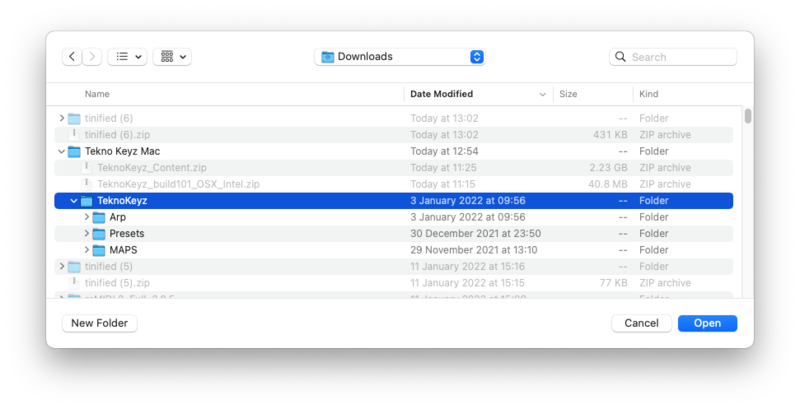
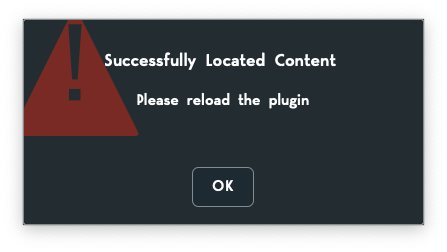
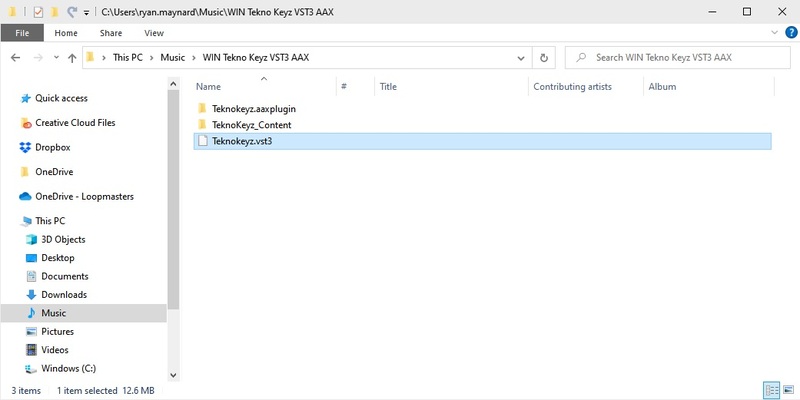
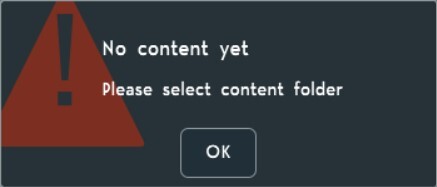
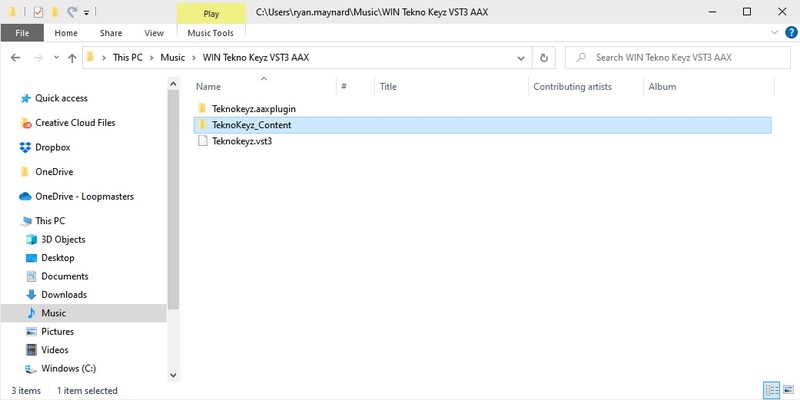
- Library Relocate: The Settings icon lets you locate where you placed your library and connect it to the plugin. By default, when you use Beatskillz' installer, the library will be placed in your Beatskillz Preset Folder and connect automatically. If you wish to place it elsewhere, maybe on another drive, this feature lets you do that.
- Save Your Own Kits: Create and save your own custom drum kits combining SW3's extensive library with your own samples. The Reset icon lets you clear all samples from the Pads and reset all parameters to start fresh with a new kit design.
Windows
- Windows 10 or later
- VST3 / AAX (64-bit host)
- Intel i5 or later / AMD Athlon 64 or equivalent
- 2 GB RAM
- 300 MB hard disk space
Mac
- macOS Mojave or later
- AU / VST3 / AAX (64-bit host)
- Apple M1/M2/M3/M4 or Intel i5 or later
- 2 GB RAM
- 300 MB hard disk space
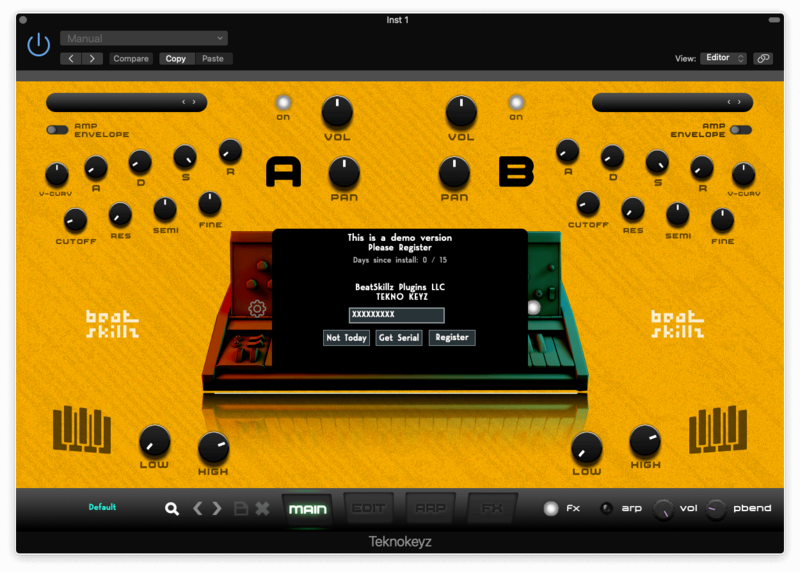
Note: License Authorization needs an internet connection.