Log In
Free gifts available with your purchase
Loopmasters are proud to present Analog Vapors, a brand new expansion pack for Loopmasters Khords synth.
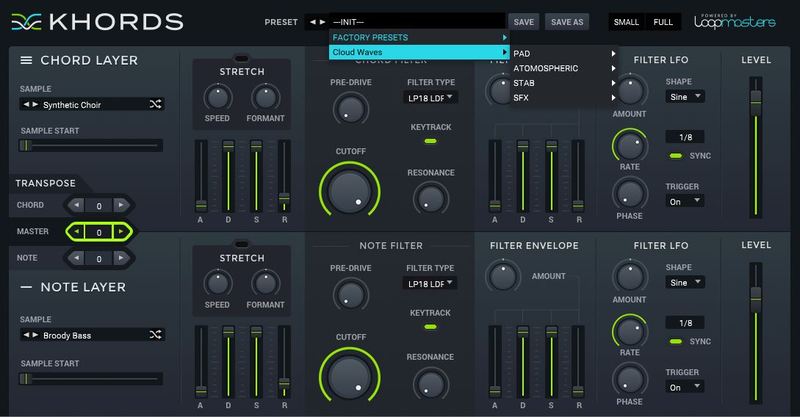
Analog Vapors is an all new collection of 50 dreamy sounds, designed to expand the Khords factory sound bank with rich and warm synthwave style synths and chords that are perfect for designing your own heavenly pads, chilled atmospherics and nostalgic stabs. The raw sounds are luxuriant and rich - the perfect complement to the Khords factory sound bank. The Collection also features 100 expertly crafted and expressive presets for instant gratification. Enhance your Khords with Analog Vapors today!
In detail, expect to find 60 brand new waveforms, broken down into 25 Major Feel Chords, 25 Minor feel Chords and 10 Root or Open Note Chords. These raw sounds are used to create the 102 included presets, including: 19 Pad Presets, 05 Atmospheric Presets, 21 Stab Presets, 12 Key Presets, 20 Pluck Presets, 05 Rhythmic Presets,04 Strum Presets, 04 Lead Presets, 05 String Presets, 06 Bass Presets, and 01 SFX Presets.
Features
- 60 brand new waveforms
- 102 presets
System Requirements
- KHORDS 1.0.4 or higher
Note: This software requires a copy of KHORDS. Please ensure you have updated KHORDS to version 1.0.4 or higher before installing your expansion pack.