Buy Pastels (CUBE Expansion), get a free gift with purchase:
Blossoming Explorations of Harp and Mallets
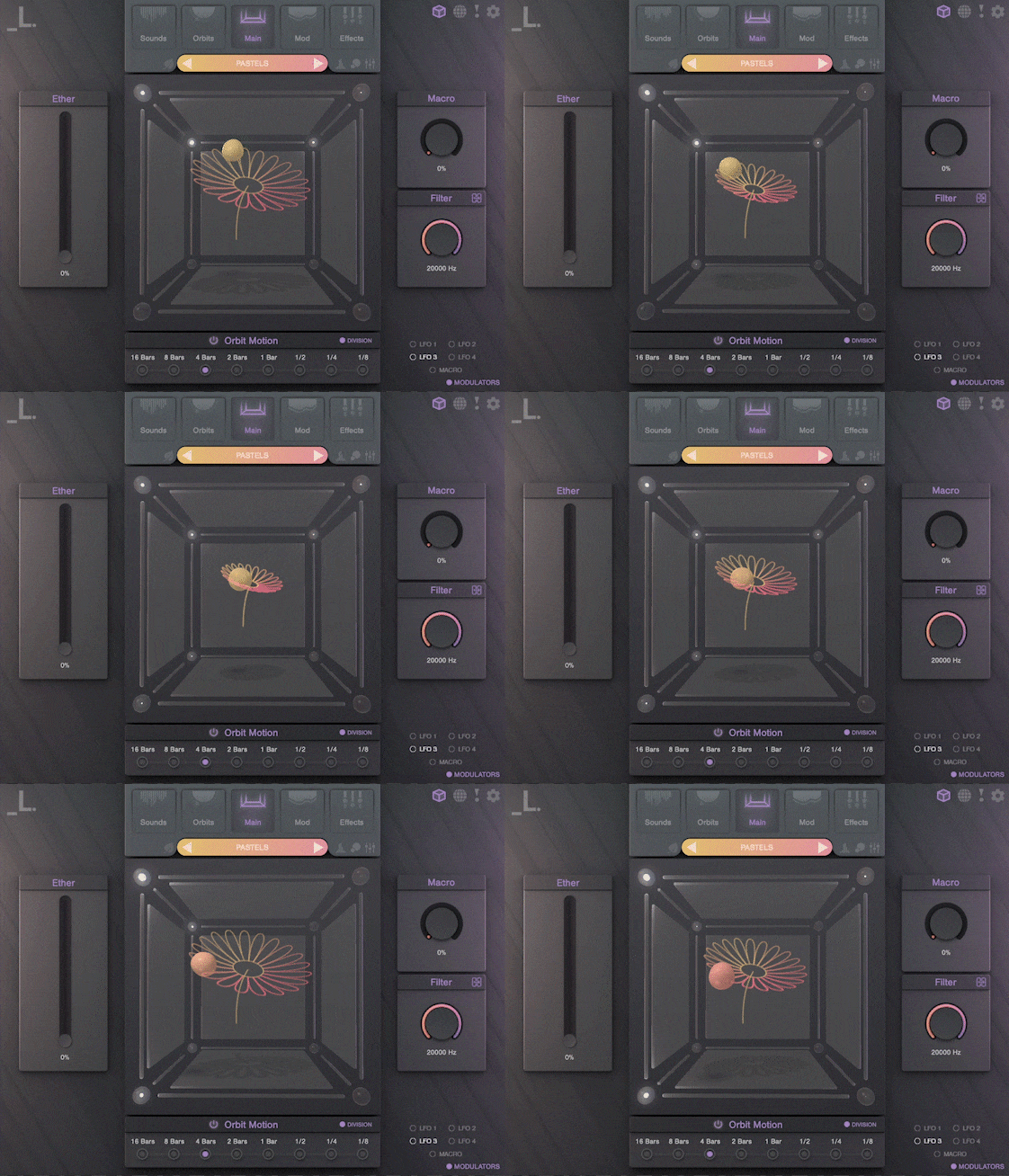
Pastels is a CUBE expansion that blends glittering plucks with colorful mallet-based instruments to add a radiant, blooming aura to any production.
Packed with some of our most exquisitely sampled instruments yet, Pastels offers a range of gorgeous harp articulations, playful kalimba plucks, and a wide variety of mallet-based sounds, including marimba, vibraphone, and steelpan.
Pastels is perfect for delicate melodies and soundscapes in lofi productions but works equally well for pop, hip hop, EDM, or cinematic scores.
Features
- 30 Sound Sources: Multi-sampled harp with staccato plucks, elegant tremolo and glissandi, and delicate harmonics. Plus, a fresh take on timeless mallet-based sounds from world-class percussionists.
- 120 Presets: A striking collection of meticulously crafted presets, with contributions from renowned sound designers JViews, Venus Theory, DataBroth, and more.
System Requirements
- macOS 10.15+
- Windows 7+
- 1 GB Download
- Supported by all major DAWs
Important Note: CUBE or CUBE Mini v1.2.5 or higher is required in order to use this expansion.
Please note: CUBE is used as the example
Registration
1. Click the Download button in your Plugin Boutique account or go to https://lunacy.audio/register.
2. Enter your email address, the password you wish to use and your License Key which can be found in your Plugin Boutique User Account.

3. Download the relevant CUBE Full Installer.

Mac Installation
1. Download the installer from your Plugin Boutique user account and extract the zip folder.
2. Run the "CUBE_Installer_Mac_v1.0.1.dmg" installer.
3. Run the left "CUBE_v1.0.1.pkg" under the heading "Install the plugin".
4. Click "Continue".
5. Click "Continue".
6. Click "Agree".
7. Click "Install".
8. Click "Close".
9. Run the right "CUBE_Samples.pkg" under the heading "Install the samples".
10. Click "Continue".
11. Click "Install".
12. Click "Close".
13. Launch your DAW and create a new stereo instrument track, then insert CUBE onto the channel.
14. Enter your 20 digit serial code. This can be found on your My Account page. Make sure to include the first 4 letters. Then click Activate.
Your software is now activated and ready to use.
Windows Installation
1. Download the installer from your Plugin Boutique user account and extract the zip folder.
2. Run the first installer "01_CUBE Plugin Installer v1.0.1.exe".
2. Click "I accept the agreement", then click "Next".
3. Click "Install".
4. Click "Finish".
5. Now run the second installer "02_CUBE Samples Installer.exe".
6. Click "Next".
7. Click "Install".
8. Click "Finish".
9. Launch your DAW and create a new stereo instrument track, then insert CUBE onto the channel.
10. Enter your 20 digit serial code. This can be found on your My Account page. Make sure to include the first 4 letters. Then click Activate.
Your software is now activated and ready to use.