Buy HALO-2 Expansion: JUNGLIST, get a free gift with purchase:

Introducing “JUNGLIST” - Grab your rave horn and prepare to get Old Skool...
Featuring a massive 100+ presets and 45 sample banks containing subs, stabs, basses and the lushest of pads, all dripping in Junglistic vibe and character. These sounds have been created using primarily hardware and software synthesisers and cutting edge software processing, all run through Halo's unique processing and sequencers, reflecting 25 years of experience producing Jungle and Drum and Bass!
Even the famous Dub Siren makes several appearances. Intersecting classic old skool jungle and intelligent drum and bass with modern production techniques this expansion brings a fresh palette to the Jungle revival. This was also the most requested expansion from customers yet!
Features
- 100+ Presets
- 45 Sample Banks
- Lush intelligent drum and bass pads + sequences
- Jungle subs, stabs, wobbles, distorted basses, sub fallers
- Loads more....
System Requirements
- Requires the full version of HALO-2
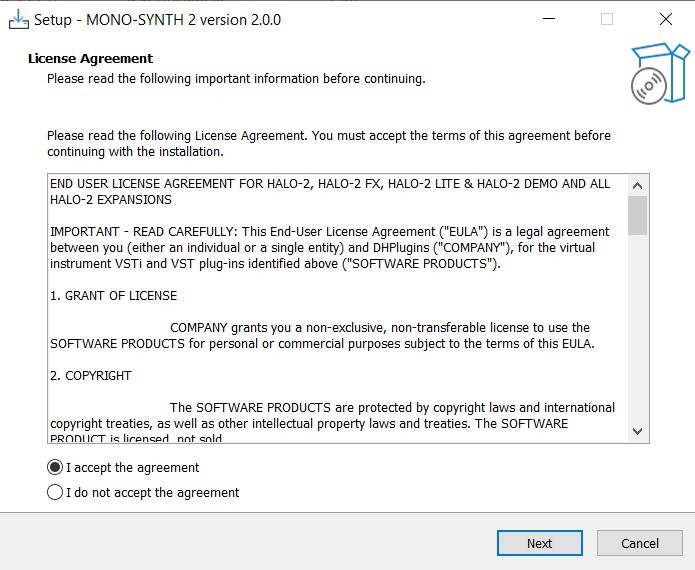
Note: HALO-2 Expansion - Mono-Synth is used as an example.
Windows
1. Download the installation pack from within your Plugin Boutique User Account, and unzip the contents.
2. Launch the 'MONO-SYNTH 2' installer.
3. Select 'I accept the agreement', then click 'Next'.
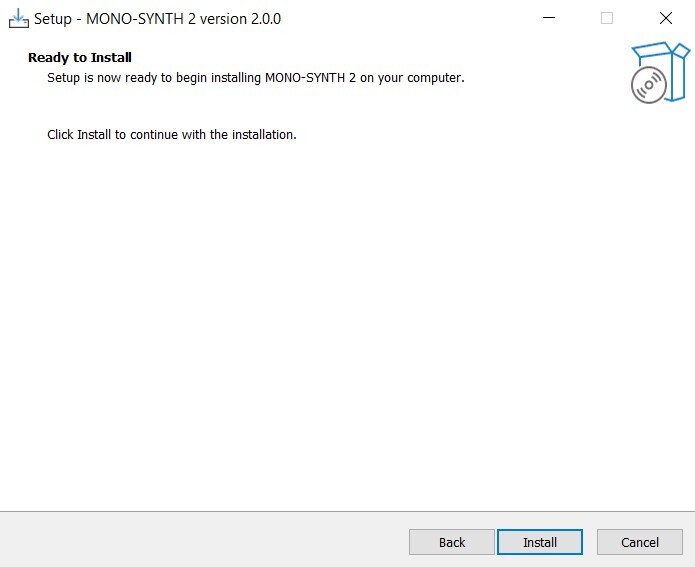
4. Click 'Install'.
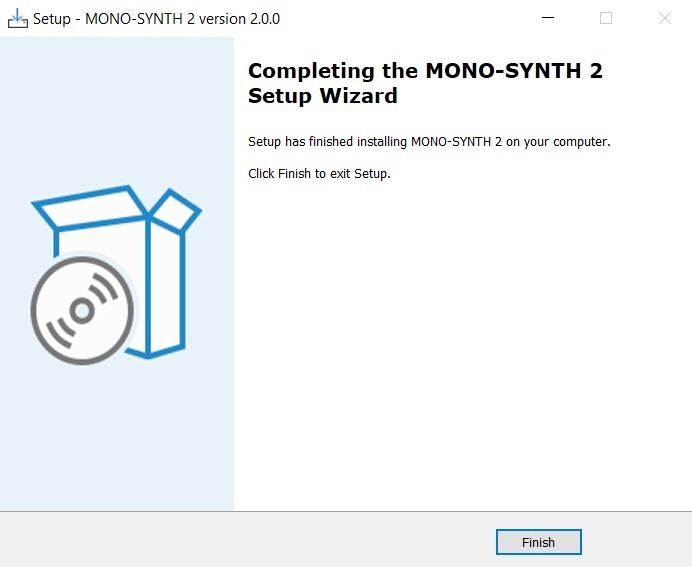
5. Once installation is complete, click 'Finish'.
6. Launch the 'MONO-SYNTH 2 SAMPLES' installer from within your downloaded installation package.
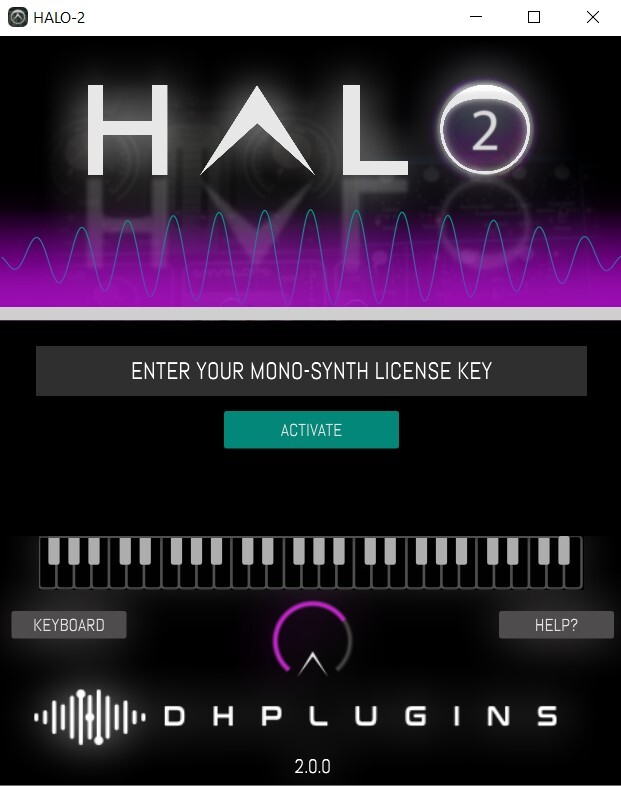
7. Enter the license key from within your Plugin Boutique User Account, and click 'Activate'.
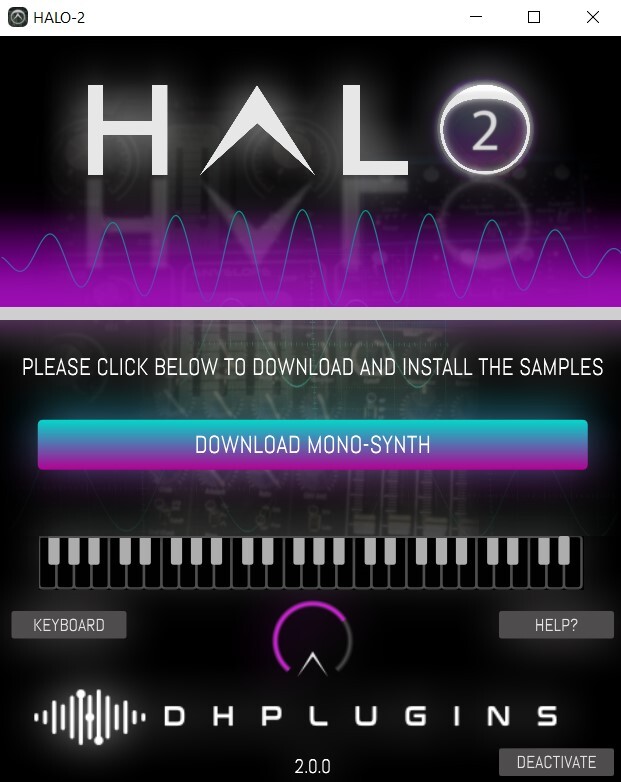
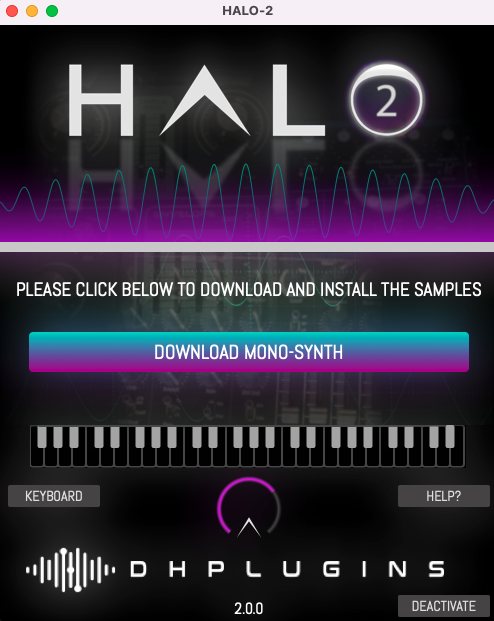
8. Click 'Download Mono-Synth'.
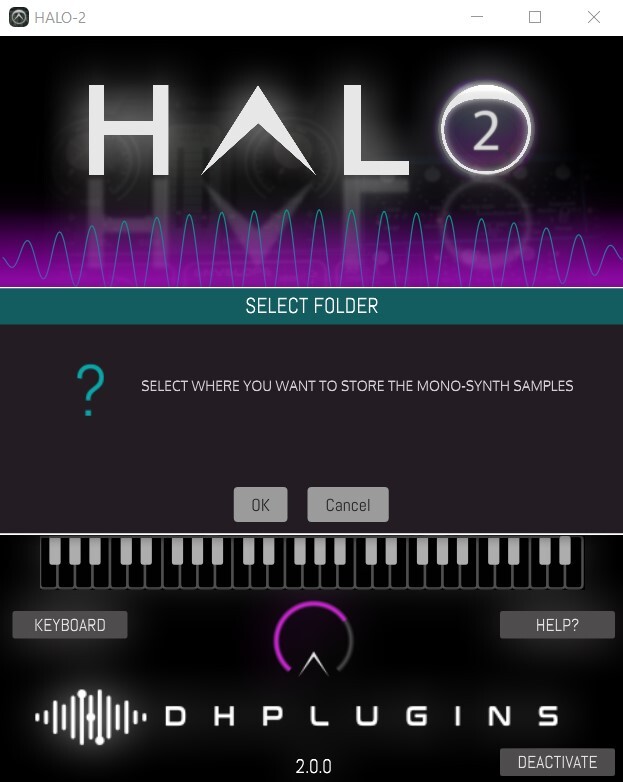
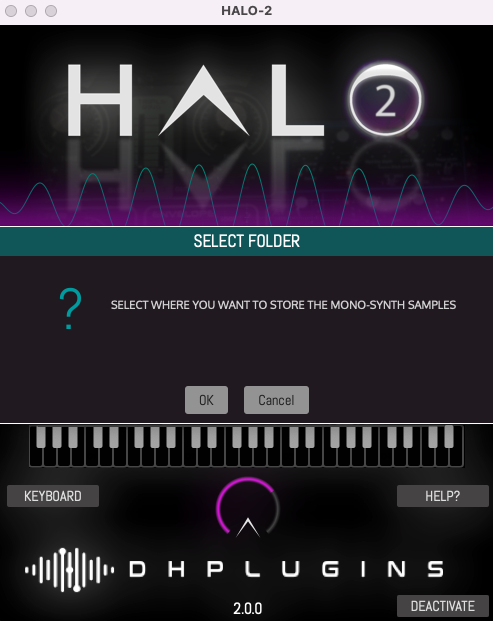
9. Click 'OK', and select a download location for your samples.
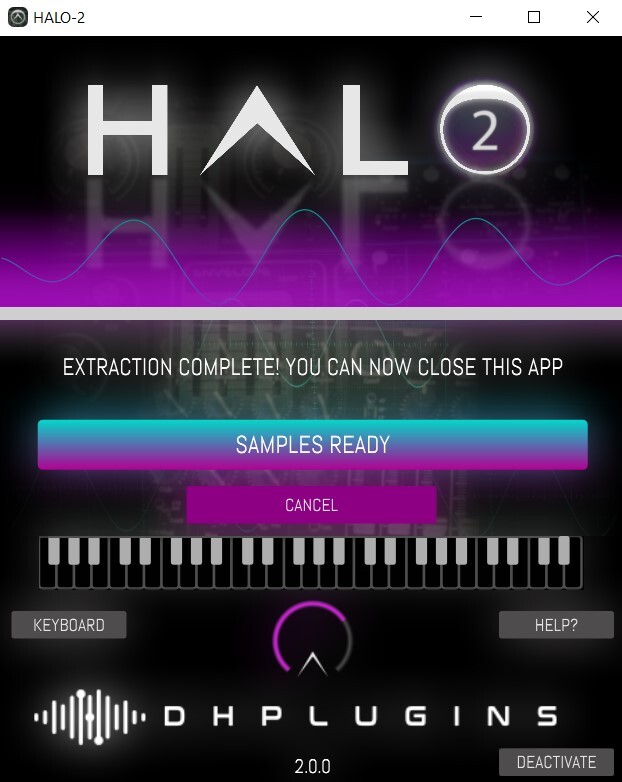
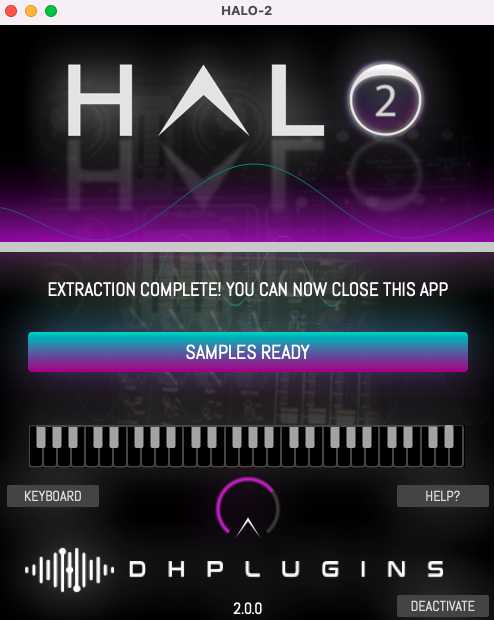
10. Once installation is complete, close the window (do not click 'Cancel').
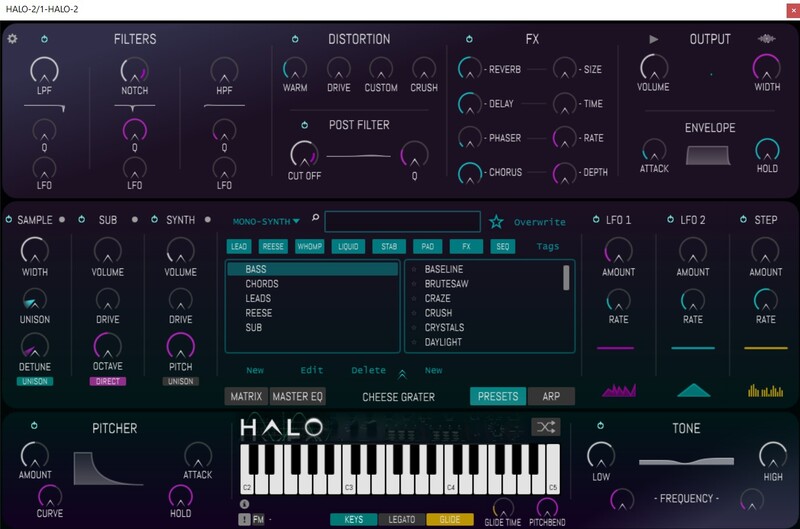
11. You're ready to go! Launch HALO-2 within your DAW, and navigate to your newly activated expansion pack.
Mac
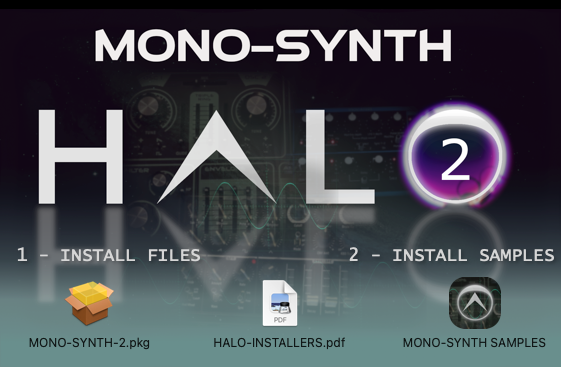
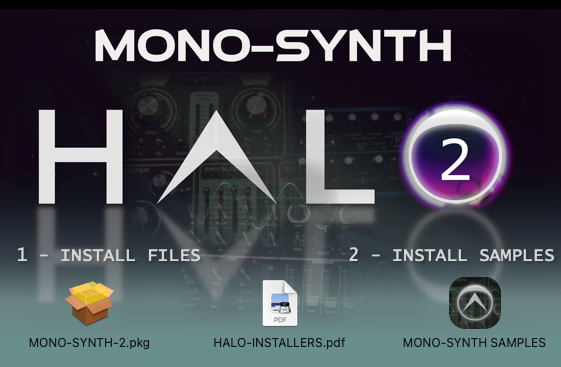
1. Download the installation pack from within your Plugin Boutique User Account, and unzip the contents.
2. Launch the 'MONO-SYNTH 2' installer.
3. Double click on 'MONO-SYNTH-2.pkg'.
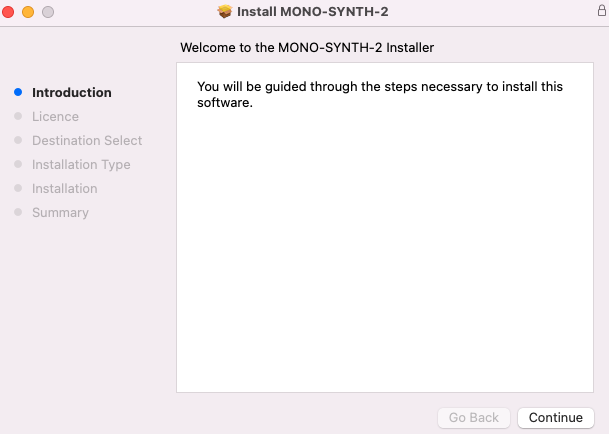
4. Click 'Continue'.
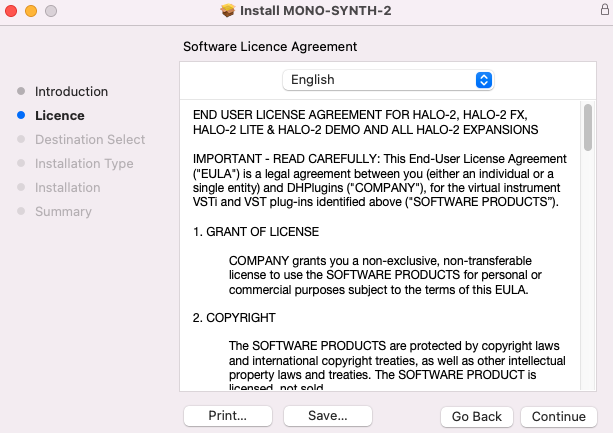
5. Click 'Continue'.
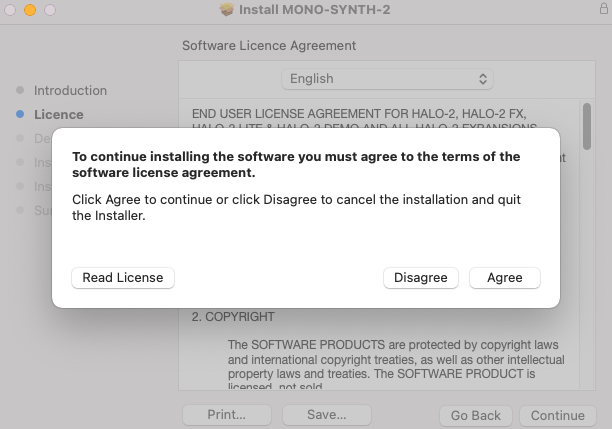
6. Click 'Agree'.
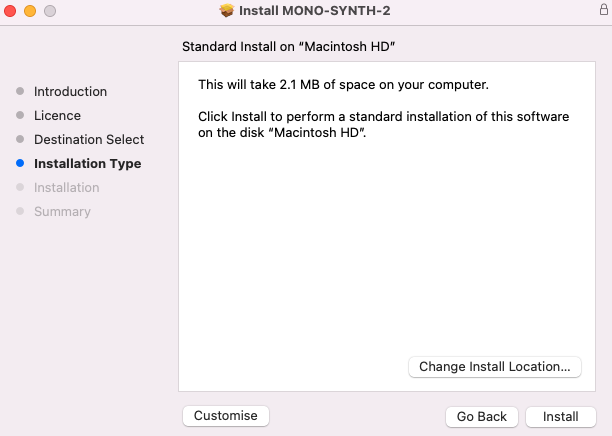
7. Click 'Install'.
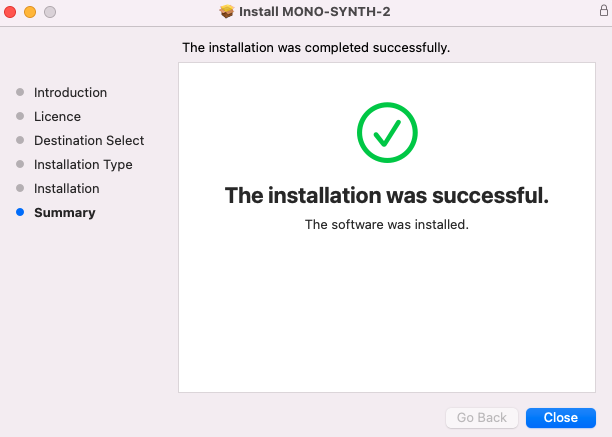
8. Click 'Close'.
9. Return to the installer and launch 'MONO-SYNTH SAMPLES'.
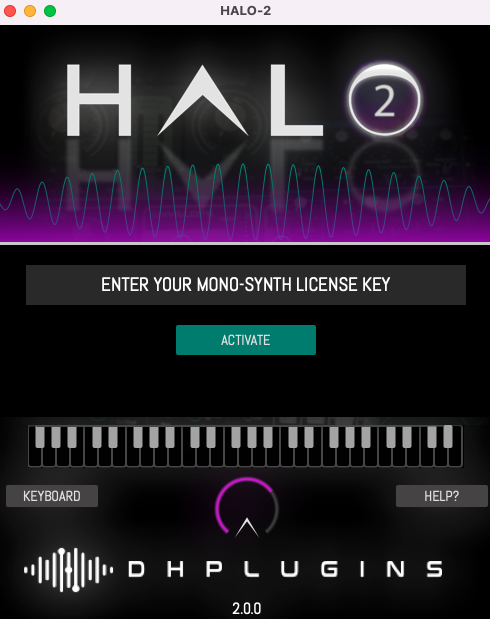
10. Enter the license key from within your Plugin Boutique User Account, and click 'Activate'.
11. Click 'Download Mono-Synth'.
12. Click 'OK'.
13. Once installation is completed, close the window.
14. You're ready to go! Launch HALO-2 within your DAW, and navigate to your newly activated expansion pack.