


Buy HALO-2 Expansion: CYBERFUNK, get a free gift with purchase:
Introducing “CYBERFUNK” - Join us in a deep dive into the world of analog synthesis resampling, cut from two legendary analog synthesisers. From Euphoric to Dystopian, Cyberfunk covers a vast array of sonic ground, with Sweeping Soundscapes, Earthshaking Subs, Blissful Melodies, Moving Chord Sequences, Punchy Plucks, Piercing Arps, Huge Leads and Bass... Please ensure HALO-2 is updated to v 2.0.3.
CYBERFUNK is the largest HALO Expansion Pack yet, featuring a whopping 200+ presets and 60 sample banks. A huge library of leads, strings, plucks, sequences, pads, chords, basses and subs lie within, oozing the character and fidelity of analog synthesis. These sounds have been created using two cutting edge hardware analog synthesisers and modern software processing, all run through Halo's unique processing and sequencers.
Check out the video preview to get a feel for how it sounds...
Features
- 200+ Presets
- 60 Sample Banks
- Huge Library Of Leads, Pads, Plucks, Basses, Stabs, & Subs
- 22 Arps / Sequences
- Loads More....
System Requirements
- Requires the full version of HALO 2.0.3+ (Does not work with HALO LITE)
Windows
1. Download the installation pack from within your Plugin Boutique User Account, and unzip the contents.
2. Launch the 'MONO-SYNTH 2' installer.
3. Select 'I accept the agreement', then click 'Next'.
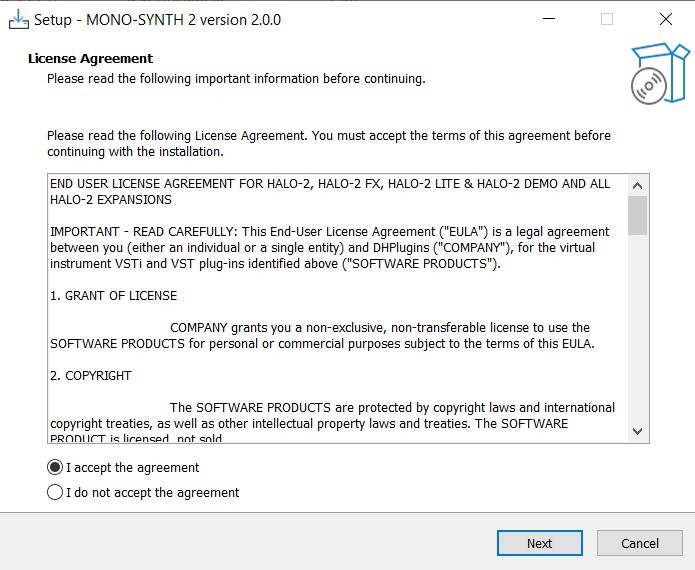
4. Click 'Install'.
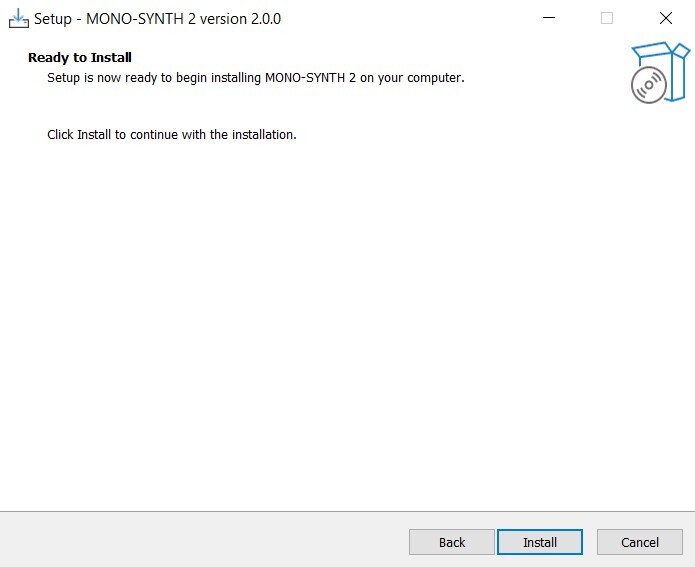
5. Once installation is complete, click 'Finish'.
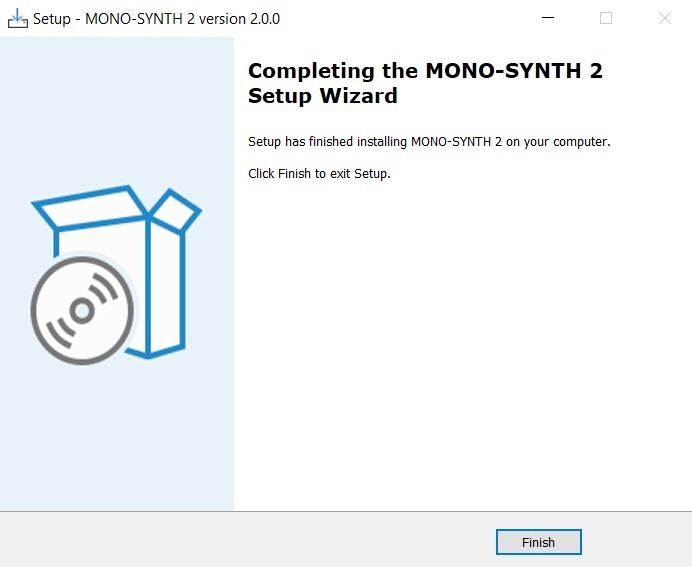
6. Launch the 'MONO-SYNTH 2 SAMPLES' installer from within your downloaded installation package.
7. Enter the license key from within your Plugin Boutique User Account, and click 'Activate'.
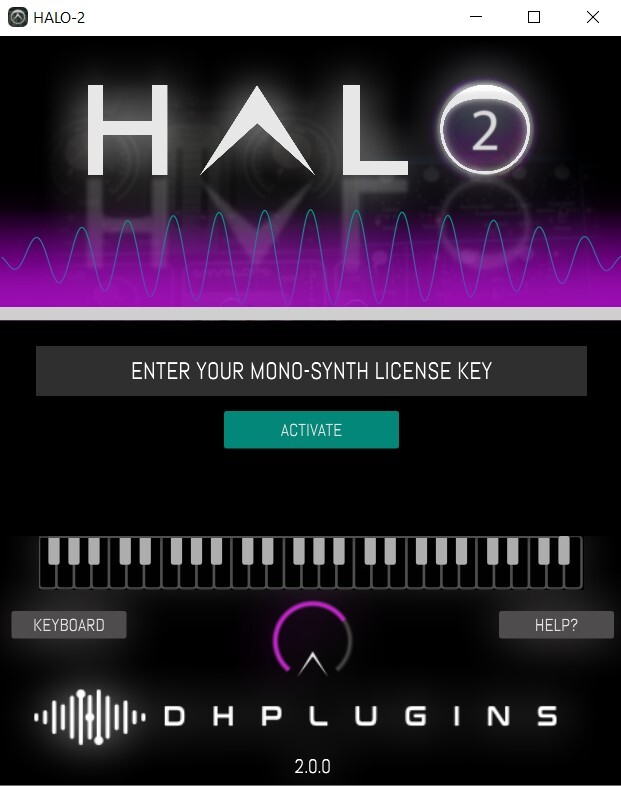
8. Click 'Download Mono-Synth'.
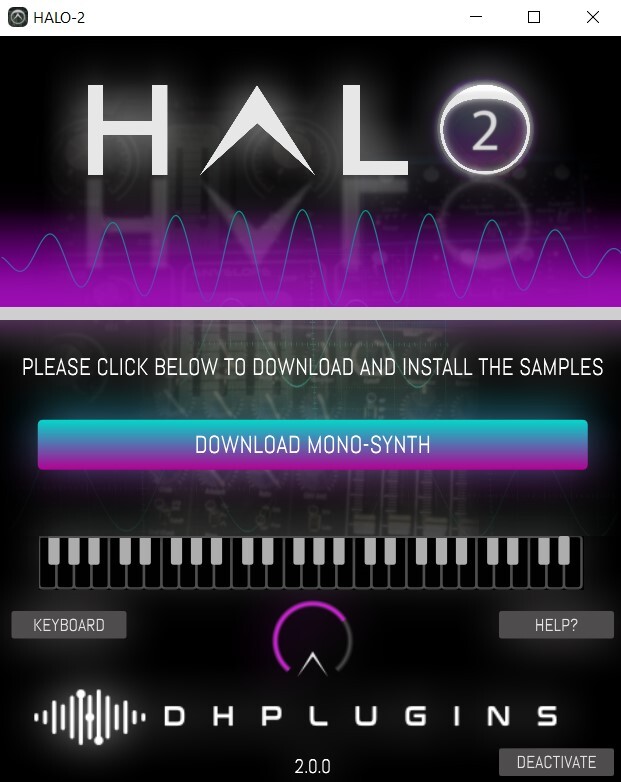
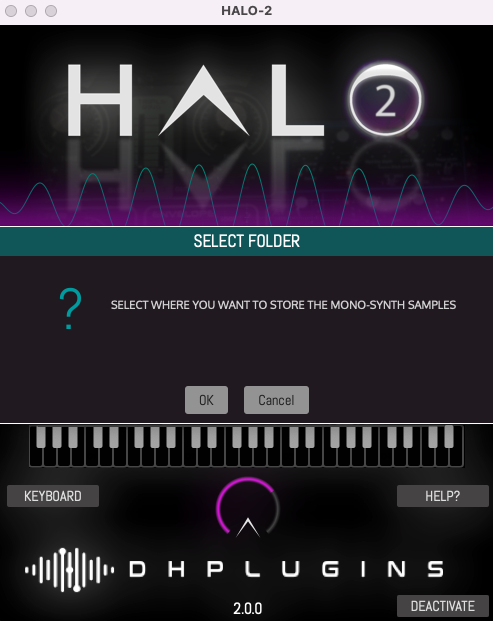
9. Click 'OK', and select a download location for your samples.
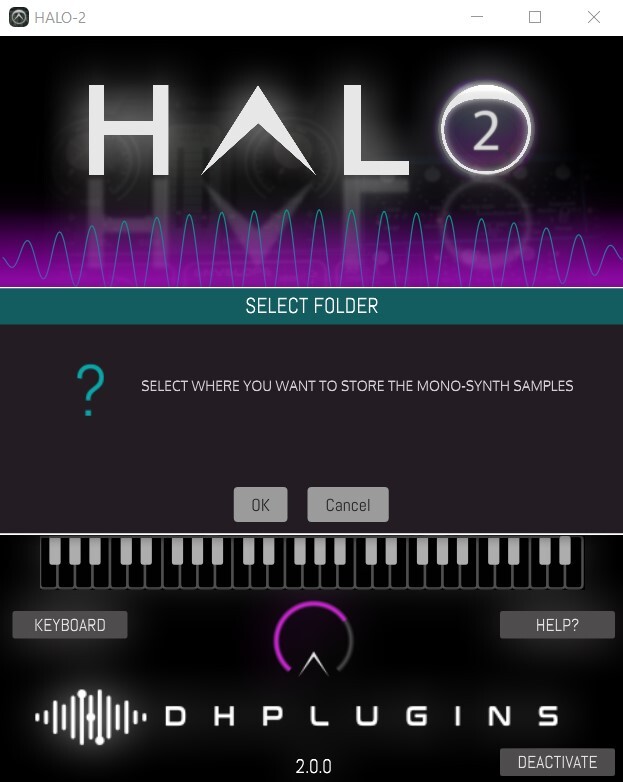
10. Once installation is complete, close the window (do not click 'Cancel').
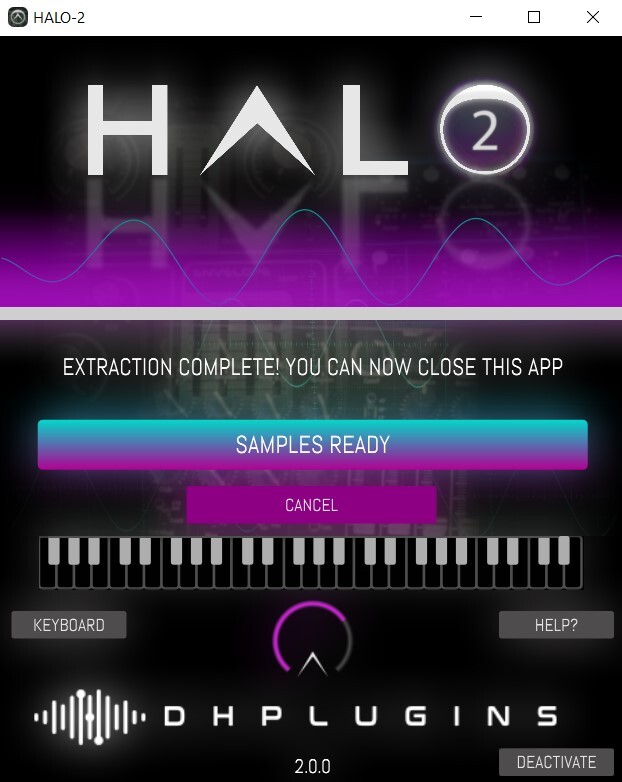
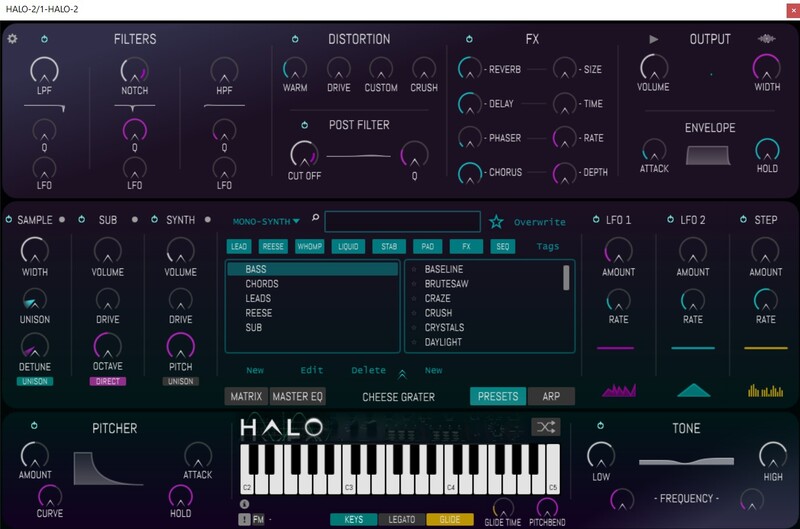
11. You're ready to go! Launch HALO-2 within your DAW, and navigate to your newly activated expansion pack.
Mac
1. Download the installation pack from within your Plugin Boutique User Account, and unzip the contents.
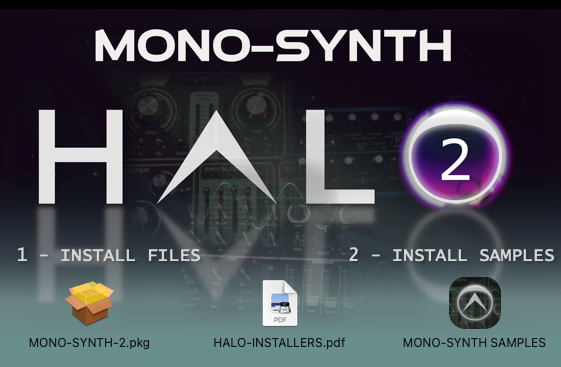
2. Launch the 'MONO-SYNTH 2' installer.
3. Double click on 'MONO-SYNTH-2.pkg'.
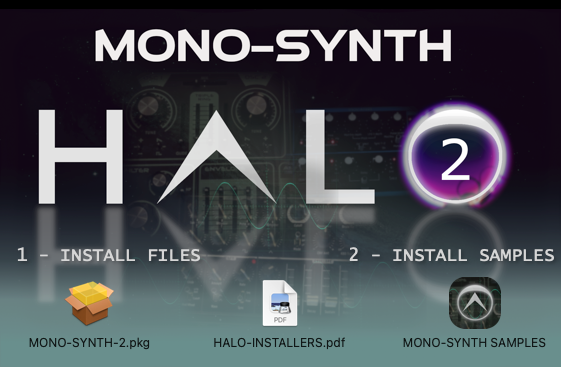
4. Click 'Continue'.
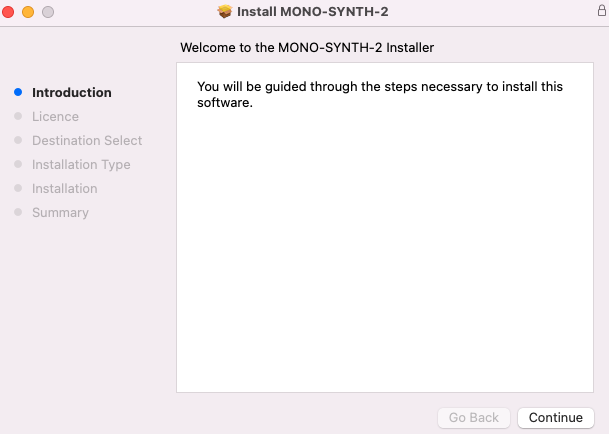
5. Click 'Continue'.
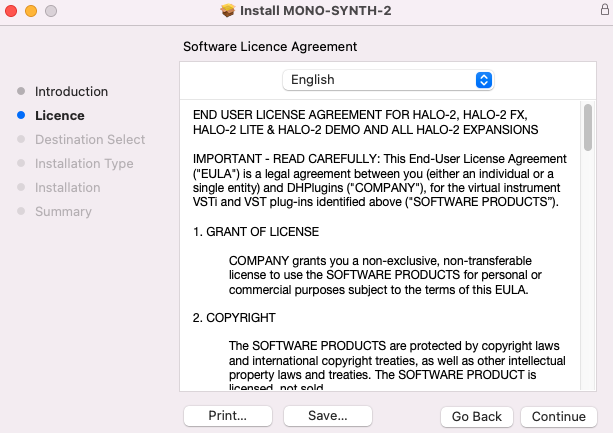
6. Click 'Agree'.
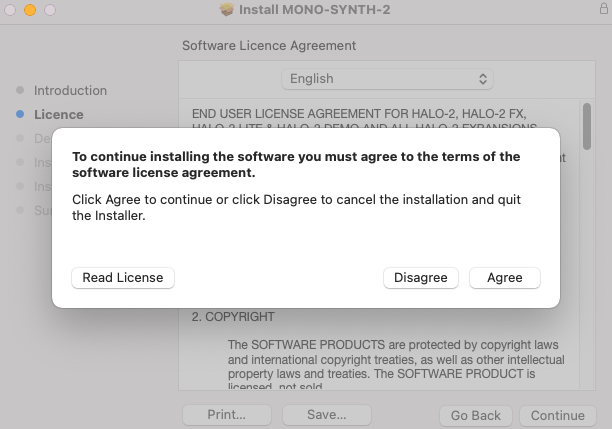
7. Click 'Install'.
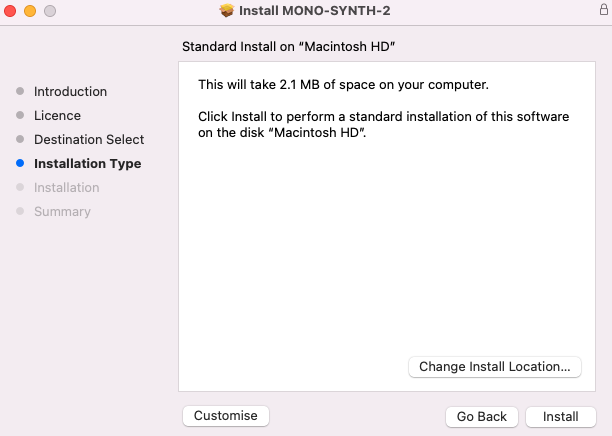
8. Click 'Close'.
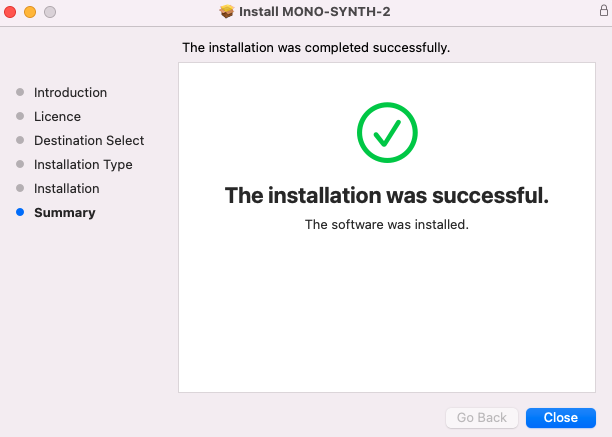
9. Return to the installer and launch 'MONO-SYNTH SAMPLES'.
10. Enter the license key from within your Plugin Boutique User Account, and click 'Activate'.
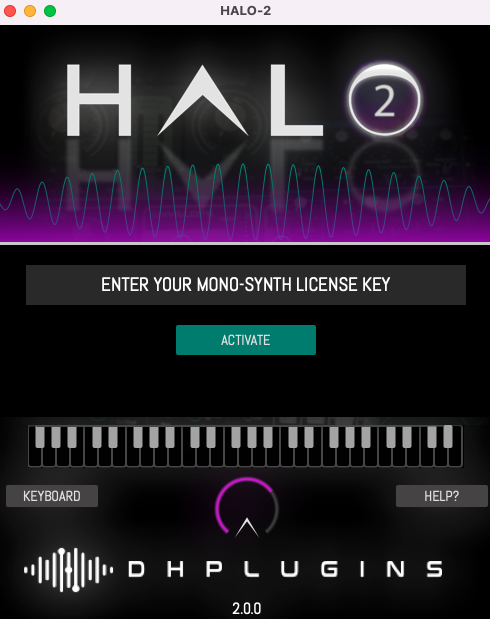
11. Click 'Download Mono-Synth'.
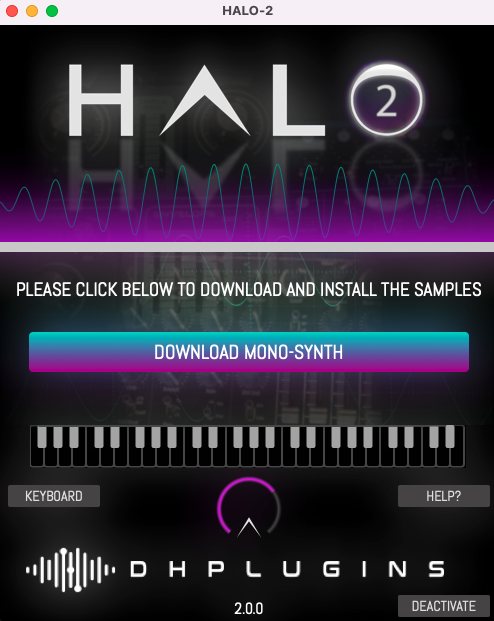
12. Click 'OK'.
13. Once installation is completed, close the window.
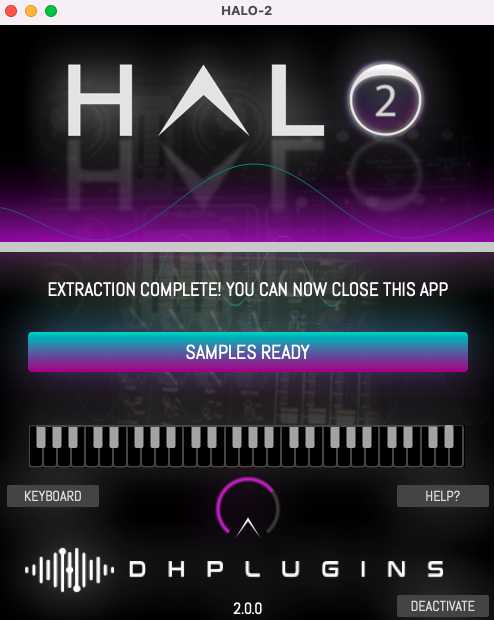
14. You're ready to go! Launch HALO-2 within your DAW, and navigate to your newly activated expansion pack.


