Buy Sky (CUBE Expansion), get a free gift with purchase:
Celestial Guitars for CUBE
Sky is a CUBE expansion that sends iconic guitar sounds into the stratosphere.
Performed by LA’s finest session guitarists, processed with top-shelf guitar pedals, and mastered with tasteful post-processing, Sky knows no limits. Load up a selection of soaring pads, dreamy plucks, distorted sustains, moody reversals, and airy delays to take your tracks to new heights.
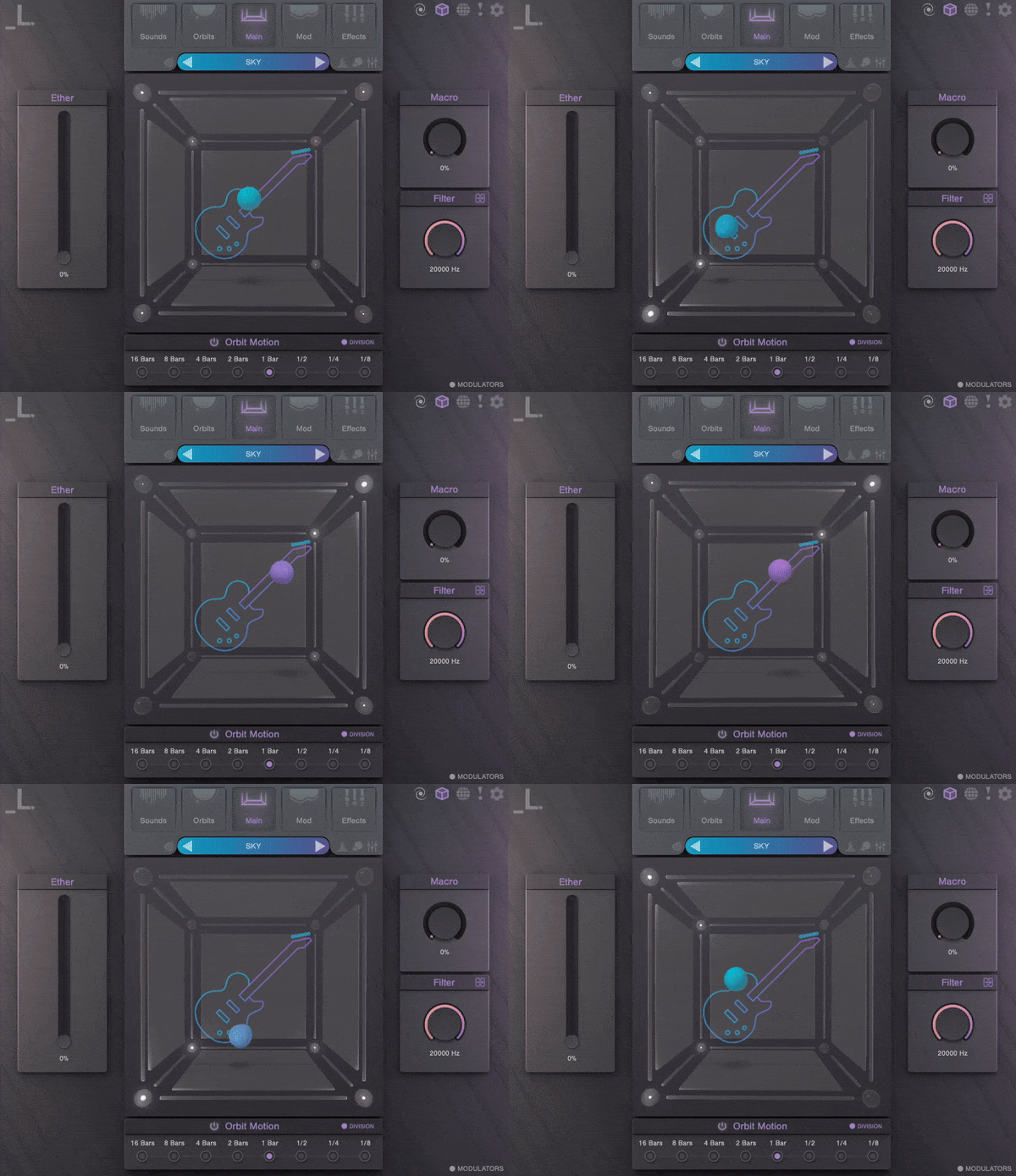
Features
- 30 Sound Sources: A rare collection of guitar articulations featuring pristinely sampled staples in the electric and bass world, ranging from simple strums to textural pluck techniques.
- 100 Presets: An assortment of flying leads, morphing guitar arps, and amplified pads.
System Requirements
- CUBE or CUBE Mini Engine Required
- macOS 10.15 and higher
- Windows 7 and higher
- 1.02 GB Download
- Supported by all major DAWs
Important Note: CUBE or CUBE Mini v1.2.5 or higher is required in order to use this expansion.
Summary - Cube represents an impressive start for Lunacy Audio. The engine provides a powerful platform for anyone designing sounds for electronic or cinematic music production. Lunacy Audio takes a different approach to in‑the‑box sound design. Cube is the first product from the Lunacy Aud...
Read MorePros The Orbit Motion feature is one of the most creative motion engines I’ve yet come across – beyond the 40+ Orbit Motion presets, Cube allows you to build your own complex motions throughout its three-dimensional sound space Lots of nicely categorized presets means you can find a sound...
Read MoreTaking Vector Synthesis into the Third Dimension It’s not often we’re left open-mouthed by how good a synth is, but CUBE has us gawping like village idiots. Rating - 9 / 10 Pros Fresh, new take on a classic digital synthesis technique Interesting, complex, ever-evolving sounds ...
Read MoreSummary - CUBE is on the upper price end for instruments in its spirit, but the tag is quite reasonable considering the 3D Sound Blender’s polish, depth, and vast factory library. Pros An innovative approach to sample layering and blending Rich preset and audio library Comprehensive ...
Read MoreRegistration
1. Click the Download button in your Plugin Boutique account or go to https://lunacy.audio/register.
2. Enter your email address, the password you wish to use and your License Key which can be found in your Plugin Boutique User Account.

3. Download the relevant CUBE Full Installer.

Mac Installation
1. Download the installer from your Plugin Boutique user account and extract the zip folder.
2. Run the "CUBE_Installer_Mac_v1.0.1.dmg" installer.
3. Run the left "CUBE_v1.0.1.pkg" under the heading "Install the plugin".
4. Click "Continue".
5. Click "Continue".
6. Click "Agree".
7. Click "Install".
8. Click "Close".
9. Run the right "CUBE_Samples.pkg" under the heading "Install the samples".
10. Click "Continue".
11. Click "Install".
12. Click "Close".
13. Launch your DAW and create a new stereo instrument track, then insert CUBE onto the channel.
14. Enter your 20 digit serial code. This can be found on your My Account page. Make sure to include the first 4 letters. Then click Activate.
Your software is now activated and ready to use.
Windows Installation
1. Download the installer from your Plugin Boutique user account and extract the zip folder.
2. Run the first installer "01_CUBE Plugin Installer v1.0.1.exe".
2. Click "I accept the agreement", then click "Next".
3. Click "Install".
4. Click "Finish".
5. Now run the second installer "02_CUBE Samples Installer.exe".
6. Click "Next".
7. Click "Install".
8. Click "Finish".
9. Launch your DAW and create a new stereo instrument track, then insert CUBE onto the channel.
10. Enter your 20 digit serial code. This can be found on your My Account page. Make sure to include the first 4 letters. Then click Activate.
Your software is now activated and ready to use.


