


 Log In

Free gifts available with your purchase
Beneath Waves by Robot Koch
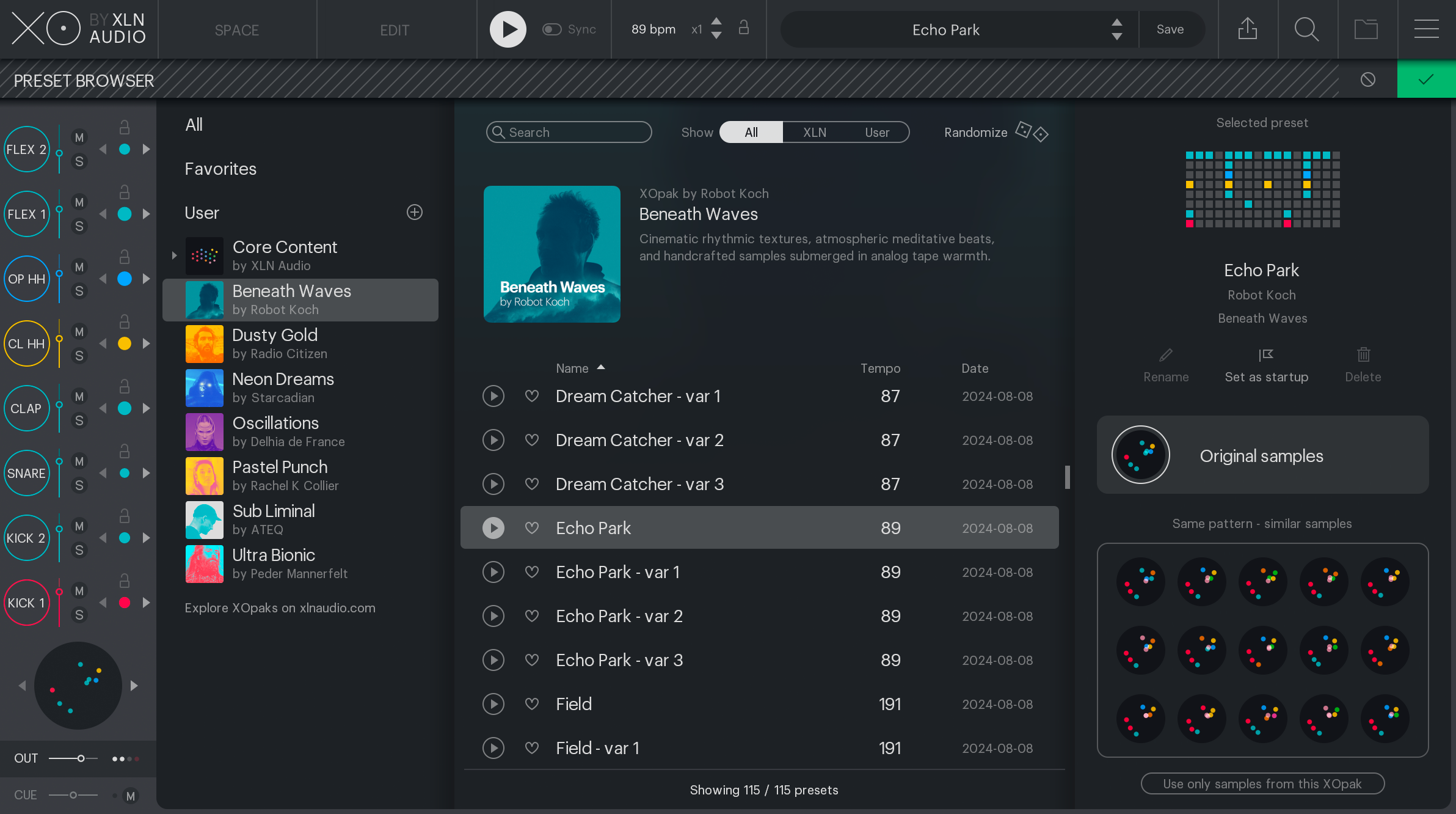
Submerge your tracks in cinematic rhythmic textures & beats soaked in analog tape warmth
This XO Expansion allows you to dive deep into the cinematic, visual-inducing sonic world of Robot Koch, alias of artist/producer/composer and textural soundscape mastermind Robert Koch.
“Every preset has an instant visual attached to them, almost like a scene from a movie”
His unique sampling process combines field recordings with the unpredictable analog nature of processing sounds through custom-built tape machines, adding warmth, warble, and life to achieve his unmistakable textural sonic landscapes.
“I embrace imperfection in my sound. It’s not something I try to get rid of, but rather I invite it in”.
Koch layers sounds — often 10 or more — into one sonically rich final amalgamation whose origins are no longer fully discernible.
“I like when people don’t exactly know what’s going on, or how it was made”.
You can’t tell if it’s the water, wind, rain, or tape noise from one of his countless field recordings you’re hearing, but you subliminally recognize and embrace the organic nature of the sounds.
With the “Beneath Waves” XO Expansion, Robot Koch invites you on a unique and unprecedented collaborative sonic journey. Get instant inspiration for your next track, and use XO’s powerful editing features to explore endless variations and possibilities to make it your own.
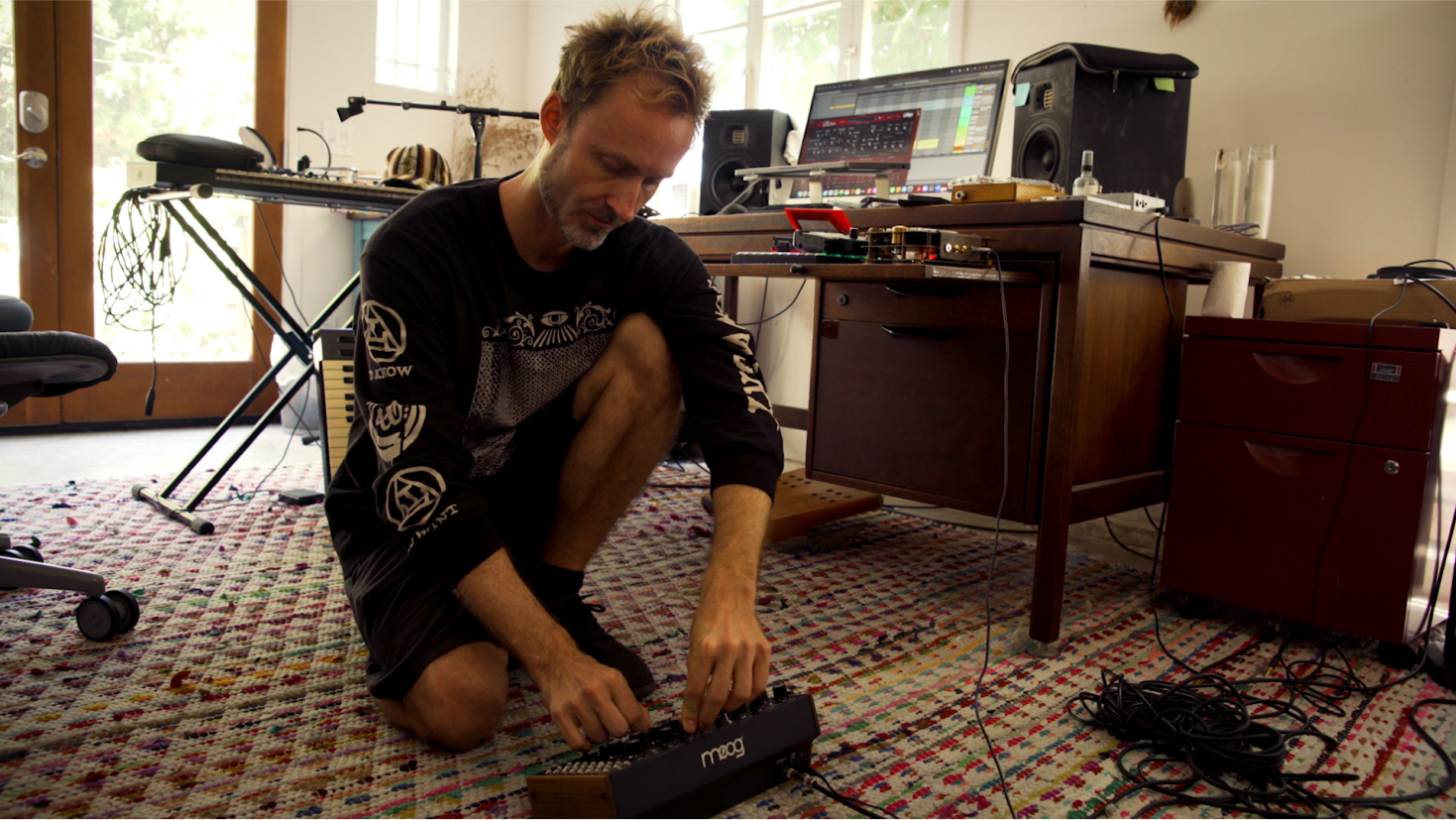
Robot Koch
Award-winning artist and composer Robot Koch is a visionary sonic explorer whose work lies at the intersection of sound, art, and immersive experiences.
With a profound fascination for the convergence of science and spirituality, he creates music that transcends traditional boundaries, crafting auditory landscapes that invite listeners on a deep inward journey.
With a discography that spans numerous albums and well over 100 million streams, Robot Koch has established himself as a sonic explorer in the realm of electronic, ambient, and modern classical music. His compositions have been featured in several movies and TV shows, and his immersive audio-visual experiences sell out venues worldwide.
His innovative approach and dedication to exploring new sonic territories have established him as a leading figure in the world of electronic music and beyond.
Features
- Cinematic rhythmic textures & tape infused beats
- 115 inspiring presets
- 163 curated one-shot samples
System Requirements
- XLN Audio's XO is required in order to use this expansion pack.


