Log In

Free gifts available with your purchase
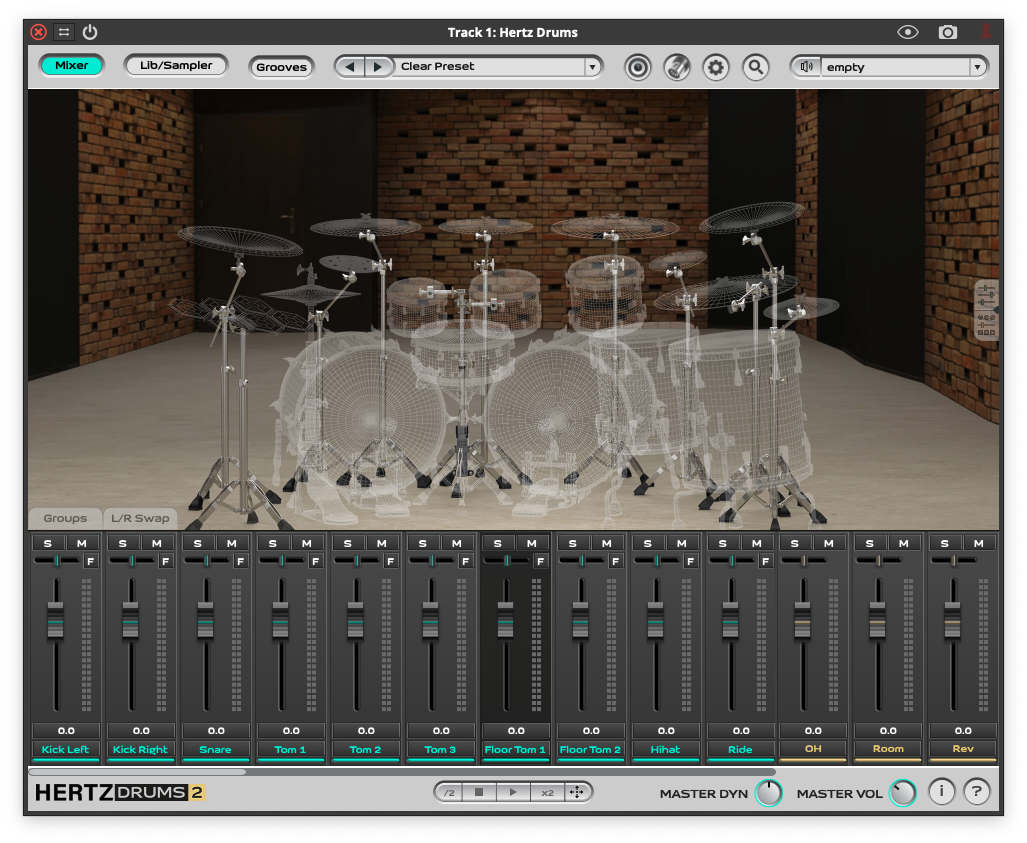
This is an expansion pack for Hertz Drums, and to use this pack, you need to have Hertz Drums installed.
Metal Unlimited Raw Pack is an unprocessed unique professionally recorded drums library with a lot of room for customization. This is an expansion pack for Hertz Drums, and to use this pack, you need to have Hertz Drums installed.
The only library on the market that allows you to blend raw unprocessed drum sounds with unique transient samples for every instrument using the dedicated FX fader to add just as much punch and clarity to your metal drums as you want. You can use just the raw samples alone for true-to-life drum tones, or just the FX samples to add unprecedented clarity and snap to your real or sampled drums.
A must-have pack for every sound engineer or producer.
Unprocessed unique drum library with a lot of room for customization. DEDICATED TO: Metal, Death Metal, Thrash Metal, Heavy Metal, Black Metal
Organized in 3 ready to use banks of presets:
BASIC – 5 RAW presets
Raw, organic sounding drum samples without eq or compression perfect for your mixes or e-drums.
This is a solid foundation for a great drum mix that you can shape and tweak in YOUR OWN WAY with your favorite EQ and compression FX.
METAL – 15 presets
Natural drum tones with snappy modern attack straight out of the box!
In these presets we’ve blended raw sounds with additional FX samples to make your metal drums sound huge and punchy without additional transient designers.
SNAP – 5 presets – Your secret weapon under the FX fader!
Add punch and snap to any drums!
The Snap presets are essentially collections of isolated drum transients that can cut through even the densest metal mix. You can blend them with your real or virtual drums for extra punch and clarity without tons of compression to achieve your own unique drum sound.
Each instrument has 3 matched FX samples that you can combine in any configuration.
Kit Pieces
5 x Kick Drums
– Classic 22″x18”
– Absolute 22″x18”
– Maple 24″x14”
– Vintage 24″x14”
– Master 22”x18”
5 x Snares
– Brass 6,5″x14″
– Mahogany 6,5″x14″
– Hammered 6,5″x14″
– Classic 5″x14″
– Aluminum 6,5″x14″
5 x Toms
– American Maple 8″
– American Maple 10″
– American Maple 12″
– American Maple 14″
– American Maple 16″
1 x Hi-Hat
– Classics Dark Custom 15″
1 x Ride
– Legacy 22″
3 x Crash
– Custom Dark 16″
– Custom Dark 18″
– Custom Dark 20″
3 x Splash
– Air 10″
– Giga Bell 18″
– Generation X Stack 12″x14″
2 x China
– Alpha 14″
– Nova 18″
1 x Tambourine
– Bronze Tambourine
1 x Cowbell
– Cowbell LP
Presets
- Basic Kit 01
- Basic Kit 02
- Basic Kit 03
- Basic Kit 04
- Basic Kit 05
- Metal Kit 01
- Metal Kit 02
- Metal Kit 03
- Metal Kit 04
- Metal Kit 05
- Metal Kit 06
- Metal Kit 07
- Metal Kit 08
- Metal Kit 09
- Metal Kit 10
- Metal Kit 11
- Metal Kit 12
- Metal Kit 13
- Metal Kit 14
- Metal Kit 15
- Snap Kit 01
- Snap Kit 02
- Snap Kit 03
- Snap Kit 04
- Snap Kit 05
System Requirements
- A full copy of Hertz Drums 2 is required to use this product