Log In

Free gifts available with your purchase
Darek “Daray” Brzozowski is widely recognized for his exceptional drumming skills and has been an integral part of Dimmu Borgir’s powerful sound. Now, you can have the same intensity and precision in your own metal productions with his exclusive grooves.
This pack is a must-have for any metal musician aiming to create outstanding and impactful tracks. With Daray’s signature touch, you’ll have access to a diverse range of mind-blowing grooves that will inject energy and complexity into your music.
Among the highlights of this pack are the intense blast beats that have become a staple of Daray’s drumming. These lightning-fast beats will bring relentless drive and ferocity to your metal compositions.
Whether you’re working on a new metal project or looking to enhance your existing tracks, Daray Dimmu Borgir Midi Grooves pack is an invaluable resource. Get ready to take your metal music to the next level with this exceptional collection of drum grooves.
They’ve captured the essence of Daray’s drumming prowess, so unleash your creativity! Prepare to deliver a metal experience like no other. With Daray Dimmu Borgir Midi Grooves pack, you’re just a few beats away from creating a sonic masterpiece that will leave listeners craving for more.
Add this pack to your arsenal, and let your metal compositions roar with power and intensity.
Get both Darays signature touch and iconic Dimmu Borgir groove sounds. DEDICATED TO: Metal, Black Metal, death metal, core
System Requirements
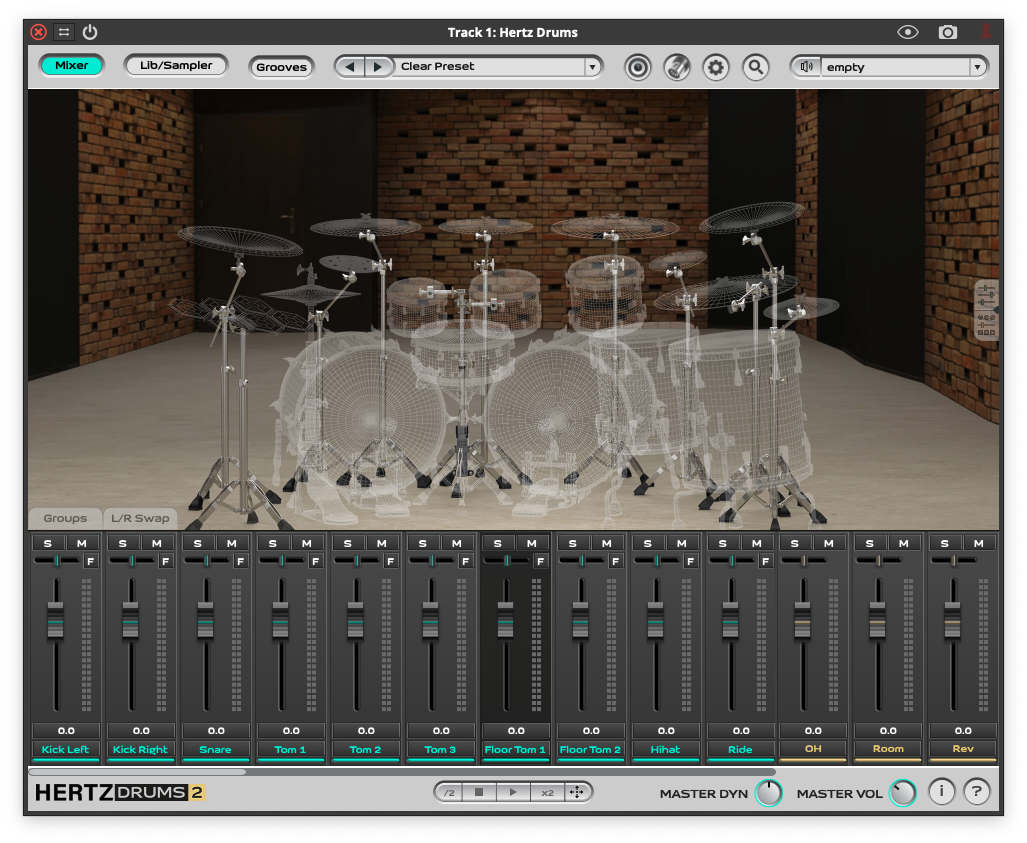
- A full copy of Hertz Drums 2 is required to use this product