/ Expansion Packs / XO Expansion: Da Rock Files by Rockwilder
XLN Audio

XO Expansion: Da Rock Files by Rockwilder

5.0 (15 Reviews)
$19.00 $39.00

51% off until Dec 08

XOpak: Da Rock Files by Rockwilder
Rockwilder's "Da Rock Files" expansion for XO by XLN Audio gallery thumbnail
Buy Now
Product information

Da Rock Files by Rockwilder

90s Hip Hop and R&B beats from era-defining producer Rockwilder

This XO Expansion's hard-hitting drums and infectious grooves were created by seminal trailblazer Rockwilder, one of the late 90's most prominent producers.

Grammy award-winning producer Rockwilder is a seminal force in the East Coast Hip Hop scene, heavily influenced by the raw, sample-based production of the 90s. His knack for futuristic, club-friendly hits set him apart from other producers of the era. He produced the iconic track & Hip Hop anthem "Da Rockwilder" for Method Man & Redman, and the global knockout hit "Lady Marmalade" from the Moulin Rouge soundtrack featuring Christina Aguilera, Lil' Kim, Mya, and P!nk.

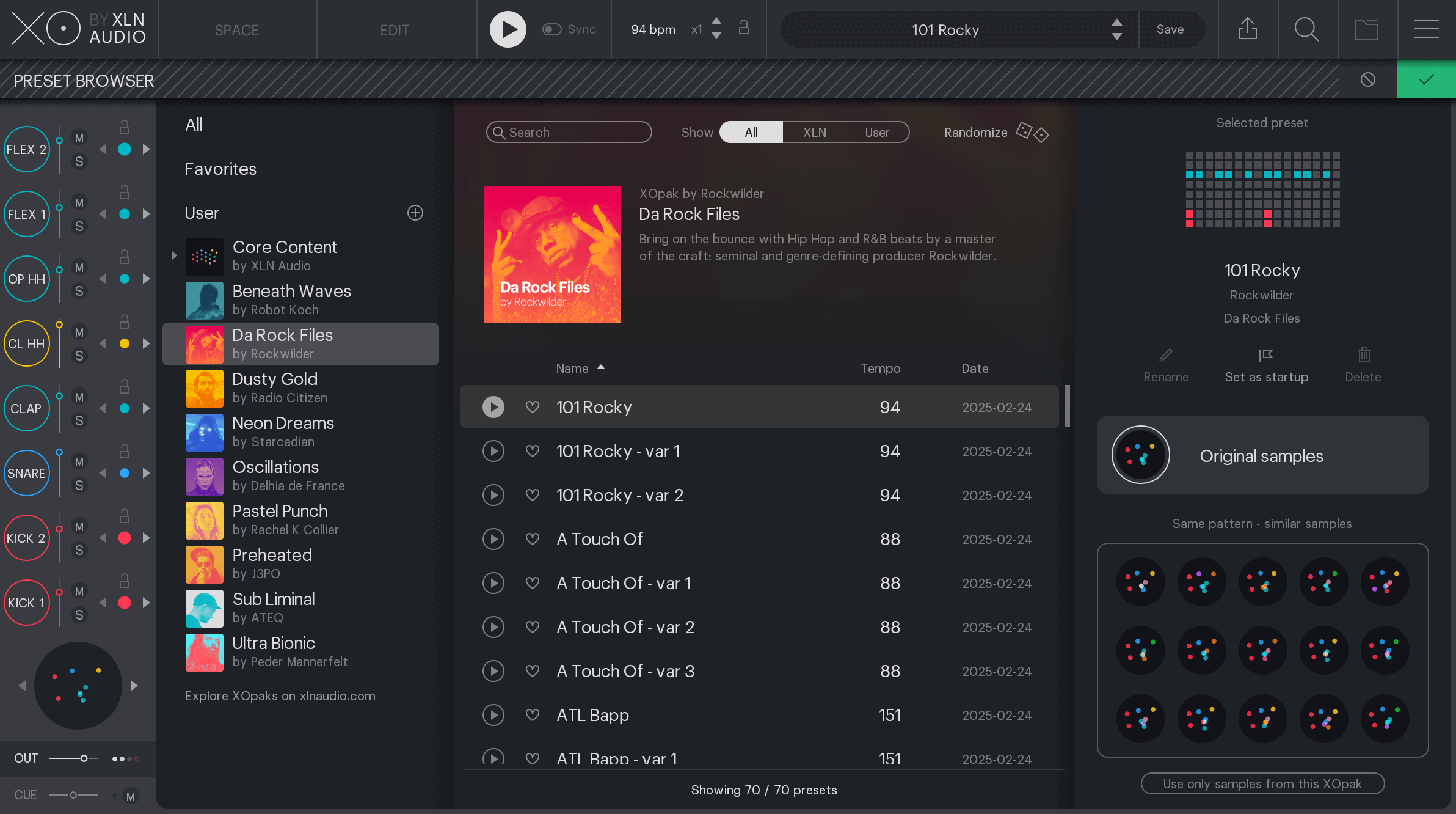
This XO Expansion contains mix-ready, fully editable loops and samples made by genre-defining producer Rockwilder and mixed and mastered by Josh Gannet (Redman, Wu-Tang Clan). Uncover the DNA of Rockwilder's grooves by exploring the XO sequencer: unlike generic loops, you will see exactly how the beats get their bounce, by nudging of individual tracks, groove templates, where accents are placed, and so much more. XO unveils all the details from timing, beat velocities and sequencing for you to use in your music.
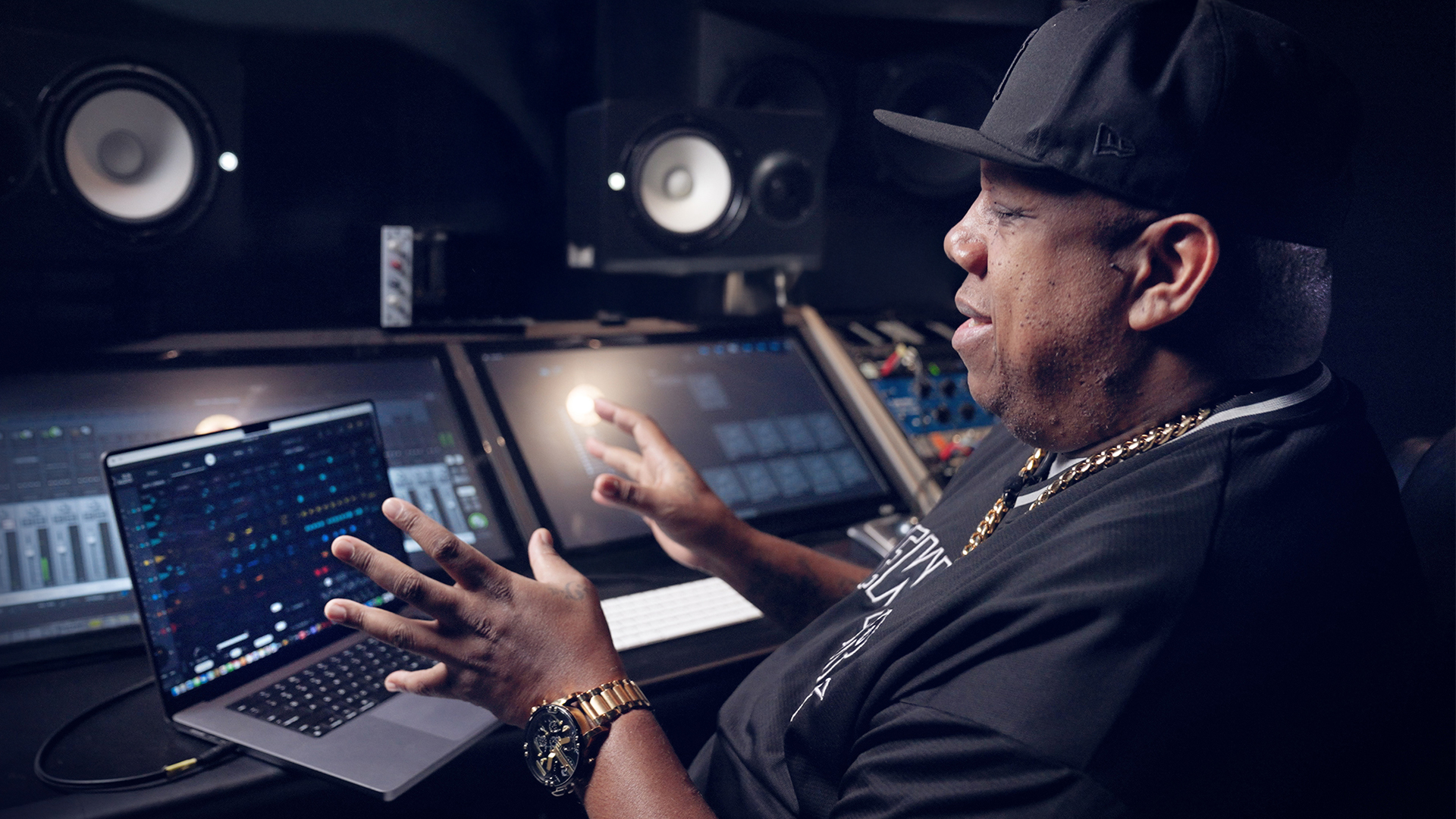
Rockwilder

Rockwilder, born Dana Stinson, is a powerhouse Hip Hop and R&B producer known for his signature hard-hitting beats and futuristic soundscapes.

With a knack for crafting infectious, club-ready rhythms, he became a go-to producer in the late '90s and early 2000s, working with some of the biggest names in the industry. His breakthrough came with Redman & Method Man's anthemic "Da Rockwilder," a track that still resonates as a classic.

From there, he went on to produce for Jay-Z, Dr. Dre, Eminem, Busta Rhymes, 50 Cent, and Missy Elliott, solidifying his status as a production maestro. His versatility also extended to pop and R&B, producing for Janet Jackson, Beyonce, and Christina Aguilera, proving his ability to craft hits across genres.

Rockwilder's productions are defined by their hard-hitting beats, deep bass lines, and futuristic synths, making him one of the most influential producers of the era. His legacy remains strong, with his production style still echoing through modern Hip Hop and R&B.

Features

  • Head nod inducing, 90's beats and samples
  • Fully editable in the XO sequencer
  • 70 presets and 181 samples made by Rockwilder

System Requirements

  • XLN Audio's XO is required in order to use this expansion pack.
Installation Instructions

Please Note: XOpak: Preheated is used as an example.

Account Registration

(If you have already created an XLN Audio account previously, please skip this part).

1. Go to the XLN Audio registration page (where you can now register for an account, and register your product key at the same time).

2. Enter your details, click 'I have a product key to register' and enter the code found in your Plugin Boutique account (displayed as Serial Number).

3. Click 'I agree to the Terms & Conditions' and then click REGISTER.

XLN Audio RC-20 Account Registration

You have now created an XLN Audio account and registered your product key.

Product Registration

(If you registered your product earlier when creating an account, skip this part).

1. Log in to your XLN Audio account.

2. Hover over My Account and select Register Product Key.

3. Enter the product key found in your Plugin Boutique account and click REGISTER PRODUCT KEY.

Your product has now been added to your XLN Audio account.

Mac

XLN Online Installer Installation

1. Download the Mac XLN Online Installer from your Plugin Boutique account and open it.

2. Double-click to install the XLN Online Installer.

3. Click Open (depending on your version of macOS, you may not encounter this security message).

4. Enter your password and click OK.

5. Click Open to finalise the security prompt.

6. Log in to your XLN Audio account. 

7. Enter a name for your Mac and click Register Computer.

The XLN Online Installer is now installed.

Product Installation

1. Make sure your new product is selected and click 'Click to start - Install: 1'.

2. Your software will now install.

3. Open your DAW and launch XO > click 'Show Presets'.

Your XOpak is now ready for use!

Windows

Online Installer Installation

1. Download the Windows XLN Audio Online Installer from your Plugin Boutique account and open it.

2. Click Yes to allow the application to run.

3. Log into your XLN Audio account. 

4. Enter a name for your computer and click Register Computer.

The XLN Online Installer is now installed.

Product Installation

1. Make sure your new product is selected and click 'Click to start - Install: 1'.

2. Your software will now install.

3. Open your DAW and launch XO > click 'Show Presets'.

Your XOpak is now ready for use!

Plugin Boutique Rewards

Discover the most rewarding loyalty programme among all plugin retailers.

  • Free Loopmasters Samplepacks
  • Discounts on products and courses
  • Extra Virtual Cash claimed immediately at checkout
Find out more

Follow us:

X (Twitter) Facebook YouTube Instagram
Logo Logo

Plugin Boutique Limited, Part of the Beatport Group LLC.

Copyright © 2011-2025 Plugin Boutique. All rights reserved