


 Log In
Free gifts available with your purchase
Product information
International dance label TOOLROOM and Global DJ/House Producer Mark Knight bring an electrifying collection of 64 heart stopping custom built preset patches for the industry leading virtual synth Hybrid 3. Load killer Organ Basses, Sub Basses, Deep Ambient Pads, Melodic Arpeggiators, Transition drops and much more directly inside Hybrid 3, transforming your house production to maximum quality.
System Requirements
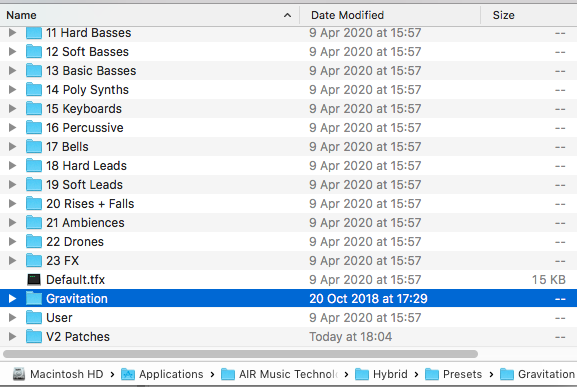
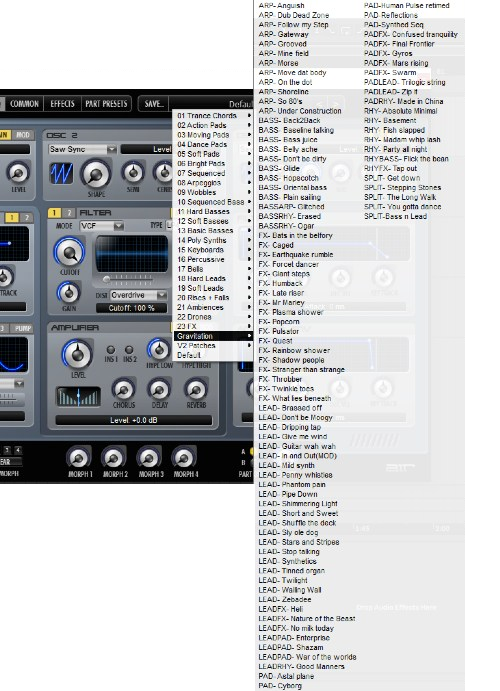
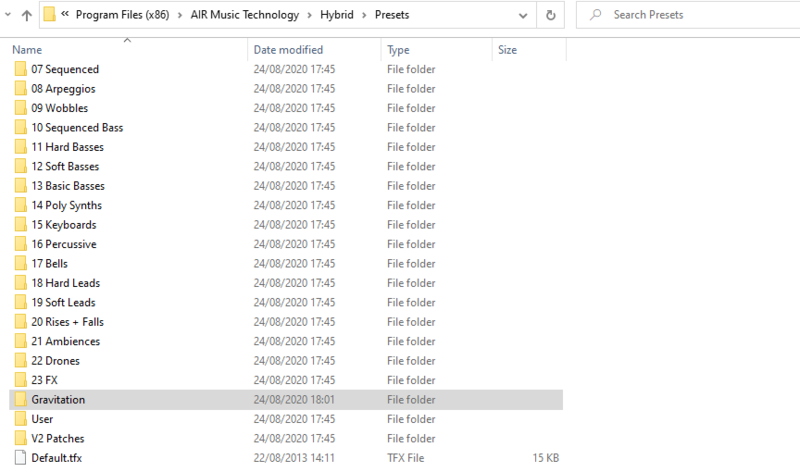
Installation Instructions


Customer Reviews
(3)


