Log In

Free gifts available with your purchase
Product information
World Music Sampler Platform
Traditional South Indian Percussion Ensemble
The Thavil Kit captures a traditional South Indian percussion ensemble, central to temple rituals and classical performances. Known for its deep, resonant low-end, sharp rhythmic accents, and commanding tonal presence, Thavil provides a powerful rhythmic foundation that anchors ensembles with clarity and authority.
Built With World Class Musicians
Sonic Atlas libraries are built in collaboration with award-winning producers, composers, and musicians who’ve shaped modern global music. Their artistry powers every note, groove, and tone inside the plugin
Features
- Performed by 10 traditional percussionists
- 1,623 samples with velocity layers & round robins
- Playable One-Shot Patches
- Includes Loops, fills & Triplet Grooves
System Requirements
macOS
- macOS 10.15 or higher (Intel / Native Apple Silicon supported)
- Plugin Formats: VST, VST3, AU, AAX, Standalone
- DAW's Supported: Ableton Live, Pro Tools, Logic Pro, FL Studio, Cubase, Nuendo, Reaper, Reason + more.
- Compatibility: 64-bit compatible only
Windows
- Windows 8 or higher
- Plugin formats: VST, VST3, AAX, Standalone
- DAWs supported: Ableton Live, Pro Tools, Logic Pro, FL Studio, Cubase, Nuendo, Reaper, Reason + more.
- Compatibility: 64-bit compatible only
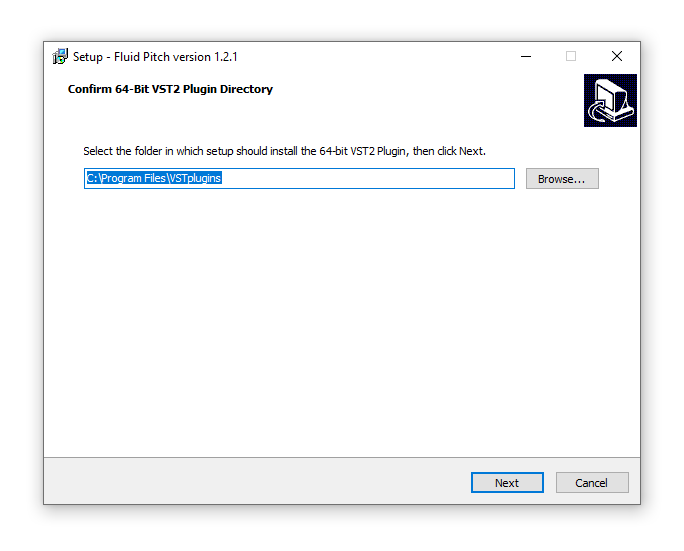
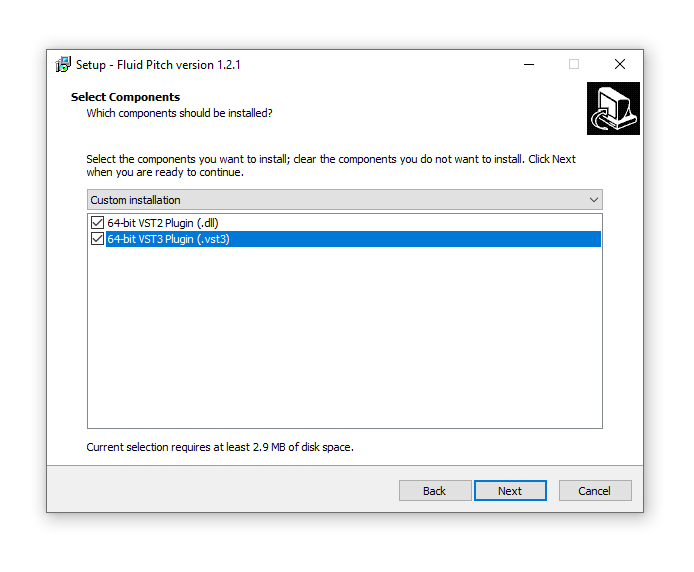
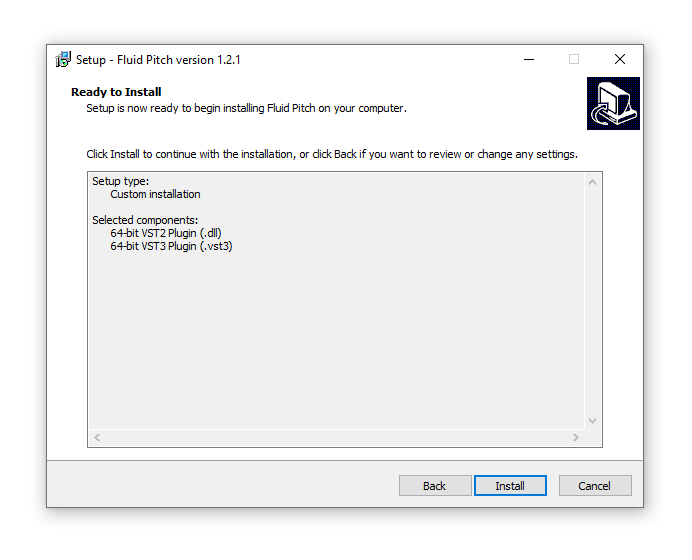
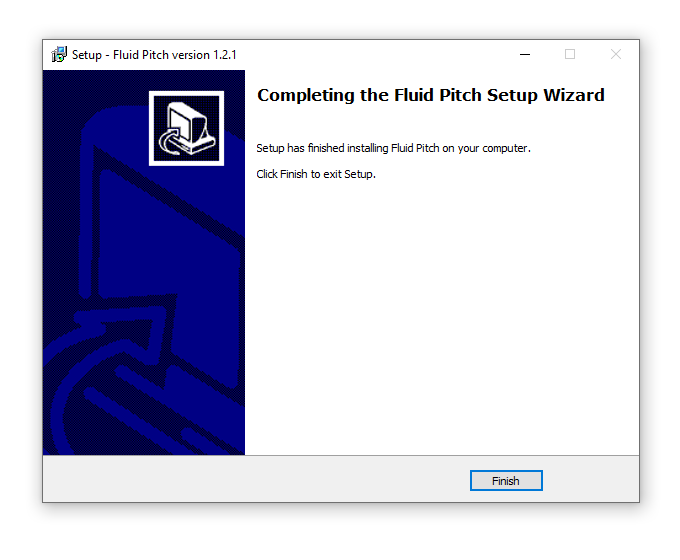
Installation Instructions