Log In

Free gifts available with your purchase
Product information
World Music Sampler Platform
Raw Street Percussion Ensemble
The Thambolam Kit captures a large-scale South Indian street percussion ensemble, traditionally performed during processions and public celebrations. Characterized by powerful low-end hits, rolling rhythmic patterns, and collective ensemble impact, Thambolam delivers raw street energy built around movement, scale, and momentum.
Built With World Class Musicians
Sonic Atlas libraries are built in collaboration with award-winning producers, composers, and musicians who’ve shaped modern global music. Their artistry powers every note, groove, and tone inside the plugin
Features
- Performed by 18 street percussionists
- 1,227 samples with velocity layers & round robins
- Playable solo, duo & full group patches
- Includes grooves, fills & performance-ready Patches
System Requirements
macOS
- macOS 10.15 or higher (Intel / Native Apple Silicon supported)
- Plugin Formats: VST, VST3, AU, AAX, Standalone
- DAW's Supported: Ableton Live, Pro Tools, Logic Pro, FL Studio, Cubase, Nuendo, Reaper, Reason + more.
- Compatibility: 64-bit compatible only
Windows
- Windows 8 or higher
- Plugin formats: VST, VST3, AAX, Standalone
- DAWs supported: Ableton Live, Pro Tools, Logic Pro, FL Studio, Cubase, Nuendo, Reaper, Reason + more.
- Compatibility: 64-bit compatible only
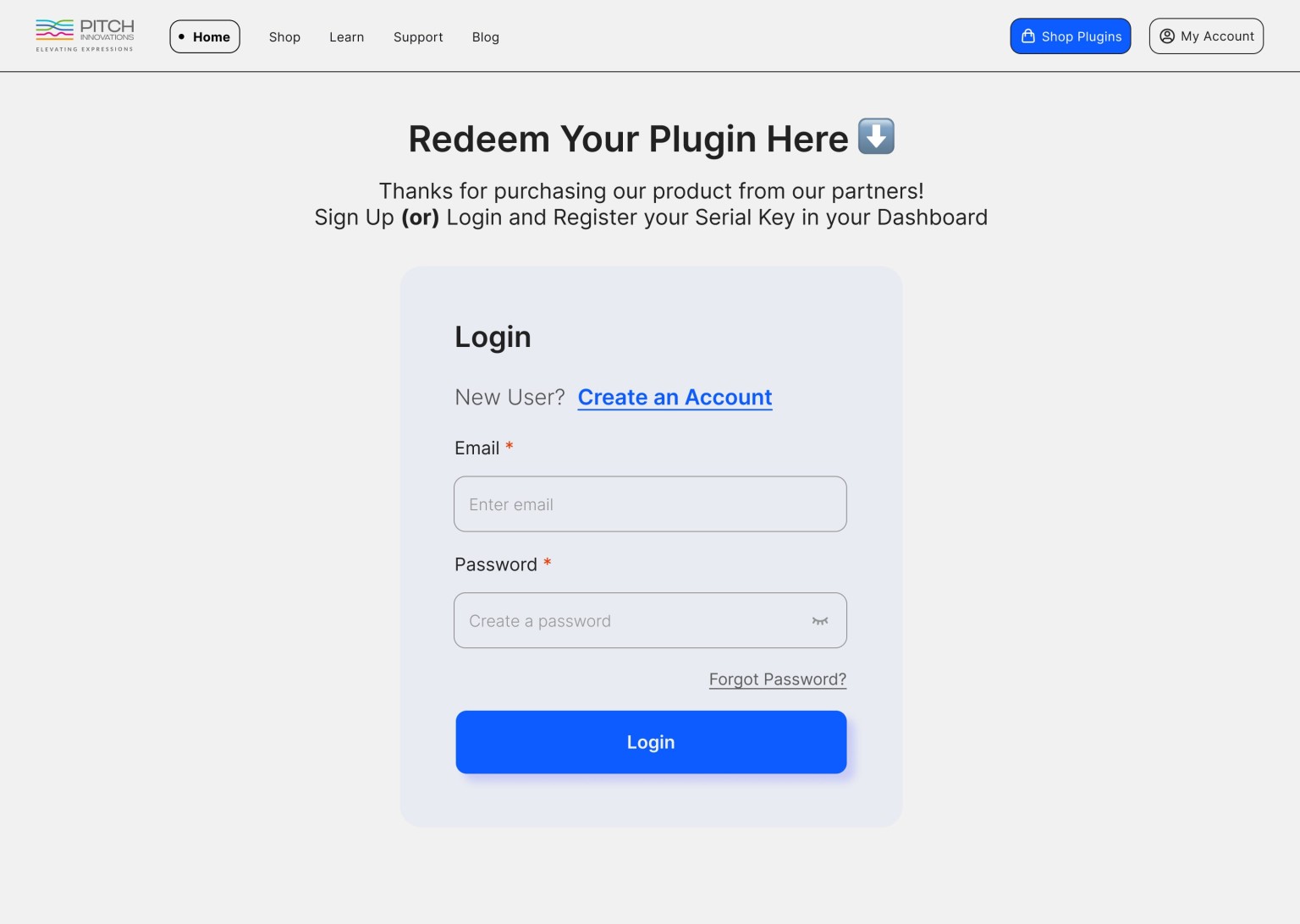
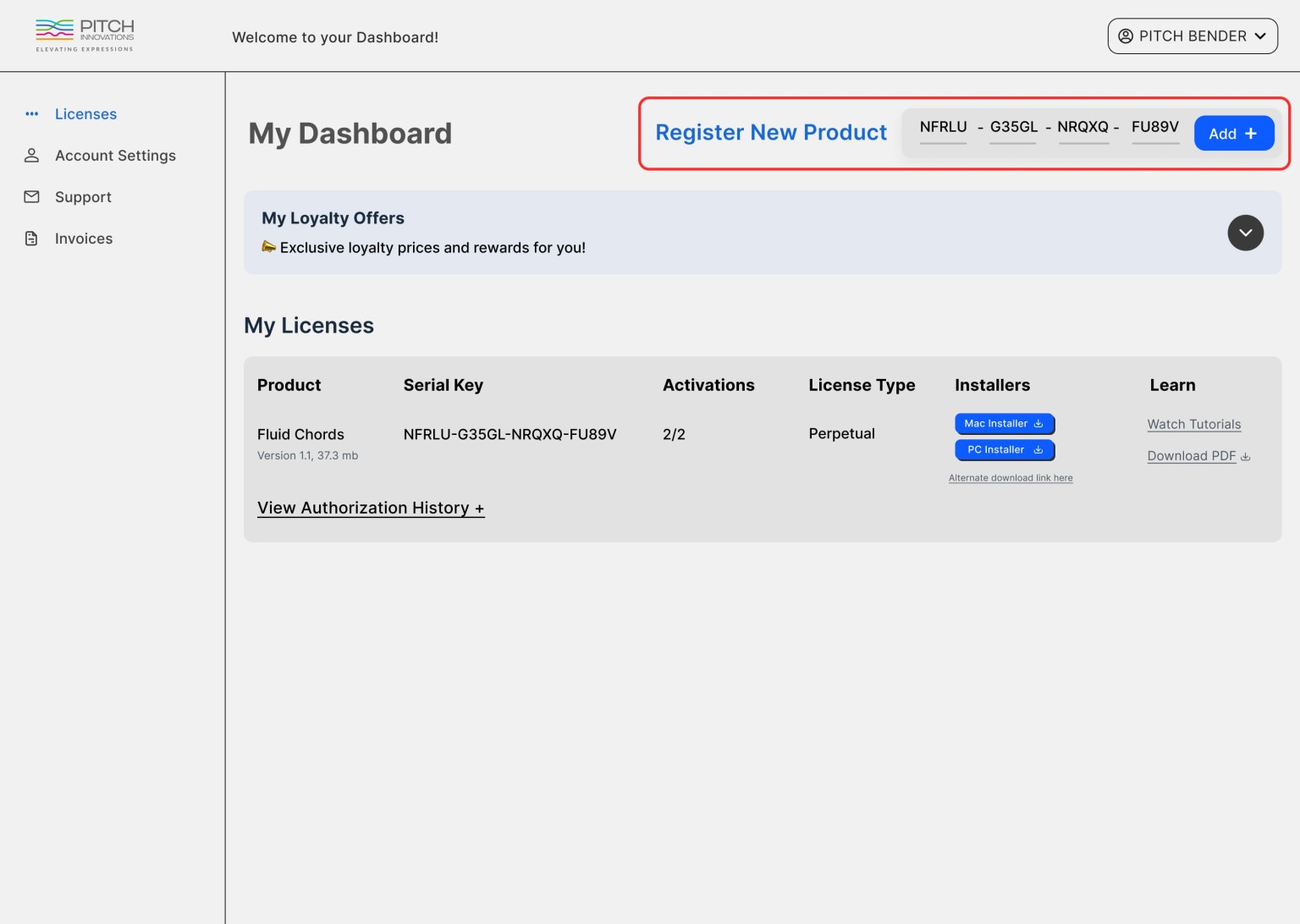
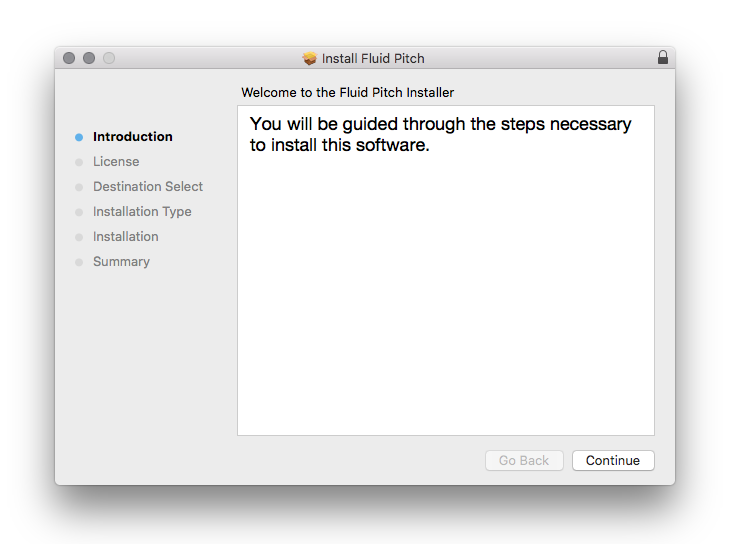
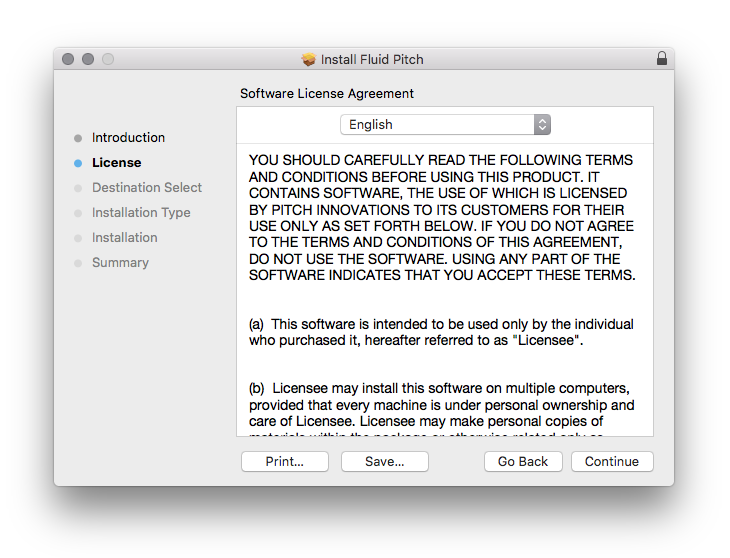
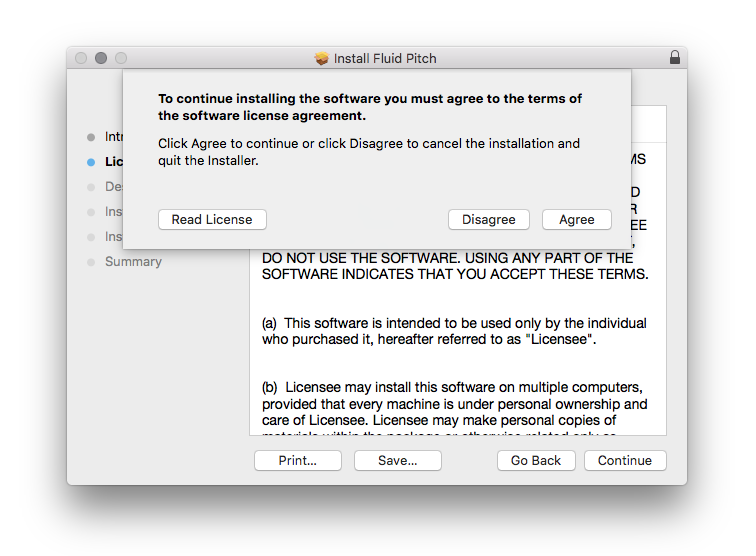
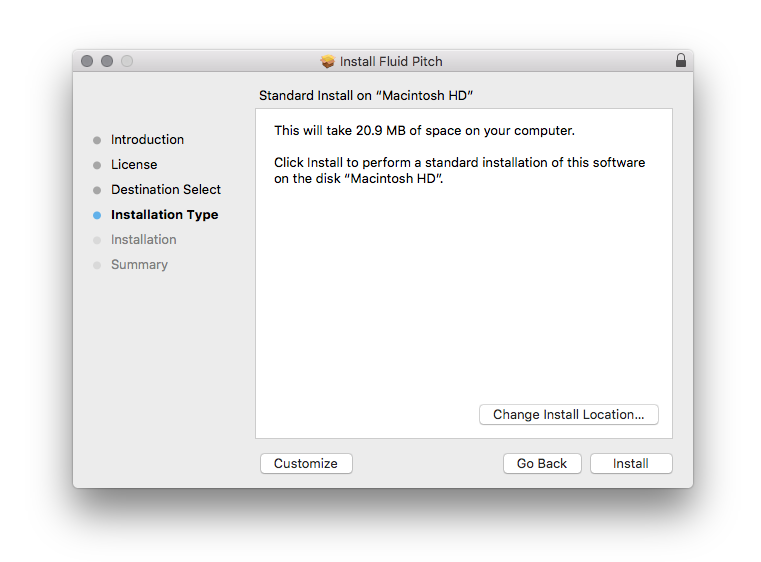
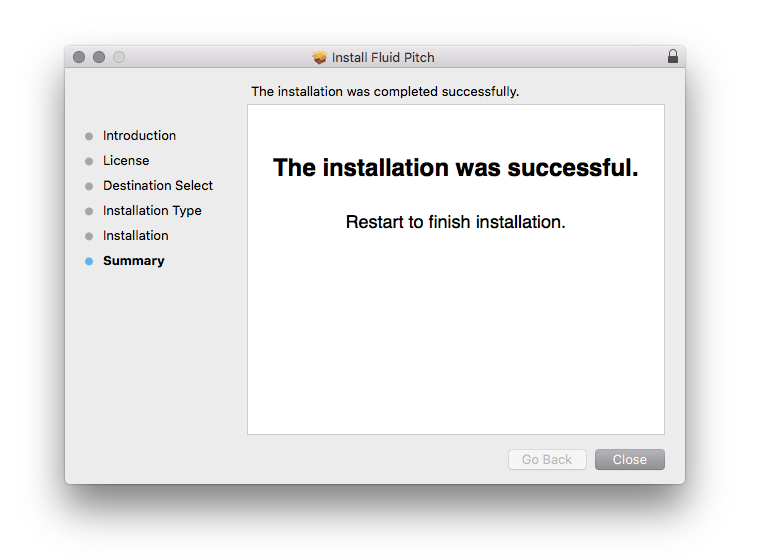
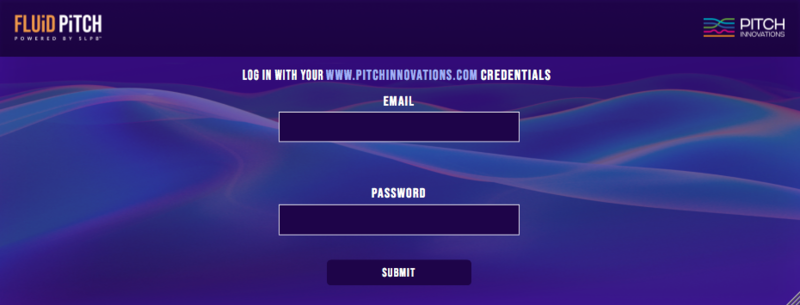
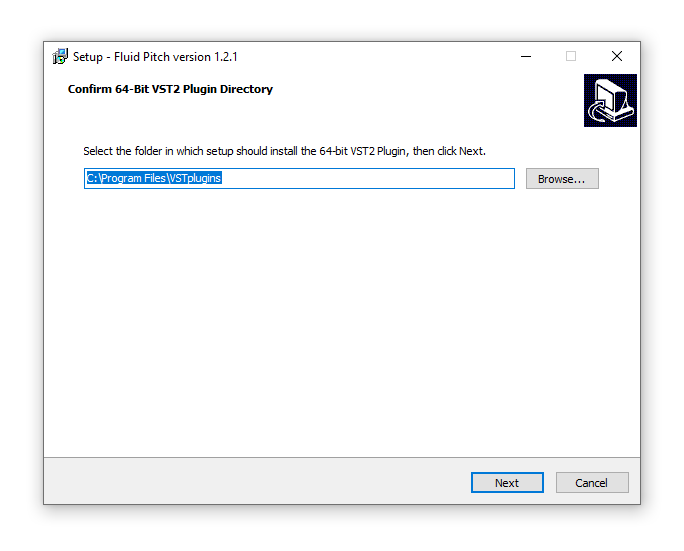
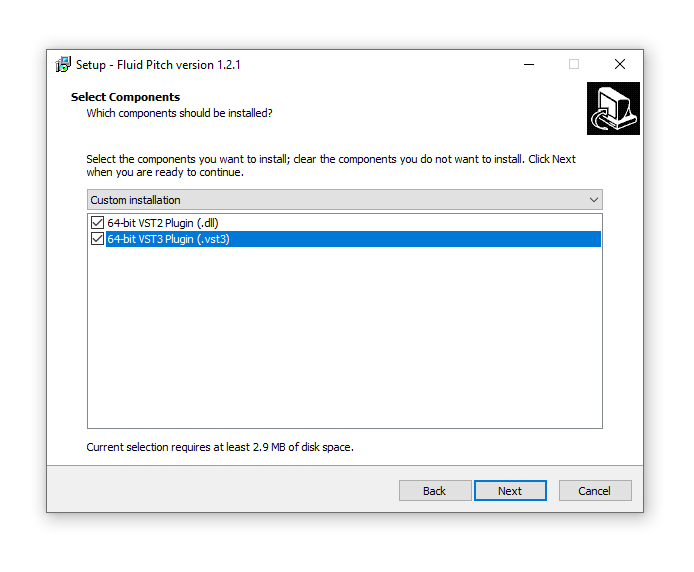
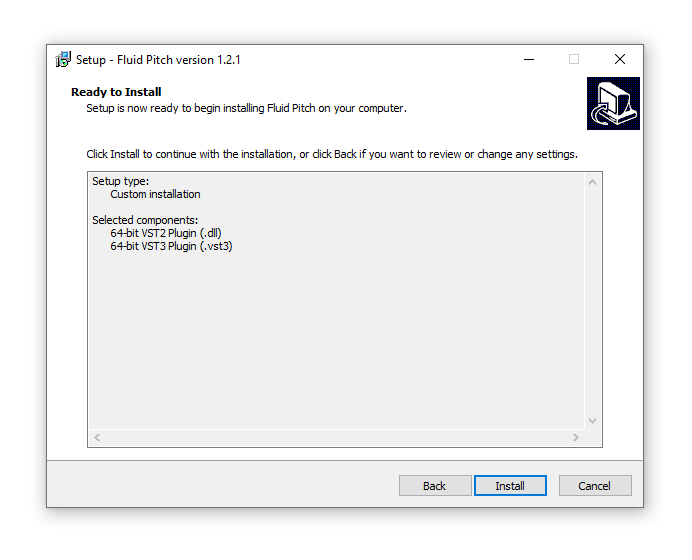
Installation Instructions