Important Note: In order to install Output software, you must first register an account at http://output.com/register
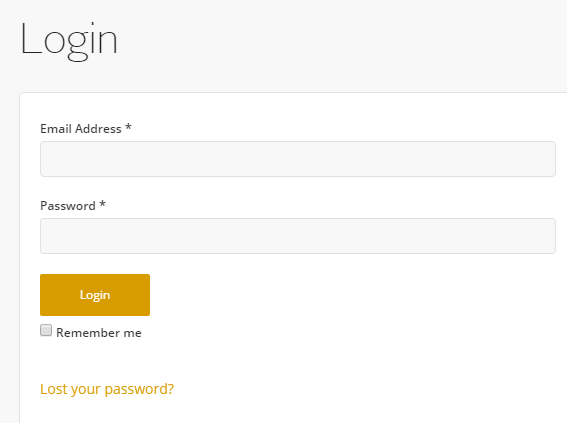
1. Go to http://output.com/register and register a new account or log in to your existing Output account.
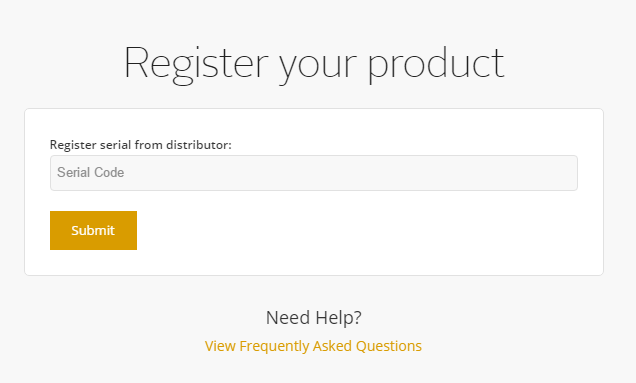
2. Once logged in, enter your serial from your Plugin Boutique user account at http://output.com/register > Click Submit.
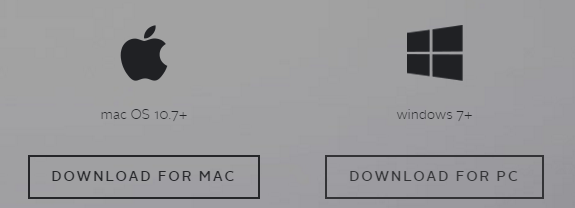
3. Download and install Output Hub for either Mac or PC.
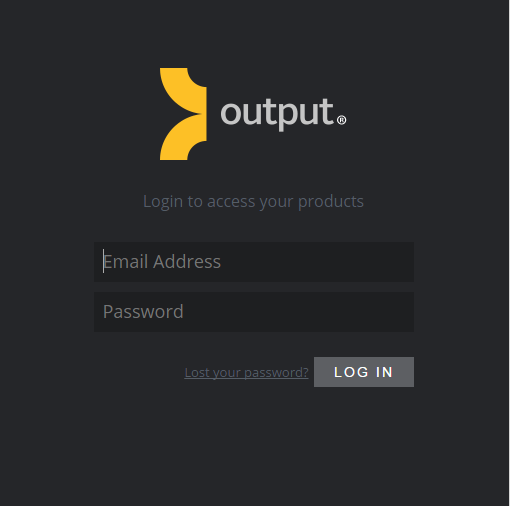
4. Open and login to Output Hub using your Output email address and password.
5. Here you will now have access to your Output product to download.
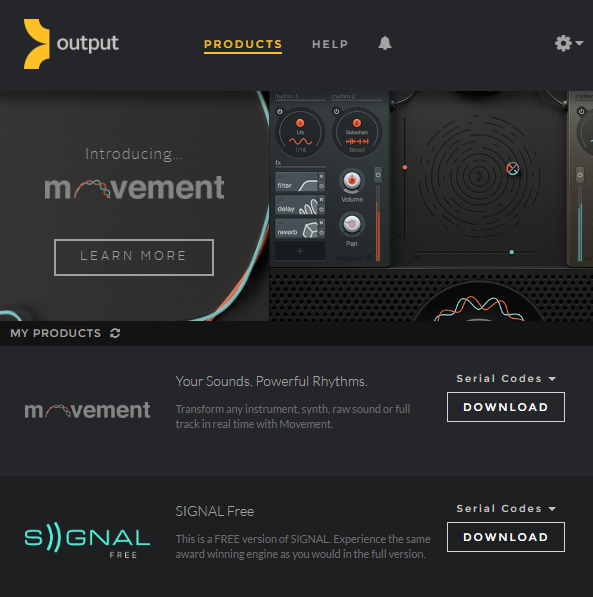
Please see the video guides on installing, Movement, Kontakt Libraries & Output Expansions.
Installing and activating plugins (using Movement as the example).
Installing and activating Kontakt Instruments.
Installing and activating an Expansion Pack.


 Log In


