Log In
Free gifts available with your purchase
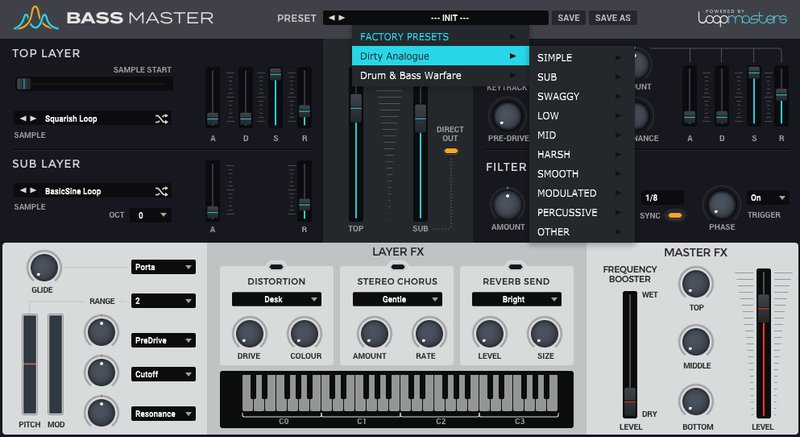
Loopmasters Instruments are proud to present Instrumental Trap and Wave, a collection of 63 booming, punchy and subsonic bass tones primed and ready for your bass music productions. This collection has been designed specifically for Trap and Wave producers looking for those hard to find bass sonics that will cut through the mix and maintain their warmth and punch. The raw samples are thick, phat and slippery, and compliment Bass Master’s factory sounds perfectly.
Expect to hear crunchy saws, pumping subs, harmonic synths and lots of chunky low-end fun loaded straight into Bass Master. The Collection also features 100 expertly crafted and expressive bass presets for instant gratification. If you produce Trap and Wave, we have you covered!
In detail, expect to find 63 brand new waveforms, broken down into 9 High Sounds, 19 Low Sounds, 30 Mid Sounds and 6 Sub Sounds. 13 Simple Presets, 11 Sub Presets, 4 Swaggy Presets, 20 Low Presets, 31 Mid Presets, 12 Harsh Presets, 3 Smooth Presets, 3 Modulated Presets, 3 Percussive Presets.
Features
- 63 new waveforms
- 100 presets
System Requirements
- Bass Master 1.1.3 or higher
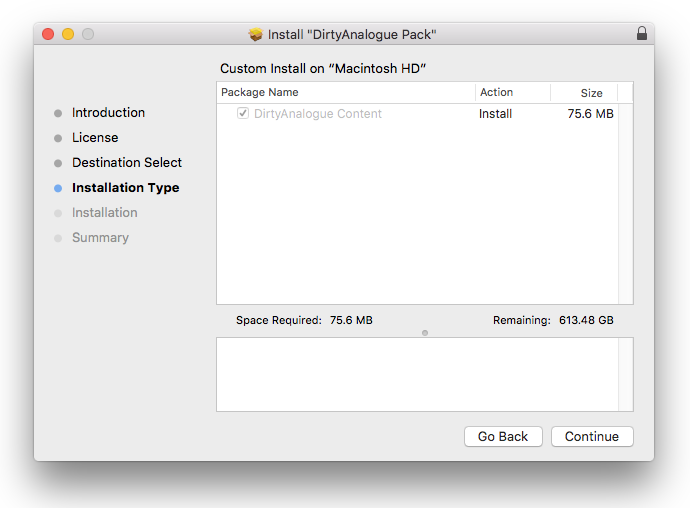
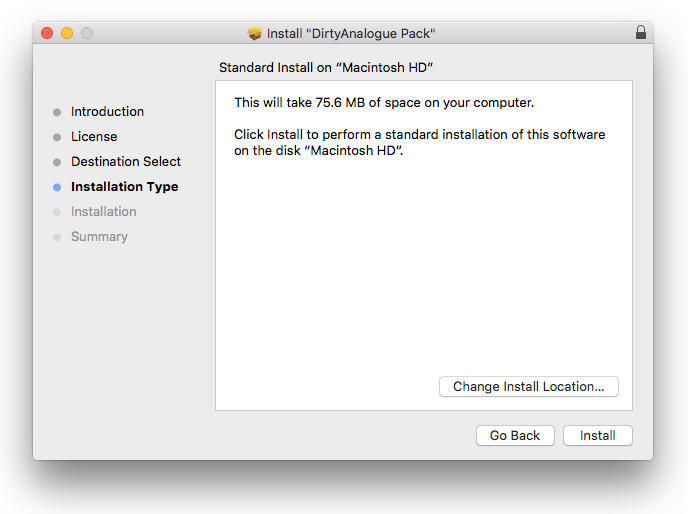
Note: This software requires a copy of Bass Master. Please ensure you have updated Bass Master to version 1.1.3 or higher before installing your expansion pack.