Log In
Free gifts available with your purchase
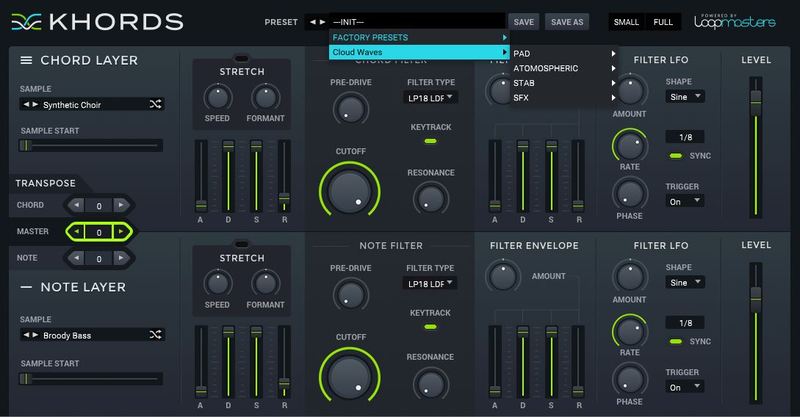
Loopmasters Instruments are proud to present Ambient Textures, a brand new expansion pack for KHORDS.
Ambient Textures is a blissful collection of 59 Ambient synths full of character and vibe recorded from a wealth of classic analogue and digital synths which have been processed and effected to create beautiful effervescent textures suitable for not only Ambient music but also any production requiring a cinematic sound bed including Drum and Bass, Techno, Dubstep, Dark Electro and beyond.
The raw samples are soothing and magical and are the perfect complement to the stock KHORDS samples. Expect to hear wispy atmospheres, dreamy pads, and evolving textures perfect for any production needing a touch of textured mojo!
In detail, expect to find 59 brand new waveforms, broken down into 19 Major Chords and 20 Minor Chords and 20 Root or Open note sounds plus 100 stunning texture presets.
Features
- 59 brand new waveforms
- 100 presets
System Requirements
- KHORDS 1.0.4 or higher
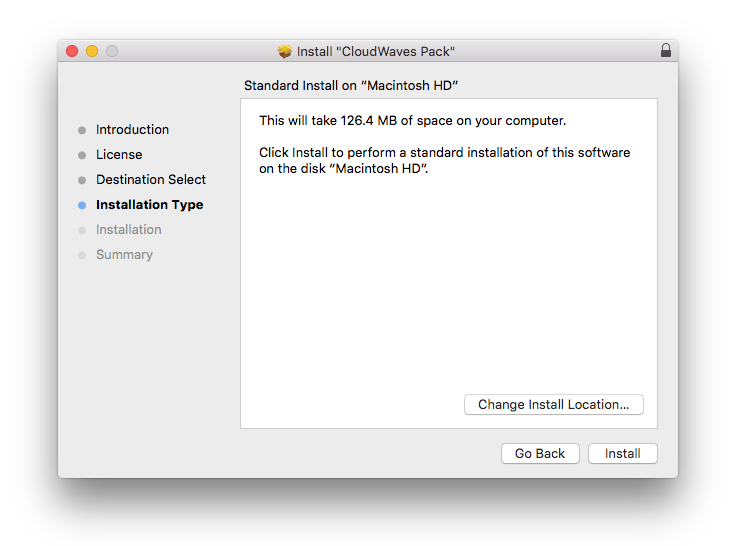
Note: This software requires a copy of KHORDS. Please ensure you have updated KHORDS to version 1.0.4 or higher before installing your expansion pack.