Buy Zampler Expansion: Tape Synths, get a free gift with purchase:
Names like Mercury, MiniMoog, Roland SH-101, JP-8000 or Juno 60 get Beat very excited!. But this isn‘t even the full list of synths they used for our latest soundbank. For authentic flair Beat recorded some of the synths through their old Technics deck, with some nice, warm tape overdrive. The result is 76 weighty basses, leads and pads with vintage and huge sound guaranteed.
System Requirements
- 2.3 GB available disk space
- Zampler 1.0.2+
Important Note: This software requires a copy of Zampler 1.0.2+ or higher. You can download Zampler for free HERE.
Note: Zampler Expansion: Toraiz AS-1 is used as the example.
Mac
1. Download the .zip folder from within your User Account, and double-click it to reveal its contents.
2. Save the main folder entitled 'Toraiz AS-1' to a computer location of choice, e.g documents or to an external hard drive.
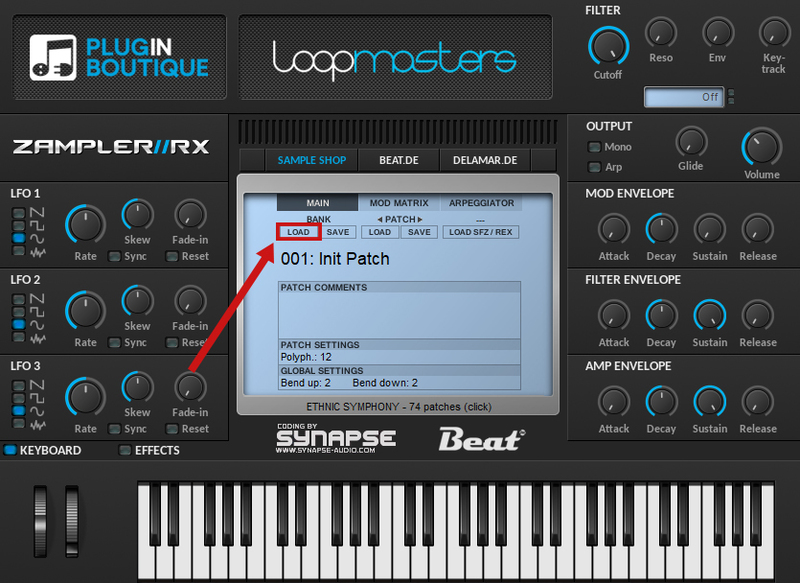
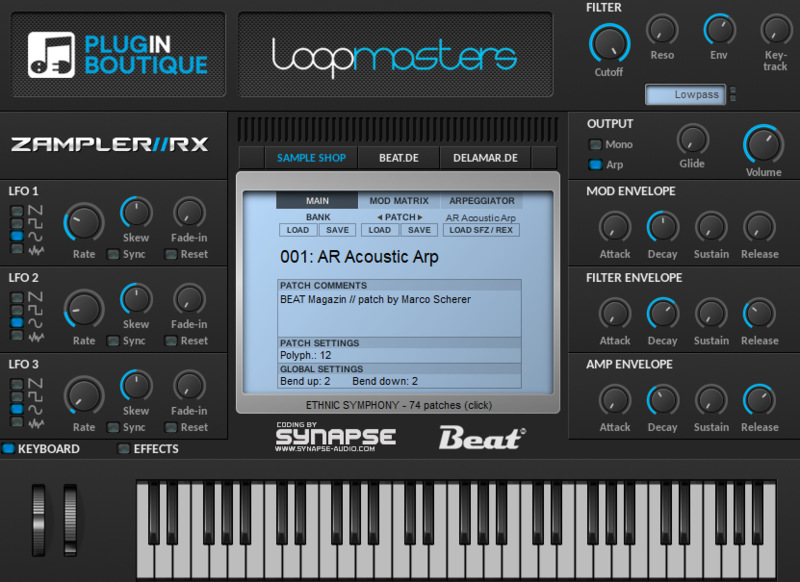
3. Open Zampler within your DAW > Go to 'Bank' and click 'Load'.

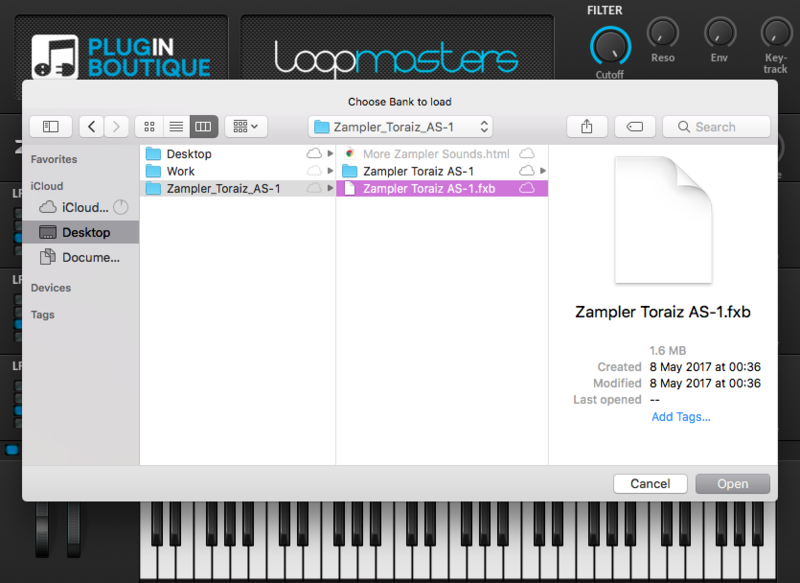
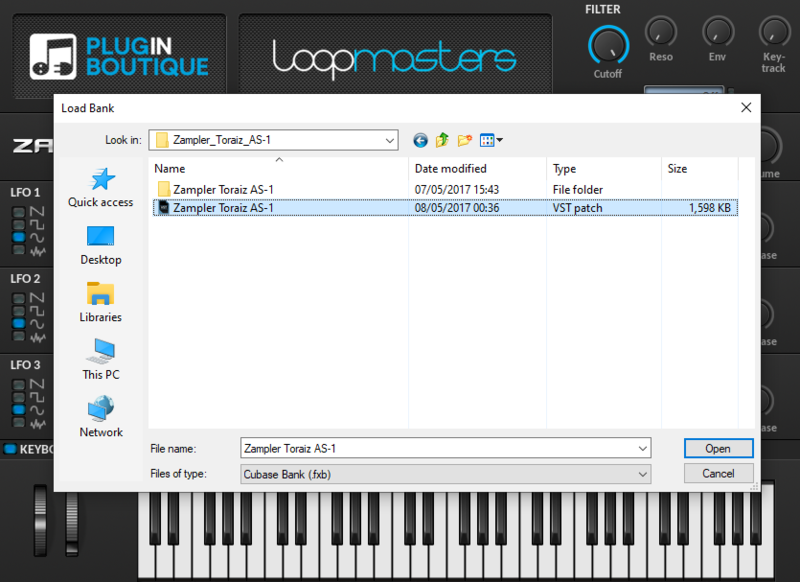
4. Find the .fxb file inside of the download folder > Click 'Open'.

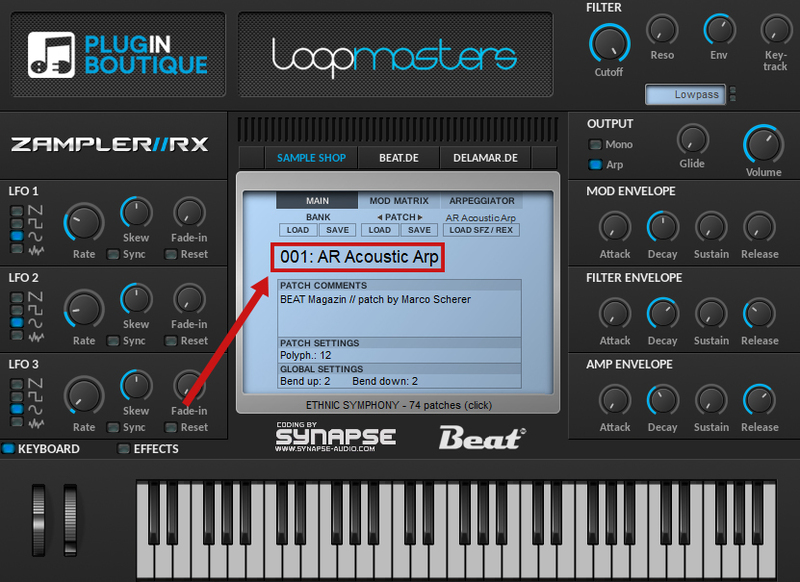
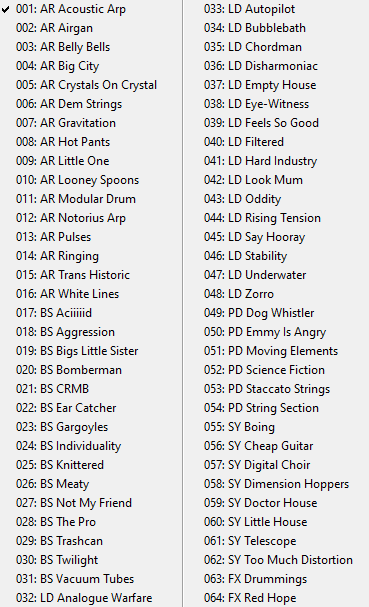
5. The Zampler patches can now be found by clicking on the patch name.


Your patch is now loaded and ready to use within Zampler.

Windows
1. Download the .zip folder from within your User Account, and double-click it to reveal its contents.
2. Save the main folder entitled 'Toraiz AS-1' to a computer location of choice, e.g documents or to an external hard drive.
3. Open Zampler within your DAW > Go to 'Bank' and click 'Load'.

4. Find the .fxb file inside of the download folder > Click 'Open'.

5. The Zampler patches can now be found by clicking on the patch name.


Your patch is now loaded and ready to use within Zampler.