Log In

Free gifts available with your purchase
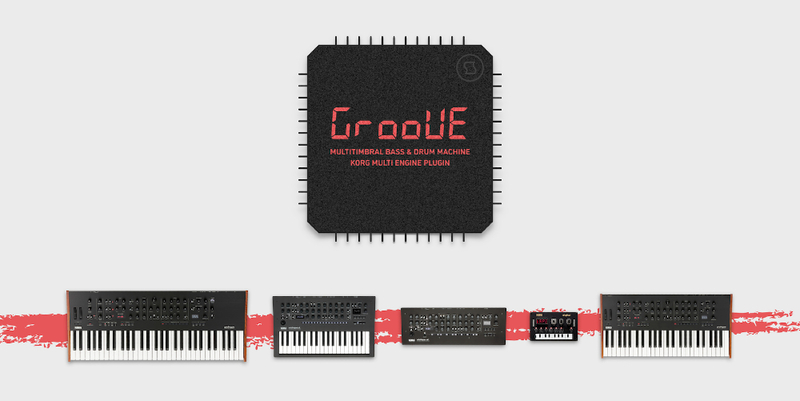
Groove is a multitimbral bass and drum machine for KORG prologue, minilogue xd and NTS-1. It’s the most complex and sophisticated multi-engine plugin ever developed, employing a network of 14 DSP blocks that reconfigure themselves in real-time. Using such immense power, Groove maps bass, drum and percussion instruments onto 7 separate keyboard zones, turning your synthesizer into a self-contained, groovebox-style sound module. Each zone provides a vast library of carefully crafted sound presets with expressive control, and includes a switch for variable trigger probability – an advanced function which can dramatically liven up bass riffs and drum patterns. Groove also has a specially designed output stage with unusually punchy dynamics – making this plugin fully production- and performance-ready.
Features
- Multitimbral sound engine with 7 keyboard zones generating bass, drum and percussion instruments.
- Advanced network of 14 DSP blocks that reconfigures itself in real-time, capable of multiple different synthesis methods: three-operator FM, subtractive, lo-fi, and beyond.
- Internal library of over 70 carefully crafted, production-ready sounds with individual expression control assignments.
- Trigger probability feature that can be enabled individually per each zone.
- Specially configured amplifier stage delivering punchy, high-RMS output – as if the sounds were compressed.
System Requirements
- Korg Prologue
- Korg Minilogue XD
- Korg Nu:Tekt NTS-1
Important Note: This product is a plugin for Korg Prologue, Korg Minilogue XD and Korg Nu:Tekt NTS-1. It is only compatible with these hardware synthesizers.