


 Log In
Free gifts available with your purchase
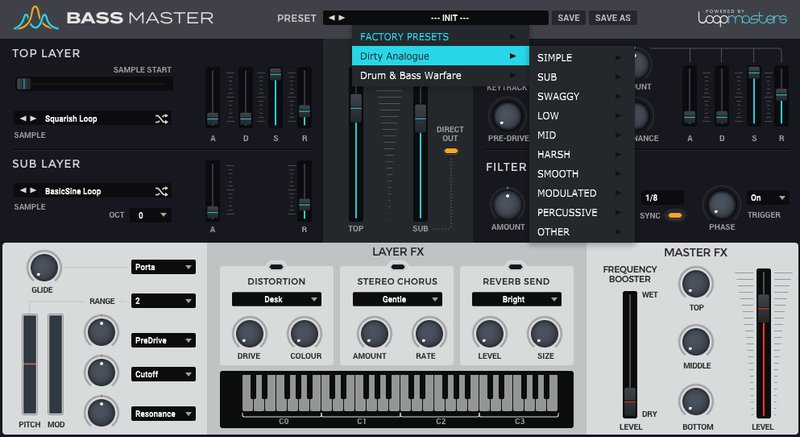
Loopmasters are proud to present Bass House & Tech, the latest expansion pack for Bassmaster - Loopmasters' very own sample-based bass synth built on their extensive and award-winning library of sounds!
Dive right in and you’ll discover a vital collection of synth bass ready to rock your latest productions. Bass House & Tech Brings a huge selection of brand-new, fully-customisable bass presets for you to play with; Expect rock-solid subs, punchy mids, deep-rolling synth bass and everything in between.
Expand upon Bassmaster’s already top-notch stock of sounds with an all-new collection of 55 pro-grade samples and 107 expertly crafted bass presets. With such a huge choice in bass you’re bound to find the perfect fit for any situation.
Bass House & Tech for Bassmaster is guaranteed to spark inspiration and propel your latest tracks to all new heights. Whether you’re producing House, Techno, or just about anything else, this fresh selection of bass will be an essential addition to your arsenal. Grab it while it’s hot!
Features
- 55 Samples
- 107 Presets
System Requirements
- Bass Master 1.1.3 is required to run this software.
Important Note: Bass Master must be updated to at least version 1.1.3 in order to install the Bass Master expansion packs.
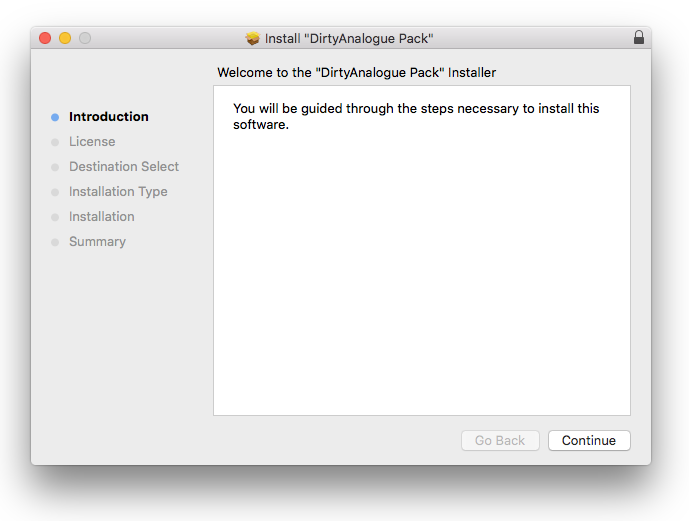
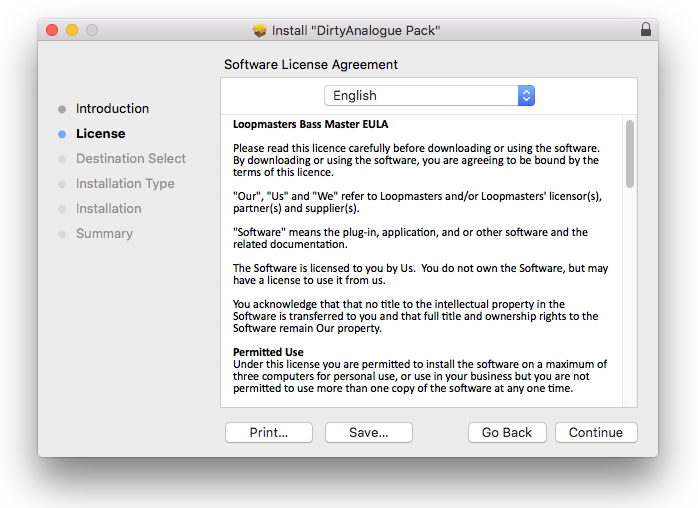
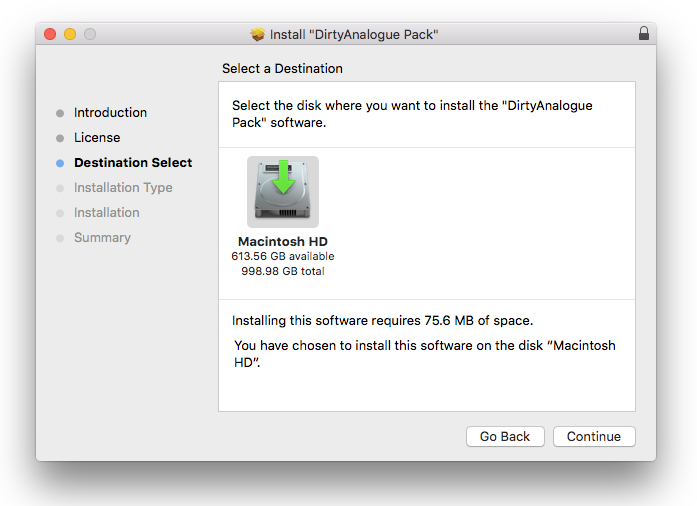
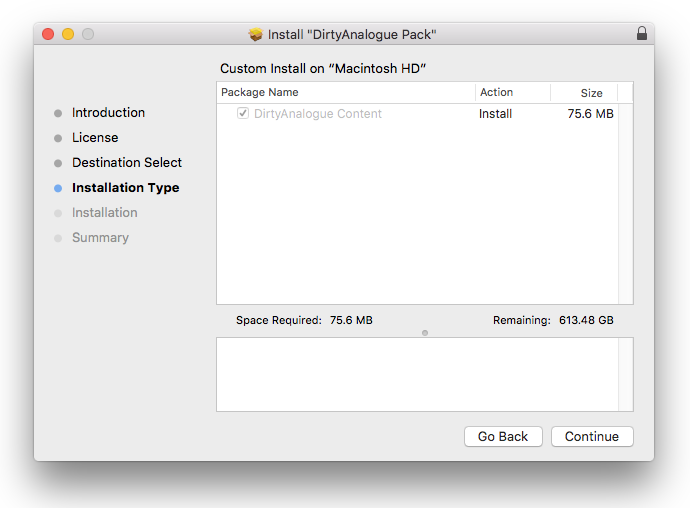
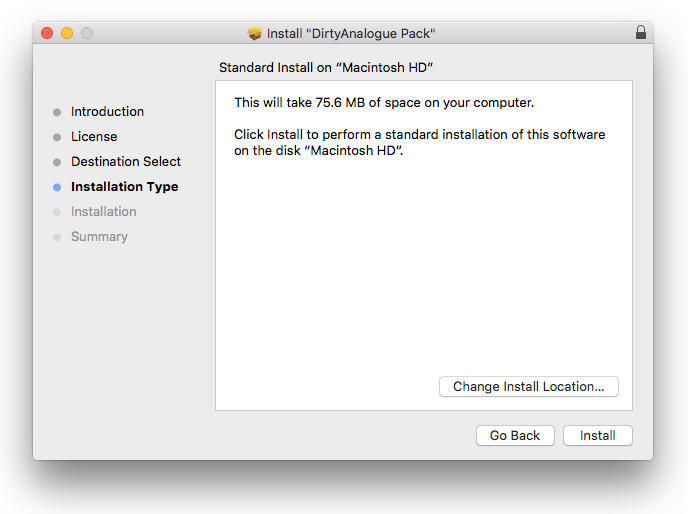
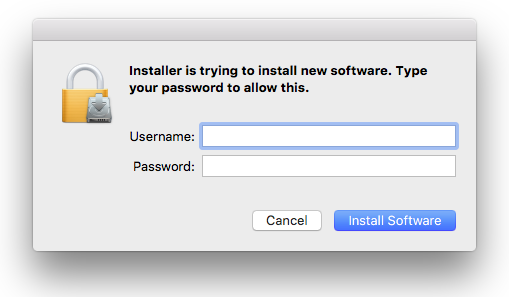
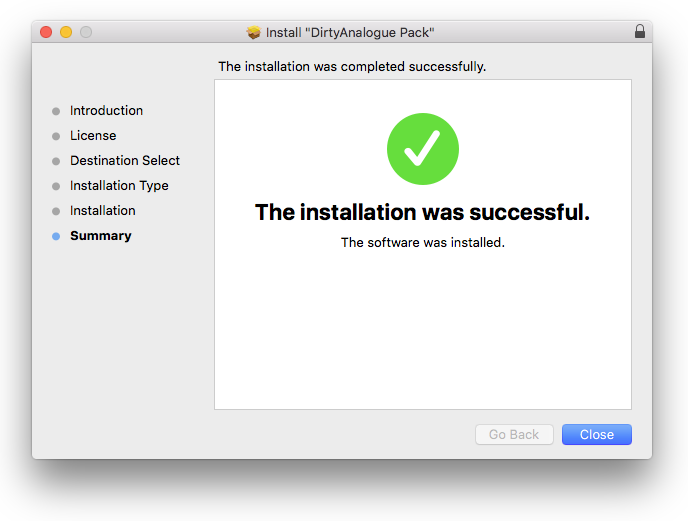
Reviews Summary
While it aims to provide a helpful overview, it may not capture every perspective or detail. We encourage you to read individual reviews to make an informed decision.
Users generally praise the expansion pack for its high sound quality, versatile and mix-ready bass presets, and ease of installation, noting it offers great value when purchased on sale or in a bundle. However, several reviewers highlight significant technical drawbacks, including a lack of recent updates, occasional crashes, and absent support for modern macOS versions and Apple Silicon processors.


