Log In
Free gifts available with your purchase
Loopmasters are proud to present Cinematic Bass, the latest expansion pack for Bass Master
Within you’ll find a dark and gnarly collection of sounds and presets made up from unusual recording techniques using live bass and heavily effected synths to create huge subharmonic and atmospheric bass tones perfect for darker electronic music producers or sound composers looking for a sinister low-end theme.
Cinematic Bass brings you a huge selection of new and customisable sounds to play with; including stomach rattling subs, decedent mid-basses and powerful atmospheric bass. This collection is a great way to expand upon Bassmaster’s already top-of-the-line stock sounds.
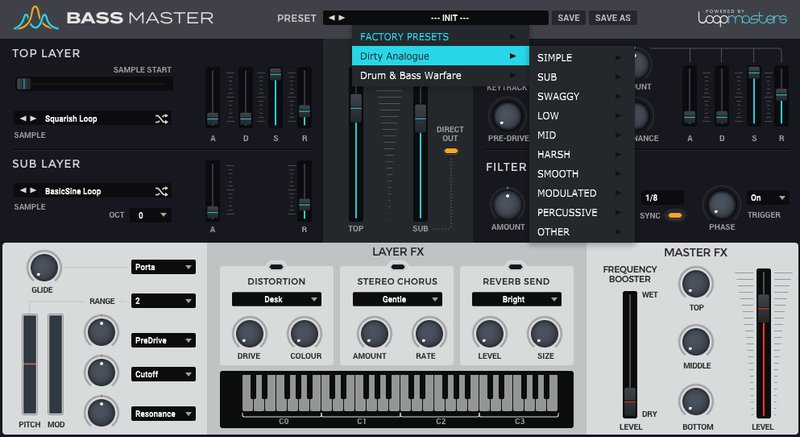
In detail, expect to find 50 brand new waveforms, including 11 Havoc Basses, 12 Lofi Basses, 21 Modulated Basses and 6 Simple Basses. These are used to make up 108 all-new presets, broken down into 25 Havoc Presets, 20 Lofi Presets, 7 Percussive Presets, 9 Simple Presets, 4 Sub Presets and 34 Modulated Presets.
If you are looking for drama and suspense in your basslines, then check out Cinematic Bass for Bassmaster now!
Features
- 50 brand-new waveforms
- 25 havoc presets
- 20 lo-fi presets
- 7 percussive presets
- 9 simple presets
- 4 sub presets
- 34 modulated presets
System Requirements
-
Bass Master 1.1.3 is required to run this software.