Log In

Free gifts available with your purchase
Here Comes the Storm
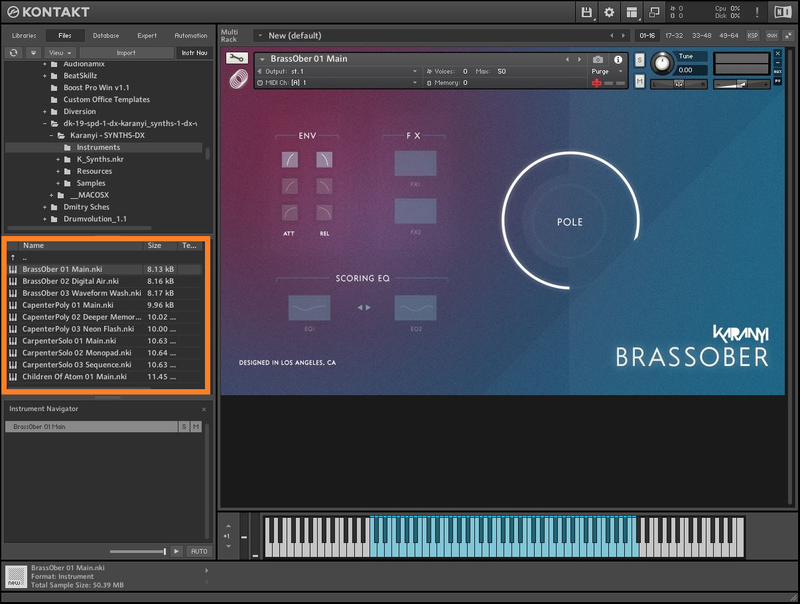
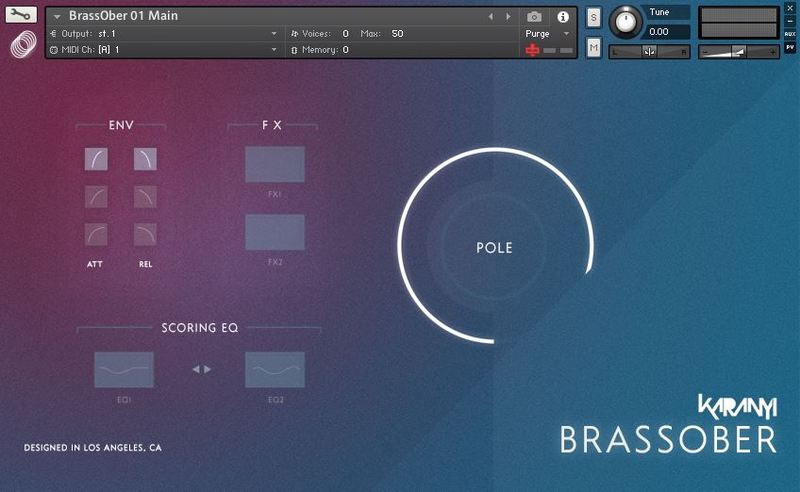
Dark Energy for Continuo 2 is the first expansion for Karanyi Sounds' texture designer tool focusing on dark, wide, distorted and crushed soundscapes and polyrhythmic pulses. Inspired by movies like the Oscar-winning The Revenant soundtrack or video games like Far Cry this expansion is a great tool for every modern composer who wants to create unique, hybrid scores or electronic music with exceptional quality instruments. This expansion extends the sonic possibilities of Continuo 2 with 5 new sampled instruments and more than 40 new presets created by sound designers and film composers.
Features
- 5 brand new heavy sound-designed sample instruments created with modular synths and special hardware effect processors
- 30 Cinematic Soundscapes
- 20 Tempo-synced Pulses
System Requirements
- Karanyi Sounds Continuo 2
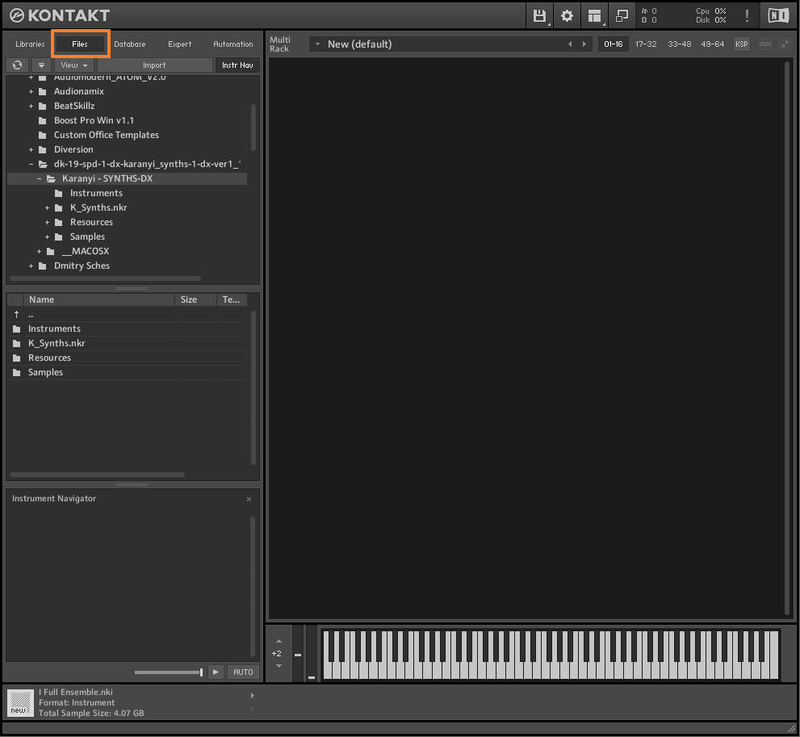
- Kontakt 5.8.1 or higher (Full version required).
- Includes NCW Lossless compressed samples.
Important Note: The full version of Native Instruments Kontakt 5.8.1 or higher is required in order to use this software.