


 Log In
Free gifts available with your purchase
Cinematic Soundscapes is a collection of 50 atmospheric instrument sounds, designed to expand the Khords factory bank with dense pads and lush synth sounds that are perfect for designing your own dreamscapes and creating the perfect atmosphere for your latest productions. The included raw sounds are rich and distinctive and are the perfect complement to the Khords factory soundbank.
The sounds included in Cinematic Soundscapes are the perfect choice for any producer looking to add an air of atmosphere to their production. Perfect for a vast number of genres and not limited to cinematic, DNB, Techno, House, Trap or Ambient. The collection also features 100 expertly crafted and expressive presets for instant gratification. Enhance your Khords with Cinematic Soundscapes today!
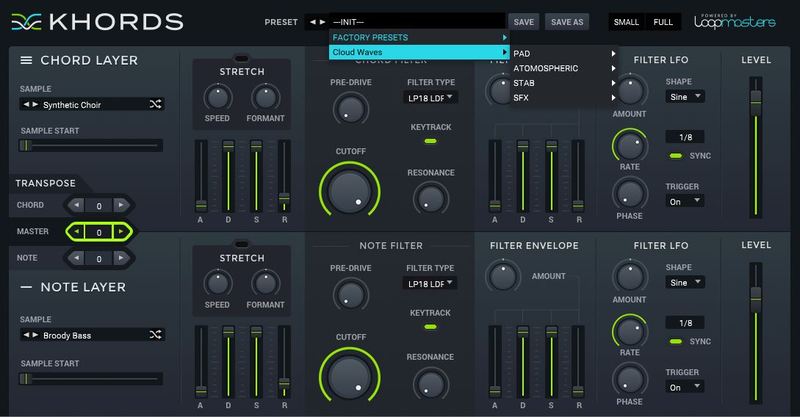
In detail, expect to find 50 brand new waveforms, broken down into 20 Major Feel Chords, 20 Minor feel Chords and 10 Root or Open Note Chords. 27 Pad Presets, 40 Atmospheric Presets, 6 Stab Presets, 3 Key Presets,14 Lead Presets, 1 Bass Preset, 1 Brass Preset, 6 Strum Presets and 2 SFX Presets.
Features
- 50 Waveforms
- 100 Presets
System Requirements
-
KHORDS 1.0.4 or higher
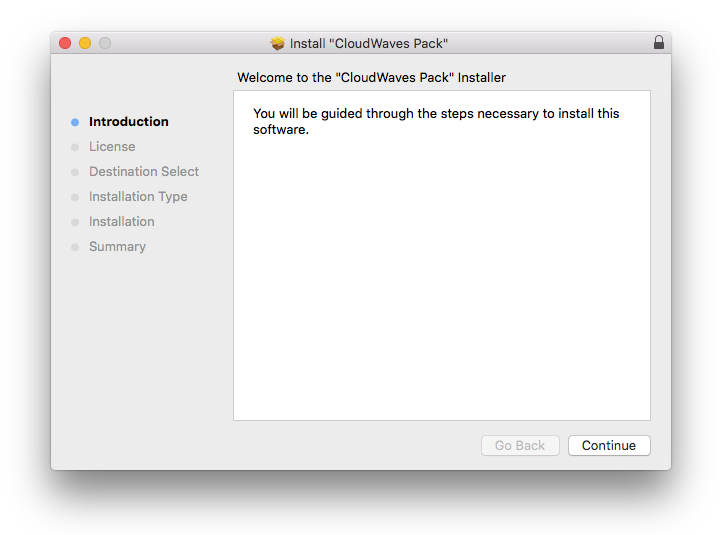
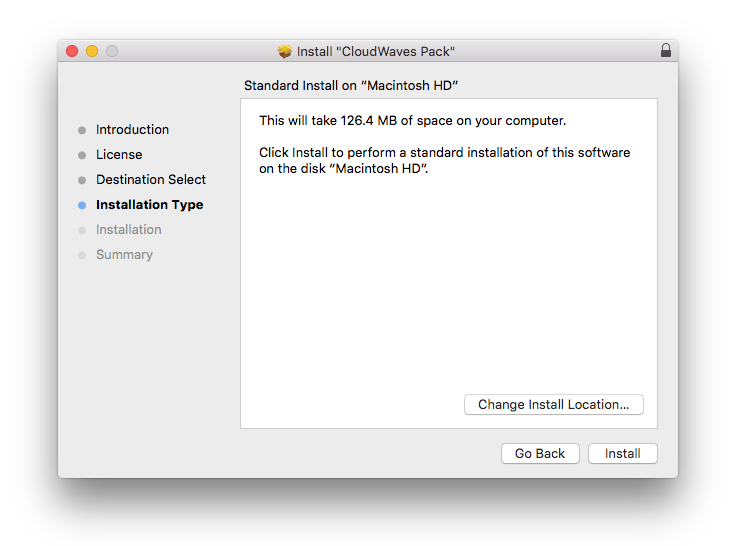
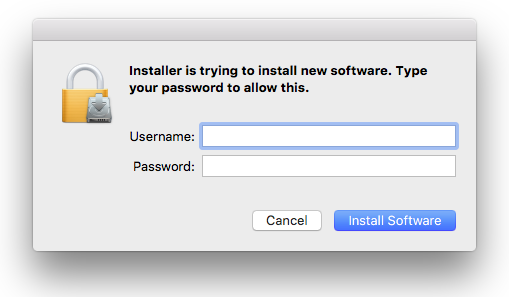
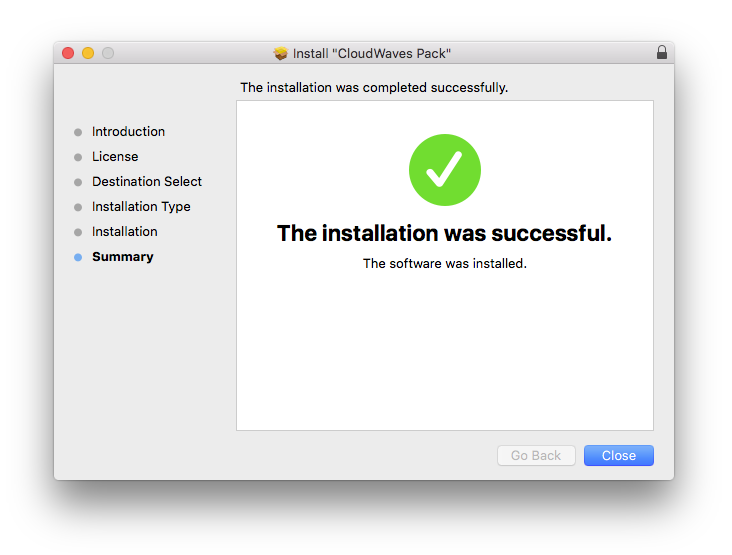
Important Note: This software requires a copy of KHORDS. Please ensure you have updated KHORDS to version 1.0.4 or higher before installing your expansion pack.
Reviews Summary
While it aims to provide a helpful overview, it may not capture every perspective or detail. We encourage you to read individual reviews to make an informed decision.
Customers generally praise the product for its great sound quality and simplicity, though one reviewer noted compatibility issues with the latest version of macOS.


