Log In
Free gifts available with your purchase
Emotive Strings is a collection of 50 luscious string sounds for Khords. Designed to expand the factory sound bank with a royal collection of first-class pads and strings; the included presets will provide you with the perfect soundbed for your latest productions. The included sounds were made using high-quality real-world recordings of a small string section, Emotive Strings will cover a wide range of organic sonics that can't be matched by your everyday VST presets.
The sounds included in Emotive Strings are perfect for any producer looking to add some luxurious strings and pads to their next musical outing. Fitting for a wide number of genres; the included sounds are perfect for soundtracking and ambient music but also vastly useful in styles such as Hip-Hop, DNB, House, Trap and more. The collection also features 100 professionally created, expressive presets that will get you up and running right away. Enhance your Khords experience with Emotive Strings today!
In detail, expect to find 50 all-new waveforms, broken down into 12 Major Feel Chords, 16 Minor Feel Chords & 23 Root/Open Notes. Also included are 100 Presets including 41 Pads, 08 Stabs, 07 Leads, 41 String & 03 SFX.
Features
- 50 Waveforms
- 100 Presets
System Requirements
-
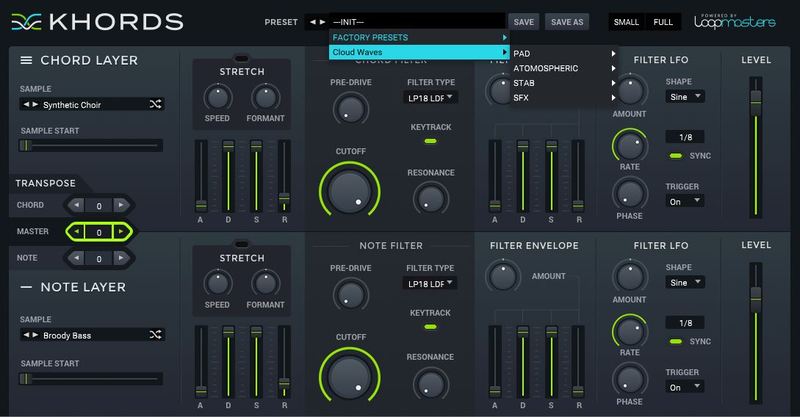
KHORDS 1.0.4 or higher
Important Note: This software requires a copy of KHORDS. Please ensure you have updated KHORDS to version 1.0.4 or higher before installing your expansion pack.