Log In
Free gifts available with your purchase
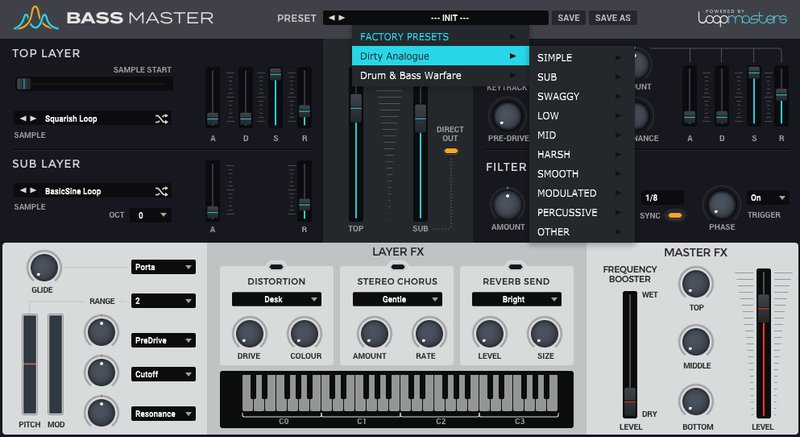
Loopmasters are proud to introduce Impact Subs, the latest Expansion Pack for Bassmaster - their very own sample-based bass synth built on an extensive and award-winning library of sonics!
Impact Subs brings you a collection of solid 808-influenced bass and sub sounds that will shake your next productions to the core. The sounds included are hard-hitting and guaranteed to make your low-end rumble, so expect to find everything you need to create impactful subsonic basslines in no time.
Get stuck into a monster collection of bass sonics that does not only cover the expected Trap, Drill & Hip Hop flavours of 808-style Sub Bass, but also ventures into the more aggressive territory of Jungle, Industrial, and even Hardcore.
You’re sure to find the perfect sound for any situation with Impact Subs. This collection is a great addition to Bass Master’s already top-notch stock sounds that will enable you to bring a whole new low-end experience to your existing favourite sounds.
In detail, expect to find 50 waveform samples, broken down as 14 Dirty Basses and 36 Sub Basses. These have been used to create 100 unique presets, broken down as 10 Simple, 24 Sub, 32 Harsh, 31 Mid, & 35 Modulated presets.
Features
- 50 Waveforms (14 Dirty Basses and 36 Sub Basses)
- 100 Presets (broken down as 10 Simple, 24 Sub, 32 Harsh, 31 Mid, & 35 Modulated presets)
System Requirements
- Bass Master 1.1.3 or higher is required to run this software.