Buy DRUM Expansion: Hip Hop and Trap Flow, get a free gift with purchase:
Note: You must have a copy of Loopcloud DRUM or be an active Loopcloud subscriber in order to use this product.
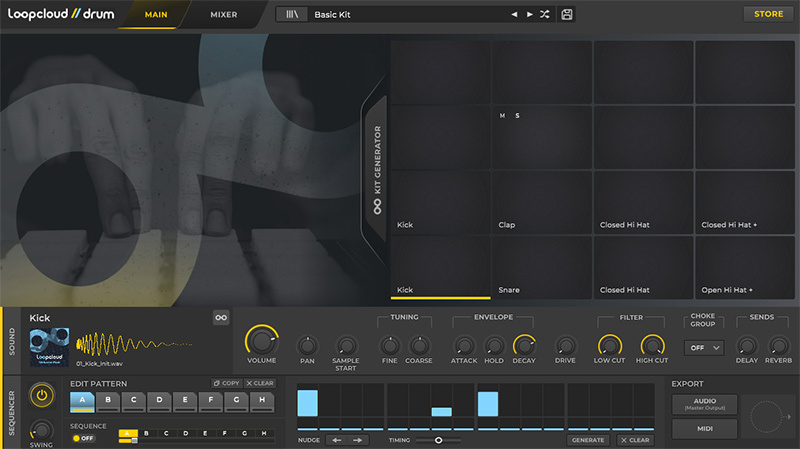
The Hip Hop and Trap Flow expansions comes with 804 one-shot samples and 84 Loopcloud DRUM kits for Hip Hop and Trap producers and includes kits and sounds for Boom Bap, Lo-fi, Drill, Trap, and more. The sound bundle for this collection features the hottest and most essential drum samples and melodies that define the rich tapestry of Hip Hop music – expect booming kicks, cracking snares, sizzling hats, tight percussion, and dusty melodics.
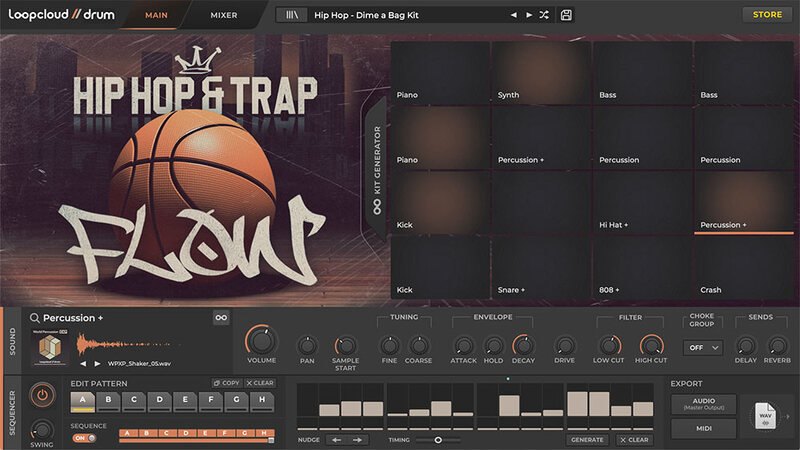
Loopcloud DRUM Flow pulls together the best Hip Hop and Trap sounds from both Loopcloud and the Loopcloud DRUM store, featuring drum kits from artists such as The Mouse Outfit, Hanz, Freddie Joachim, and Evil Needle, together with four dope Loopcloud DRUM EXP collections loaded with extra samples and starter kit templates.
Get beat making with Loopcloud DRUM - Flow Today!
Features
- 804 One-Shot Samples
- 84 Kits
System Requirements
Mac OSX
- OSX 10.15 and later (earlier OS should work but are not officially supported)
- 64-bit VST, VST3, AU plugins.
- Note: M1 not currently supported.
Windows PC
- Windows 10 and later (earlier OS should work but are not officially supported)
- 64-bit VST, VST3 plugins
Additional Information
- Internet connection required for first time launch of the plugin.
- You must have a copy of Loopcloud DRUM or be an active Loopcloud subscriber in order to use this product.
- The Loopcloud application is installed with Loopcloud DRUM. It is required to be running on your computer for Loopcloud DRUM to work.
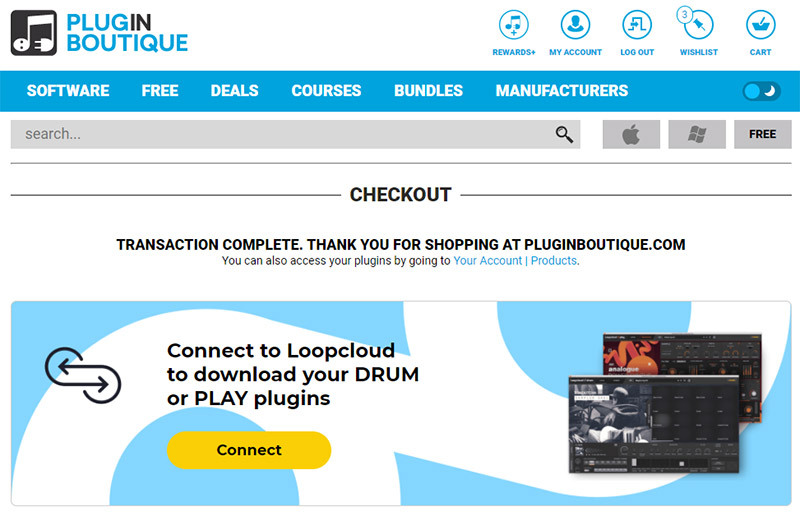
Loopcloud DRUM VST Installation & Syncing Tutorial
Connect your Plugin Boutique and Loopmasters Accounts
1. Click the yellow 'Connect' button.
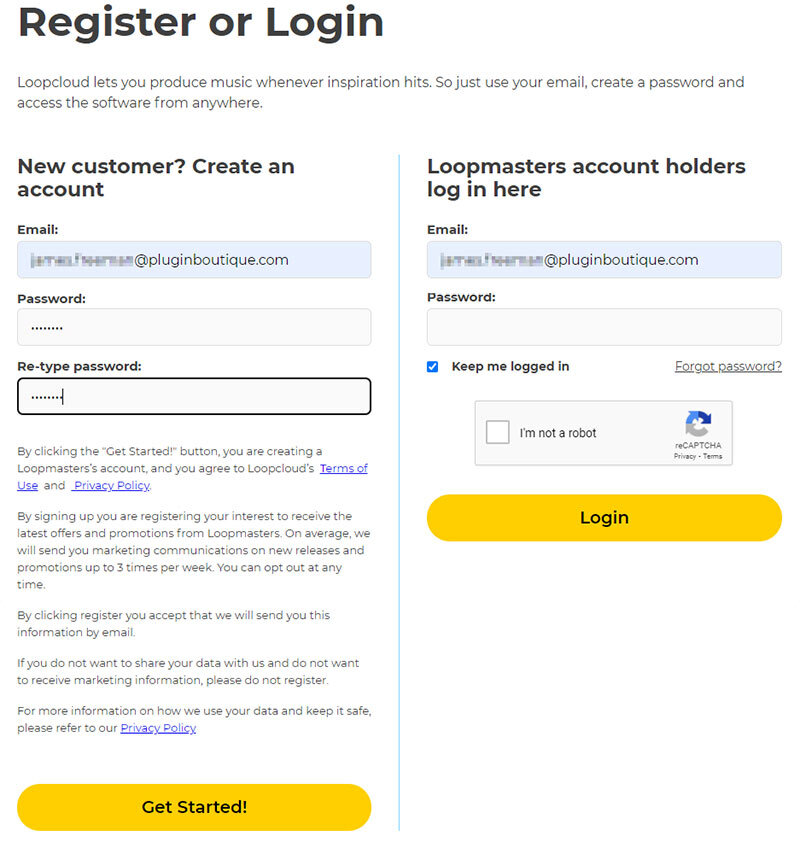
2. Either register for a Loopmasters account and click 'Get Started', or log in to your existing account and click 'Login'.
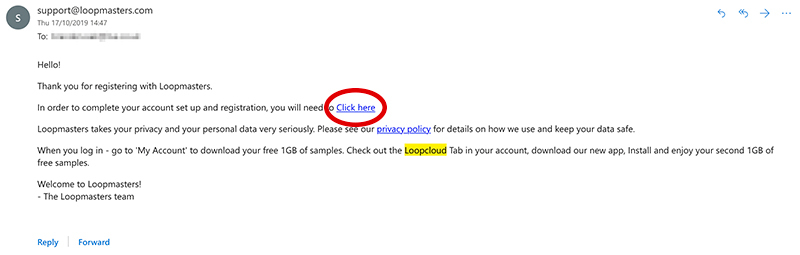
3. If you are setting up a new Loopmasters account, confirm your account via the link in your email inbox.
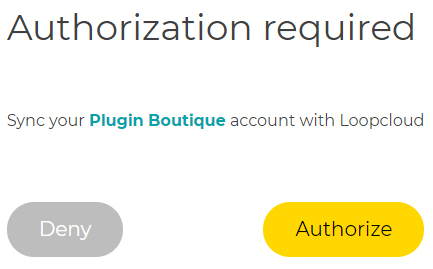
4. Navigate back to your web browser and click 'Authorize'.
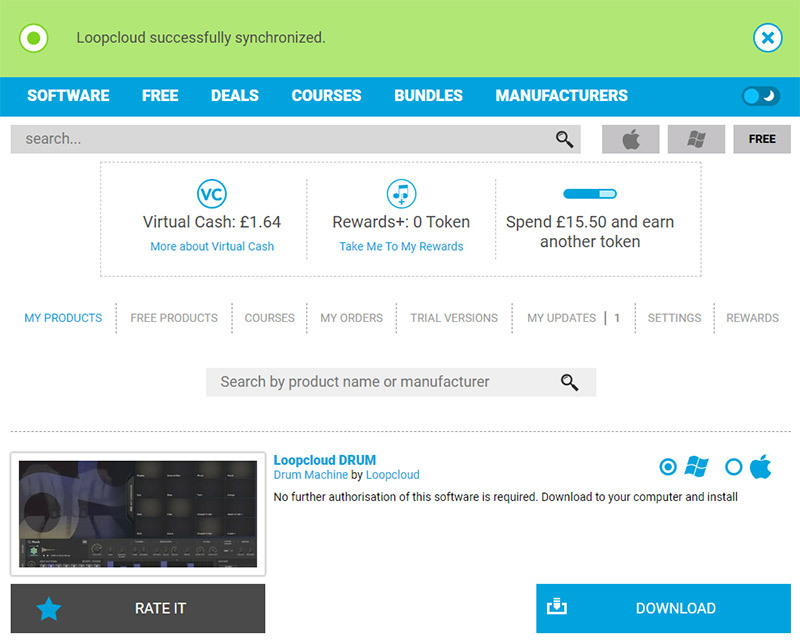
5. Your Loopmasters and Plugin Boutique accounts are now connected > Click 'Download' to download the application installer.
Mac
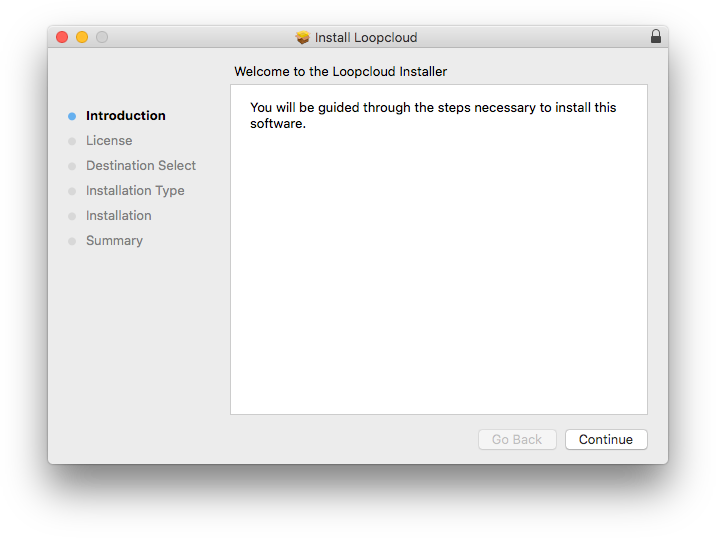
1. Launch the 'Install Loopcloud x.x.x Mac.pkg' installer.
2. Click 'Continue'.
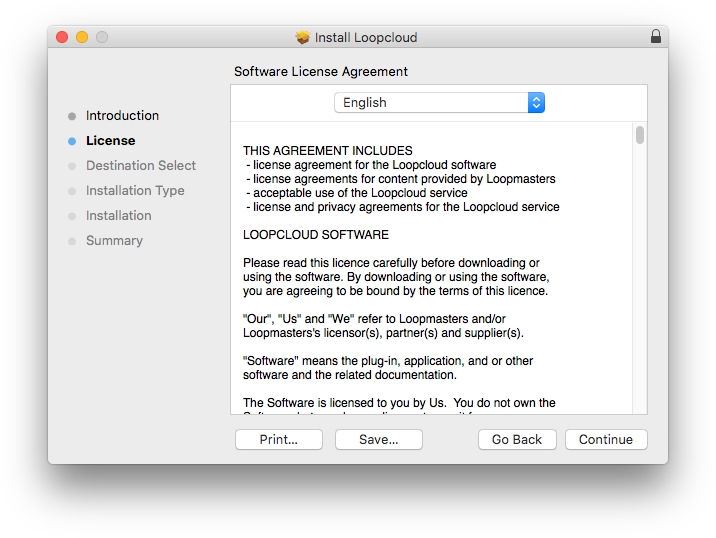
3. Click 'Continue'.
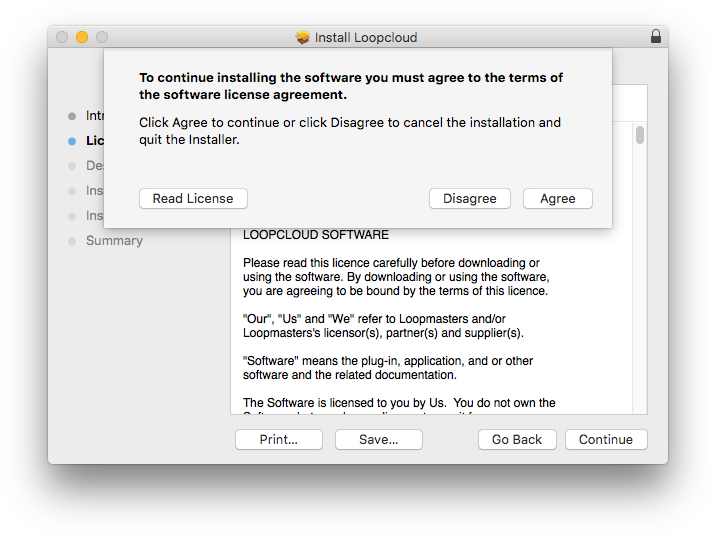
4. Click 'Agree'.
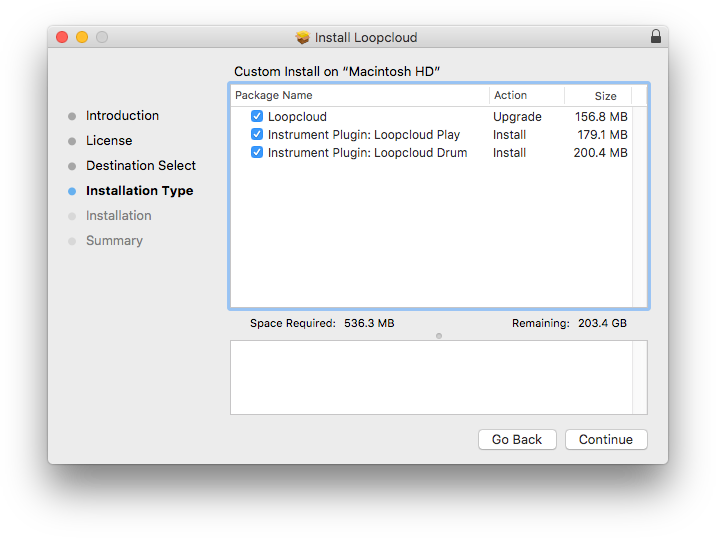
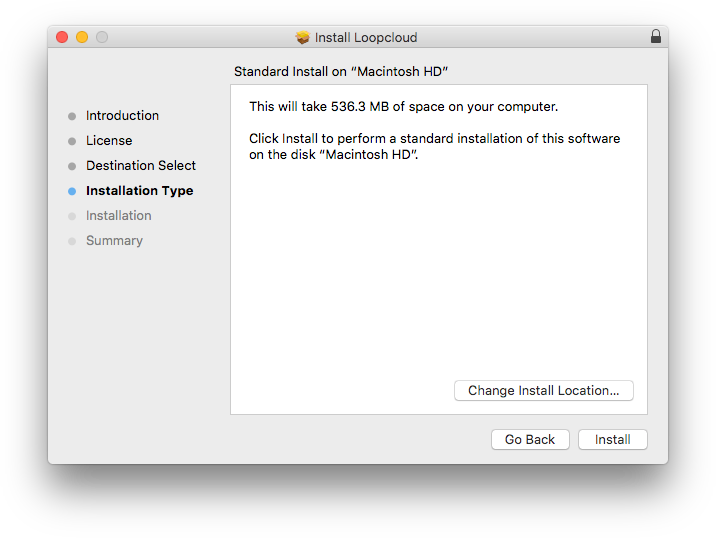
5. Click 'Continue'.
6. Click 'Install'.
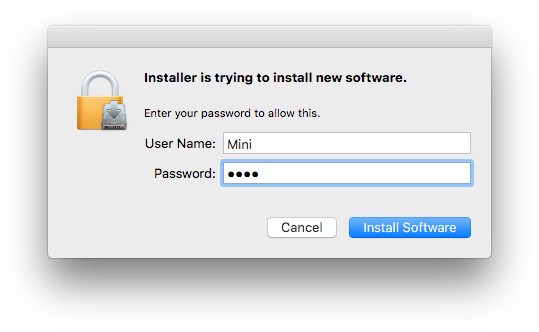
7. Enter your system password > Click 'Install Software'.
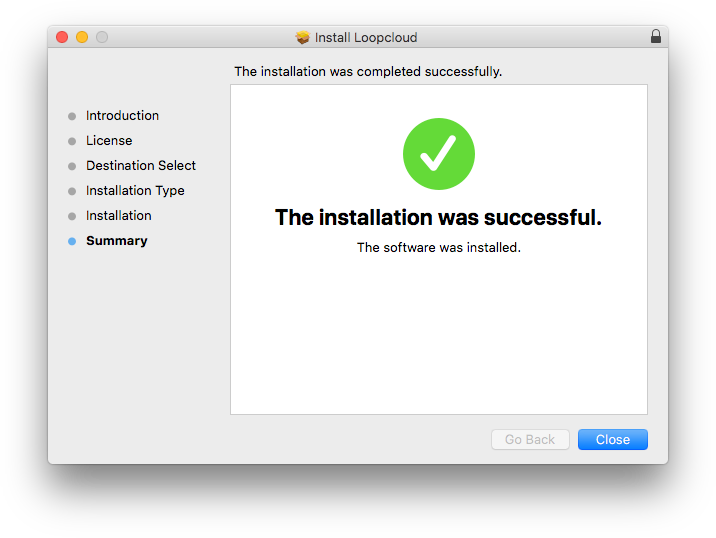
8. Click 'Close'.
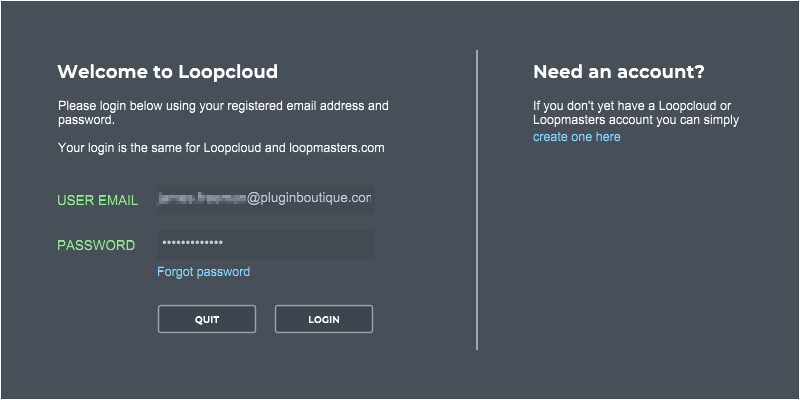
9. Launch the Loopcloud application > Enter your Loopcloud account details > Click 'Login'.
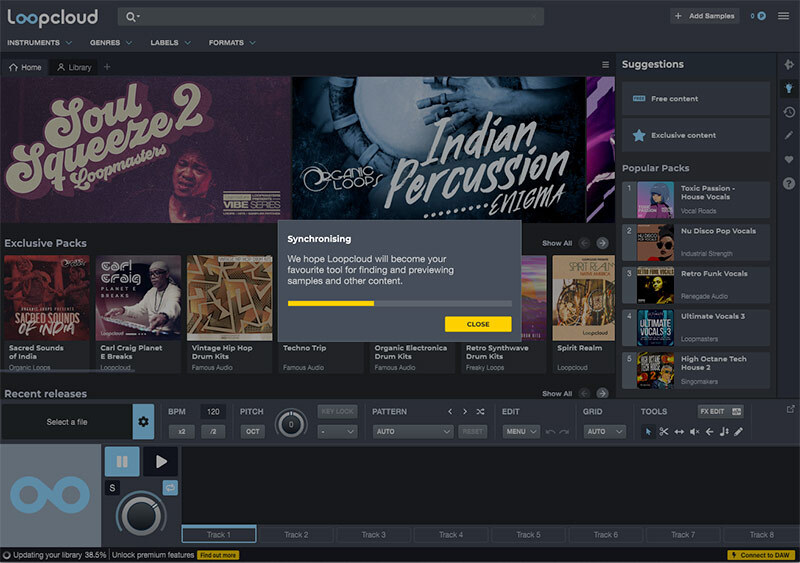
10. After logging in to Loopcloud, your account will synchronise and add all the content from your purchase.
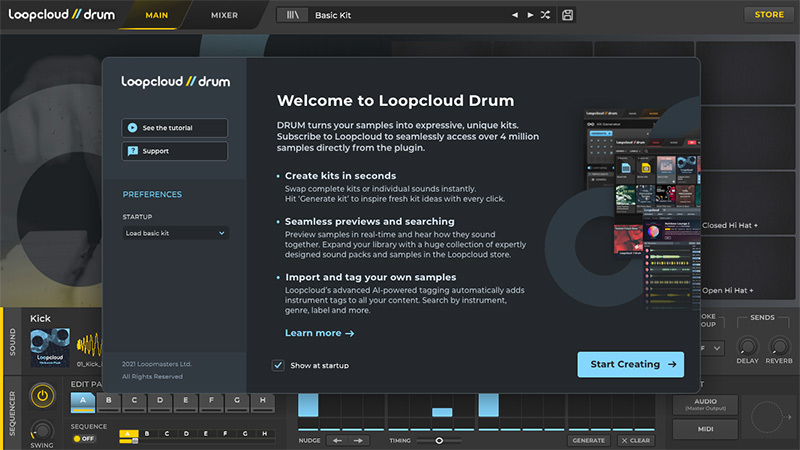
11. Launch your DAW and insert Loopcloud DRUM on a new instrument channel > Click 'Start Creating'.
Loopcloud DRUM is now installed and ready to use.
Windows
1. Launch the 'Install Loopcloud_x.x.x_Windows.exe' installer.
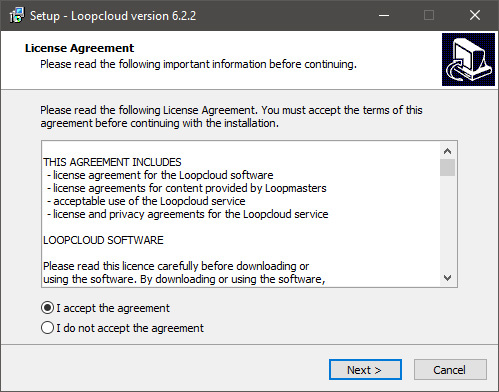
2. Click 'I accept the agreement' > Click 'Next'.
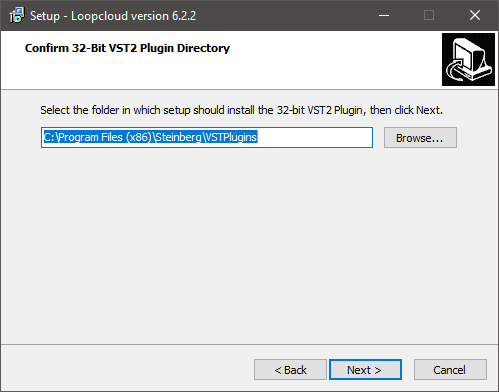
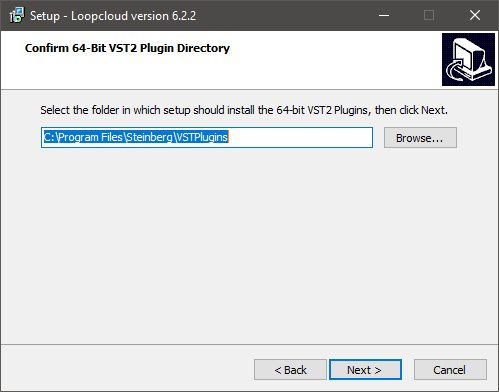
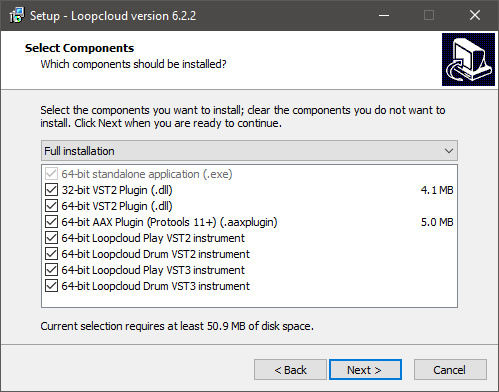
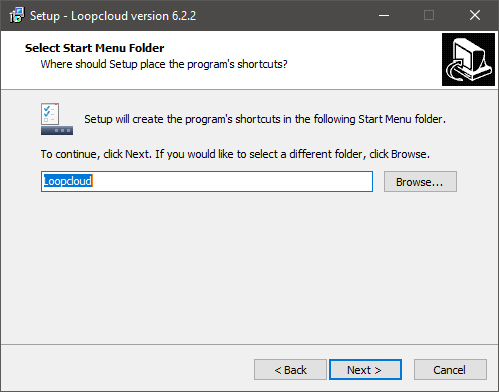
3. Click 'Next'.
4. Click 'Next'.
5. Click 'Next'.
6. Click 'Next'.
7. Click 'Next'.
8. Launch the Loopcloud application > Enter your Loopcloud account details > Click 'Login'.
9. After logging in to Loopcloud, your account will synchronise and add all the content from your purchase.
10. Launch your DAW and insert Loopcloud DRUM on a new instrument channel > Click 'Start Creating'.
Loopcloud DRUM is now installed and ready to use.