/ Expansion Packs / Threads (CUBE Expansion)
Lunacy

Threads (CUBE Expansion)

4.8 (151 Reviews)
$24.00 $49.00

51% off until Dec 07

Lunacy Audio Air (CUBE Expansion)
Introducing Threads - Imaginative String Textures for CUBE gallery thumbnail
Lunacy Audio Threads (CUBE Expansion) - Preset Highlights gallery thumbnail
Buy Now
Product information

Imaginative String Textures for CUBE

Threads is a CUBE expansion that combines timeless solo orchestral strings with futuristic plucked and bowed sounds. The result is a singular new take on string sample libraries. 

Recorded with state-of-the-art equipment at Sonic Fuel Studios, a premier boutique film music studio in Los Angeles, Threads weaves together rich sonic tapestries to elevate any production. 
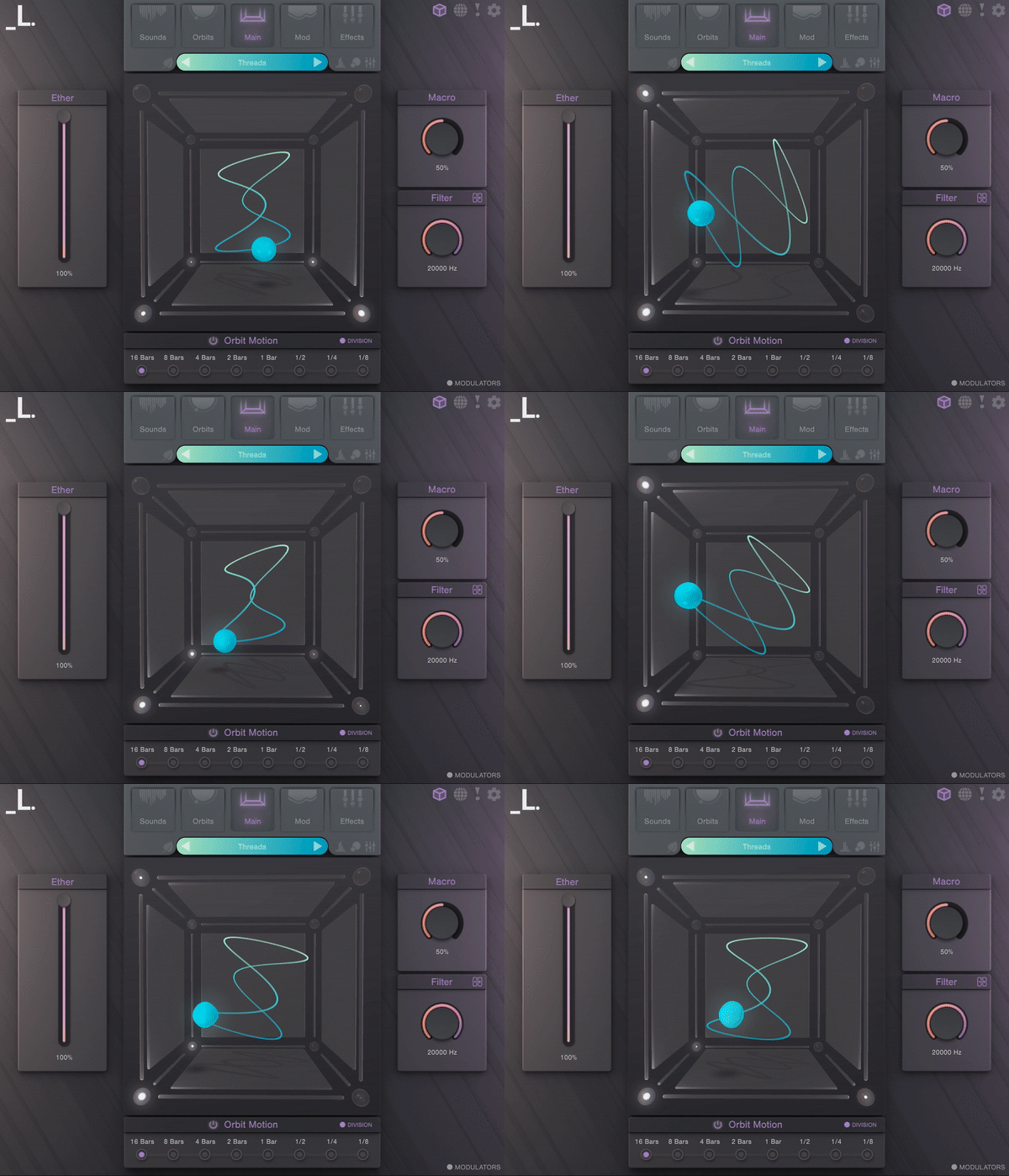
Features

  • 35 Sound Sources - An eclectic range of string instruments with expressive and unique articulations. Over 1400 samples were recorded with the highest level of professionalism, then layered and processed with expert sound design techniques for an entirely new sonic fabric.
  • 120 Presets - Expertly crafted and designed by experienced composers and producers

System Requirements 

  • macOS 10.15+
  • Windows 7+
  • 1 GB Download
  • Supported by all major DAWs

Important Note: CUBE or CUBE Mini v1.2.5 or higher is required in order to use this expansion.

Product Reviews
Lunacy Audio CUBE Mini + Air and Threads Expansions review by Sample Library Review

Pros Incredibly inventive soft synth presented in a more affordable package The orbit control is original and helps you imagine sounds in a whole new way Eight sound sources provide depth and layered sounds Randomization controls encourage experimentation Threads and Air expansion p...

Read More
Installation Instructions

Registration

1. Click the Download button in your Plugin Boutique account or go to https://lunacy.audio/register.

2. Enter your email address, the password you wish to use and your License Key which can be found in your Plugin Boutique User Account.

3. Download the relevant CUBE Full Installer.

Mac Installation

1. Download the installer from your Plugin Boutique user account and extract the zip folder.

2. Run the "CUBE_Installer_Mac_v1.0.1.dmg" installer.

3. Run the left "CUBE_v1.0.1.pkg" under the heading "Install the plugin".

4. Click "Continue".

5. Click "Continue".

6. Click "Agree".

7. Click "Install".

8. Click "Close".

9. Run the right "CUBE_Samples.pkg" under the heading "Install the samples".

10. Click "Continue".

11. Click "Install".

12. Click "Close".

13. Launch your DAW and create a new stereo instrument track, then insert CUBE onto the channel.

14. Enter your 20 digit serial code. This can be found on your My Account page. Make sure to include the first 4 letters. Then click Activate.

Your software is now activated and ready to use.

Windows Installation

1. Download the installer from your Plugin Boutique user account and extract the zip folder.

2. Run the first installer "01_CUBE Plugin Installer v1.0.1.exe".

2. Click "I accept the agreement", then click "Next".

3. Click "Install".

4. Click "Finish".

5. Now run the second installer "02_CUBE Samples Installer.exe".

6. Click "Next".

7. Click "Install".

8. Click "Finish".

9. Launch your DAW and create a new stereo instrument track, then insert CUBE onto the channel.

10. Enter your 20 digit serial code. This can be found on your My Account page. Make sure to include the first 4 letters. Then click Activate.

Your software is now activated and ready to use.

Bundle & Save

Everything Bundle
$249.00
$499.00 (50% off)

Plugin Boutique Rewards

Discover the most rewarding loyalty programme among all plugin retailers.

  • Free Loopmasters Samplepacks
  • Discounts on products and courses
  • Extra Virtual Cash claimed immediately at checkout
Find out more

Follow us:

X (Twitter) Facebook YouTube Instagram
Logo Logo

Plugin Boutique Limited, Part of the Beatport Group LLC.

Copyright © 2011-2025 Plugin Boutique. All rights reserved