


 Log In
Free gifts available with your purchase
Loopmasters are proud to present Dream Keys 2, a brand new expansion pack for Khords.
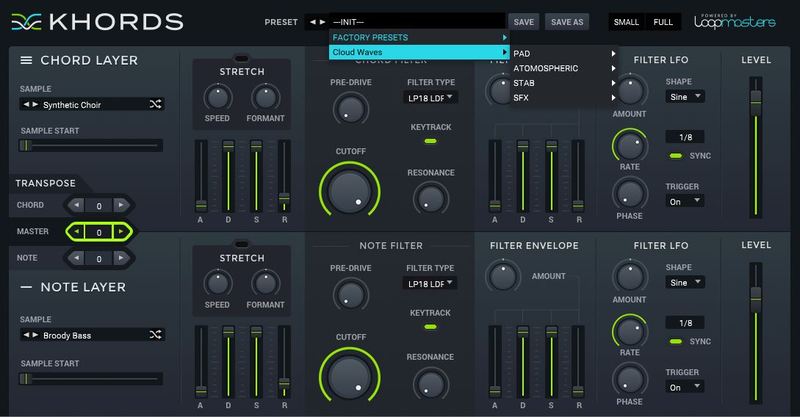
Picking up where it’s predecessor left off, Dream Keys 2 brings an inspiring collection of 50 all-new chord preset sounds, that are perfect for complementing the existing KHORDS factory sounds and presets.
Dream Keys 2 offers the perfect sonic pallet to set the mood in your latest production. Expect to hear a dreamy collection of smooth leads, atmospheric pads, vintage keys, and classic synth sounds that will add a whole new depth of sound to your latest productions. Whether you’re making LoFi Hip Hop, Neo Soul, House, Ambient or just about any other genre, Dream Keys 2 will have you covered.
In detail, expect to find 50 all-new waveforms, broken down into 14 Major Samples and 26 Minor Samples, and 10 Root/Open Samples. You’ll also find 100 top-notch presets separated into 22 Pad Presets, 5 Stab Presets, 15 Key Presets, 5 Lead Presets, 9 Bass Presets, 4 Pluck Presets, 3 Vocal Presets, 4 Brass Presets, 12 Rhythmic Presets, 4 Percussive Presets, 13 Atmospheric Presets and 4 SFX Presets.
Features
- 50 Synth Sounds
- 100 Presets
System Requirements
- KHORDS 1.0.4 or higher
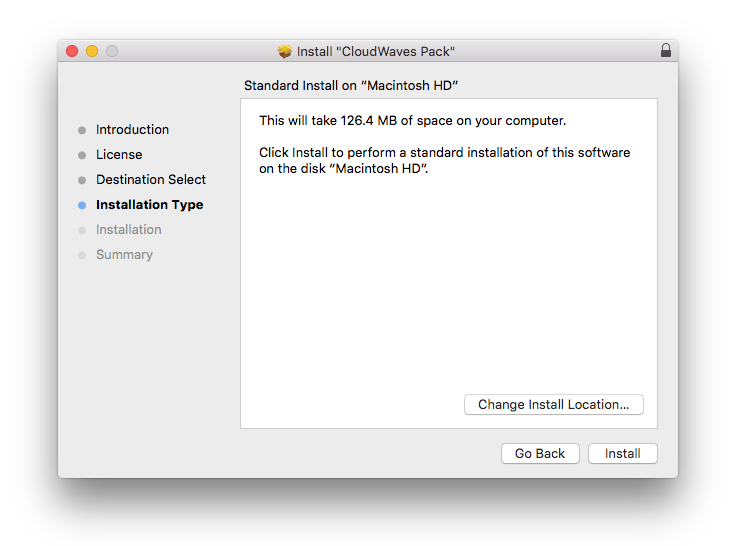
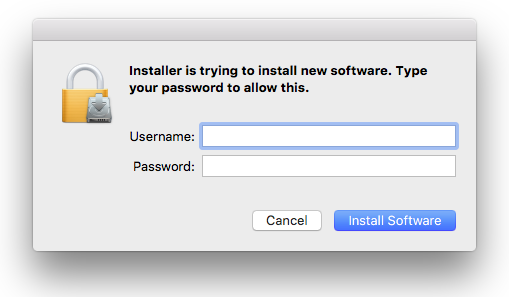
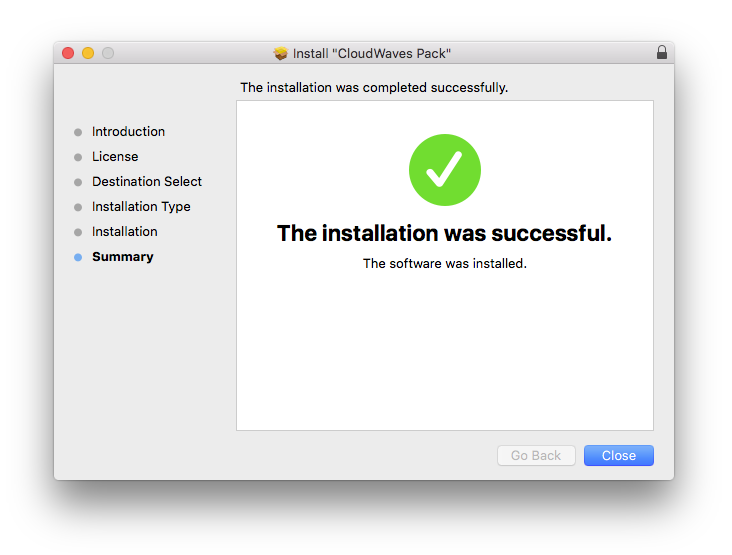
Note: This software requires a copy of KHORDS. Please ensure you have updated KHORDS to version 1.0.4 or higher before installing your expansion pack.
Reviews Summary
While it aims to provide a helpful overview, it may not capture every perspective or detail. We encourage you to read individual reviews to make an informed decision.
Customers are highly satisfied with the product, praising its excellent sound quality, affordability, and simplicity. It is described as a great expansion pack that delivers dream-like key sounds.


