Buy Rumble (CUBE Expansion), get a free gift with purchase:

Seismic Bass & Percussion
Rumble is a CUBE expansion that blends massive bass with earth-shattering percussion for a hybrid sample library completely off the Richter scale.
Designed to shake your productions to their core, Rumble comes packed with thunderous percussion hits, growling analog synth bass, experimental grooves, and hard-hitting pulses.
Perfect for modern electronic and pop productions that call for cinematic, seat-rattling low-end with precision, clarity, and punch.
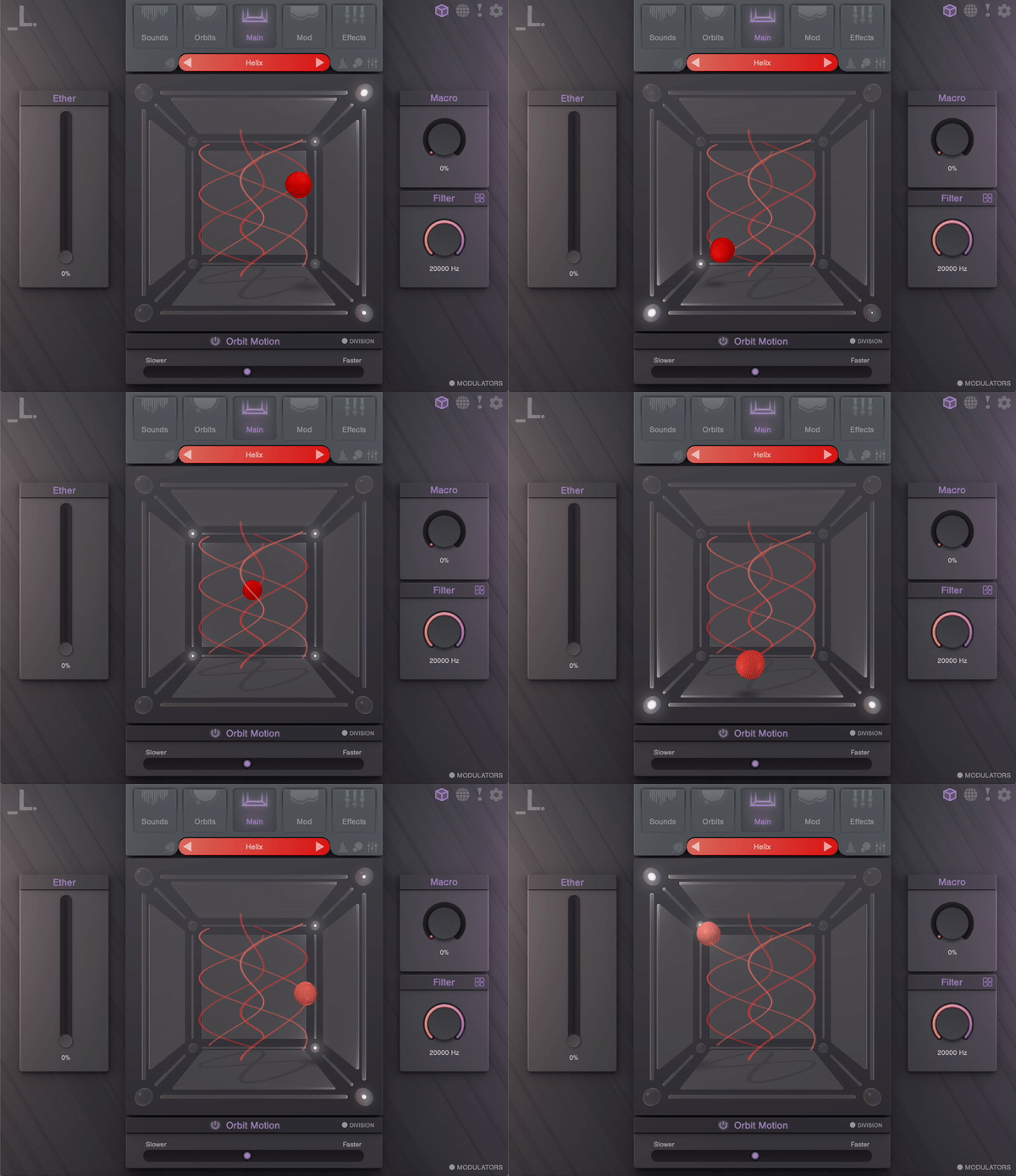
Features
- 40 Sound Sources - Multi-sampled cinematic percussion hits, recorded with a range of articulations by one of LA’s premier percussionists, Hal Rosenfeld. Experimental bass sounds exploring the past, present, and future of bass monosynth sound design.
- 120 Presets - A stellar collection of detailed and meticulously crafted bass and percussion presets, including designs by Venus Theory and DataBroth.
System Requirements
- CUBE or CUBE Mini Engine Required
- macOS 10.15 and higher
- Windows 7 and higher
- 836 MB Download
- Supported by all major DAWs
Registration
1. Click the Download button in your Plugin Boutique account or go to https://lunacy.audio/register.
2. Enter your email address, the password you wish to use and your License Key which can be found in your Plugin Boutique User Account.

3. Download the relevant CUBE Full Installer.

Mac Installation
1. Download the installer from your Plugin Boutique user account and extract the zip folder.
2. Run the "CUBE_Installer_Mac_v1.0.1.dmg" installer.
3. Run the left "CUBE_v1.0.1.pkg" under the heading "Install the plugin".
4. Click "Continue".
5. Click "Continue".
6. Click "Agree".
7. Click "Install".
8. Click "Close".
9. Run the right "CUBE_Samples.pkg" under the heading "Install the samples".
10. Click "Continue".
11. Click "Install".
12. Click "Close".
13. Launch your DAW and create a new stereo instrument track, then insert CUBE onto the channel.
14. Enter your 20 digit serial code. This can be found on your My Account page. Make sure to include the first 4 letters. Then click Activate.
Your software is now activated and ready to use.
Windows Installation
1. Download the installer from your Plugin Boutique user account and extract the zip folder.
2. Run the first installer "01_CUBE Plugin Installer v1.0.1.exe".
2. Click "I accept the agreement", then click "Next".
3. Click "Install".
4. Click "Finish".
5. Now run the second installer "02_CUBE Samples Installer.exe".
6. Click "Next".
7. Click "Install".
8. Click "Finish".
9. Launch your DAW and create a new stereo instrument track, then insert CUBE onto the channel.
10. Enter your 20 digit serial code. This can be found on your My Account page. Make sure to include the first 4 letters. Then click Activate.
Your software is now activated and ready to use.