


 Log In

Free gifts available with your purchase
Please Note: You will need to use the included free AAS Player plugin, or, Ultra-Analog VA-3, Strum GS-2, and Chromaphone 3 synths in order to use these sound banks.
Applied Acoustic Systems is proud to present the AAS Beatmaker Bundle, a collection of 4 highly-rated sound banks for the AAS Player plugin as well the Ultra-Analog VA-3, Strum GS-2, and Chromaphone 3 synthesizers.
The Urban Trip Ultra-Analog VA-3 Sound Bank is a must-have toolbox of 100 presets designed for hip-hop beatmakers that specialise in the Trap, Boom Bap, and Lo-Fi genres. The Low End Theory Ultra-Analog VA-3 Sound Bank is an expansive preset collection of 114 sounds including low bass, fast and punchy kick drums and super phat saw synth leads as well as a selection of useful vinyl scratches and effects. The Hop Riffs Strum GS-2 Sound Bank is a hip-hop oriented collection of inspiring guitar sounds ready to liven up your next lo-fi or classic hip-hop beat. Lastly, is the Turmoil District Chromaphone 3 Sound Bank, a collection of 101 presets giving you everything you need to explore the dark and sad atmosphere of Trap, Cloud Trap, RnB, Hip Hop, and even ambient music.
Urban Trip Ultra-Analog VA-3 Sound Bank

AAS sound designer Emeric Zubar a.k.a. BLAKE is back in full force with Urban Trip - a must-have Hip Hop toolbox of 100 presets designed for modern beatmakers, more specifically Trap, Boom bap, and Lo-fi producers.
Urban Trip doesn’t only cover the analog classics extremely well, it also features everything you need to produce a wide range of modern cutting-edge sounds with hard-hitting percussion, deep and rich-sounding basses, crunchy melodic keys, soaring leads, and peculiar effects.
Features
- 100 Presets
Low End Theory Ultra-Analog VA-3 Sound Bank
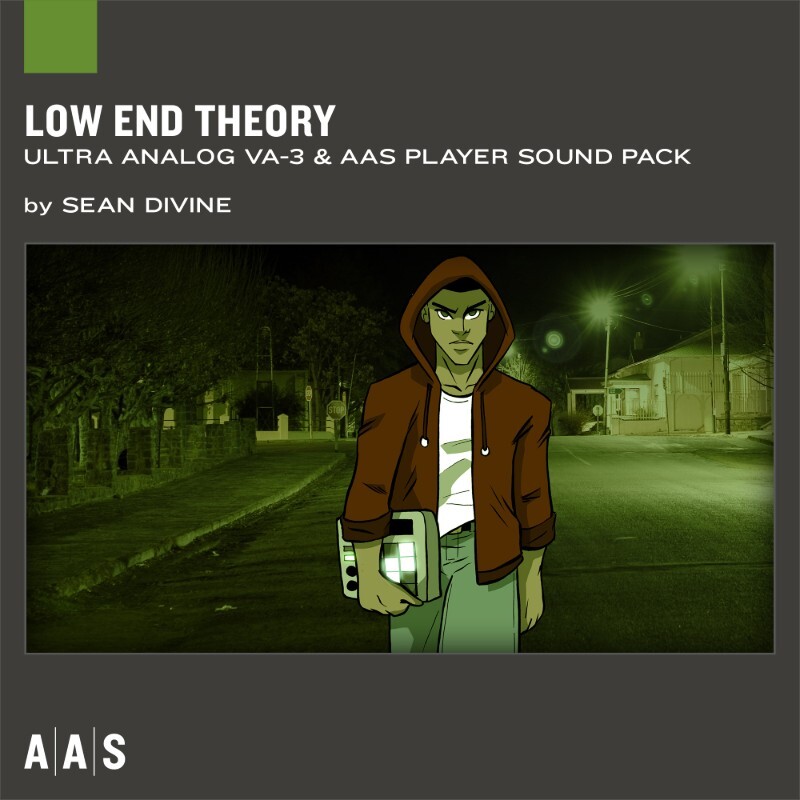
Sean Divine drops his second instalment in the Sound Bank Series in the form of a 114-preset collection that packs essential super low bass sounds, fast and punchy kick drums, catchy sine whistles to super phat saw synth leads, haunting and melodic plucks and bells, futuristic and furious arpeggios, emotionally charged vintage organs and keys as well as a selection of useful vinyl scratches and effects. Whether you’re into urban, trap, or hip hop, Low End Theory is serious core material that will steadily inspire your future beats.
Features
- 117 Presets
- 29 Bass
- 17 Kicks
- 19 Leads
- 19 Synths
- 22 Arps
- 11 FX
Hop Riffs Strum GS-2 Sound Bank
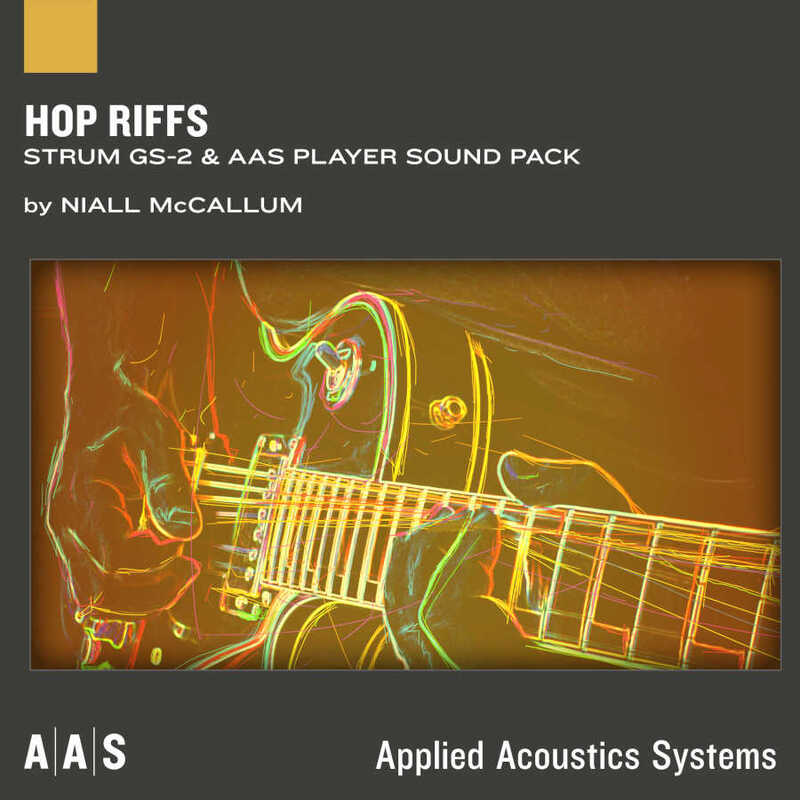
Get ready to add some serious guitar goodness to your hip hop production with ease, no guitar playing skills required. Resident sound designer Niall McCallum returns with Hop Riffs—a Strum GS sound set tailored to discriminating hip hop beatmakers and producers in dire need of guitar flavor. Feel the groove take over your arrangements with this laid-back collection inspired by the modern wave of LoFi hip hop flooding the internet, as well as pioneers of the genre's classic 90s boom bap period. Hop Riffs features 12 hip hop sub-genres, 84 guitar presets, and 84 strumming patterns playable with your own chord progressions.
Watch Hop Riffs’ deceptively simple strumming patterns come to life once combined with your favorite groovy drum beat making it dance and spark all over your song. From gentle chord figures and glistening arpeggios, to punchy dark riffs and atmospheric background textures, kick back and ignite your next beat with Hop Riffs' generous sprinkling of rich effects and smooth, versatile tones.
Features
- 84 guitar presets
- 84 strumming patterns
Turmoil District Chromaphone 3 Sound Bank
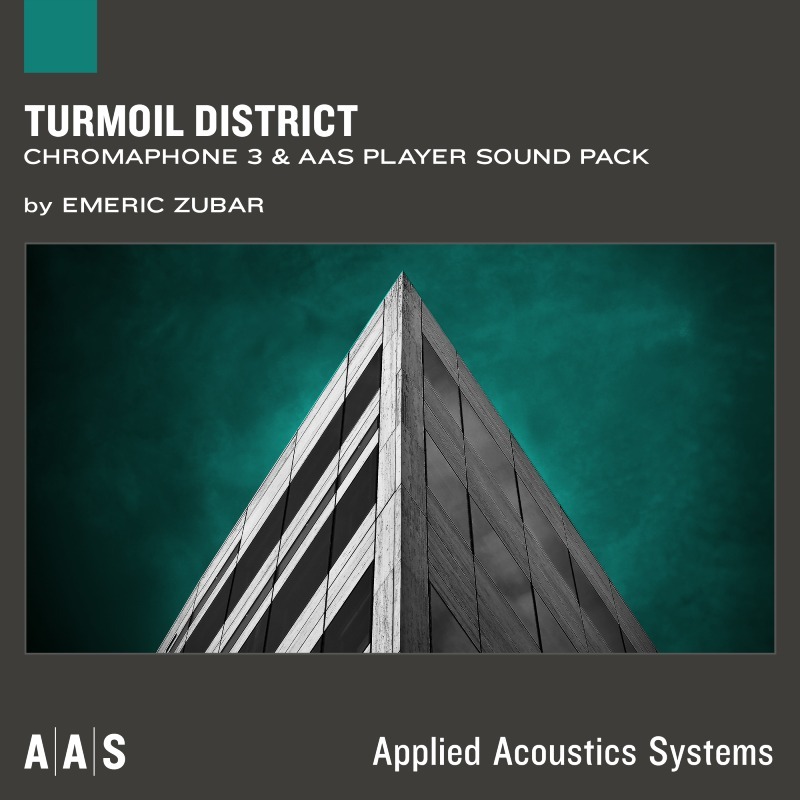
AAS sound designer newcomer Emeric Zubar a.k.a. BLAKE presents Turmoil District - a collection of 101 presets exhibiting the emotional and ominous side of Chromaphone 3. Turmoil District gets you everything you need to explore the dark and sad atmosphere of Trap, Cloud Trap, RnB, Hip Hop, and even ambient music. While being sonically rich-sounding, this sound pack highlights the dreamy and haunting vibe needed for those genres. With its vast selection of kicks, snares, basses, hi-hats, pads, and keys, Turmoil District's presets are specifically designed to create vibrant beats and take your music to its climax.
Features
- 101 Presets
Urban Trip and Low End Theory Sound Banks System Requirements
These preset collections can be used with the free AAS Player plugin as well as the Ultra-Analog VA-3 analog synthesizer.
After you have installed the sound bank, there are two options to use it:
- A) Ultra-Analog VA-3 - Reverence will automatically be added to Ultra-Analog VA-3 if it is installed on your computer.
- B) AAS Player - If you don't own Ultra-Analog VA-3, you will be able to play Reverence from the AAS Player plugin or standalone application.
Turmoil District System Requirements
This preset collection can be used with the free AAS Player plugin as well as the Chromaphone 3 analogue synthesizer.
After you have installed the sound bank, there are two options to use it:
- A) Chromaphone 3 - Octagon will automatically be added to Chromaphone 3 if it is installed on your computer.
- B) AAS Player - If you don't own Chromaphone 3, you will be able to play Octagon from the AAS Player plugin or standalone application.
Hop Riffs System Requirements
This preset collection can be used with the free AAS Player plug-in as well as the Strum GS-2 session guitarist plugin.
After you have installed the sound bank, there are two options to use it:
- A. Strum GS-2 - Tropical Jam will automatically be added to Strum GS-2 if it is installed on your computer.
- B. AAS Player - If you don't own Strum GS-2, you will be able to play Funky Cat from the AAS Player plug-in or standalone application.

















