/ Delay / Recirculate
Newfangled Audio

Recirculate

4.9 (54 Reviews)
$49.00 $99.00

50% off until Jan 05

Main Image
Main Image
Recirculate gallery thumbnail
Buy Now
Product information

Polyrhythmic Feedback Delay with Character

Recirculate isn't just a delay plugin; it's the distilled essence of what a feedback echo should be. With its unique blend of independent timing controls, desirable delay behaviors including Reverb, Pitch Warp, and Granular, and a curated suite of characters, dynamics, and sound shaping tools, it offers simple and direct creative control. Deftly add depth and dimension to your tracks with Recirculate.

Features

  • Simple Yet Deep: Craft simple or complex rhythmic echoes effortlessly with Recirculate, the intuitive delay plugin designed for instant sonic enhancement.
  • Dual Time Control: Manipulate initial delays and repeats independently for unparalleled rhythmic diversity.
  • Flexible Delay Behaviors: Choose from Standard, Pitch Warp, Ping Pong, and Granular delay modes for unparalleled creative versatility.
  • Sync with Precision: Quickly align your echoes with note values, steps, or milliseconds for perfect timing.
  • Shape Your Sound: Mold your echoes with high and low cut filters featuring morphable shape controls.
  • Transient Designer: Keep or remove transients in your echoes, ensuring rhythmic precision without clutter.
  • Dynamic Mastery: In-built Compressor, Ducker, and Gate offer advanced control over echo dynamics.
  • Character Section: Delve into 28 unique character and noise combinations for a distinct echo personality.
  • Ethereal Reverb: Enrich your echoes with a sublime reverb, perfect for creating diffuse repeats or lush tails.
  • Soundstage Controls: Utilize Chorus, Spread, XFeed, and Granular Spray to add depth and dimension.
  • Dry FX: Blend Recirculate's character and tone into the dry path to integrate the delay and elevate the whole performance.

System Requirements

Mac

  • macOS 10.9 and later (64-bit only) (macOS 12 Monterey and M1 Apple Silicon supported)
  • AAX, AU, VST2, VST3 (64-bit)
  • Please Note: AAX format is only compatible with Intel Macs (until Avid adds native M1 Apple Silicon support).

Windows

  • Windows 8 and later (64-bit only) (Windows 11 supported)
  • AAX, VST2, VST3 (64-bit)

Important Notes:

  • Eventide tests their desktop plugins in Ableton Live, Cubase, FL Studio, Logic Pro, Pro Tools, and Studio One (However, their plugins should work with any compatible host.)
  • No iLok dongle is required to run this software - only a FREE iLok account/Manager is required for authorisation.
Installation Instructions
Please note: Blackhole is used as an example.

Registration

1. Create an iLok account by following the steps from our help centre article - Getting Started with the iLok License Manager. If you already have an iLok account, skip this step.

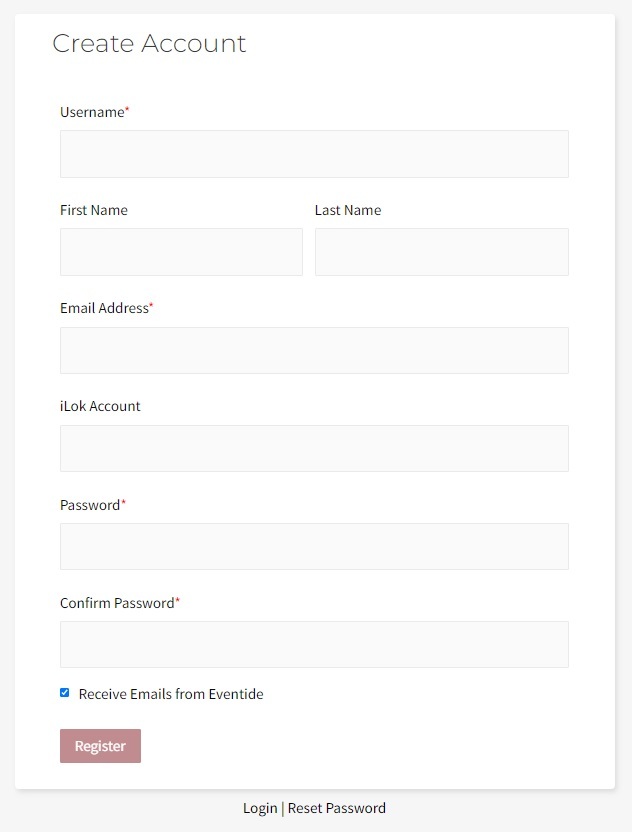
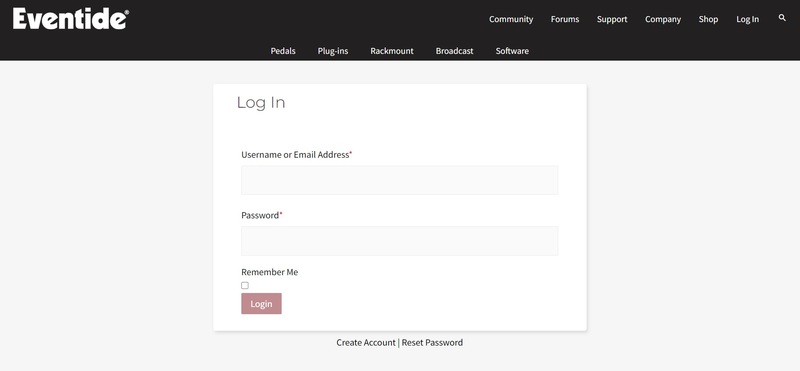
2. Go to https://www.eventideaudio.com/login > Click 'Create Account' at the bottom of the page.

3. Enter your details (including your iLok Account User ID) > Click 'Register'.

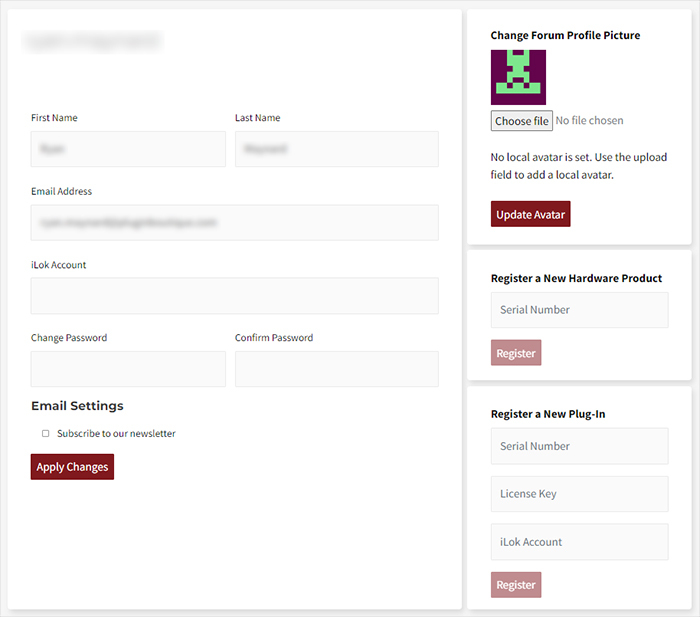
4. You will now be redirected to your My Account page.

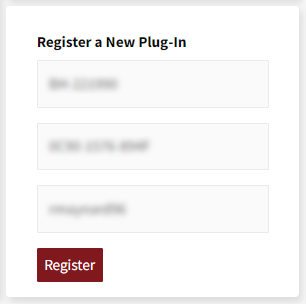
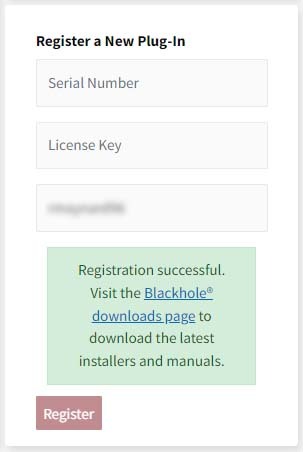
5. In the bottom right corner of the page, enter the license key (format 1234-1234-1234) found in your Plugin Boutique account, as well as your iLok Account User ID > Click 'Register'. Please note: a Serial Number is now not required

Please note: Make sure there are no spaces at the beginning or after your license key.

6. Your software is now registered.

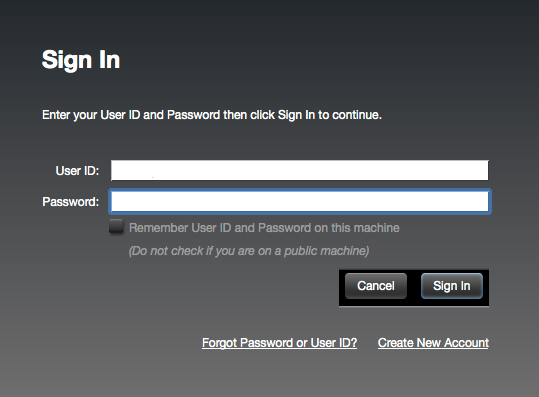
7. Launch the iLok License Manager application > Sign into your account.

8. Enter your iLok user ID and password > Click 'Sign in'.

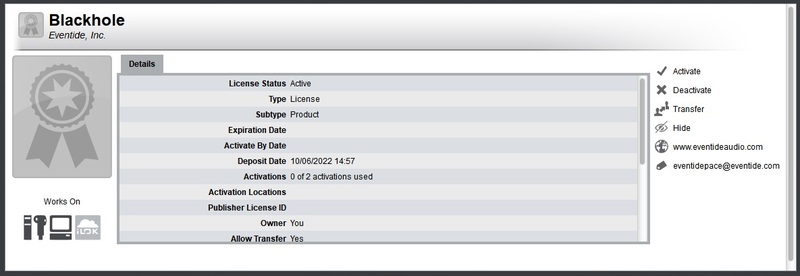
9. Your license should now be listed within your iLok account.

10. Double-click on the license to bring up additional options > Click 'Activate' (located on the right of the screen).

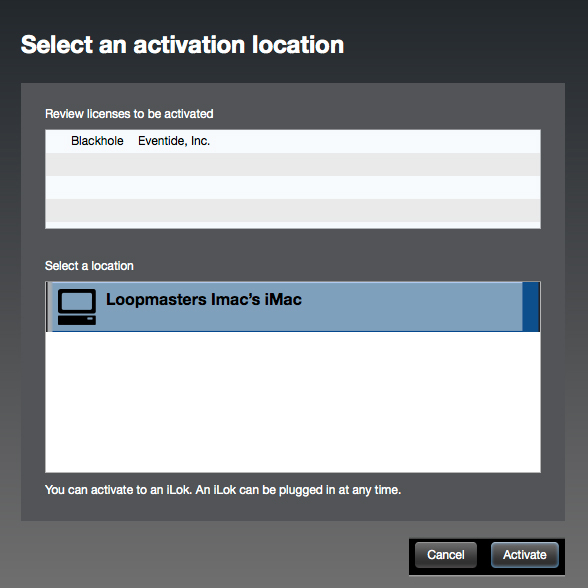
11. Select where you wish the license to be activated > Click 'Activate'.

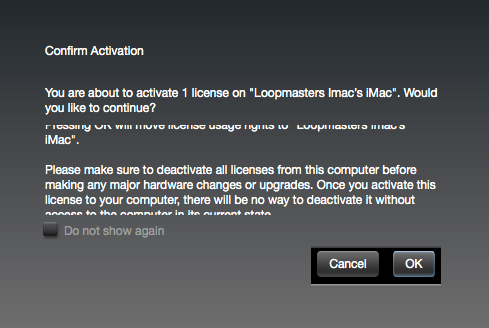
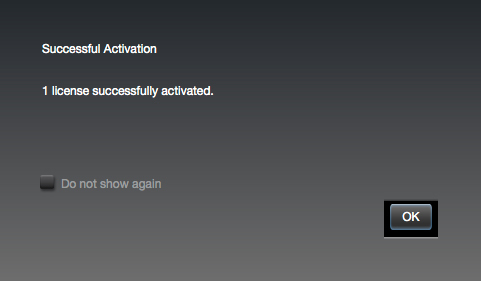
12. Click 'OK'.

13. Click 'OK'.

Mac Installation

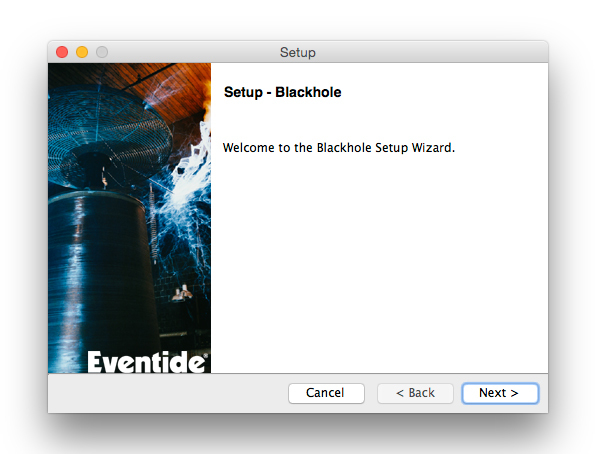
1. Download the Mac installer from https://www.eventideaudio.com/downloads/ > Run the installation > Click 'Next'.

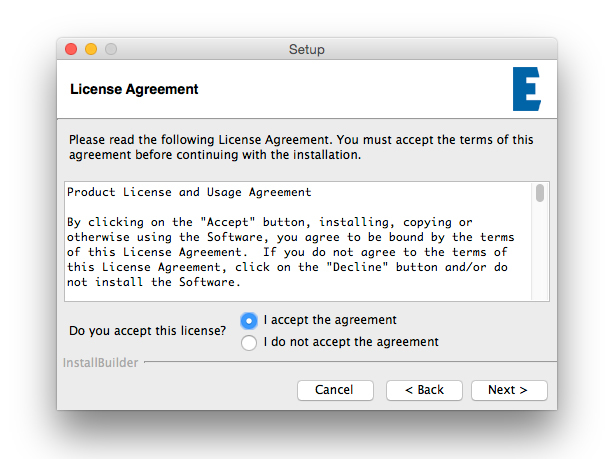
2. Click to accept the license agreement > Click 'Next'.

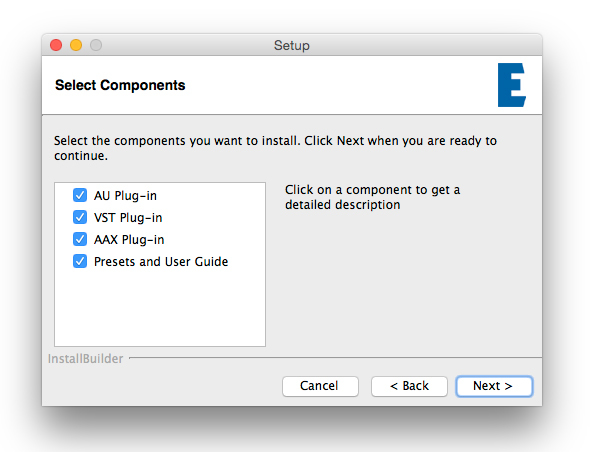
3. Choose which plugin formats you'd like to install > Click 'Next'.

Please note: If you're unsure, leave all options selected or check out our help centre article Plugin Formats Explained for more information.

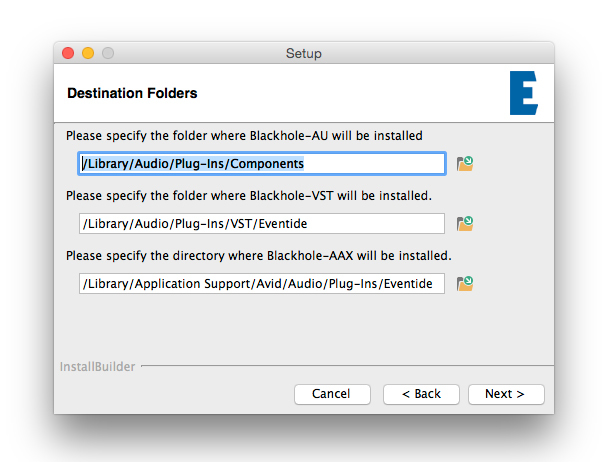
4. Select the destination folders (or leave them as the defaults) > Click 'Next'.

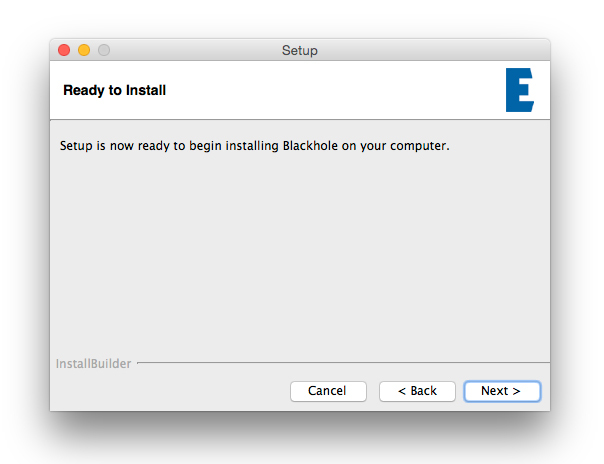
5. Click 'Next'.

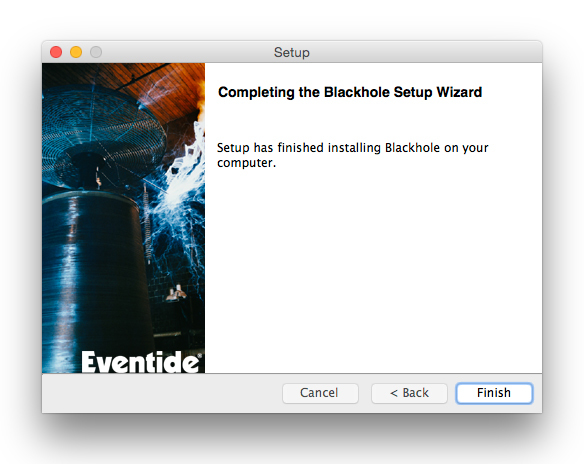
6. Click 'Finish'.

Your new software is now fully activated and ready to use within your DAW!

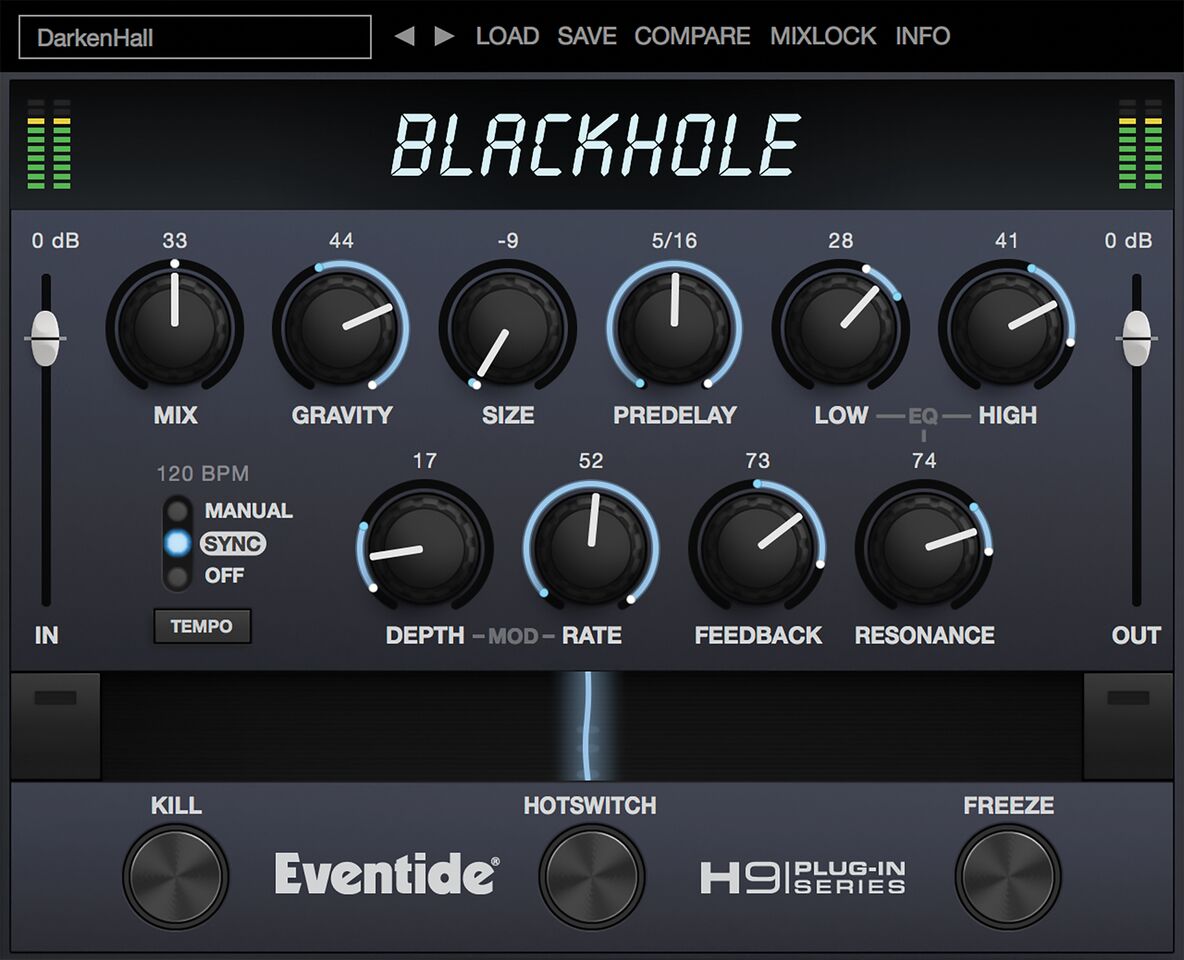
Eventide Blackhole Main Image

Windows Installation

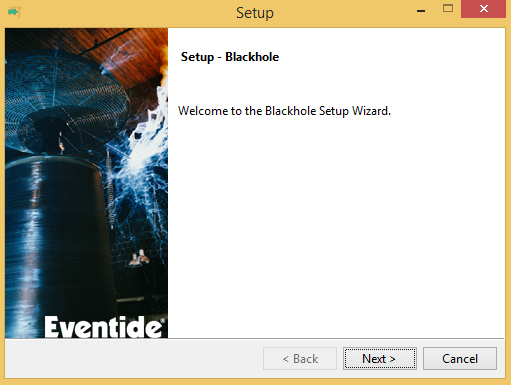
1. Download the Windows installer from https://www.eventideaudio.com/downloads/ > Run the installation > Click 'Next'.

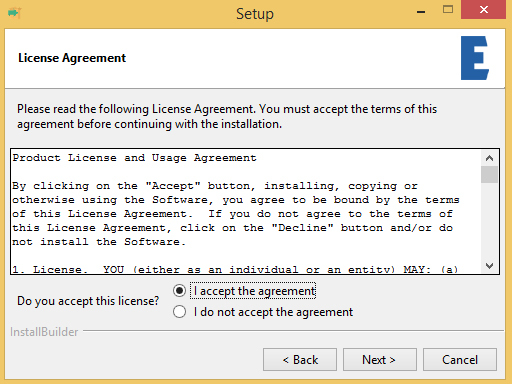
2. Read the License Agreement > Select 'I accept the agreement > Click 'Next'.

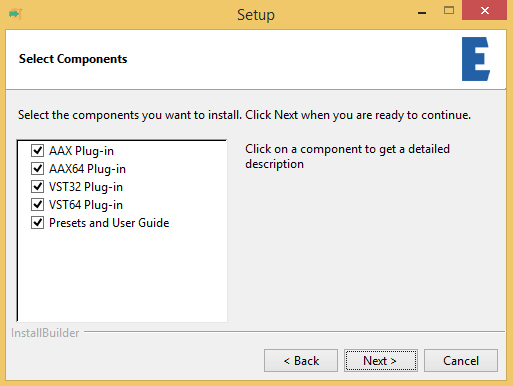
3. Choose which plugin formats you'd like to install > Click 'Next'. If you're unsure, leave all options selected or check out our help centre article Plugin Formats Explained for more information.

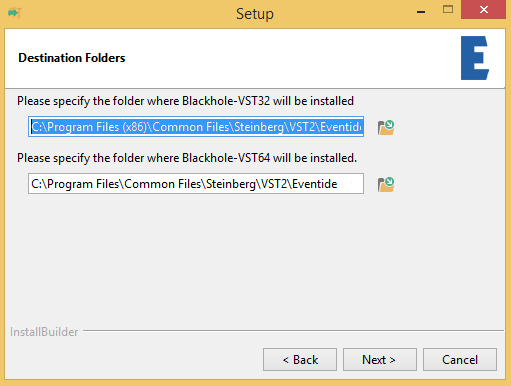
4. Select the destination folders (or leave them as the defaults) > Click 'Next'.

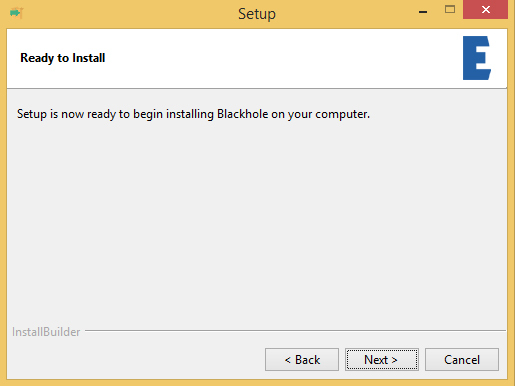
5. Click 'Next'.

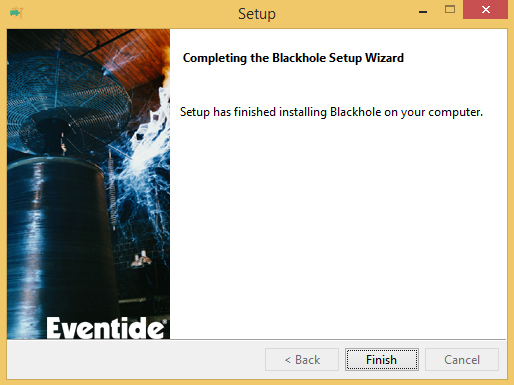
6. Click 'Finish'.

Your new software is now fully activated and ready to use within your DAW!

Eventide Blackhole Main Image

Plugin Boutique Rewards

Discover the most rewarding loyalty programme among all plugin retailers.

  • Free Loopmasters Samplepacks
  • Discounts on products and courses
  • Extra Virtual Cash claimed immediately at checkout
Find out more

Follow us:

X (Twitter) Facebook YouTube Instagram
Logo Logo

Plugin Boutique Limited, Part of the Beatport Group LLC.

Copyright © 2011-2025 Plugin Boutique. All rights reserved