Log In
Free gifts available with your purchase
The Best Sounding Tape Delay Plug-in Available Today
Nailing The Sound Of The Most Famous Tape Echo Unit Of All Time
Heritage Audio is proud to announce the availability in native form of the Heritage TAPEoPLEX tape delay plugin. Based on the beloved vintage tape delay used by everyone from Eddie Van Halen to Brian May, Jimmy Page, Neil Young and many others, the Heritage TAPEoPLEX just nails the sound of the most famous tape echo unit of all time.
Ranging from soft and clean delays to distorted repeats that lead to self-oscillation, the warmth and space that the TAPEoPLEX adds to your tracks is unmatched by any tape delay plugin in the market.
Using 2025 Technology To Fully Recreate The Sound Of The Most Sought After Echo Machine
It was about time someone got serious about recreating the legendary tape delay sound to today's standards and the use of today’s technology to carefully model this plugin from an original unit (Serial # 34553) is the real secret behind the sound of the TAPEoPLEX, making it the best sounding tape delay plug-in available today. And taking advantage of the extra options that a plug-in allows, the TAPEoPLEX is now a full independent stereo unit where you can choose different echo times for the L and R channel or link them to have the same or different delay time constant on each side, following either the same tempo or the DAW’s tempo.
An additional control even allows to choose the amount of freshness of the tape, adding color and a slight harmonic distortion to your tracks when needed.
System Requirements
-
Formats:
- VST3, AU, AAX (64-bit)
-
Platforms:
- macOS: 10.15.7 and up (Both INTEL and Native Apple Silicon M1/M2/M3 Compatibility)
- PC: Windows 10 and 11
-
DAWs supported:
- All major DAWs, including Ableton Live, Pro Tools, Logic Pro, FL Studio, Cubase, Studio One, Bitwig, Reaper, Reason etc
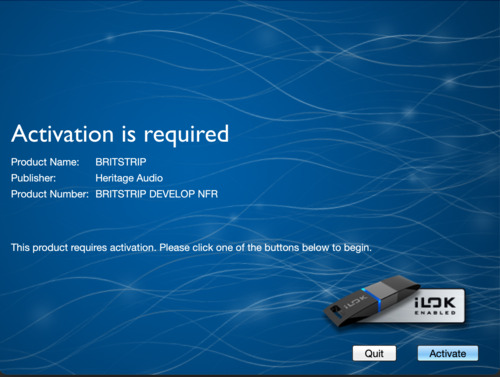
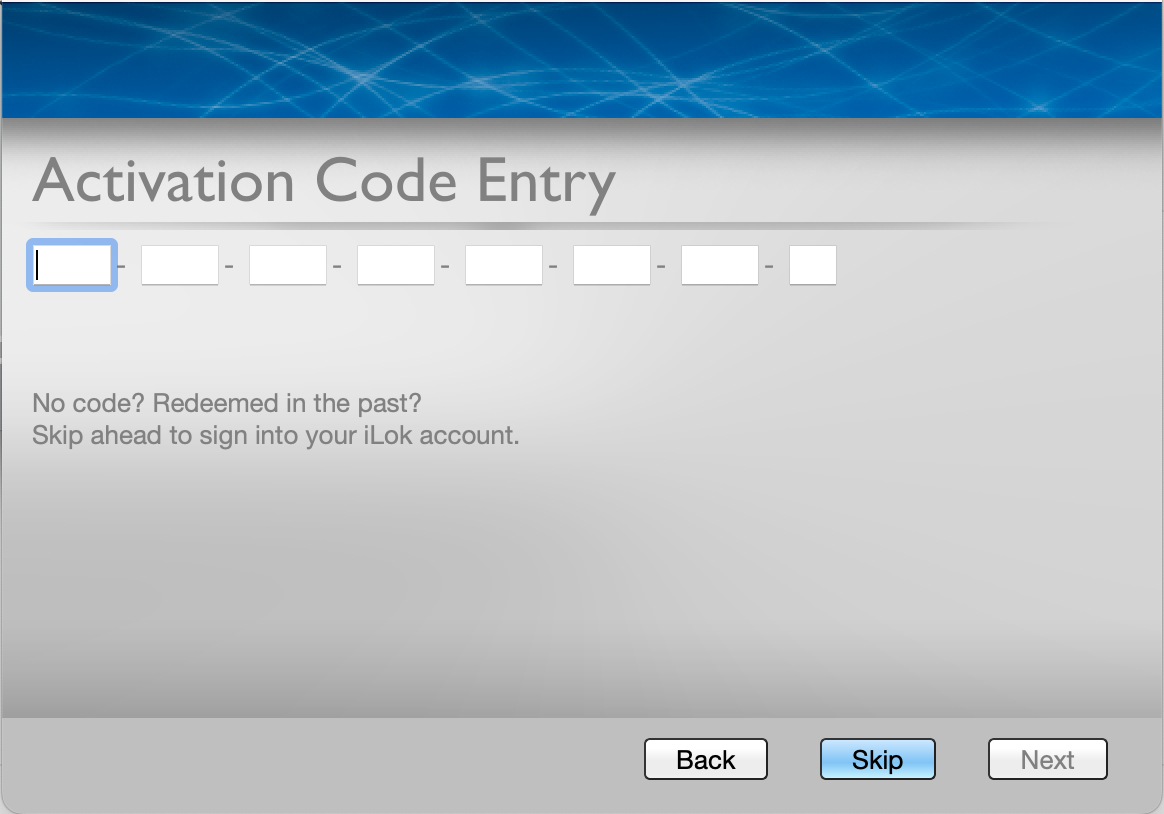
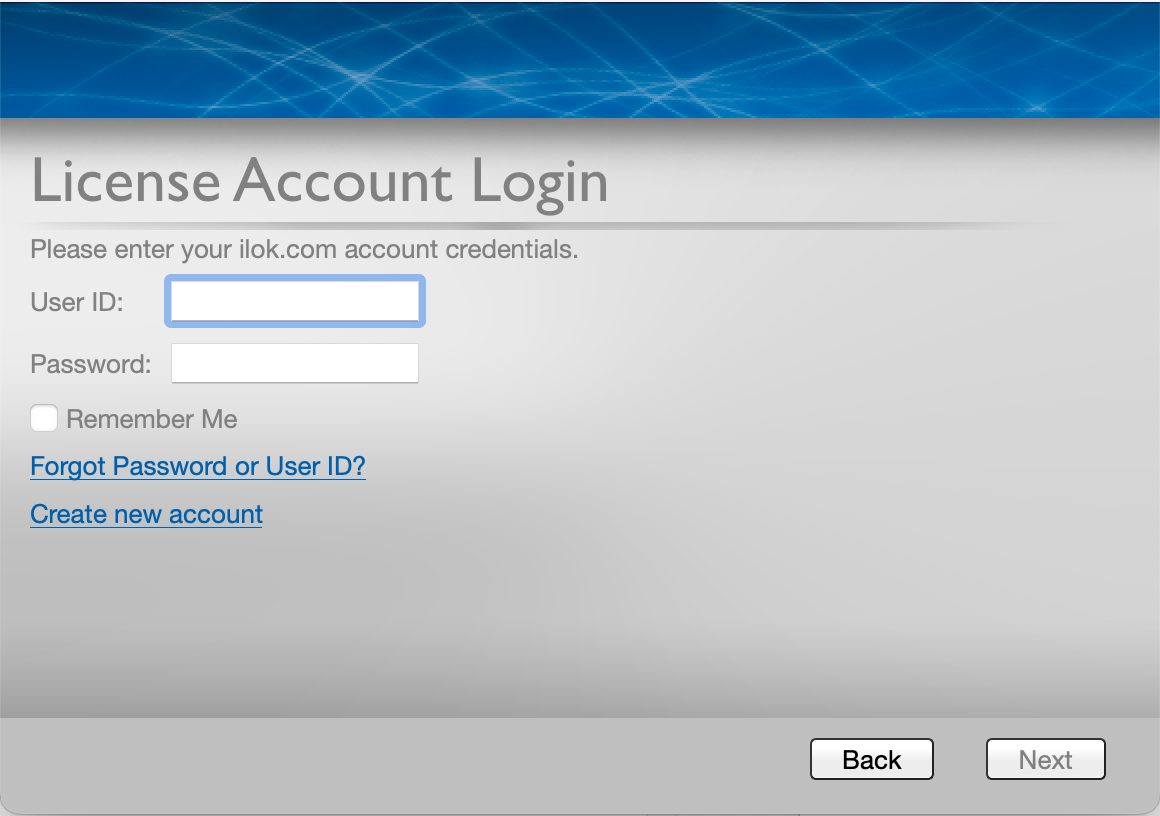
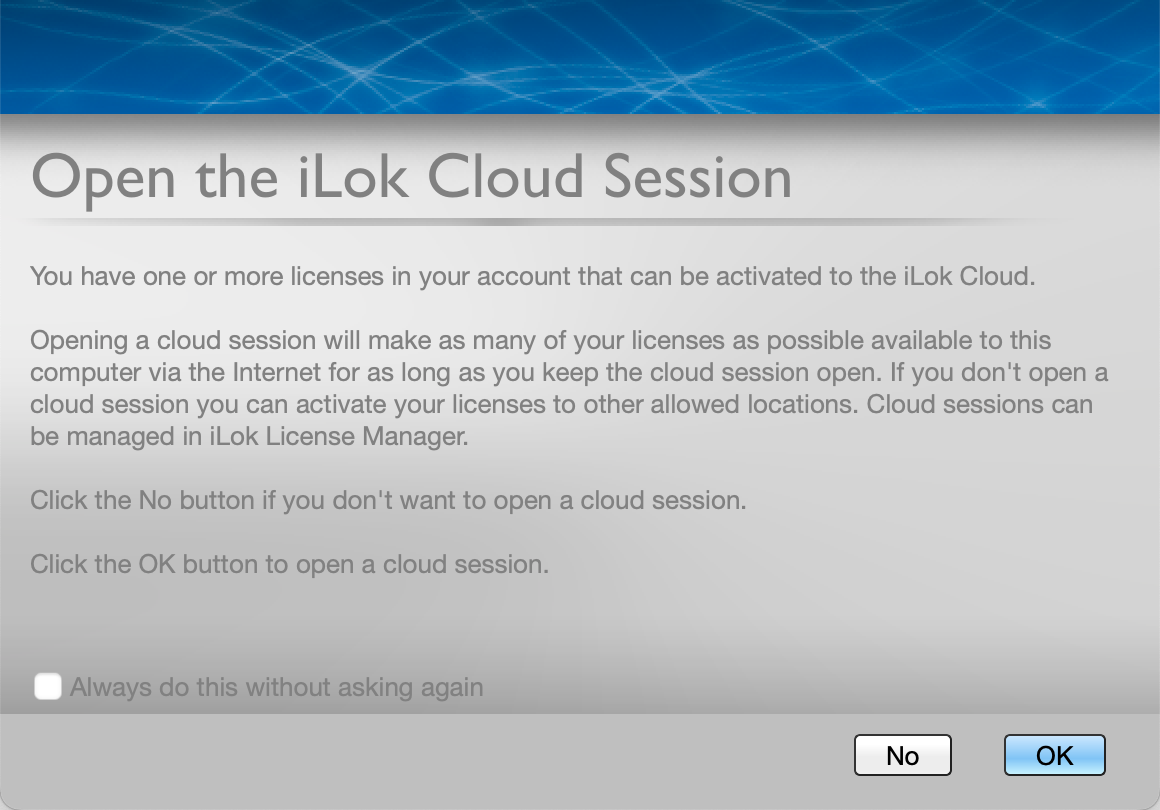
Please note: A free iLok cloud account is required to install and authorise this product