


Buy Droplet v2, get a free gift with purchase:
Raindrop Delay
Droplet is a delay modelling engine for creating “raindrop delay” effects. It is based on 32 stereo delay lines connected in series via a proportional feedback system, with each delay’s time and stereo pan being randomized in order to produce a natural sound similar to water drops falling onto a surface.
The wide parameter range, as well as low or high-frequency feedback damping, allow Droplet to produce a huge variety of effects – not just its trademark raindrop delay but also lush reverb and resonator simulations. The built-in modulation oscillator adds a unique dimension and unison detune to the sound, thanks to its unique flipped-polarity routing. And thanks to the fact that the randomization seed is generated each time the plugin is loaded, just like the natural process it’s modelling, every instance of Droplet will always sound different.
Features
Sound Engine
- Multi-tap delay engine with 32 stereo delay lines and proportional feedback scaling
- Adjustable delay time randomization
- Adjustable delay output pan randomization
- Individual low-pass and high-pass damping filters per each delay line
- Sine-wave oscillator for delay time modulation, with flipped polarity between even and odd delay lines
- Lag filters on all continuous parameters for smooth, click-free adjustment
- Supports mono › mono, mono › stereo, and stereo › stereo channel configurations
Graphic Interface
- Colour-coded graphic elements
- Consistent name, mapping, value, and unit implemented for all parameters in both graphic user interface and host control/automation
- Built-in preset management functions
- Supports window size scaling up to 200%
System Requirements
Mac
- macOS 10.9 or later (64-bit only)
- Intel or Apple Silicon
- AU / AAX / VST3
- AAX is Apple Silicon supported
Windows
- Windows 8.1 or later (64-bit only)
- PC computer with x86 processor.
- AAX / VST3
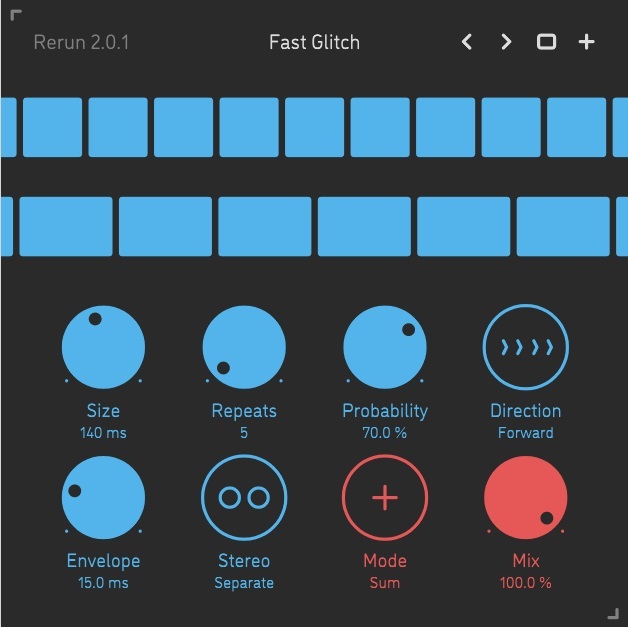
Please note: Rerun v2 is used as an example.
Mac Installation
1. Download the ZIP folder from your Plugin Boutique account > Open.
2. Double-click the PKG installer file > Click 'Continue'.
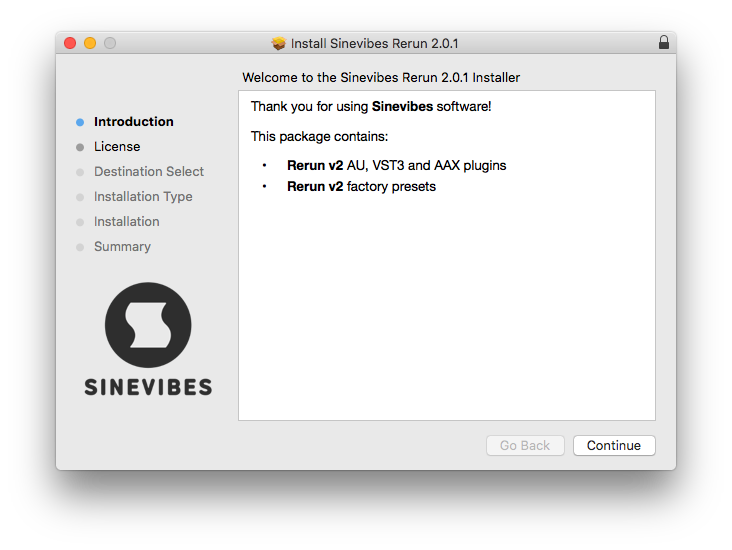
3. Read the Software License Agreement > Click 'Continue'.
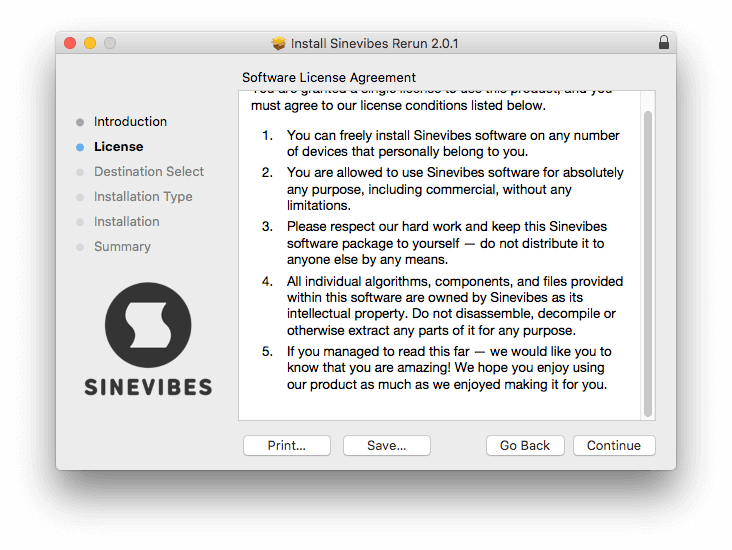
4. Click 'Agree'.
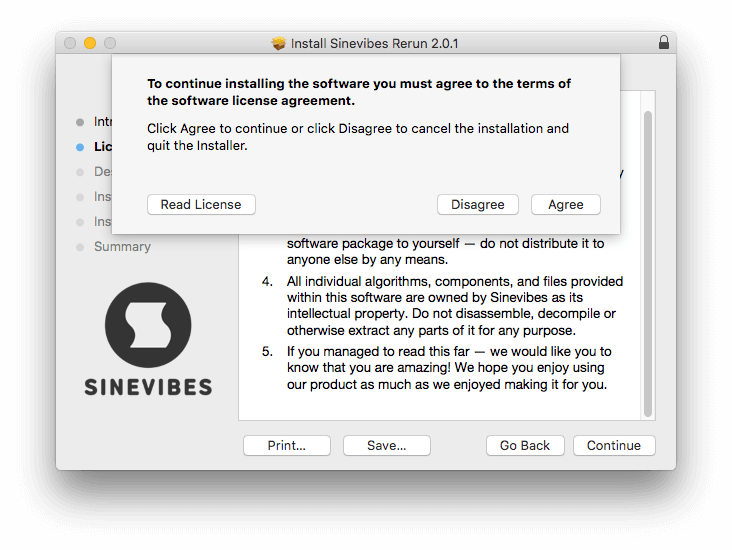
5. Choose the install location > Click 'Install'.
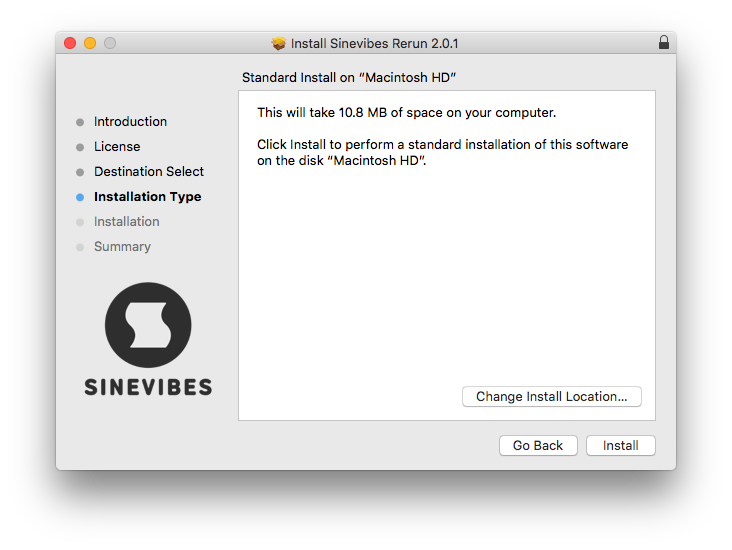
6. Click 'Close'.
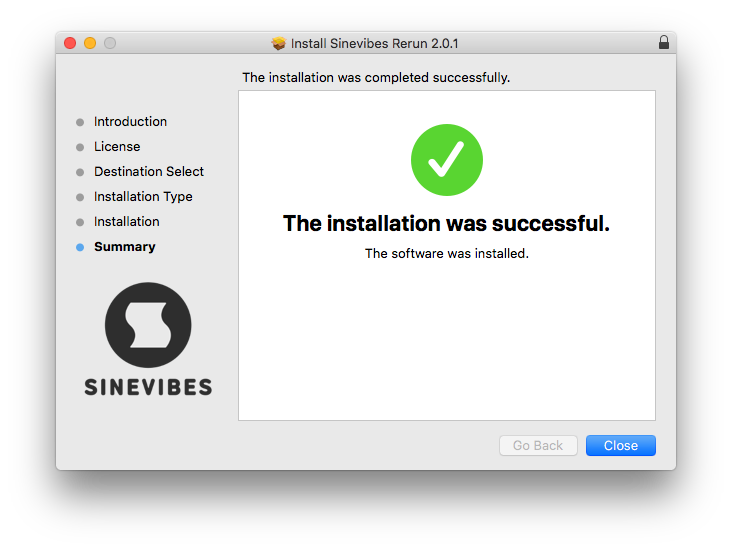
Your software is now installed and ready to use in your DAW.
Windows Installation
1. Download the installer from your Plugin Boutique account > Extract the folder.
2. Double-click the Windows installation file to run the installer > Click 'Next'.
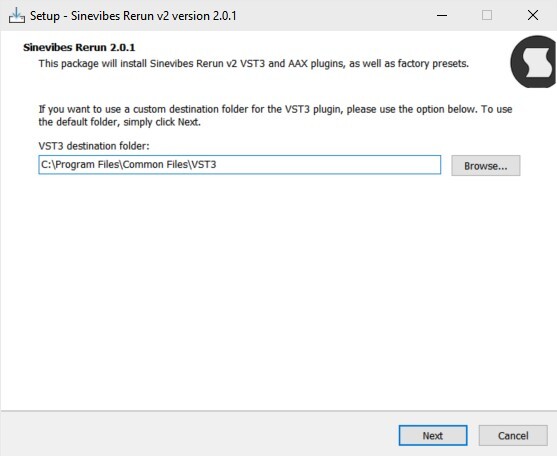
3. Read the License Agreement > Select 'I accept the agreement' > Click 'Next'.
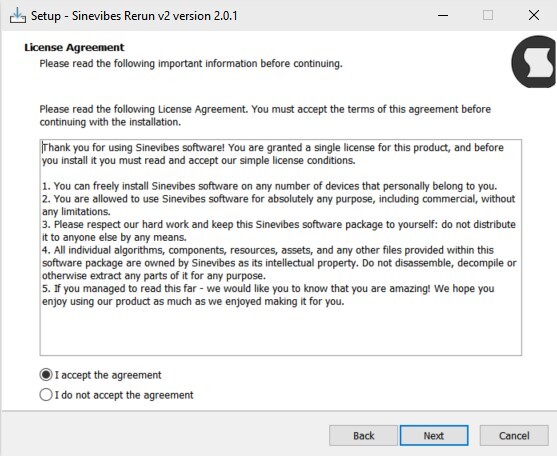
4. Click Install to start the installation.
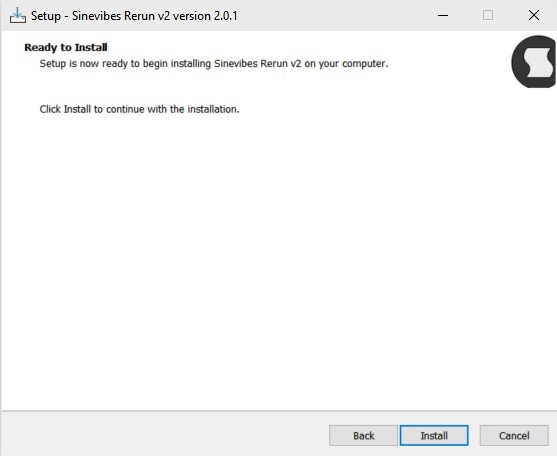
Your new software is now installed and ready to use in your DAW.


