


 Log In

Free gifts available with your purchase
Filtered Analogue BBD Echo
The iconic lo-fi delay that helped the greatest guitarists and producers achieve their unique tone is now available in your recording setup.
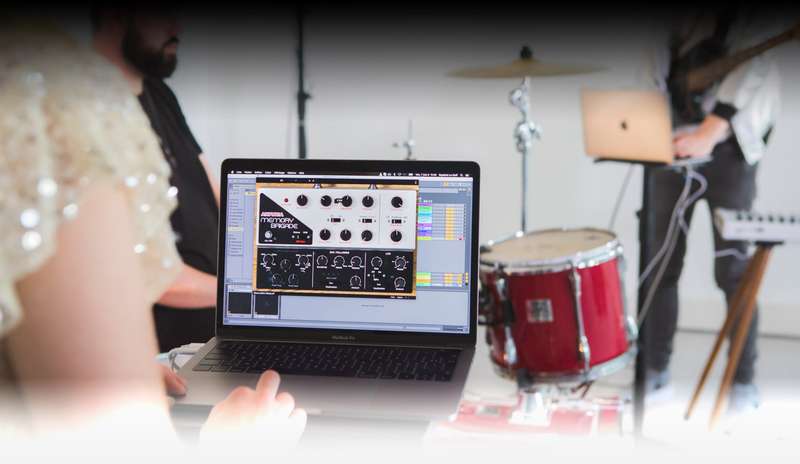
Arturia’s Delay MEMORY-BRIGADE takes the creative, dark BBD analogue echo from the pedalboard, and puts it in your DAW, free from the worries of spilt drinks, dead batteries, and whether or not it’s “true bypass”.
From tight slapback delays to never-ending feedback noise, the “bucket brigade” offers so many creative options, and as a software plugin, you can use it on anything you want - not just guitars.
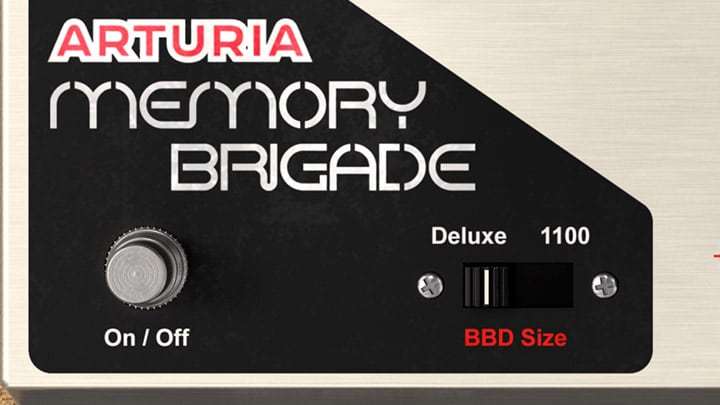
Filtered Tone
The perfectly dark, lo-fi tone is a BBD signature sound and perfectly recreated.
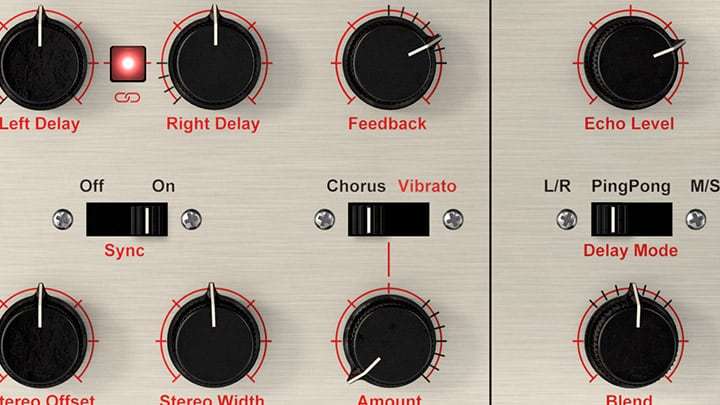
Frantic Feedback
Aggressive, swarming feedback that you can creatively control.
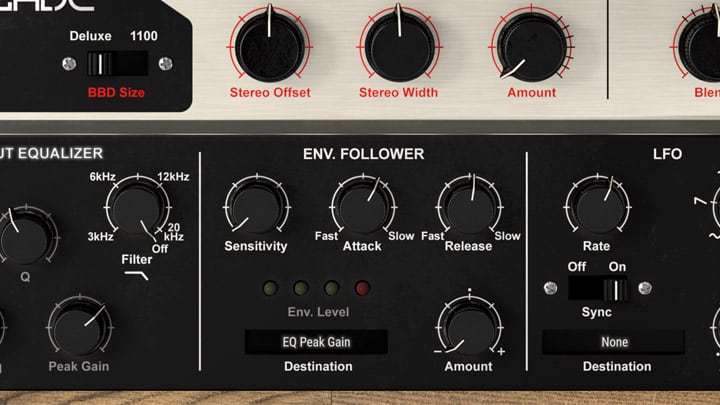
Modern Features
Hugely powerful, cutting-edge abilities give this classic a new lease of life.
Delay MEMORY-BRIGADE is Arturia’s love letter to the legendary BBD - or “bucket brigade device” - that created a revolution in time-based modulation effects. During the 70s, more and more audio effects turned to the compact, reliable BBD technology to create chorus and flange effects, but it really shined in creating an iconic, filtered lo-fi delay sound that’s still loved by musicians and music lovers to this day.
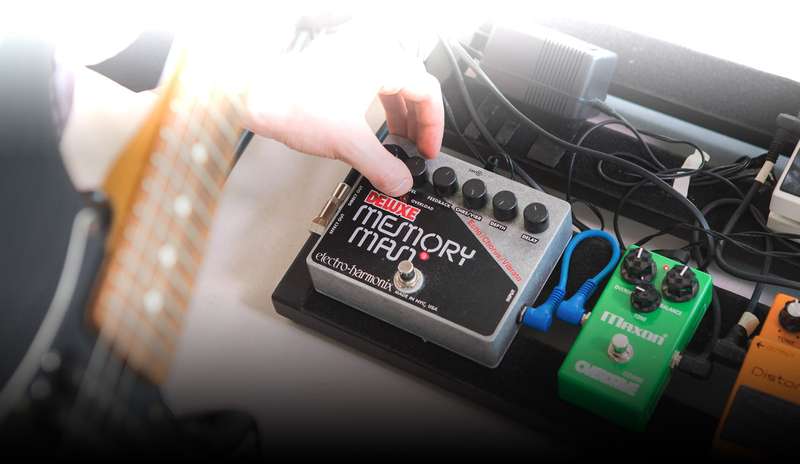
One of the first, and certainly the greatest BBD delays was the Memory Man, and the slightly redesigned Deluxe Memory Man created by effects pioneers Electro-Harmonix in the mid-70s. Guitarists and record engineers loved its unique sound: a dark, filtered bark that was worlds apart from traditional tape delays. Arturia based the Delay MEMORY-BRIGADE on this legendary pedal, so you can enjoy its driven feedback and “rusty” tone in your own productions.
Using their exclusive TAE® and Phi® modelling technologies, Arturia have analyzed many classic BBD circuits that made this effect so famous and created an authentic, analogue-sounding tribute to these vintage legends.
The legendary Electro-Harmonix pedal has been used by countless famous and influential musicians for over half a century, from guitar royalty to experimental producers alike. It’s graced the pedalboards of Dave “The Edge” Evans, Omar Rodríguez-López, Dave Grohl, Joe Perry, and Eric Johnson. It’s essential to the production of electronic artists like Tobacco and KiNK. It’s adored by contemporary visionaries like Jack Conte and Feist. How will you use this awesome BBD?
Add some lo-fi space to your guitars, give your vocals some vibrant slap back, or give your whole mix a subtle dark vibe. You’re free to use and experiment with this iconic delay any way you like.
New Features
Modern sounds and abilities exclusive to Arturia's software recreation.
- Random Delay Time: Thanks to the new, easy modulation abilities, you can easily make sounds like this: using the LFO to manipulate both delay times.
- EQ Modulation: This sound uses random modulations on the LFO to zip the EQ's peak frequency around all over the place, easily done in this powerful plug-in.
- Stereo Vibrato: The new stereo controls let you add bit width to your sound, just like in this electric piano example. Instant space and air.
Delay MEMORY-BRIGADE isn’t simply a carbon copy of an old pedal, it’s a monument to the classic BBD delays that shaped music as we know it.
Arturia analyzed the old circuit diagrams, they studied the wiring and components of famous models, and they recreated the most desirable aspects of the vintage effect to give you the best sounding BBD experience ever found in software.
Filling up the Bucket
While they could have simply made their recreation and called it a day, Arturia wanted to make Delay MEMORY-BRIGADE a timeless, inspiring effect that traditional musicians, and modern producers alike would love. They’ve included some powerful, optional extras to this awesome effect.
- Saturated Tone: Crank the input to get that sweet lo-fi crunch, perfect for making drums toasty.
- Accurately Modelled Controls: If you owned the original, you’ll feel right at home, but now you can sync to your DAW!
- Balancing Act: Make sure your delay and your dry signal play nicely together with each other.
- Refine with EQ: Cut out unwanted frequencies from your delay, and boost the best bits with a powerful integrated EQ.
- Self-Modulating Power: Use the incoming signal itself to modulate any of the parameters of the delay!
- Advanced Modulation: The integrated LFO can be assigned to modulate any parameter you want, even with randomness.
Explore the iconic sound of a BBD delay now!
Want to try it out for yourself, on your own tracks? You can! You can try out Delay MEMORY-BRIGADE to experience it first hand.
Half a century of hit-making tone, right in your DAW
Push hard for that saturated, soft-clipping sound that cuts through any mix; get the tonal balance just right at the input stage; add vintage analogue warmth in your mastering chain; use the in-built mid/side processing to enhance your whole mix.
Compatible with all major DAWs, now you too can enjoy the harmonic push, subtle overtones, and tone-shaping power of the most iconic studio gear ever made.
Main Features
- Virtual recreation of the classic Analog Bucket Brigade Delay
- Accurate modelling of the electronic circuits and BBD behaviour, thanks to the TAE® technology
- Features the original and longer delay size, with Chorus and vibrato modulation
- Choose between 3 delay types (Left/Right, Ping Pong or Mid/Side)
- Processing in stereo with independent repeat time
- Possibility to sync repeat rates to the host tempo
- Stereo tools to control spatial width
- Input equalizer with lowpass, highpass and peak filters, to shape the sound entering the unit
- Envelope follower for dynamic modulation and rhythmical effects
- Additional LFO with 16 possible destinations
- Resizable window
- Integrated tutorials
System Requirements
- Works in Standalone, VST, AAX, Audio Unit, NKS (64-bit DAWs only).
Mac
- Mac OS 10.13+
- 4 GB RAM
- 4 cores CPU, 3.4 GHz (4.0 GHz Turbo-boost) or Apple Silicon CPU
- 1GB free hard disk space
- OpenGL 2.0 compatible GPU
Windows
- Win 10+ (64bit)
- 4 GB RAM
- 4 cores CPU, 3.4 GHz (4.0 GHz Turbo-boost)
- 1GB free hard disk space
- OpenGL 2.0 compatible GPU
- ARM processors not supported on Windows
Protection
All Arturia software is protected by the Arturia Software Center.

Chris Dudley
Underoath.
"The Memory Brigade just became my go-to delay. I've been missing that analogue style control of my signal path you normally only get with a pedal.... this thing is a beast!"


