


 Log In

Free gifts available with your purchase
Product information
BLEASS Delay

Multi-purpose Delay / Echo / Frequency Shifter
BLEASS delay transforms your sounds into cinematic and experimental sonic experiences! It is constantly creating flux in the audio signal making your music even more lively.
BLEASS delay is also ideal for making track build-ups and transitions.
BLEASS Delay is a multi-purpose Delay / Echo / Frequency Shifter with High Pass & Low Pass Filters as well as Stereo Effects
Features
- Delay Line with Sync and Ping Pong Stereo options
- Frequency Shifter in the feedback stage for creating harmonic flux
- Two Filters (Low Pass / High Pass with resonance) for creating warm analogue Echo effects
- Each stage has its own LFO with Stereo Phase to create even wider space movements.
System Requirements
PC
- Windows 8 and later (64-bit)
- VST3
Mac
- macOS 10.9 and later (64-bit only) (including macOS 11 Big Sur and M1 processors)
- VST3 / Audio Unit
Format:
- BLEASS Delay is not a standalone product, it requires host software.
- BLEASS Delay is compatible with nearly all VST3 / Audio Unit compatible DAWs.
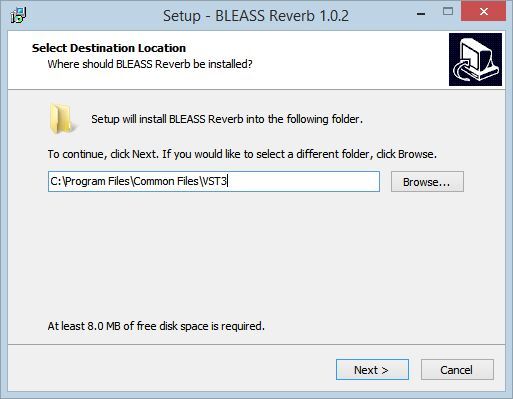
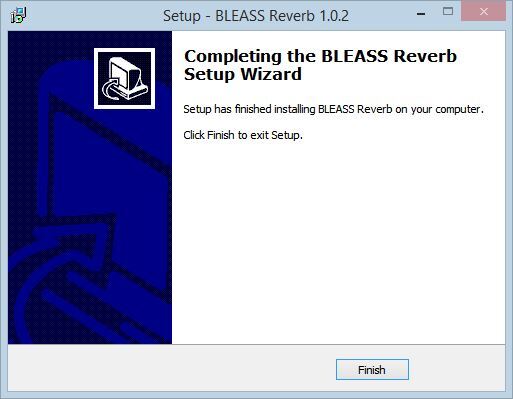
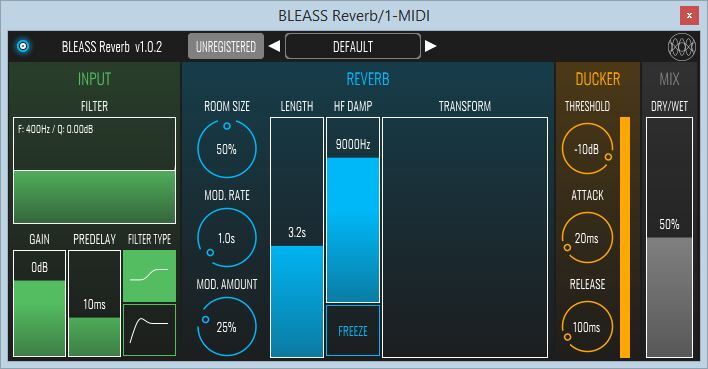
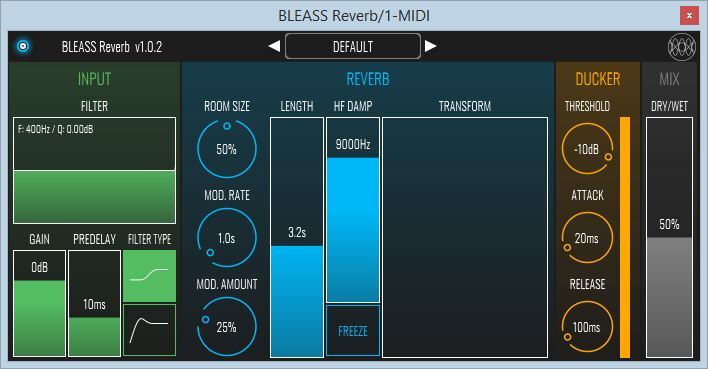
Installation Instructions




Customer Reviews
(7)
Reviews Summary
This AI-generated summary is based on an analysis of verified customer reviews. It identifies recurring themes, strengths, and potential considerations mentioned by users.
While it aims to provide a helpful overview, it may not capture every perspective or detail. We encourage you to read individual reviews to make an informed decision.
While it aims to provide a helpful overview, it may not capture every perspective or detail. We encourage you to read individual reviews to make an informed decision.
Customers highly praise this delay plugin for its simple, easy-to-use interface, fast workflow, and great sound quality. Users note it works exceptionally well both as a basic delay with extra sparkle and for creating unique, glitchy sounds.
Bundle & Save
BLEASS Ultimate Bundle
$375.00
BLEASS Classic FX Bundle
$99.00


