/ Delay / TAL-Dub-X
TAL

TAL-Dub-X

4.8 (18 Reviews)
$29.00
TAL-Dub-X
TAL-Dub-X
Buy Now
Product information

TAL-Dub-X is a remake of TAL's popular original freeware TAL-Dub plugin with a lot of additional features plus AAXand macOS 64-bit support.

TAL-Dub-X is no emulation of a specific hardware delay effect and it has its own special sound.

Don’t expect one of the very clean digital delays. An important part of the delay is a special saturation stage and a high-quality low-pass filter with resonance setting.

This makes the delay suitable for endless delay effects. It’s possible to use MIDI automation to control the parameters.

Features

  • Drive knob controls saturation
  • High-quality resonance filter
  • High pass filter
  • Delay time up to 2 seconds
  • Host tempo sync
  • TAP button
  • Feedback and POST filter routing
  • PING PONG mode
  • Stereo triangle LFO modulation for delay time and resonance filter
  • MIDI LEARN for easy automation
  • Useful presets included
  • Accurate Meter
  • Resizeable GUI
  • MTS, MPE supported
  • Supports MIDI Mapping

System Requirements

Mac

  • Mac OS X 10.9 or higher (64-bit only)
  • Universal Binary 2 with native Apple M1 support.
  • VST, VST3, Audio Unit, AAX

Windows

  • Windows 7 or higher (64-bit only)
  • VST, VST3, AAX

Please Note: AAX Format requires Pro Tools 10.3.6 or higher.

Installation Instructions
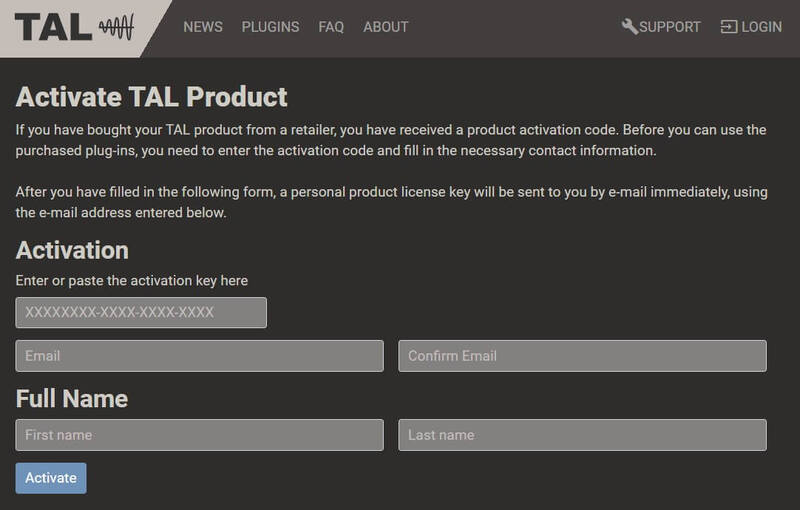
Registration

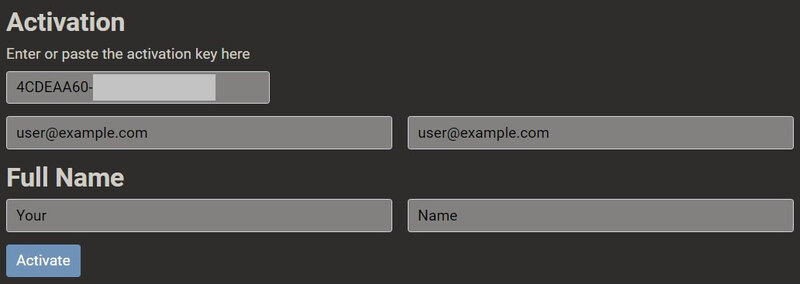
1. Click 'Download' in your Plugin Boutique account or go to https://tal-software.com/activate.

2. Enter the serial number/activation key and other details on the activation page > Click Activate.

3. Your activation code has now been registered.

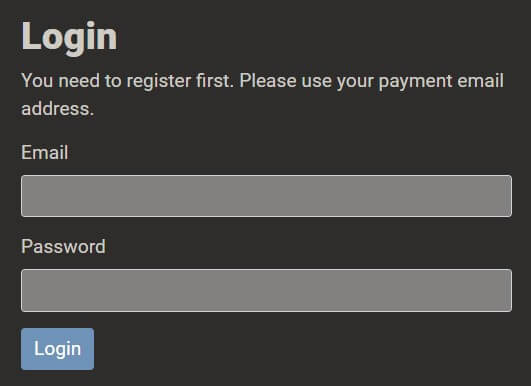
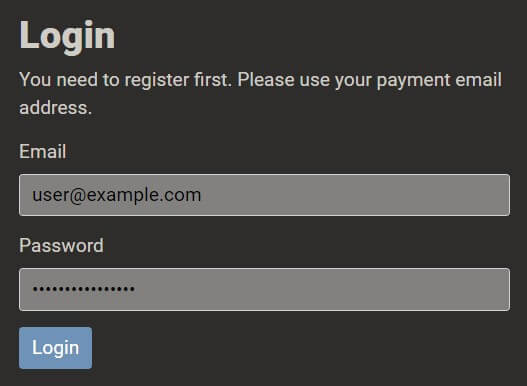
4. Copy the password that was sent to you via email > Go to https://tal-software.com/login.

5. Enter your email address > Paste the password you were given > Click 'Login'.

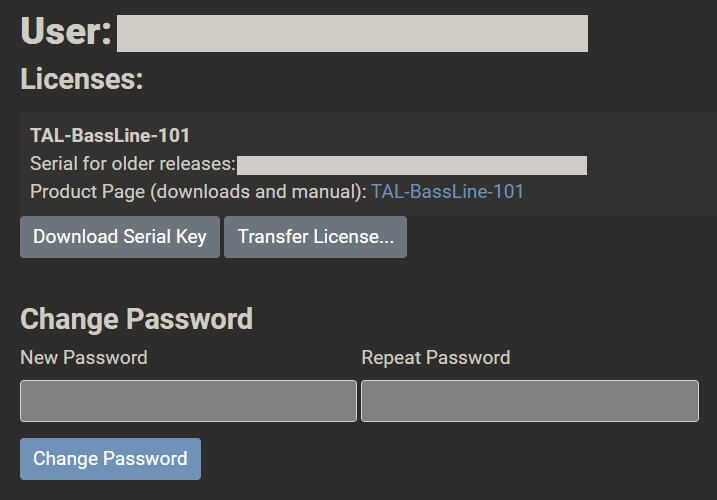
6. Click 'Download Serial Key'. You can change your TAL account password here.

Windows Installation

1. Click the blue hyperlink after 'Product Page (downloads and manual):' > Download the installer.

2. Open the zip folder you've just downloaded > Run the appropriate installer for your setup and if you're unable to use VST3/AAX in your DAW, please move the .dll file to your VST folder and rescan your plugins in your DAW/restart your computer.

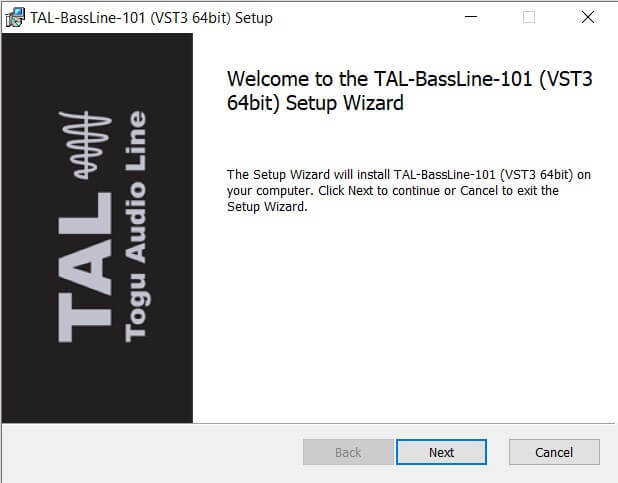
3. Click 'Next' to start the installation.

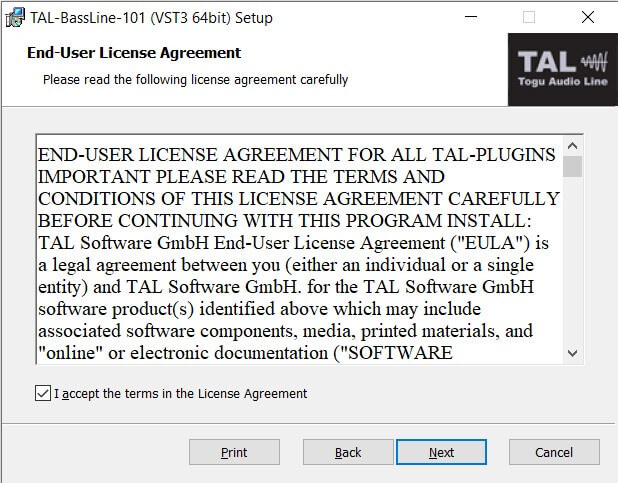
4. Read the End User License Agreement > Click 'Next'.

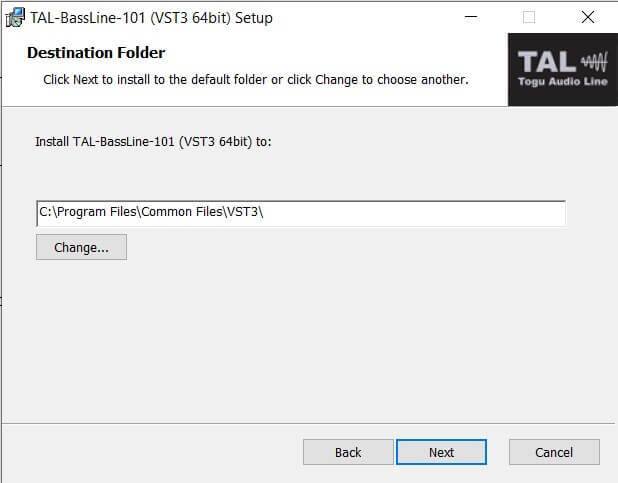
5. Click 'Next'.

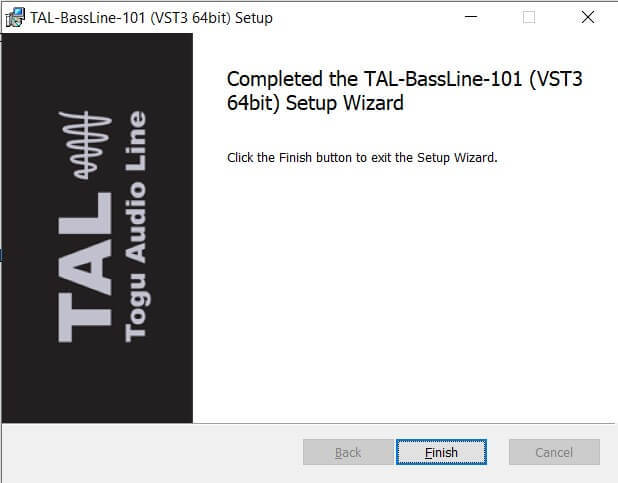
6. Click 'Finish' to complete the software installation.

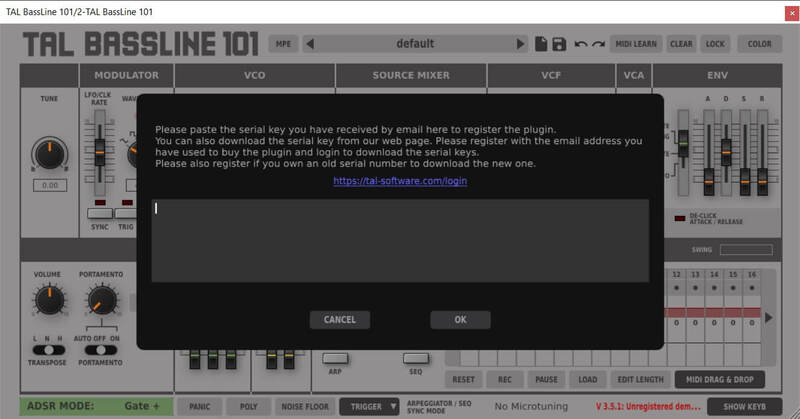
7. Your software is now installed > Open your DAW and load your new software > Copy and paste the serial key from the .txt file you downloaded earlier (available in the TAL User Area) > Click 'OK'.

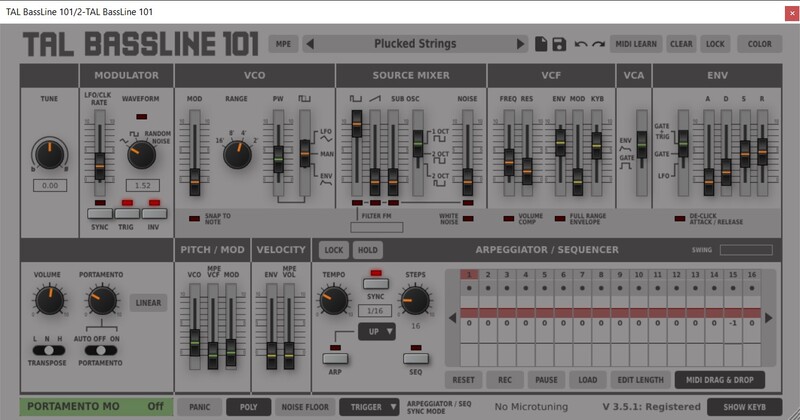
Your software is now activated and ready to use in your DAW.

macOS Installation

1. Click the blue hyperlink after 'Product Page (downloads and manual):' > Download the installer.

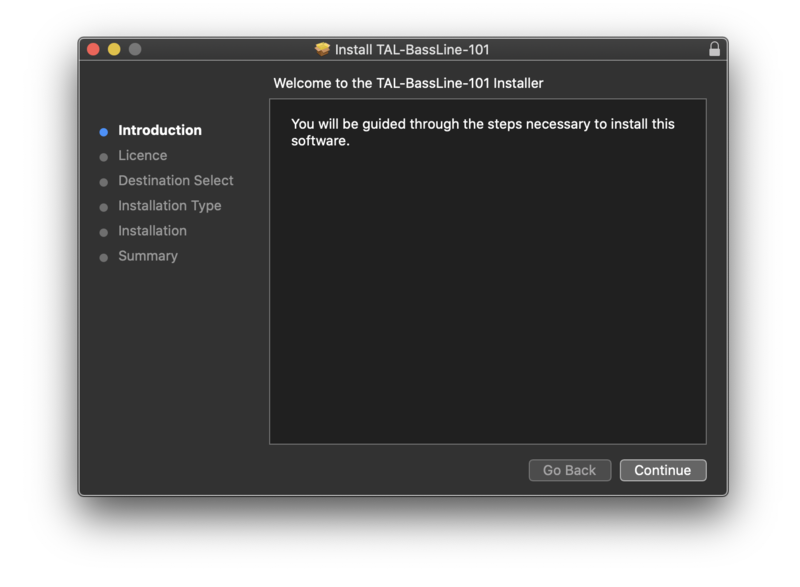
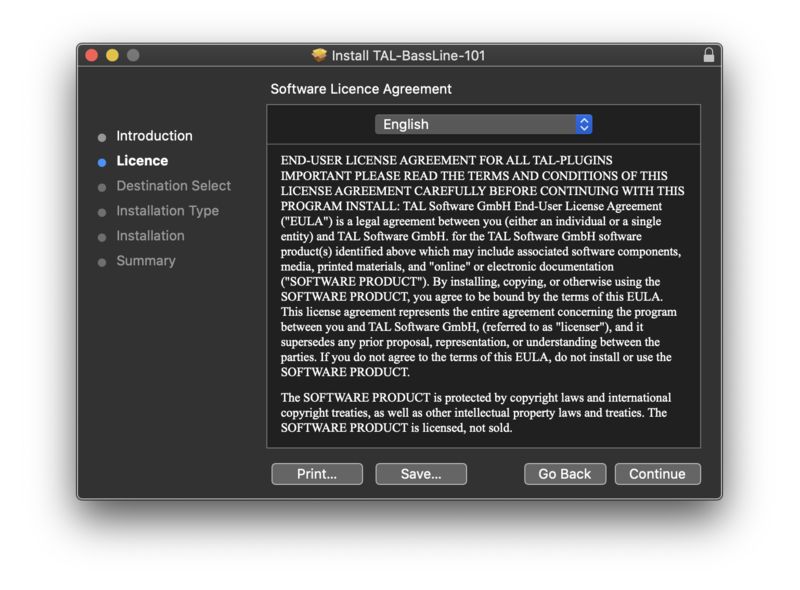
2. Open the .pkg folder you've just downloaded > Click 'Continue'.

3. Click 'Continue'.

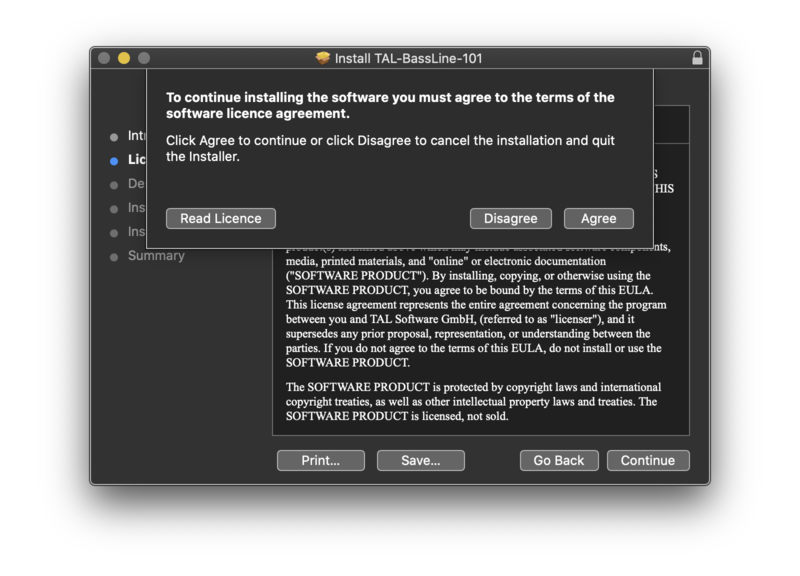
4. Click 'Agree'.

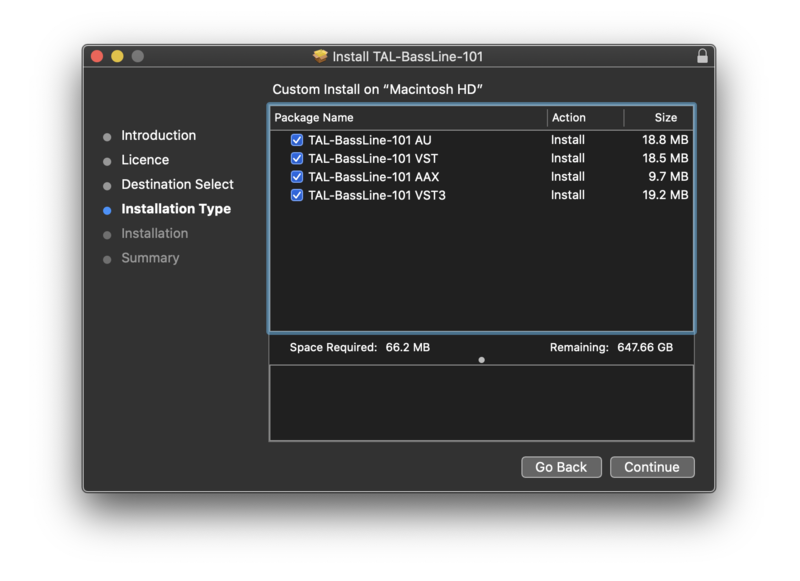
5. Click 'Continue'.

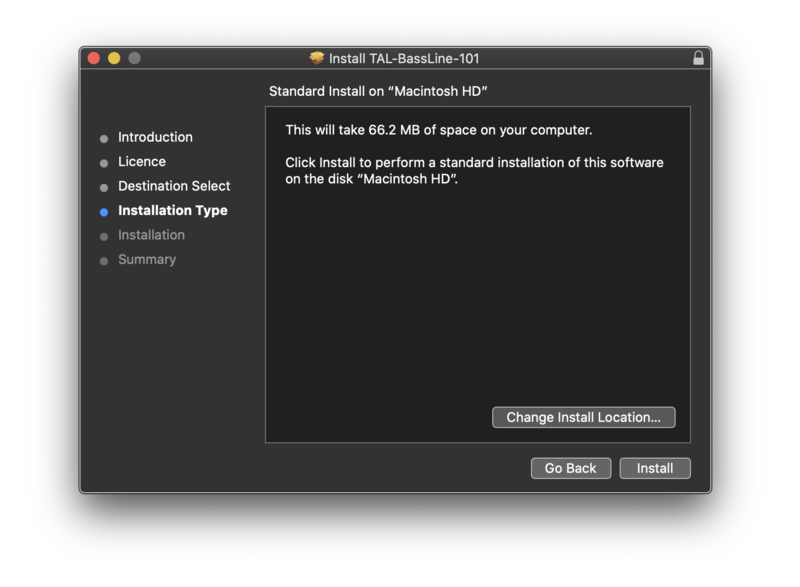
6. Click 'Install'.

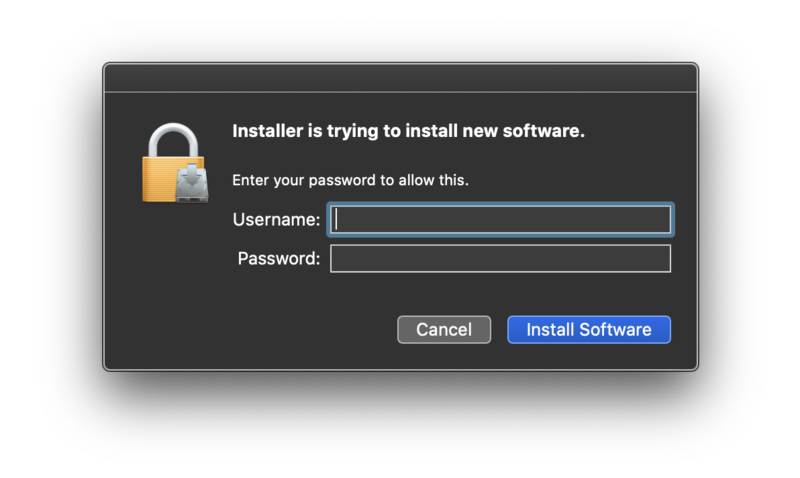
7. Enter your computer Username and Password > Click 'Install Software'.

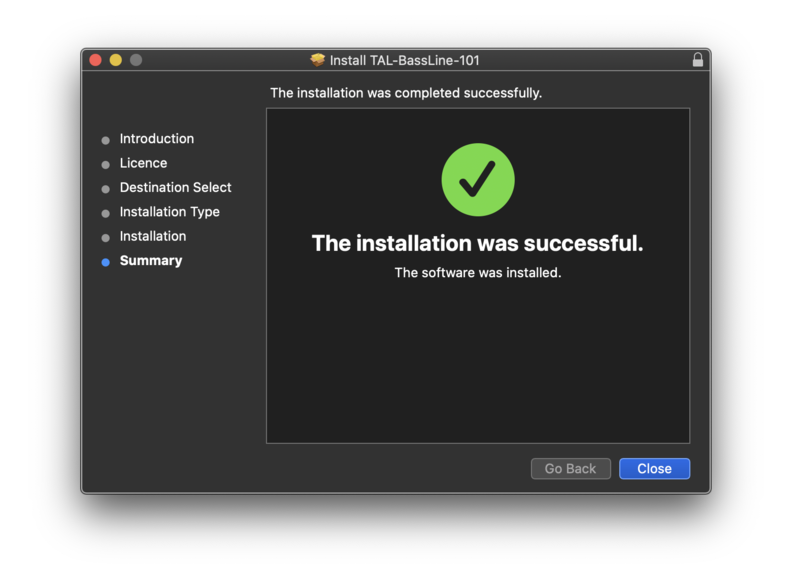
8. Click 'Close'.

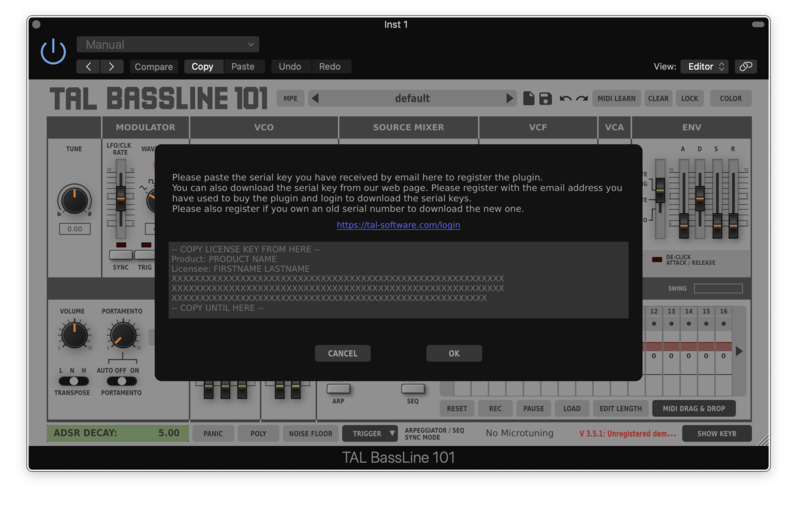
7. Your software is now installed > Open your DAW and load your new software > Copy and paste the serial key from the .txt file you downloaded earlier (available in the TAL User Area) > Click 'OK'.

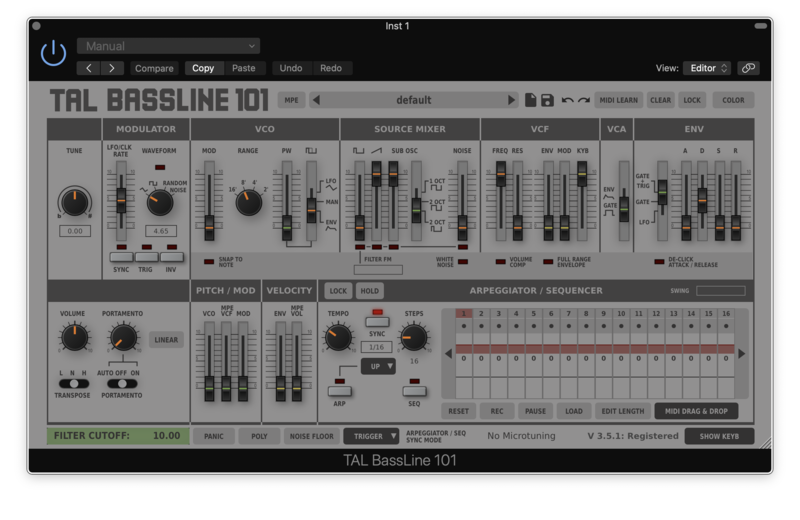
Your software is now activated and ready to use in your DAW.

Plugin Boutique Rewards

Discover the most rewarding loyalty programme among all plugin retailers.

  • Free Loopmasters Samplepacks
  • Discounts on products and courses
  • Extra Virtual Cash claimed immediately at checkout
Find out more

Follow us:

X (Twitter) Facebook YouTube Instagram
Logo Logo

Plugin Boutique Limited, Part of the Beatport Group LLC.

Copyright © 2011-2025 Plugin Boutique. All rights reserved