


 Log In

Free gifts available with your purchase

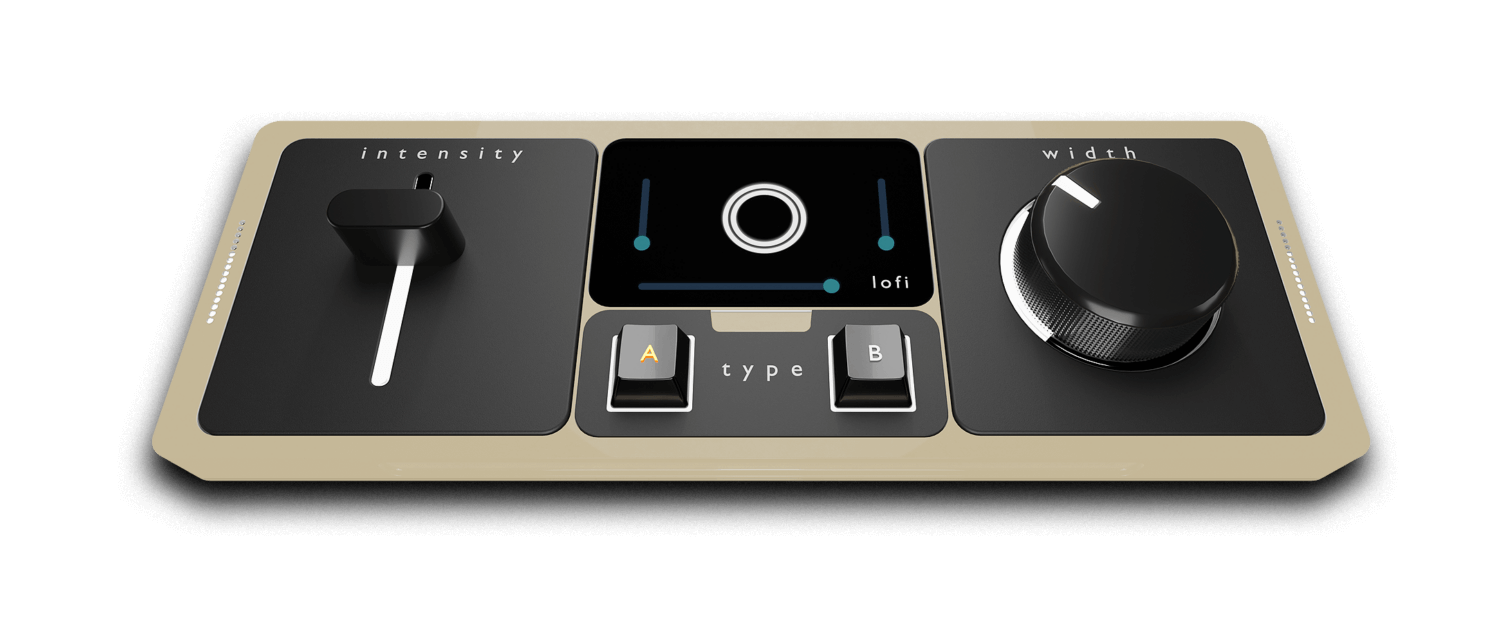
Introducing Chorust – a vintage modulation plugin with lo-fi and ladder filter controls that is a remarkable addition to your audio production toolkit, transporting you back to the golden era of lush and captivating sounds.
This meticulously crafted plugin combines the timeless charm of vintage chorus effects with cutting-edge capabilities, allowing you to infuse your music with a touch of nostalgic elegance.
What Does It Do?
Chorust takes inspiration from classic hardware units and breathes new life into them with its advanced lo-fi and filter controls. With these intuitive parameters, you have the power to sculpt your audio’s spaciousness and depth, effortlessly recreating the “sweet and silky” sounds found on many 70s/80s records.
But Chorust doesn’t stop there – it introduces ladder filters to add an extra layer of sonic character to your tracks. These legendary filters, known for their smooth and musical response, let you shape the timbre and frequency response of the audio, further enhancing its vintage authenticity. Sculpt your audio with precision, dialing in the perfect amount of modulation and width to captivate your listeners.
Harness the sonic allure of vintage chorus effects, unleash your creativity with lofi controls, and add a touch of nostalgia with ladder filters – all within the convenience of this extraordinary plugin. Step into the past, shape the present, and redefine your audio with Chorust.
System Requirements
Mac
- macOS 10.13 Mojave or later (64-bit only)
- Intel i5 or later / Apple Silicon M1/M2 processor
- VST3, AU, AAX
PC
- Windows 10 or later (64-bit only)
- VST3, AAX
Please note: You will need to be online to activate this product.













